Define the event context
Set location, visitor flow, session time, reward, and device constraints.
Event mini game maker · QR-friendly interactive moments
Use Seele AI Workspace to turn an event mechanic into a short browser-playable mini game: QR entry, simple controls, timer, leaderboard/reward idea, and shareable result screen.
Event brief · QR entry · 30s loop · Reward/result · Share screen
Preview evidence
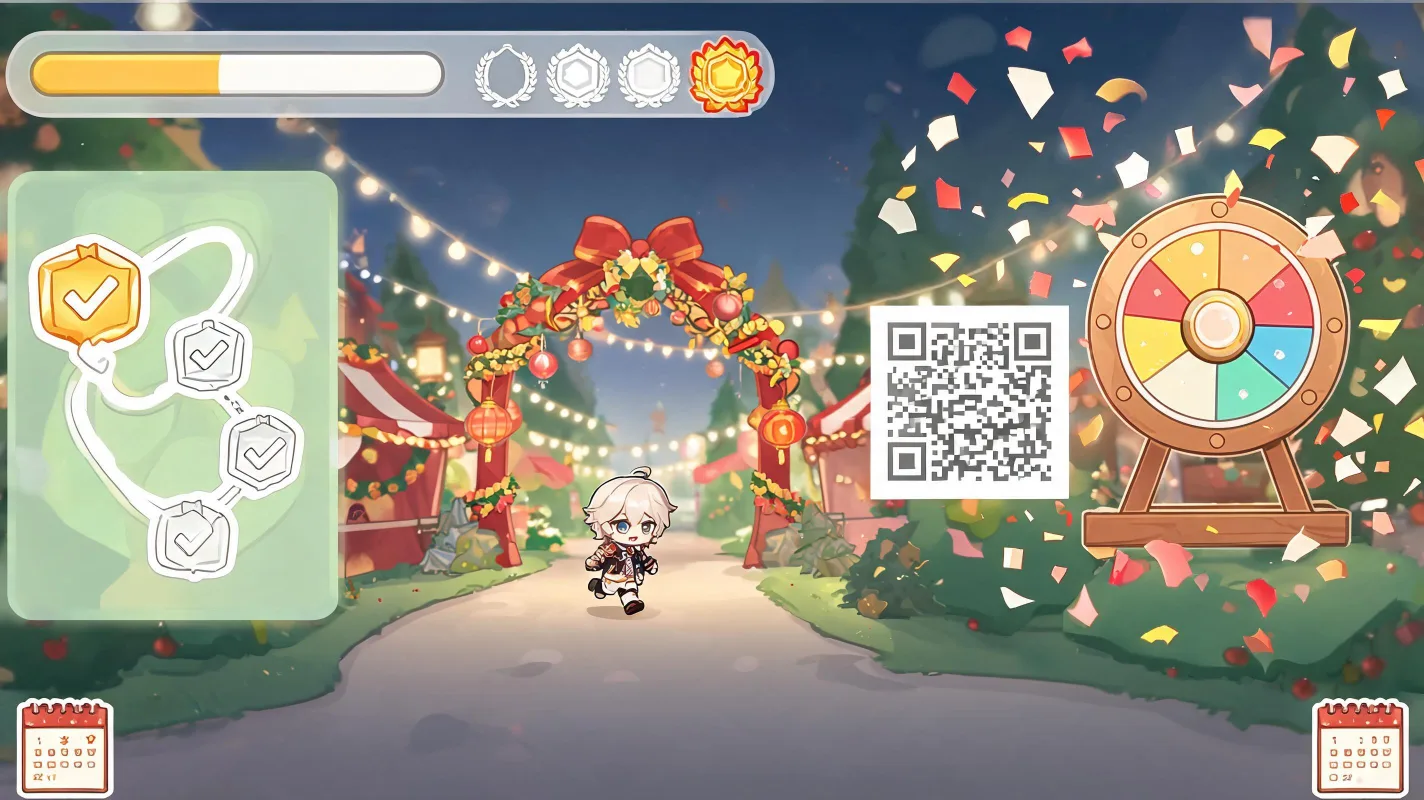
The page should emphasize short sessions, simple controls, QR entry, reward/result state, and operational handoff.
Workflow
Set location, visitor flow, session time, reward, and device constraints.
Create simple controls, timer/score, event visuals, and reward/result state.
Export QR entry notes, asset manifest, reward copy, and ops checklist.
Positioning
Event, community, product marketing teams
Create a simple event interaction visitors can play quickly
QR-friendly mini game, timer/score, reward/result screen
Who it is for
This page owns event interaction: QR entry, short session, booth/livestream context, reward/result, and crowd-friendly simplicity.
Examples
Brief: trade show booth needs a 30-second interaction.
Output: tap challenge with product pickups, score target, reward screen, and QR launch notes.
Use to attract visitors and collect engagement.
Brief: livestream campaign wants audience participation.
Output: timed matching mini game with score reveal and share prompt.
Use during stream segments or community events.
Output
The page should emphasize short sessions, simple controls, QR entry, reward/result state, and operational handoff.
Open Workspace →FAQ
Booth activations, livestream games, product launches, community campaigns, and QR-based mini challenges work best because the session is short and the result is easy to explain.
Yes. Seele AI Workspace is designed around reviewable, shareable, downloadable, and exportable outputs, so teams can move useful prototypes, playable packages, and assets into testing, creative review, or production handoff.
Seele is strongest at early playable prototypes, 2D browser-playable mini games, playable ad variants, and creative validation. Teams can use the output as a fast starting point before investing in a full production build.