Inspect The Auto-Rig
Check reference pose, hierarchy, root and pelvis, bone placement and orientation, twist handling, fingers, optional face scope, skin weights, and detached accessories.
Use auto-rigging as a first skeleton and weighting pass, then validate deformation, retargeting, root motion, IK, accessories, physics, and runtime limits inside Unreal.
Create an Unreal 5 game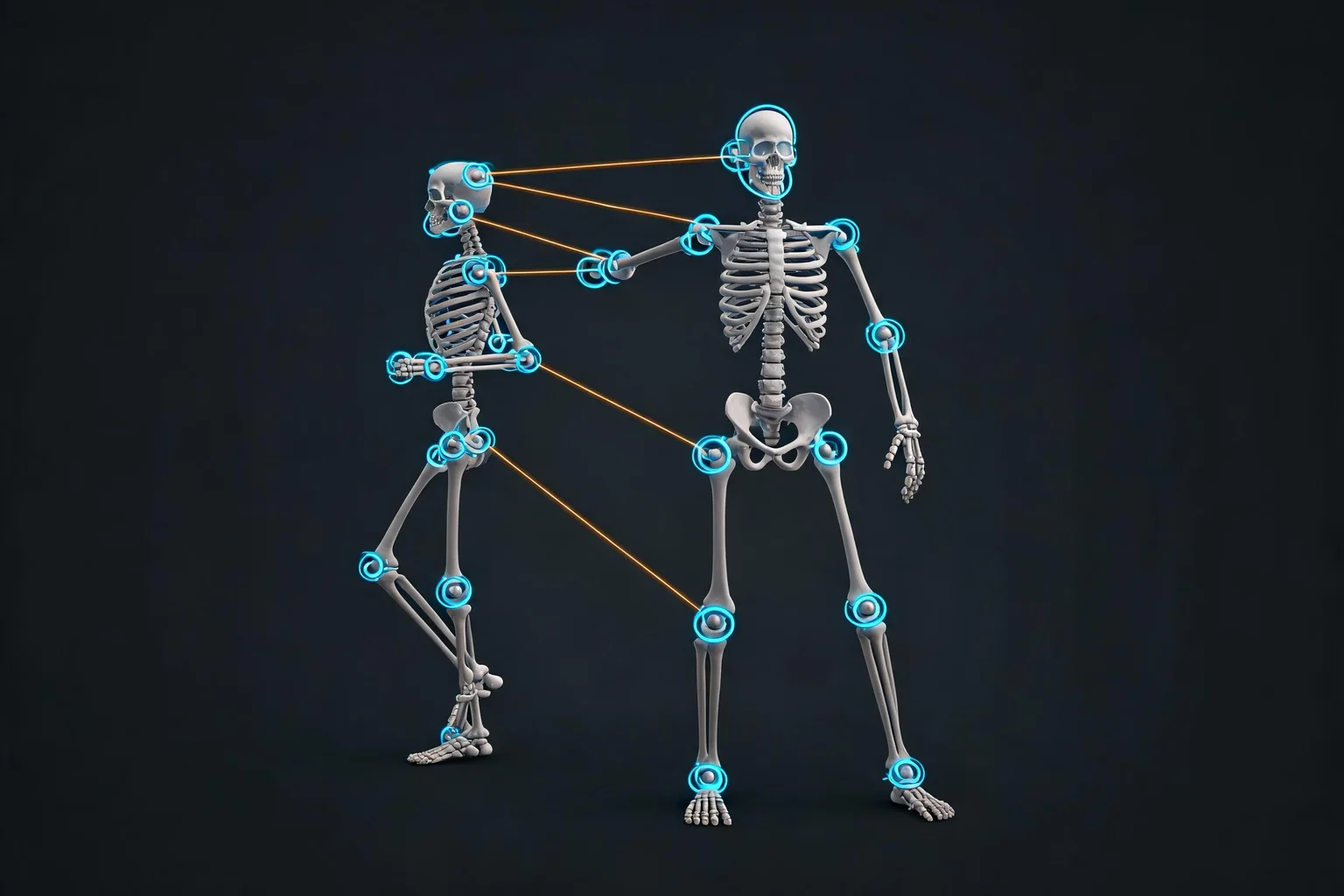
Direct answer
A Tripo AI auto-rig is a starting point, not final character QA. Verify the reference pose, hierarchy, root and pelvis, bone orientation, skin weights, twist behavior, and accessory attachment before retargeting. In Unreal, configure the target skeleton and IK mapping, test locomotion and extreme poses, then review root motion, foot contact, physics, LODs, and animation performance.
Starter prompts
Choose a scoped brief, then replace its assumptions with measurements from the real exported asset and your Unreal game.
Workflow
Validate the generated rig itself before compensating for its defects in animation or gameplay code.
Check reference pose, hierarchy, root and pelvis, bone placement and orientation, twist handling, fingers, optional face scope, skin weights, and detached accessories.
Define source and target rigs, retarget chains, retarget root, pose offsets, scale, IK goals, root-motion policy, and any skeleton compatibility constraints.
Use extreme poses plus idle, walk, run, turn, jump, interaction, and root-motion clips to expose weighting, contact, proportion, and mapping defects.
Add physics, collisions, sockets, LODs, materials, animation blueprint, optional Control Rig corrections, performance evidence, and a visible limitations list.
Outputs
Each output names an asset decision, its supporting evidence, and the work that remains inside Unreal or the source pipeline.
A bone- and body-region review of hierarchy, placement, orientation, reference pose, weights, twist behavior, fingers, face, and accessories.
Named source and target chains, retarget root, pose adjustments, IK goals, scale notes, root-motion rules, and test clips.
Reproducible failures for shoulders, wrists, hips, knees, feet, contacts, root motion, props, cloth, and animation transitions.
Skeletal mesh, skeleton, physics, sockets, LODs, materials, test animations, correction ownership, and known limitations.
Decision guide
| Asset or issue | Review focus | Approval evidence |
|---|---|---|
| Bone placed outside anatomy | Auto-rig or manual rig correction | Do not hide structural errors with retarget pose offsets |
| Bad elbow or shoulder fold | Topology, weights, twist setup, pose, animation | Test source deformation before editing every clip |
| Foot sliding after retarget | Scale, retarget root, IK, clip root motion, movement integration | Debug contact and root trajectory separately |
| Accessory drifts or clips | Attachment method, socket, weights, collision, cloth or rigid setup | Assign ownership instead of baking a one-off animation fix |
Trust boundary
FAQ
Auto-rigging can accelerate the first skeleton and skin-weight pass, but it does not guarantee production deformation or Unreal compatibility. Review hierarchy, reference pose, root and pelvis, bone placement, orientation, twist behavior, weights, fingers, face scope, accessories, retarget mapping, root motion, IK, physics, and runtime cost before animation approval.
No direct Tripo-to-Unreal integration is claimed here. SEELE can help structure inspection, cleanup, optimization, conversion, test planning, and handoff notes after you have an exported character. You still perform the actual Tripo export, Unreal import, skeleton and IK setup, animation testing, project integration, and final quality review in the relevant tools.
Start with the reference pose and skeleton structure before testing many animations. Confirm root and pelvis roles, hierarchy, bone placement, orientation, left-right symmetry, twist handling, hands and fingers, optional facial scope, and accessory ownership. Then test skin weights with controlled extreme poses so rig defects are not mistaken for retargeting problems.
Create or verify source and target rig definitions, map corresponding chains, choose the retarget root, align reference poses, confirm scale, configure IK goals where needed, and test a small representative clip set. Check root motion, foot contact, hand alignment, shoulder behavior, and proportions before importing or converting an entire animation library.
Use Control Rig for appropriate procedural adjustment, posing, IK, or targeted correction after the underlying skeleton and weights are sound enough. It should not become a blanket mask for misplaced bones, fundamentally broken skinning, or unsuitable topology. Fix structural problems at the source when that creates a cleaner and more maintainable character.
Foot sliding can come from mismatched scale, retarget-root choice, pose offsets, chain settings, missing or misconfigured IK, animation root trajectory, stride differences, or gameplay movement. Debug the source clip, retarget result, root motion, and movement integration separately. A single pose adjustment may improve appearance without fixing the true timing or trajectory mismatch.
Bring the exported asset, target platform, intended scene role, and known constraints. SEELE can help organize inspection, cleanup, conversion, optimization, and review notes without claiming to replace engine validation.
Open SEELE AI