
Split Ball - Strategic Arcade Puzzle Game - Action Game
 Subscriber only
Unreal City Tour
Explore a photoreal Unreal city with terrain and live weather.
 Shooter
Decay Zone Survival
Build a first-person zombie survival with ammo management.
 Unity
UnityEgg on the Car Roof
Build a Unity challenge: keep a fragile egg on a moving roof.
 Unity
UnityCrimson Illusion Battle
Build a Unity fantasy battle through a crimson illusion realm.
 3D
3DThird Person Explorer
Build a third-person explorer with swappable scenes and a live minimap.
 Unity
UnityCupid's Arrow
Build a Unity archery game of timing and matchmaking.
 FPS
FPS3D FPS Game
Build a desert FPS with weapon switching and a retro HUD.
 New
NewDrone Flight Combat
Build a cinematic drone combat run with missiles and a HUD.
 Subscriber only
Unreal Dungeon Crawler
Build a playable Unreal dungeon crawler, combat-ready.
 Arcade
Pumpkin Night Adventure
Build a Halloween grid-arena survival romp.
Subscriber onlyUnreal City Tour
Explore a photoreal Unreal city with terrain and live weather.
ShooterDecay Zone Survival
Build a first-person zombie survival with ammo management.
UnityEgg on the Car Roof
Build a Unity challenge: keep a fragile egg on a moving roof.
UnityCrimson Illusion Battle
Build a Unity fantasy battle through a crimson illusion realm.
3DThird Person Explorer
Build a third-person explorer with swappable scenes and a live minimap.
UnityCupid's Arrow
Build a Unity archery game of timing and matchmaking.
FPS3D FPS Game
Build a desert FPS with weapon switching and a retro HUD.
NewDrone Flight Combat
Build a cinematic drone combat run with missiles and a HUD.
Subscriber onlyUnreal Dungeon Crawler
Build a playable Unreal dungeon crawler, combat-ready.
ArcadePumpkin Night Adventure
Build a Halloween grid-arena survival romp.
Prompt

Games are fun. Creating them is even better.
Game Introduction
About Split Ball
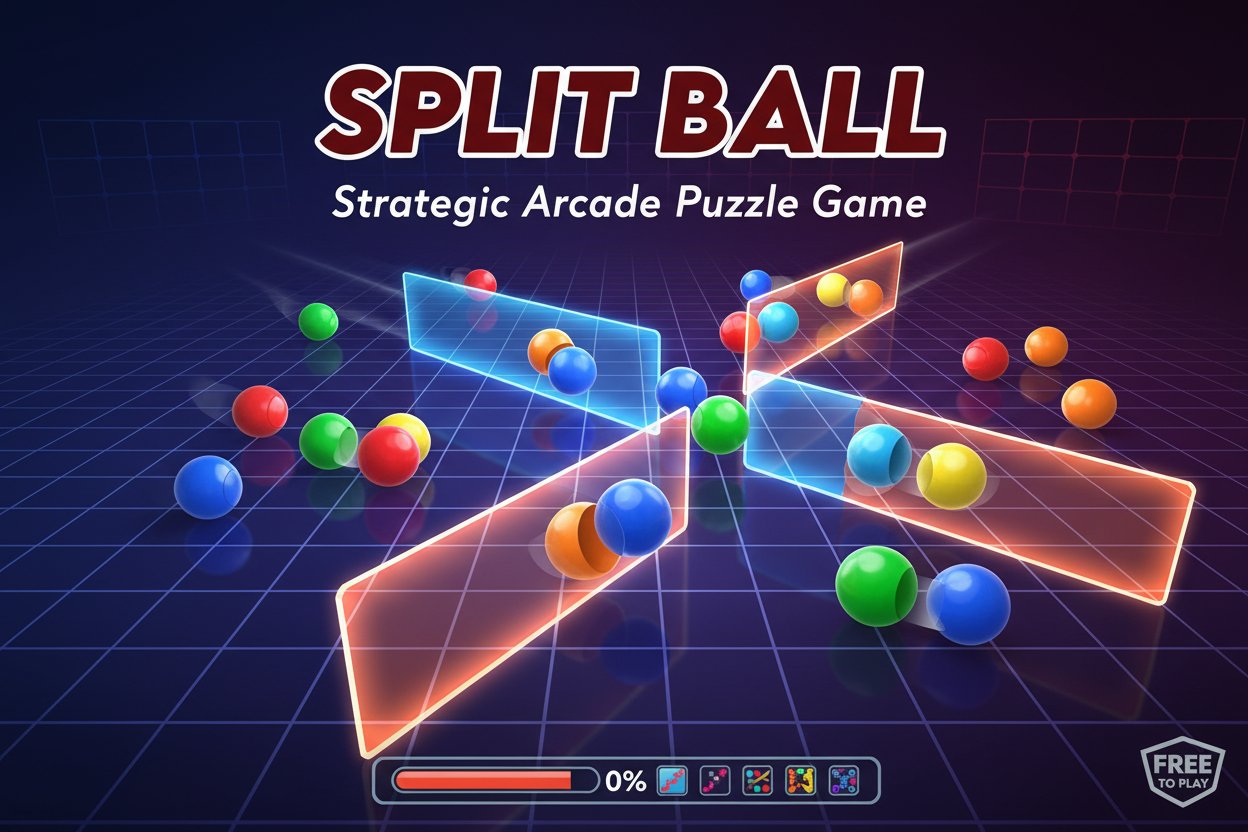
Split Ball is a captivating arcade puzzle game that combines strategic thinking with lightning-fast reflexes. With a solid 4.3/5 rating from players, this free-to-play browser game offers an engaging challenge where you must build walls to contain bouncing balls while achieving specific board coverage percentages.
The game's unique concept revolves around the idea of division and containment - as balls bounce freely across the playing field, your mission is to strategically place walls that will trap them in designated areas. Each level requires you to fill a certain percentage of the board before you can advance, with the difficulty ramping up progressively.
Core Features
Completely Free Gaming Experience
Enjoy unlimited gameplay without any payment requirements. Split Ball is entirely free-to-play with no hidden costs or premium content locks.
Cross-Platform Compatibility
Perfectly optimized for both desktop and mobile devices. Whether you're using a computer mouse or touchscreen, the controls are intuitive and responsive.
Progressive Difficulty System
Start with manageable challenges and gradually face more demanding levels. As the required board coverage percentage increases, so does your skill level, ensuring a balanced learning curve.
Strategic Gameplay Mechanics
- Wall Building : Create barriers to contain bouncing balls
- Percentage Goals : Achieve specific board coverage targets
- Collision Avoidance : Avoid contact with moving balls while building
- Timing Challenges : Execute precise moves when balls are in safe positions
Classic Arcade Appeal
Experience the nostalgic feel of classic arcade games with modern browser-based convenience. No downloads required - just open and play instantly.
Game Mechanics
The core gameplay revolves around strategic wall placement and timing. Balls continuously bounce around the playing field in unpredictable patterns, and your goal is to section off areas of the board by building walls. However, there's a catch - if a bouncing ball hits you while you're building a wall, you'll lose progress.
Success requires: - Pattern Recognition : Understanding ball movement trajectories - Strategic Planning : Identifying optimal wall placement locations - Quick Reflexes : Executing moves when it's safe to build - Risk Assessment : Balancing aggressive expansion with safety
How to Play
Desktop Controls
- Mouse : Point and click to start building walls
- Drag : Create wall segments by dragging across the board
- Strategy : Plan your moves when balls are distant from your building area
Mobile Controls
- Tap : Touch the screen to begin wall construction
- Drag : Slide your finger to create wall segments
- Timing : Wait for safe moments when balls won't interfere
Winning Strategy
- Observe ball movement patterns before making moves
- Build walls in corners or edges where it's safer
- Create small enclosed areas first, then expand
- Use the pause between ball bounces to your advantage
- Don't rush - patience often leads to better results
Why Play Split Ball
Split Ball offers a perfect blend of strategy and action that appeals to puzzle enthusiasts and arcade game fans alike. The game's simple concept masks a deep strategic challenge that will keep you engaged for hours. Each level presents a unique puzzle that requires both tactical thinking and precise execution.
The game's accessibility is another major advantage - no complex tutorials, no complicated controls, just pure gameplay that anyone can understand but few can master. Whether you have five minutes or an hour to spare, Split Ball adapts to your available time while providing consistently engaging challenges.
For players who enjoy games that test both mental agility and physical reflexes, Split Ball delivers an experience that's both nostalgic and fresh, challenging yet fair, and always rewarding when you finally conquer that difficult level.