
Stickyman Run - Endless Running Adventure - Action Game
 Shooter
Decay Zone Survival
Build a first-person zombie survival with ammo management.
 Survival
Survival Sandbox Arena
Build a survival arena with enemy waves and turret defense.

Time-Attack Racer
Build a no-physics finish-gate racer with nitro, minimap guidance, and synthesized audio.
 Unity
UnityDesert Quickshot
Build a Unity quickdraw duel with streaks and rising heat.
 New
NewDrone Flight Combat
Build a cinematic drone combat run with missiles and a HUD.
 Unity
UnityCity Eater
Build a Unity game where a growing blob devours the city.
 New
NewCharacter Physics World
Build a third-person physics world with day-night and props to touch.
 Subscriber only
Unreal Landscape Tour
Tour photoreal Unreal landscapes with cinematic camera work.
 New
NewUnderwater Puzzle
Build an underwater puzzle: restore coral, dodge crabs.
 Unity
UnityEndless Runner
Build a polished Unity endless runner with lanes and pickups.
ShooterDecay Zone Survival
Build a first-person zombie survival with ammo management.
SurvivalSurvival Sandbox Arena
Build a survival arena with enemy waves and turret defense.
Time-Attack Racer
Build a no-physics finish-gate racer with nitro, minimap guidance, and synthesized audio.
UnityDesert Quickshot
Build a Unity quickdraw duel with streaks and rising heat.
NewDrone Flight Combat
Build a cinematic drone combat run with missiles and a HUD.
UnityCity Eater
Build a Unity game where a growing blob devours the city.
NewCharacter Physics World
Build a third-person physics world with day-night and props to touch.
Subscriber onlyUnreal Landscape Tour
Tour photoreal Unreal landscapes with cinematic camera work.
NewUnderwater Puzzle
Build an underwater puzzle: restore coral, dodge crabs.
UnityEndless Runner
Build a polished Unity endless runner with lanes and pickups.
Prompt

Games are fun. Creating them is even better.
Game Introduction
About the Game
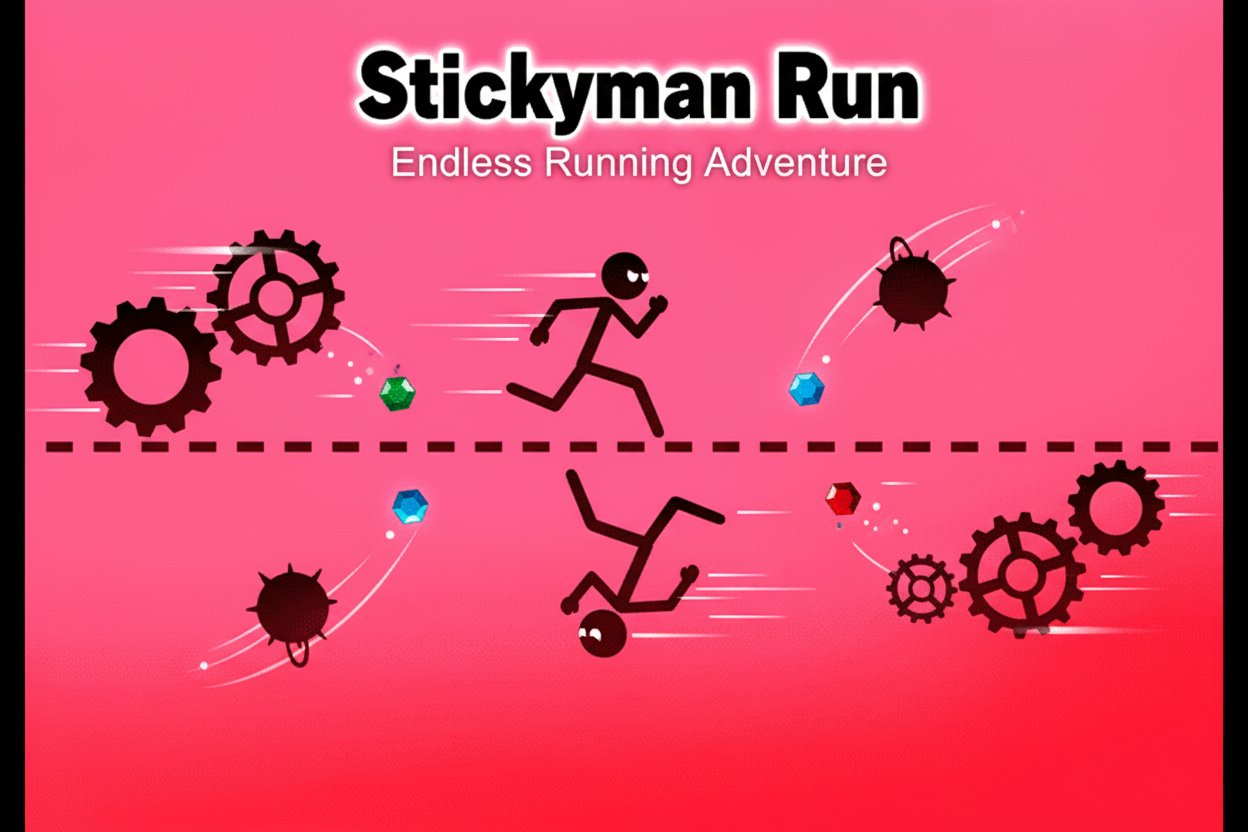
Stickyman Run is a thrilling endless running game that challenges your reflexes and quick thinking. With its vibrant, colorful backdrops contrasting against treacherous obstacles, this game offers a unique twist on the classic runner genre. The simple yet innovative gameplay mechanic allows Stickyman to stick to either the top or bottom of the screen, creating endless possibilities for obstacle navigation.
Rated 3.4 out of 5 by players, this HTML5 game delivers instant entertainment without any downloads required. The game's difficulty progressively increases as Stickyman picks up speed, making each run more challenging than the last.
Core Features
Unique Gravity-Switching Mechanics
Unlike traditional endless runners, Stickyman Run introduces an innovative control system where your character can instantly switch between running on the top and bottom surfaces. This mechanic opens up creative pathways through obstacle courses and adds a strategic element to your runs.
Progressive Difficulty System
As you advance further in your run, the game automatically increases the pace, testing your reaction time and decision-making skills. The escalating speed ensures that even experienced players face constant challenges.
Competitive Scoring System
- Collect red gems to boost your point total
- Beat your personal best scores
- Compete on the in-game leaderboard
- Challenge friends to surpass your distances
Instant Play Technology
Built with HTML5 technology, the game loads instantly in any modern browser. No downloads, no installations - just pure gaming fun accessible from any device.
Gameplay Mechanics
The core objective is simple yet engaging: guide Stickyman through an endless obstacle course by switching his position between the top and bottom of the screen. Dangerous hazards include:
- Spikes : Sharp obstacles that require precise timing to avoid
- Wrecking balls : Swinging hazards that block your path
- Various traps : Dynamic obstacles that test your reflexes
While avoiding these dangers, you must also collect red gems scattered throughout the course. These gems not only increase your score but also serve as markers of your progress and skill level.
Operation Guide
Controls : - Click anywhere on screen or Tap (mobile): Switch Stickyman between top and bottom surfaces - Timing : Master the rhythm of switching to navigate through complex obstacle patterns - Strategy : Plan your moves ahead to collect gems while avoiding hazards
Gameplay Tips : 1. Start slow : Learn the basic switching mechanic before attempting advanced maneuvers 2. Watch patterns : Obstacles often follow predictable patterns you can memorize 3. Gem priority : Don't risk your run for gems unless you're confident in your timing 4. Practice timing : The key to high scores is precise timing of your switches
Why Play Stickyman Run
Perfect for All Skill Levels
Tagged as "Easy" but offering escalating difficulty, Stickyman Run welcomes beginners while providing enough challenge for experienced players. The simple one-click control system makes it accessible to everyone.
Mobile-Optimized Experience
Designed for both desktop and mobile play, you can enjoy smooth gameplay whether you're at home or on the go. The responsive HTML5 design ensures consistent performance across all devices.
Competitive Elements
The built-in leaderboard system adds a competitive edge, encouraging you to improve your skills and compete with players worldwide. Challenge friends and family to beat your high scores.
Instant Entertainment
No commitment required - jump in for a quick 5-minute session or spend hours trying to achieve the perfect run. The game saves your progress automatically, so you can always come back to beat your best score.
Brain Training Benefits
Categorized under "Brain Teasers," the game sharpens your reflexes, improves decision-making speed, and enhances hand-eye coordination through its fast-paced gameplay.