
Worms.Zone - Free Online Snake IO Game - Action Game
 New
NewHook a Fish Arcade
Build a fishing arcade where catches buy you more time.
 Unity
UnityStrawberry Grove Adventure
Build a cozy Unity pixel grove of exploration and collectibles.
 Unity
UnityCrimson Illusion Battle
Build a Unity fantasy battle through a crimson illusion realm.
 Roguelike
Dungeon Survivors
Build a Vampire-Survivors-style dungeon arena with hero picks.
 New
NewRiver Raid Survival
Build a River Raid-style flight survival run with fuel pressure.
 Puzzle
Box Robot Puzzle
Build crate-pushing puzzles with vehicles and physics timing.
 FPS
FPSNight Mission Survival
Build a first-person night survival with flashlight combat.
 Unity
UnityEndless Runner
Build a polished Unity endless runner with lanes and pickups.
 Subscriber only
Unreal City Tour
Explore a photoreal Unreal city with terrain and live weather.
 Sandbox
Voxel Sandbox Builder
Build a voxel sandbox for placing and breaking blocks freely.
NewHook a Fish Arcade
Build a fishing arcade where catches buy you more time.
UnityStrawberry Grove Adventure
Build a cozy Unity pixel grove of exploration and collectibles.
UnityCrimson Illusion Battle
Build a Unity fantasy battle through a crimson illusion realm.
RoguelikeDungeon Survivors
Build a Vampire-Survivors-style dungeon arena with hero picks.
NewRiver Raid Survival
Build a River Raid-style flight survival run with fuel pressure.
PuzzleBox Robot Puzzle
Build crate-pushing puzzles with vehicles and physics timing.
FPSNight Mission Survival
Build a first-person night survival with flashlight combat.
UnityEndless Runner
Build a polished Unity endless runner with lanes and pickups.
Subscriber onlyUnreal City Tour
Explore a photoreal Unreal city with terrain and live weather.
SandboxVoxel Sandbox Builder
Build a voxel sandbox for placing and breaking blocks freely.
Prompt

Games are fun. Creating them is even better.
Game Introduction
About the Game
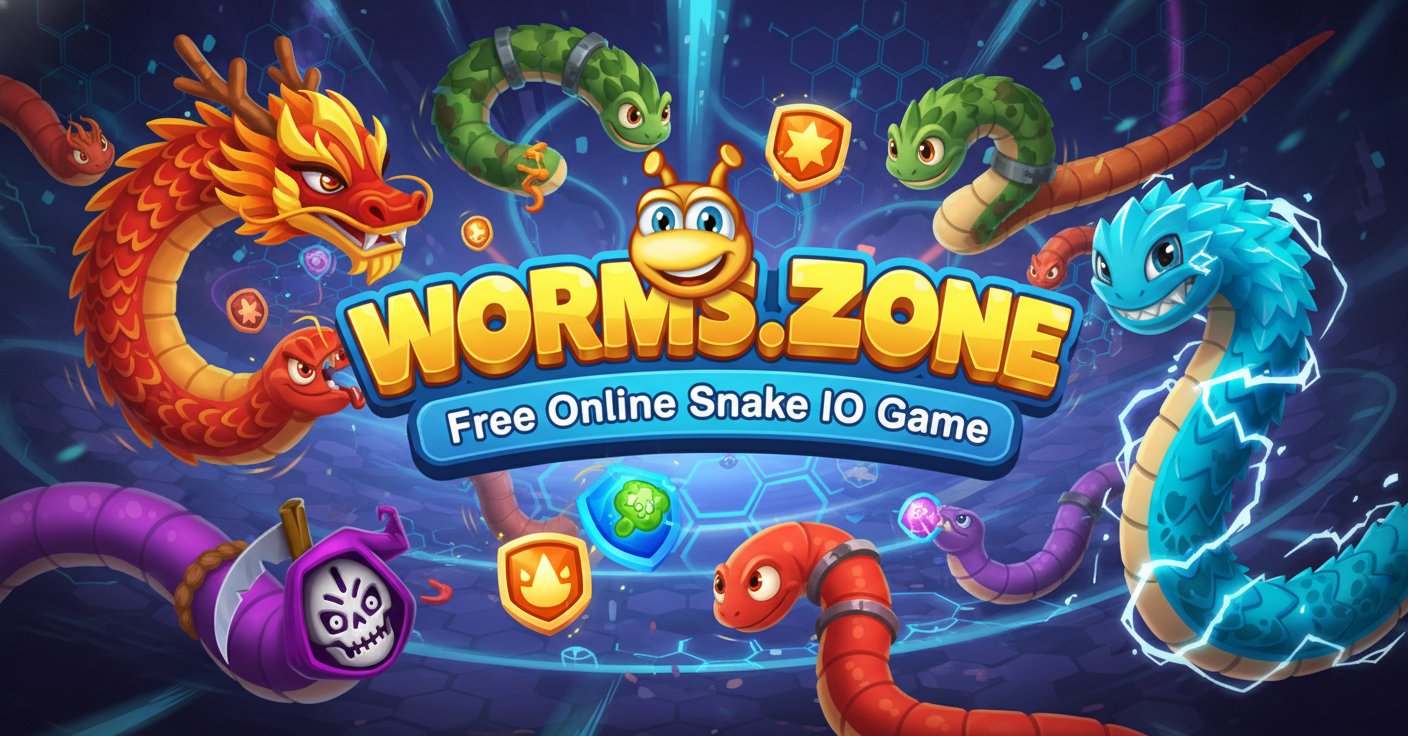
Worms.Zone is a thrilling multiplayer arcade IO game that puts you in control of a hungry worm competing for survival in a colorful arena. Your mission is simple yet addictive: eat as much food as possible to grow bigger while avoiding collisions with other players' worms. This browser-based game combines the classic snake gameplay with modern multiplayer competition, offering endless entertainment for players of all ages.
The game features vibrant graphics, smooth controls, and intense multiplayer action where only the strongest worms survive. With its easy-to-learn mechanics and competitive gameplay, Worms.Zone has become one of the most popular IO games available online.
Core Features
Multiple Game Modes
Worms.Zone offers several exciting game modes to keep you entertained:
- Infinite Mode : Classic endless gameplay where you grow your worm until you fail
- Timed Mode : Intense 7-minute matches with double points and coins
- Treasure Hunt : Explore the map searching for hidden treasures
- Seasonal Events : Limited-time modes during holidays like Christmas, Halloween, and Easter
Power-Up System
Discover six different power-ups in potion bottles scattered across the arena:
- Red/Blue Potions : Increase capture radius and attract more food
- Blue Potion : Multiply food consumption by 5x for rapid growth
- Purple Potion : Reveal locations where other worms have died
- Green Potion : Boost your worm's speed temporarily
- Round Green Potion : Improve worm control to avoid collisions
- Yellow Potion : Zoom out for a bird's eye view of the map
Customization Options
Personalize your gaming experience with:
- Worm Skins : Unlock colorful and fun designs as you level up
- Color Schemes : Choose your favorite colors for the game interface
- Food Types : Select from three different food appearance options
Game Mechanics
Growing Your Worm
Eat food scattered throughout the arena to increase your worm's length and score. The larger you become, the slower you move, creating strategic depth as you balance size with mobility. Collect coins during gameplay to unlock new content and upgrades.
Combat Strategy
Defeat opponents by making them crash into your worm's body. When another worm collides with you, they leave behind all their accumulated food, which you can quickly consume for massive growth. Use the turbo boost strategically - it consumes your score but can help you escape danger or catch opponents.
Smart Boost Usage
The turbo function is crucial for success but must be used wisely. Small worms can boost frequently with minimal cost, while larger worms should use turbo sparingly as it becomes more expensive and causes faster shrinkage.
Controls and Gameplay
Basic Controls
- Mouse Movement : Control worm direction by moving your mouse
- Left/Right Mouse Click : Activate turbo boost (consumes score)
- Spacebar : Alternative turbo boost activation
- Arrow Keys : Alternative movement control for keyboard users
Winning Strategies
- Start Small, Think Big : Use frequent turbo boosts when small to gather food quickly
- Power-Up Priority : Always seek blue potions for 5x food multiplication
- Defensive Play : When large, focus on protecting your size rather than aggressive hunting
- Map Awareness : Use yellow potions to scout for opportunities and threats
- Trap Setting : Use your body length to corner smaller opponents
Why Play Worms.Zone
Completely Free Experience
Worms.Zone is entirely free to play with no hidden costs or pay-to-win mechanics. All upgrades are cosmetic or affect power-up efficiency, ensuring fair competitive gameplay for everyone.
Cross-Platform Compatibility
Play seamlessly across multiple platforms: - Web browsers on PC and Mac - iOS devices (iPhone and iPad) - Android smartphones and tablets - No downloads required for browser play
Social and Competitive
Join millions of players worldwide in real-time multiplayer battles. The simple yet deep gameplay creates moments of intense excitement as you outmaneuver opponents and climb the leaderboards.
Regular Content Updates
Enjoy fresh content through seasonal events, new skins, and game mode variations that keep the experience exciting and engaging throughout the year.