
BrushBattle - Online Drawing Competition Game - Casual Game
 Unity
UnityEgg on the Car Roof
Build a Unity challenge: keep a fragile egg on a moving roof.
 Sports
Basketball Duel
Build a one-on-one basketball game with physics shooting.
 Voxel
VoxelVoxel Hero Adventure
Build a voxel hero who explores, mines, and builds.
 New
NewCharacter Physics World
Build a third-person physics world with day-night and props to touch.
 Unity
UnityCity Eater
Build a Unity game where a growing blob devours the city.
 Unity
UnityStrawberry Grove Adventure
Build a cozy Unity pixel grove of exploration and collectibles.
 Shooter
Platform Shooter Quest
Build a side-scrolling platform shooter with weapon switching.
 Godot
GodotBaby Bat Climber
Build a compact Godot cave-climbing platformer.
 New
NewFirst-Person Horror Survival
Build a first-person horror survival with exploration and enemies.
 Shooter
Dead City Shooter
Build a third-person zombie shooter in a ruined city.
UnityEgg on the Car Roof
Build a Unity challenge: keep a fragile egg on a moving roof.
SportsBasketball Duel
Build a one-on-one basketball game with physics shooting.
VoxelVoxel Hero Adventure
Build a voxel hero who explores, mines, and builds.
NewCharacter Physics World
Build a third-person physics world with day-night and props to touch.
UnityCity Eater
Build a Unity game where a growing blob devours the city.
UnityStrawberry Grove Adventure
Build a cozy Unity pixel grove of exploration and collectibles.
ShooterPlatform Shooter Quest
Build a side-scrolling platform shooter with weapon switching.
GodotBaby Bat Climber
Build a compact Godot cave-climbing platformer.
NewFirst-Person Horror Survival
Build a first-person horror survival with exploration and enemies.
ShooterDead City Shooter
Build a third-person zombie shooter in a ruined city.
Prompt

Games are fun. Creating them is even better.
Game Introduction
About the Game
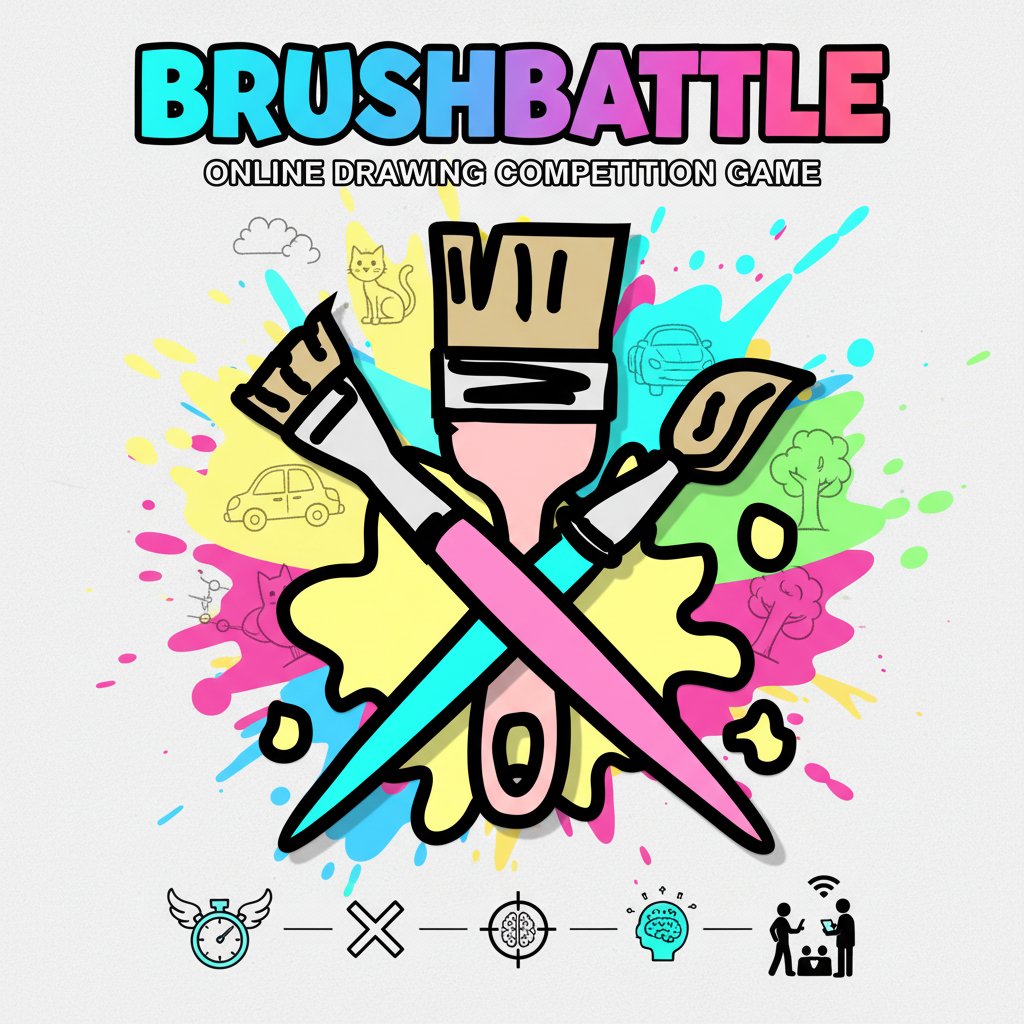
BrushBattle is a thrilling online drawing competition game that puts your artistic skills and quick thinking to the ultimate test. In this fast-paced drawing battle, players race against time and opponents to create recognizable drawings based on given words. The innovative AI recognition system judges your artwork, making victory depend on both speed and accuracy rather than artistic perfection.
This engaging skill-based game combines the creativity of drawing with the excitement of competitive gameplay, offering endless entertainment for artists of all skill levels.
Core Features
AI-Powered Recognition System
The game's intelligent computer recognition system instantly analyzes your drawings, determining winners based on how quickly and accurately you can convey the given word. Sometimes you don't even need to complete your entire drawing – a few strategic strokes can secure victory!
Multiple Game Modes
- Battle Mode : Compete head-to-head against other players in real-time drawing duels
- Practice Mode : Hone your skills solo and set personal speed records
- Multiplayer Support : Challenge friends or match with players worldwide
Cross-Platform Accessibility
- Completely Free : No payments, subscriptions, or hidden fees
- No Download Required : Play instantly in your web browser
- Universal Device Support : Works seamlessly on computers, phones, and tablets
- Touch and Mouse Compatible : Optimized for both touch screens and mouse input
Quick and Intuitive Gameplay
The simple click-or-tap drawing interface ensures anyone can jump in and start playing immediately, regardless of their technical or artistic background.
Game Mechanics
In BrushBattle, success comes from understanding what the AI recognition system looks for in drawings. The key strategy involves:
- Speed Over Perfection : Quick, recognizable sketches often triumph over detailed artwork
- Essential Details First : Focus on the most distinctive features of each word
- Strategic Sketching : Learn which elements the AI prioritizes for different categories
The competitive element keeps every round exciting, as you never know when an opponent might achieve recognition first.
How to Play
Getting started with BrushBattle is incredibly simple:
- Choose Your Mode : Select Battle mode for competitive play or Practice mode to improve your skills
- Receive Your Word : The game will display a word prompt for you to draw
- Start Drawing : Use your mouse or finger to draw on the canvas
- Race for Recognition : The first player whose drawing is recognized by the AI wins the round
- Compete and Improve : Continue playing to master different word categories and improve your speed
The intuitive interface means you can focus entirely on your drawing strategy rather than learning complex controls.
Why Play BrushBattle
Perfect for All Skill Levels
Whether you're a professional artist or someone who "can't draw a stick figure," BrushBattle levels the playing field. The AI recognition system rewards quick thinking and essential details over artistic perfection, making it accessible and fun for everyone.
Social and Competitive Fun
The multiplayer features transform drawing from a solitary activity into an exciting social experience. Challenge friends, meet new players, or practice alone – the choice is yours.
Skill Development
Regular play naturally improves your: - Visual Analysis : Learning to identify key features of objects - Hand-Eye Coordination : Developing precise mouse or touch control - Quick Thinking : Making rapid decisions about what to draw first - Strategic Planning : Understanding how to convey concepts efficiently
Instant Gratification
With no downloads, registrations, or complex setups required, you can start playing within seconds of discovering the game. This accessibility makes it perfect for quick breaks, casual gaming sessions, or competitive tournaments with friends.