Color Pixel Art Classic - Pixel Coloring Game
Prompt
Game Introduction
About Color Pixel Art Classic
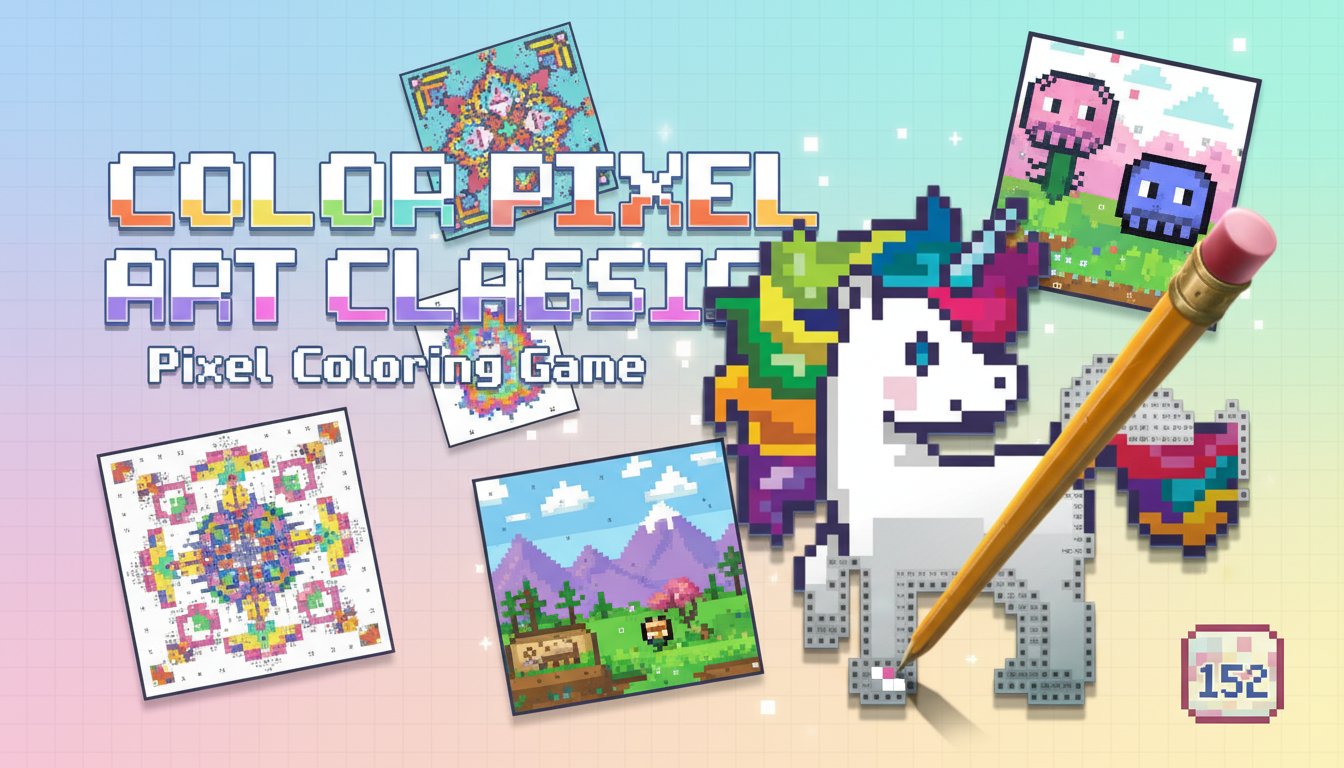
Color Pixel Art Classic is a captivating digital coloring experience that combines the nostalgic charm of pixel art with the relaxing nature of paint-by-numbers. This free online game offers 152 beautifully crafted designs featuring adorable animals, majestic dinosaurs, and charming creatures that come to life through your creative touch.
With its intuitive gameplay and soothing mechanics, Color Pixel Art Classic provides the perfect digital canvas for artists of all skill levels. Whether you're a beginner looking to explore digital art or an experienced pixel artist seeking a relaxing creative outlet, this game delivers hours of meditative coloring enjoyment.
Core Features
Extensive Design Collection
Dive into a vast library of 152 unique pixel art templates, each carefully designed to provide an engaging coloring experience. The collection includes:
- Adorable Animals : Dogs, cats, kittens, foxes, koalas, and bears
- Exotic Wildlife : Parrots, fish, and other fascinating creatures
- Prehistoric Wonders : Dinosaurs and ancient creatures
- Varied Complexity : From simple beginner designs to intricate advanced artwork
Smart Color Palette System
Each design comes equipped with its own optimized color palette, making color selection effortless and accurate. The intuitive drag interface allows you to easily navigate through all available colors, ensuring you have the perfect shade for every pixel.
Precision-Based Gameplay
The game features a sophisticated paint-by-numbers system where each numbered cell corresponds to a specific color. This methodical approach ensures accuracy while maintaining the relaxing, meditative quality that makes pixel art so appealing.
Game Mechanics
Paint-by-Numbers System
Color Pixel Art Classic employs a user-friendly numbered grid system. Each pixel cell displays a number that corresponds to a specific color in your palette. Simply match the numbers to create stunning pixel artwork with perfect accuracy.
Zoom and Navigate
The game includes essential navigation tools for detailed work: - Zoom functionality for intricate pixel details - Smooth panning to navigate large designs - Visual feedback to guide your progress
Error Prevention
To maintain artwork quality, the game includes a gentle correction system. Clicking incorrect cells triggers a playful audio cue, helping you learn the proper coloring technique while keeping the experience fun and educational.
Operation Guide
Desktop Controls: - Left Click : Select and apply colors to pixels - Mouse Scroll : Zoom in and out for detailed work - Drag : Move around the canvas while zoomed in - Color Palette : Drag left to right to access all available colors
Mobile Controls: - Tap : Select colors and fill pixels - Pinch : Zoom in/out for precision - Swipe : Navigate around larger designs
Getting Started: 1. Choose your preferred design from the collection 2. Familiarize yourself with the color palette 3. Start with larger, easier-to-see numbered areas 4. Gradually work on smaller, more detailed sections 5. Use zoom for precise pixel placement
Why Play Color Pixel Art Classic
Perfect Stress Relief
The methodical, repetitive nature of pixel-by-pixel coloring provides excellent stress relief and mental relaxation. It's an ideal activity for unwinding after a busy day or finding a moment of calm in your routine.
Develops Focus and Patience
Pixel art requires attention to detail and patience, helping develop concentration skills while creating beautiful artwork. Each completed piece provides a sense of accomplishment and creative satisfaction.
Suitable for All Ages
With its simple controls and varied difficulty levels, Color Pixel Art Classic welcomes players of all ages. Children can enjoy the colorful animal designs while adults appreciate the meditative, therapeutic qualities of pixel art creation.
No Installation Required
As a browser-based game, Color Pixel Art Classic requires no downloads or installations. Simply open your web browser on any device and start creating immediately. The game works perfectly on both desktop computers and mobile devices.
Completely Free Experience
Enjoy all 152 designs, full color palettes, and complete gameplay features without any cost. There are no hidden fees, subscriptions, or premium content barriers.
Downloadable Creations
Once you complete your pixel art masterpiece, you can download and save your creation to share with friends or keep as a digital keepsake of your artistic achievement.