
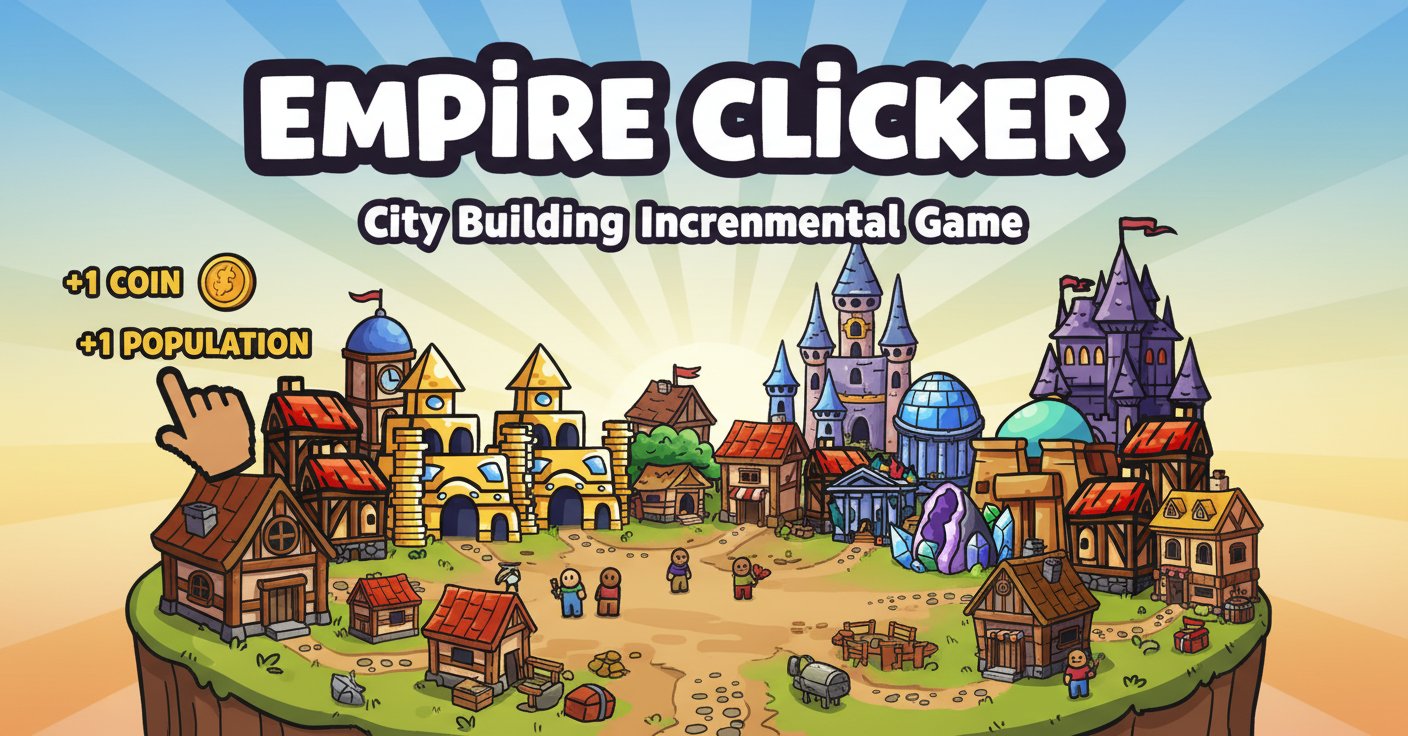
Empire Clicker - City Building Incremental Game - Casual Game
 Unity
UnityCupid's Arrow
Build a Unity archery game of timing and matchmaking.
 Shooter
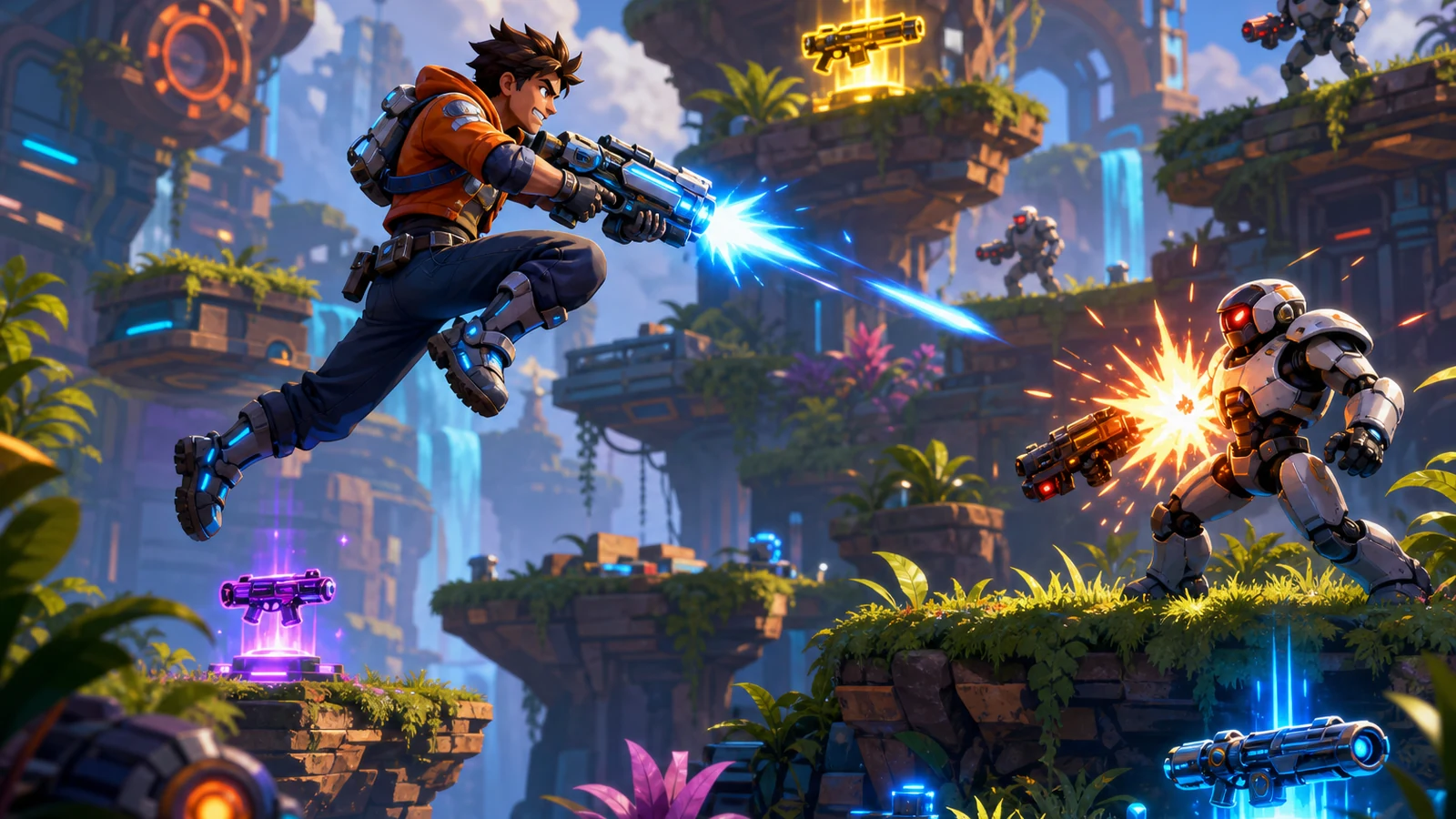
Platform Shooter Quest
Build a side-scrolling platform shooter with weapon switching.
 Unity
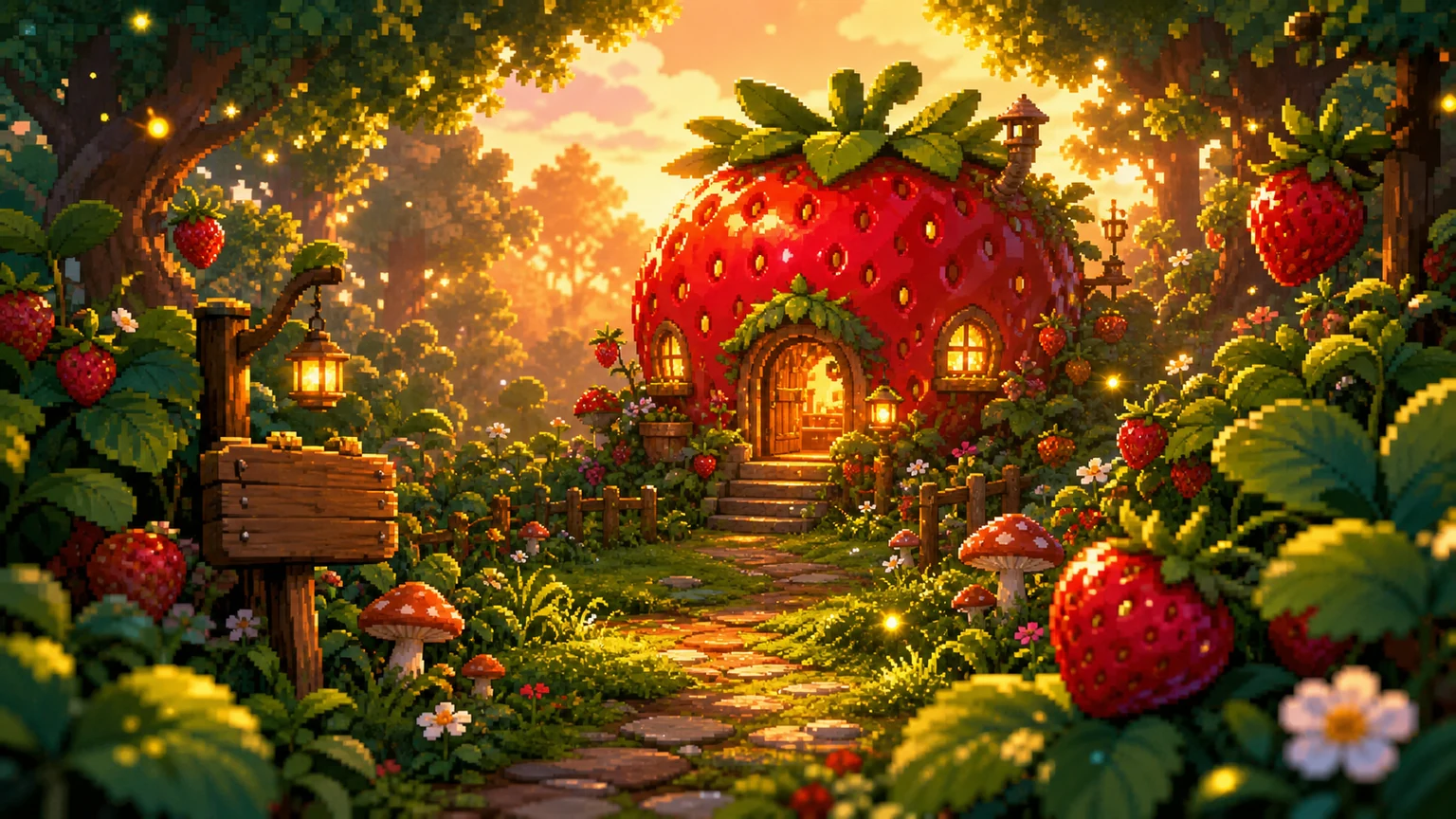
UnityStrawberry Grove Adventure
Build a cozy Unity pixel grove of exploration and collectibles.
 Godot
GodotBaby Bat Climber
Build a compact Godot cave-climbing platformer.
 New
NewHook a Fish Arcade
Build a fishing arcade where catches buy you more time.
 Unity
UnityEgg on the Car Roof
Build a Unity challenge: keep a fragile egg on a moving roof.
 Shooter
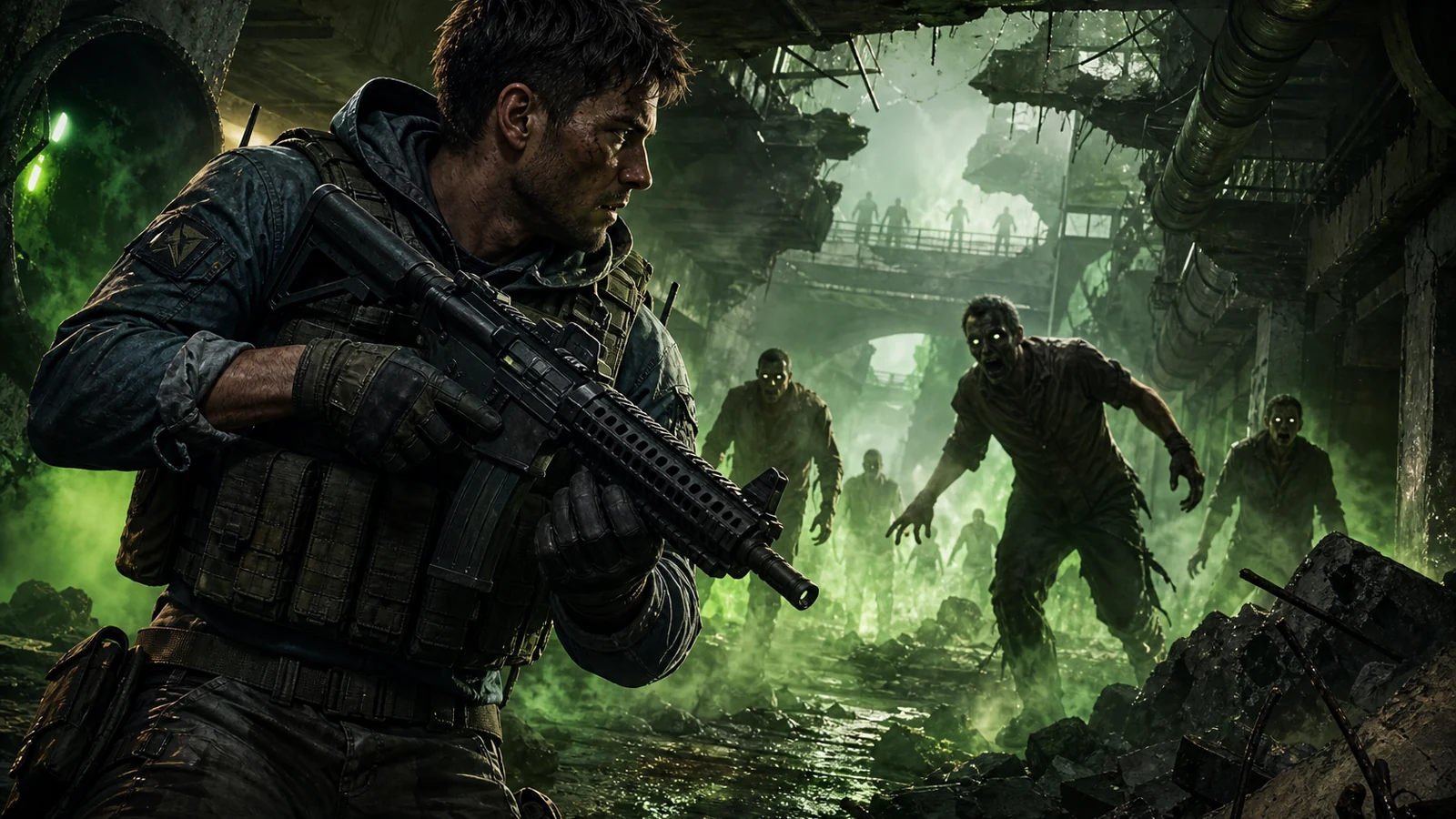
Decay Zone Survival
Build a first-person zombie survival with ammo management.
 Roguelike
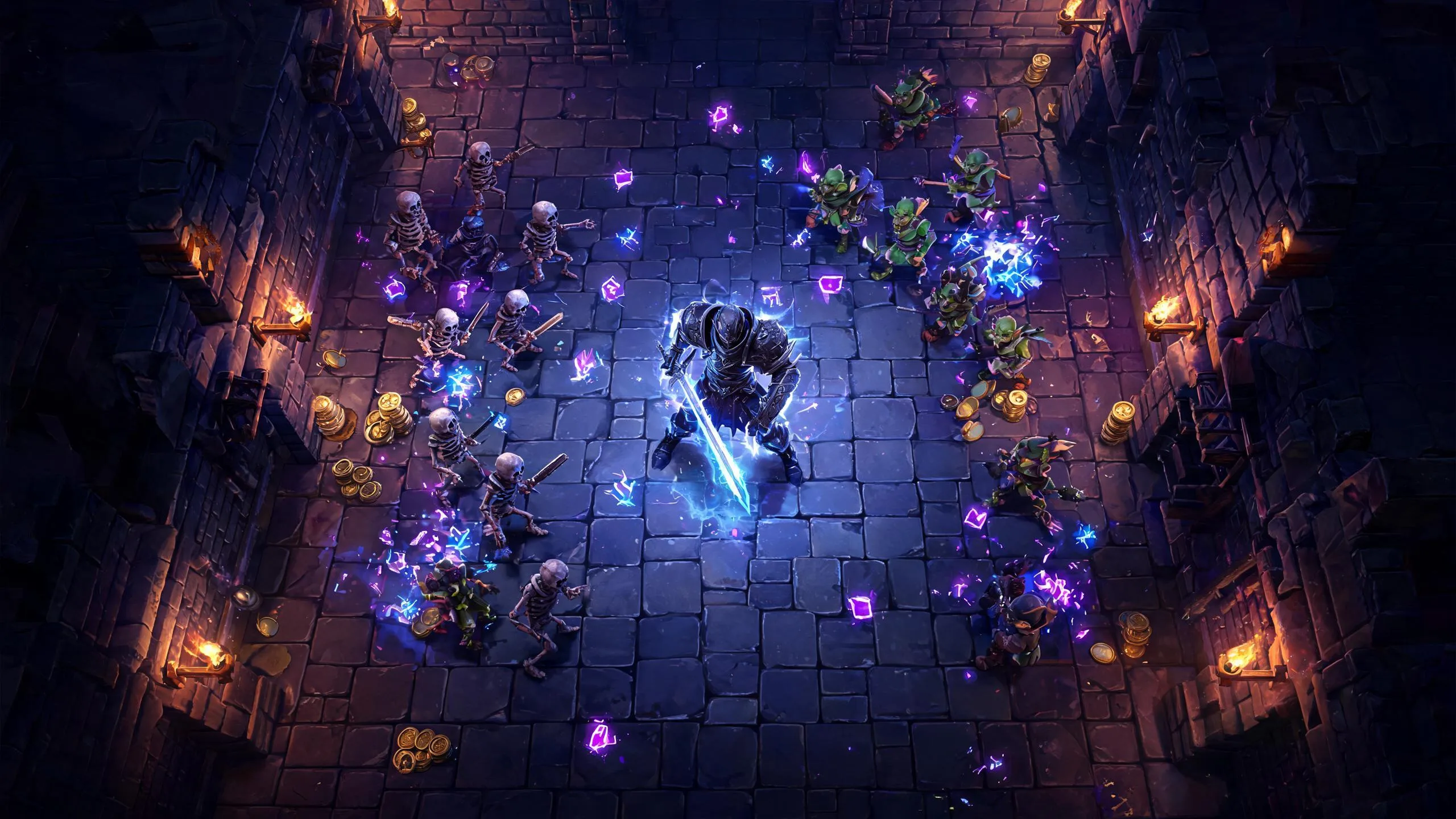
Dungeon Survivors
Build a Vampire-Survivors-style dungeon arena with hero picks.
 Unity
UnityChaos Train Arcade
Build a chaotic Unity train arcade of hazards and timing.
 New
NewDrone Flight Combat
Build a cinematic drone combat run with missiles and a HUD.
UnityCupid's Arrow
Build a Unity archery game of timing and matchmaking.
ShooterPlatform Shooter Quest
Build a side-scrolling platform shooter with weapon switching.
UnityStrawberry Grove Adventure
Build a cozy Unity pixel grove of exploration and collectibles.
GodotBaby Bat Climber
Build a compact Godot cave-climbing platformer.
NewHook a Fish Arcade
Build a fishing arcade where catches buy you more time.
UnityEgg on the Car Roof
Build a Unity challenge: keep a fragile egg on a moving roof.
ShooterDecay Zone Survival
Build a first-person zombie survival with ammo management.
RoguelikeDungeon Survivors
Build a Vampire-Survivors-style dungeon arena with hero picks.
UnityChaos Train Arcade
Build a chaotic Unity train arcade of hazards and timing.
NewDrone Flight Combat
Build a cinematic drone combat run with missiles and a HUD.
Prompt
Games are fun. Creating them is even better.
Game Introduction
About Empire Clicker
Empire Clicker is a captivating incremental clicker game that combines city-building strategy with satisfying idle mechanics. Starting with nothing but an empty plot of land, you'll click your way to creating a magnificent empire filled with castles, houses, shops, and iconic landmarks. The game features charming cartoon-style graphics and progressive gameplay that keeps you engaged for hours.
This browser-based game offers the perfect blend of active clicking and passive idle progression, making it ideal for both casual gaming sessions and long-term empire development.
Core Features
Progressive City Development
Watch your humble beginnings transform into a sprawling cityscape as you unlock new buildings, decorations, and architectural wonders. Each click brings you closer to your ultimate goal of building the most impressive empire.
Idle Mechanics
Even when you're away, your empire continues to generate resources and expand. Return to find your city has grown and evolved, providing a satisfying sense of continuous progress.
Diverse Building Options
Unlock and construct various structures including: - Residential buildings : Houses, apartments, and living quarters for your citizens - Commercial structures : Shops, markets, and business districts - Landmarks : Castles, towers, and iconic monuments that define your empire - Decorative elements : Trees, fountains, and aesthetic improvements
Strategic Resource Management
Manage your empire's economy by balancing resource generation, population growth, and infrastructure development. Make strategic decisions about which buildings to prioritize for optimal growth.
Vibrant Visual Design
Enjoy colorful, cartoon-style graphics that bring your empire to life. The game features detailed building sprites and smooth animations that make city-building visually rewarding.
Gameplay Mechanics
Click-to-Build System
The core gameplay revolves around strategic clicking to generate resources and construct buildings. Each click contributes to your empire's growth, with satisfying visual feedback and progression indicators.
Automatic Progression
As your empire expands, it begins generating resources automatically. This idle mechanic allows for continuous growth even during breaks from active play.
Upgrade Paths
Unlock upgrades and improvements for your existing structures to increase their efficiency and visual appeal. Strategic upgrading is key to maximizing your empire's potential.
Operation Guide
Basic Controls
- Left Mouse Button : Click to build structures, collect resources, and interact with game elements
- Mouse Movement : Navigate around your growing empire to plan and execute expansions
- Interface Buttons : Use on-screen menus to access building options, upgrades, and game settings
Getting Started
- Begin by clicking on the empty land to generate your first resources
- Use accumulated resources to purchase your first basic buildings
- Watch as your initial structures begin generating passive income
- Reinvest earnings into more advanced buildings and upgrades
- Continue expanding until you've created a thriving metropolis
Advanced Strategies
- Focus on buildings that provide the best resource-to-cost ratio
- Balance active clicking with idle progression for optimal growth
- Plan your city layout to accommodate future expansions
- Prioritize upgrades that increase passive income generation
Why Play Empire Clicker
Perfect for All Skill Levels
Whether you're new to clicker games or a seasoned veteran, Empire Clicker offers accessible gameplay with deep strategic elements. The simple click-based mechanics make it easy to learn, while the progression system provides long-term engagement.
Relaxing Yet Engaging
The game strikes an ideal balance between active engagement and relaxing idle play. You can actively build during focused sessions or let your empire grow passively while you handle other tasks.
No Pressure Gaming
Unlike competitive games, Empire Clicker lets you progress at your own pace. There are no time limits or failure states – only the satisfaction of watching your empire flourish.
Completely Free Experience
Enjoy the full game experience without any cost. No hidden fees, premium currencies, or pay-to-win mechanics – just pure, addictive city-building fun.
Cross-Platform Compatibility
Play seamlessly across different devices and browsers. Your empire-building adventure is always accessible, whether you're on a computer, tablet, or smartphone.