
Fast Arrow - Online Archery Target Game - Casual Game
 Arcade
Pumpkin Night Adventure
Build a Halloween grid-arena survival romp.
 Adventure
Character Adventure Sim
Build a 3D character explorer with traversal and interactive zones.
 Unity
UnityCrimson Illusion Battle
Build a Unity fantasy battle through a crimson illusion realm.
 Unity
UnityDesert Quickshot
Build a Unity quickdraw duel with streaks and rising heat.
 Unity
UnityStrawberry Grove Adventure
Build a cozy Unity pixel grove of exploration and collectibles.
 New
NewArcade Crossing Game
Build a lane-dodging arcade game with traffic and pickups.
 3D
3DThird Person Explorer
Build a third-person explorer with swappable scenes and a live minimap.
 Puzzle
Box Robot Puzzle
Build crate-pushing puzzles with vehicles and physics timing.
 Sports
Basketball Duel
Build a one-on-one basketball game with physics shooting.
 Subscriber only
Unreal City Tour
Explore a photoreal Unreal city with terrain and live weather.
ArcadePumpkin Night Adventure
Build a Halloween grid-arena survival romp.
AdventureCharacter Adventure Sim
Build a 3D character explorer with traversal and interactive zones.
UnityCrimson Illusion Battle
Build a Unity fantasy battle through a crimson illusion realm.
UnityDesert Quickshot
Build a Unity quickdraw duel with streaks and rising heat.
UnityStrawberry Grove Adventure
Build a cozy Unity pixel grove of exploration and collectibles.
NewArcade Crossing Game
Build a lane-dodging arcade game with traffic and pickups.
3DThird Person Explorer
Build a third-person explorer with swappable scenes and a live minimap.
PuzzleBox Robot Puzzle
Build crate-pushing puzzles with vehicles and physics timing.
SportsBasketball Duel
Build a one-on-one basketball game with physics shooting.
Subscriber onlyUnreal City Tour
Explore a photoreal Unreal city with terrain and live weather.
Prompt

Games are fun. Creating them is even better.
Game Introduction
About the Game
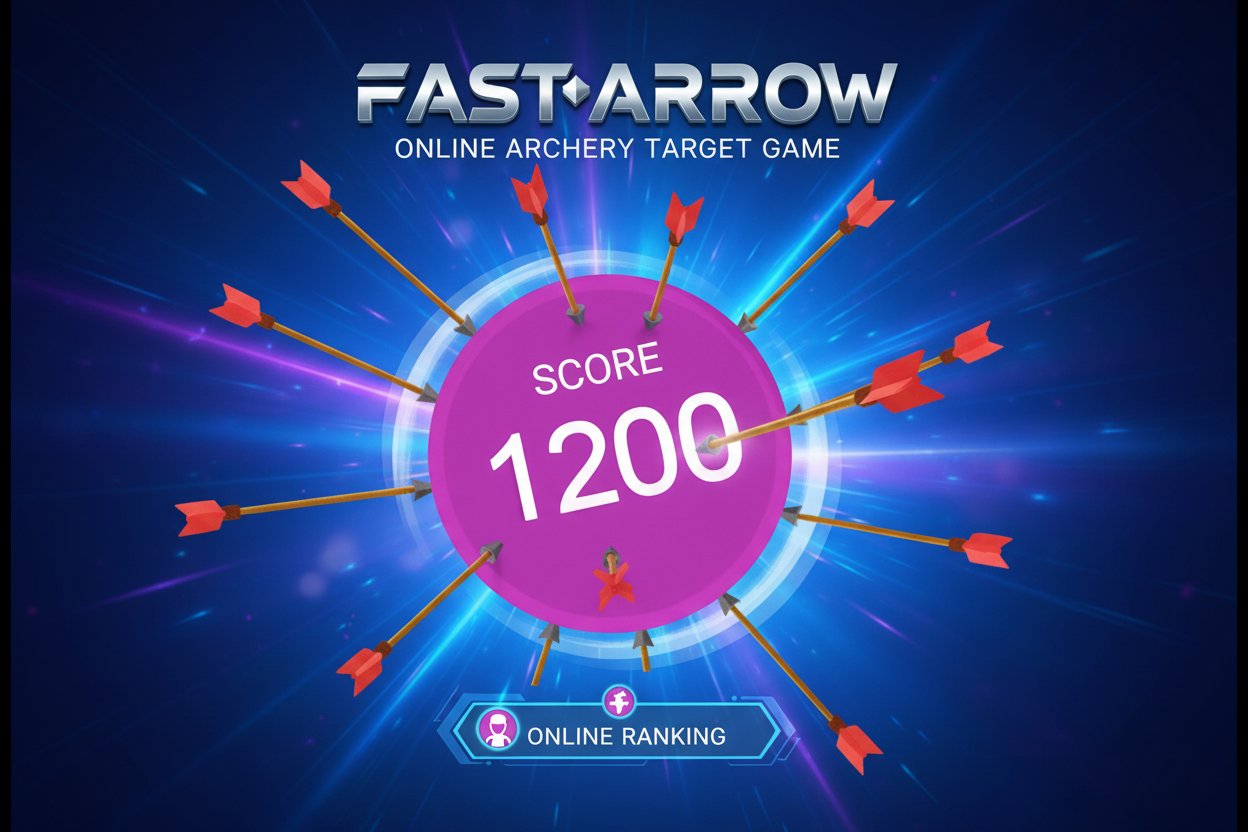
Fast Arrow is a precision-based archery game that transforms you into a skilled marksman without the need for physical strength or proper posture. This engaging target shooting game features a continuously spinning circular target where your goal is to land as many arrows as possible without hitting your own previously shot arrows.
With a stellar rating of 4.5/5 stars, Fast Arrow combines simple mechanics with increasingly challenging gameplay that keeps players coming back for more. The game's minimalist design focuses purely on skill and timing, making it accessible to players of all ages.
Core Features
Simple Yet Challenging Gameplay
The beauty of Fast Arrow lies in its elegant simplicity. While shooting an arrow in a straight line seems easy, the real challenge emerges as the target fills with your arrows. Each successful shot creates a new obstacle for future attempts.
Progressive Difficulty
As you successfully land more arrows, the available space on the spinning target decreases. This creates a natural difficulty curve that rewards precision and strategic thinking. Players must carefully time their shots to find gaps between existing arrows.
Instant Browser Gaming
- Completely Free : No downloads or installations required
- Cross-Platform Compatibility : Works seamlessly on desktop computers, tablets, and mobile devices
- HTML5 Technology : Runs smoothly in any modern web browser
- Quick Loading : Instant access to gameplay without waiting
High Score System
Compete against yourself and others with the built-in scoring system. Track your best performances and challenge yourself to improve with each play session.
Game Mechanics
The spinning target rotates at a constant speed, requiring players to lead their shots and predict where the target will be when the arrow arrives. This timing element adds depth to what could otherwise be a simple clicking game.
Strategic Planning
Successful players develop various strategies: - Edge Shooting : Focusing on the outer rim of the target - Pattern Recognition : Learning the rotation timing for consistent shots - Gap Analysis : Identifying optimal spaces between existing arrows
How to Play
Basic Controls
Fast Arrow uses intuitive mouse controls that anyone can master: - Mouse Click : Aim and shoot arrows at the spinning target - Timing : Click when you predict the target will align with your arrow's path - Precision : Avoid hitting your own arrows already stuck in the target
Gameplay Tips
- Watch the Rotation : Study the target's spinning pattern before shooting
- Plan Your Shots : Think about where to place arrows to leave room for more
- Stay Patient : Rushing often leads to hitting your own arrows
- Practice Timing : Each arrow takes time to travel, so aim ahead of your target spot
Why Play Fast Arrow
Perfect for Quick Sessions
Fast Arrow is ideal for short gaming breaks. Each round can last just a few minutes, making it perfect for: - Office lunch breaks - Waiting periods - Quick stress relief - Skill-building practice
Develops Real Skills
While entertaining, Fast Arrow also helps improve: - Hand-eye Coordination : Precise mouse control and timing - Strategic Thinking : Planning shot placement for maximum arrows - Patience and Focus : Waiting for the perfect moment to shoot - Spatial Awareness : Understanding rotation and trajectory
Accessible Entertainment
The game's simple concept makes it enjoyable for players of all skill levels. Beginners can quickly understand the mechanics, while experienced players can pursue perfect games and high scores.
No Commitment Required
Unlike complex games requiring hours of investment, Fast Arrow offers immediate satisfaction. Jump in, play a few rounds, and leave whenever you want without losing progress anxiety.