Idle Breakout - Casual Game
Prompt
Game Introduction
About the Game
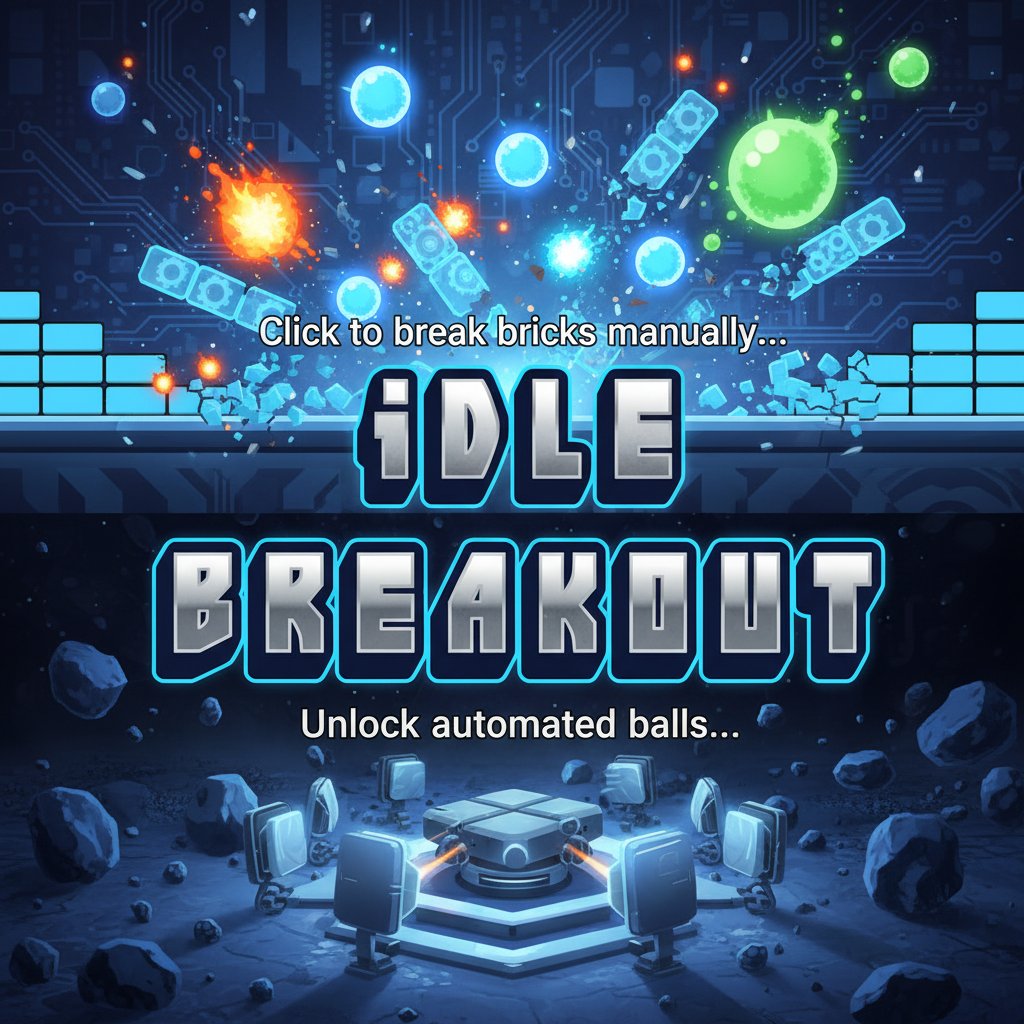
Idle Breakout revolutionizes the classic brick breaking genre by introducing idle game mechanics that keep the action going even when you're not actively playing. This addictive browser-based game starts simple - click on colored bricks to reduce their numbers to zero - but evolves into a complex strategy game with multiple ball types, upgrades, and automated systems.
The game perfectly balances active clicking with passive progression, making it ideal for both focused gaming sessions and background play. Whether you're a fan of classic breakout games or modern idle mechanics, this title offers something uniquely engaging.
Core Features
Automated Ball System
The heart of Idle Breakout lies in its diverse ball collection. Each ball type offers unique advantages:
- Basic Balls : Steady, reliable brick destruction for consistent progress
- Poison Balls : Infect nearby bricks to deal double damage over time
- Power Balls : Enhanced damage output for faster brick clearing
- Specialty Balls : Unique mechanics that unlock advanced strategies
Progressive Upgrade System
Every click and ball impact earns you currency to invest in powerful upgrades:
- Click Power : Multiply your manual clicking damage exponentially
- Ball Speed : Increase movement speed for faster brick contact
- Ball Damage : Boost individual ball destruction capabilities
- Special Abilities : Unlock game-changing mechanics and effects
Strategic Depth
While the concept seems simple, Idle Breakout offers surprising strategic complexity. Players must balance investment between different ball types, decide when to focus on manual clicking versus automation, and optimize upgrade paths for maximum efficiency.
Gameplay Mechanics
Idle Breakout begins with pure manual interaction - you click on bricks to reduce their hit points. Each brick displays a number indicating how many hits it needs to be destroyed. As you accumulate money from destroyed bricks, you can purchase your first automated balls.
Once balls are active, they continuously bounce around the screen, automatically hitting bricks and generating income. This allows for true idle progression - you can leave the game running and return to find significant advancement.
The poison ball mechanic adds strategic depth by creating chain reactions. When a poison ball hits a brick, it spreads infection to adjacent blocks, causing ongoing damage that can clear entire sections efficiently.
Operation Guide
Basic Controls
- Mouse Click : Click directly on bricks to deal damage
- Purchase Menu : Use mouse to buy balls and upgrades
- Progress Tracking : Monitor your earnings and brick destruction rates
Getting Started
- Phase 1 : Click manually on bricks to earn initial currency
- Phase 2 : Purchase your first basic ball for automated play
- Phase 3 : Invest in upgrades to improve efficiency
- Phase 4 : Unlock advanced ball types and strategies
- Phase 5 : Optimize your setup for maximum idle progression
Advanced Strategies
- Focus on click power upgrades early for better manual income
- Balance ball quantity with individual ball upgrades
- Prioritize poison balls for their chain reaction potential
- Leave the game running to maximize idle progression
Why Play Idle Breakout
Perfect for Any Schedule : The idle mechanics mean you can progress whether actively playing or just checking in occasionally. It's ideal for players who want meaningful advancement without constant attention.
Nostalgic Yet Modern : Combines the satisfying brick-breaking action of classic arcade games with contemporary progression systems that keep you engaged for hours.
Strategic Depth : Despite simple mechanics, the upgrade paths and ball combinations offer genuine strategic decisions that impact your progression speed.
Completely Free : No hidden costs, premium currencies, or pay-to-win mechanics. All content is accessible through gameplay progression.
Cross-Platform Compatibility : Play seamlessly on desktop computers, tablets, or mobile phones through any modern web browser.
The game strikes an excellent balance between active engagement and passive progression, making it perfect for both dedicated gaming sessions and casual background play. Whether you're looking for a quick stress-reliever or a long-term progression challenge, Idle Breakout delivers on both fronts.