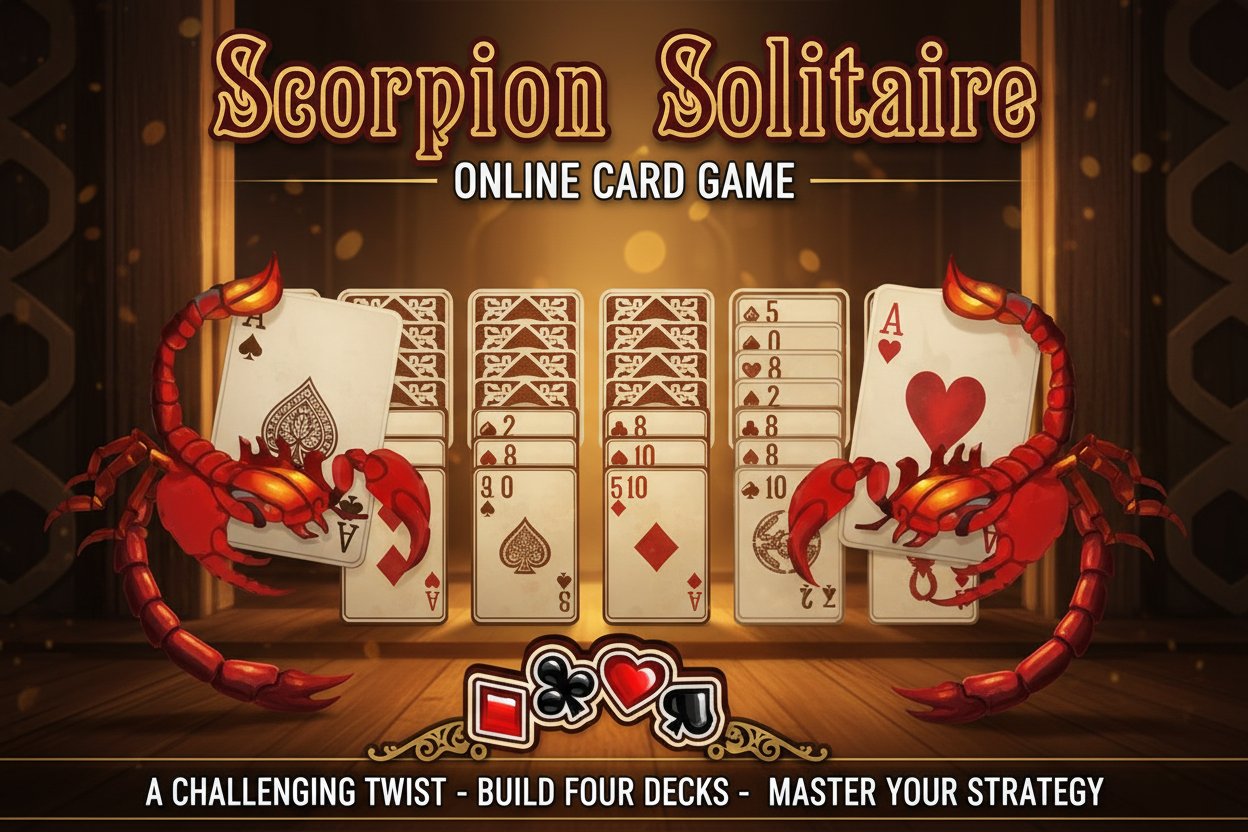
Scorpion Solitaire - Online Card Game - Casual Game
Seele01-Flash
By Samuel Perez
Play Scorpion Solitaire online for free! A challenging twist on classic solitaire with timed gameplay and 3 difficulty levels. Build 4 decks from King to Ace.
Arcade

Pumpkin Night Adventure

Build a Halloween grid-arena survival romp.

Build a Halloween grid-arena survival romp.Open in workspace
Driving

City Car Driving

Build an open-city free-driving game with car selection.
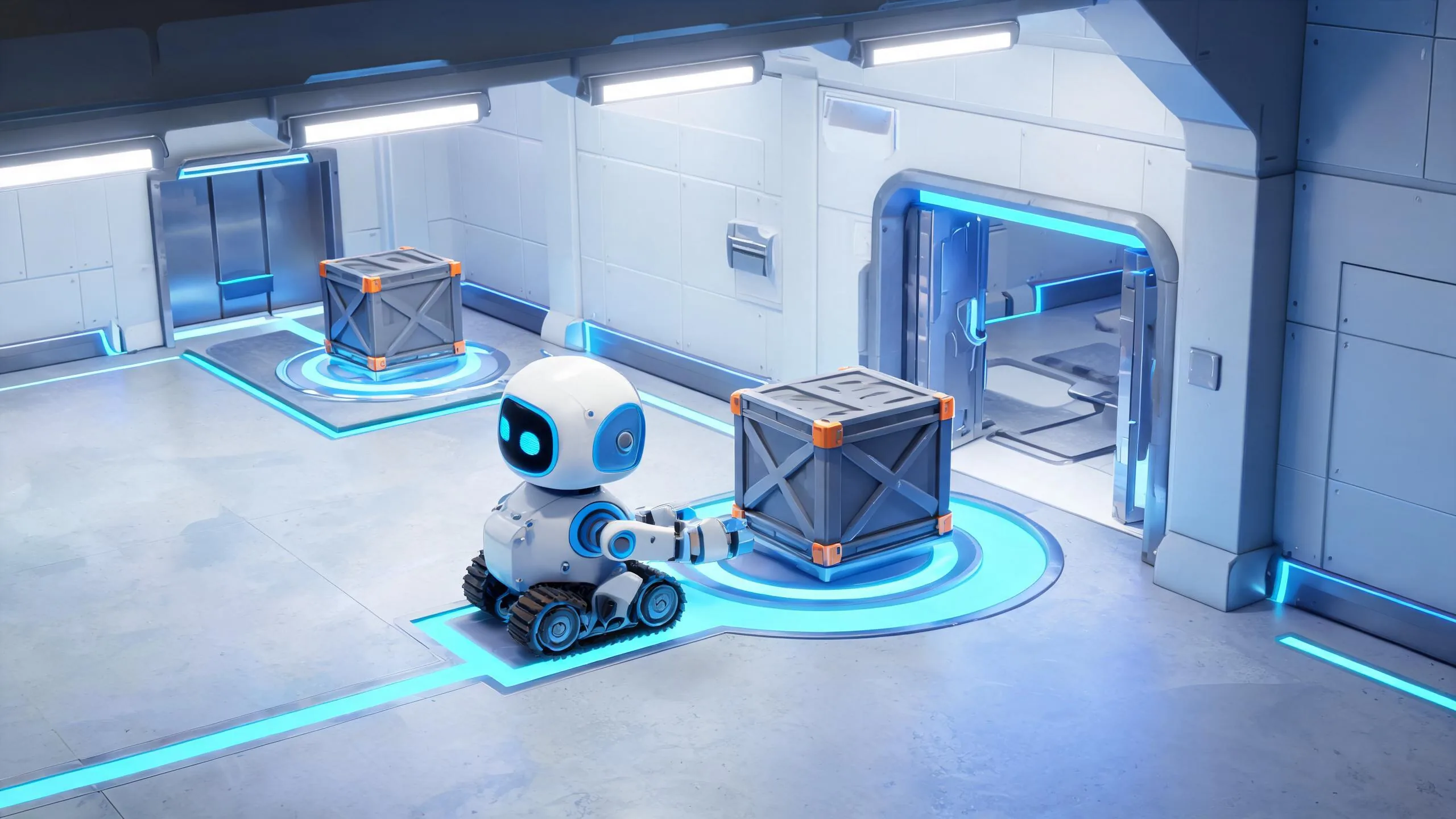
Build an open-city free-driving game with car selection.Open in workspace
Puzzle

Box Robot Puzzle

Build crate-pushing puzzles with vehicles and physics timing.
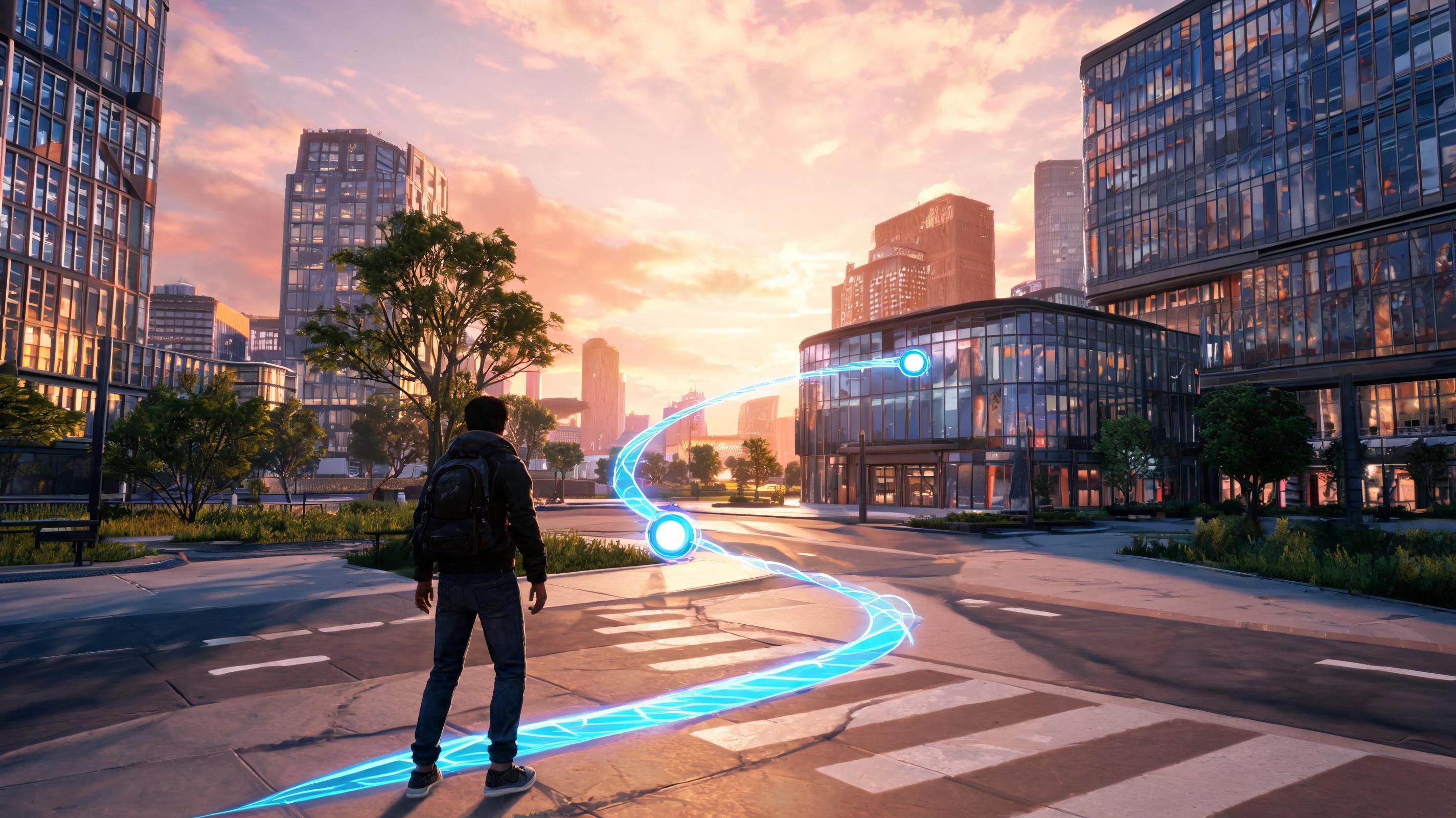
Build crate-pushing puzzles with vehicles and physics timing.Open in workspace
Adventure

Character Adventure Sim

Build a 3D character explorer with traversal and interactive zones.
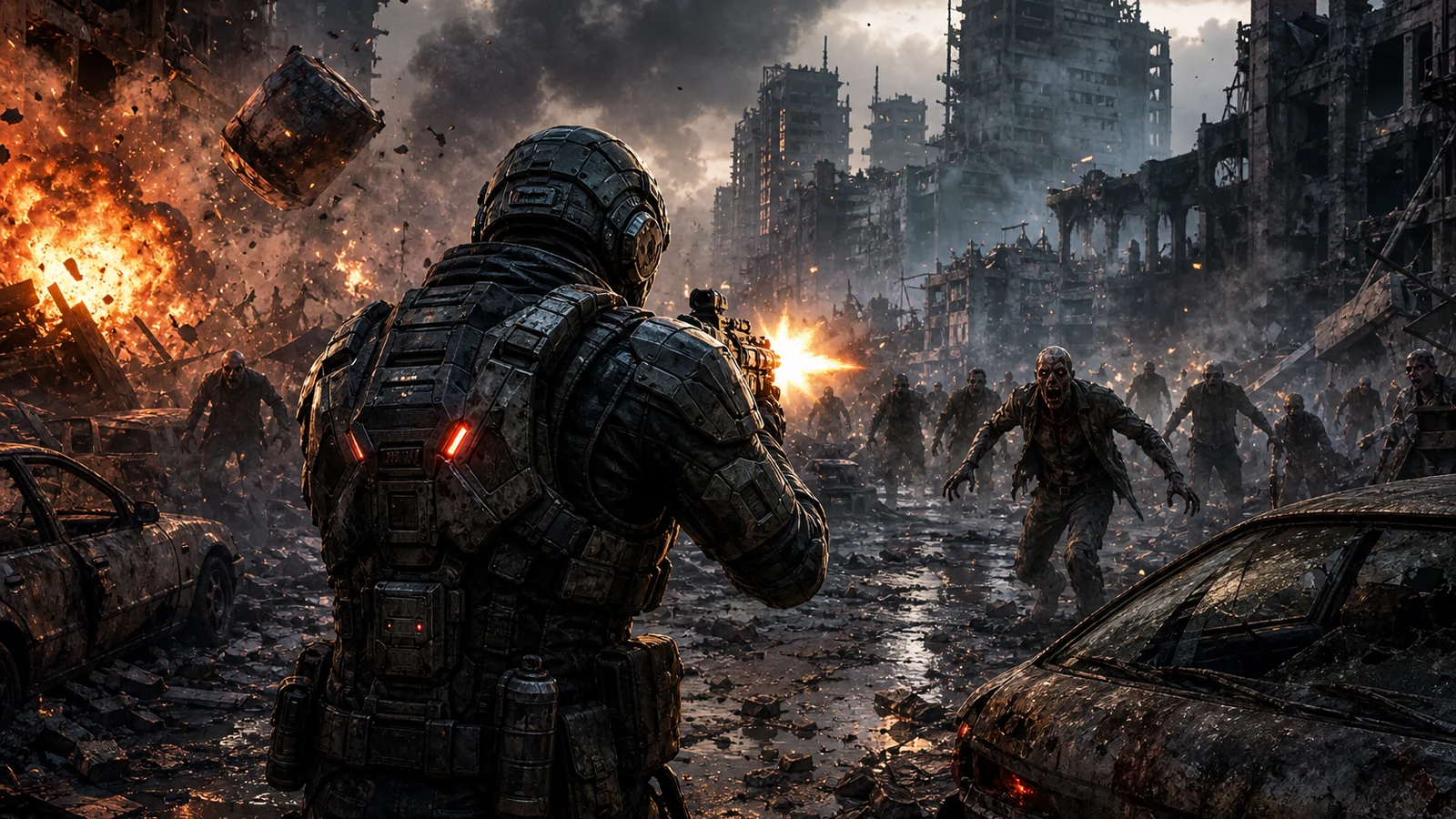
Build a 3D character explorer with traversal and interactive zones.Open in workspace
Shooter

Dead City Shooter

Build a third-person zombie shooter in a ruined city.
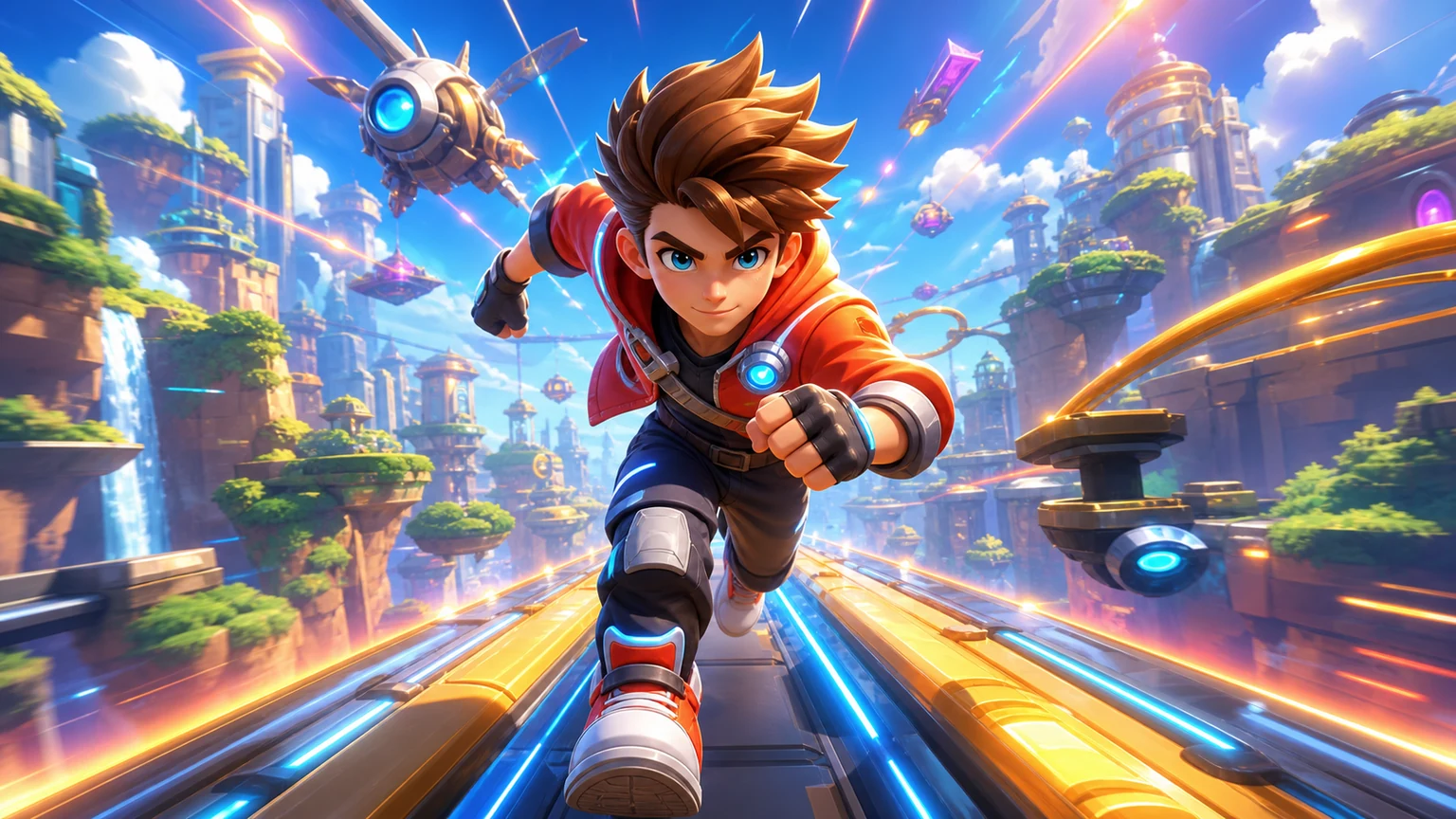
Build a third-person zombie shooter in a ruined city.Open in workspace
Unity

Endless Runner

Build a polished Unity endless runner with lanes and pickups.
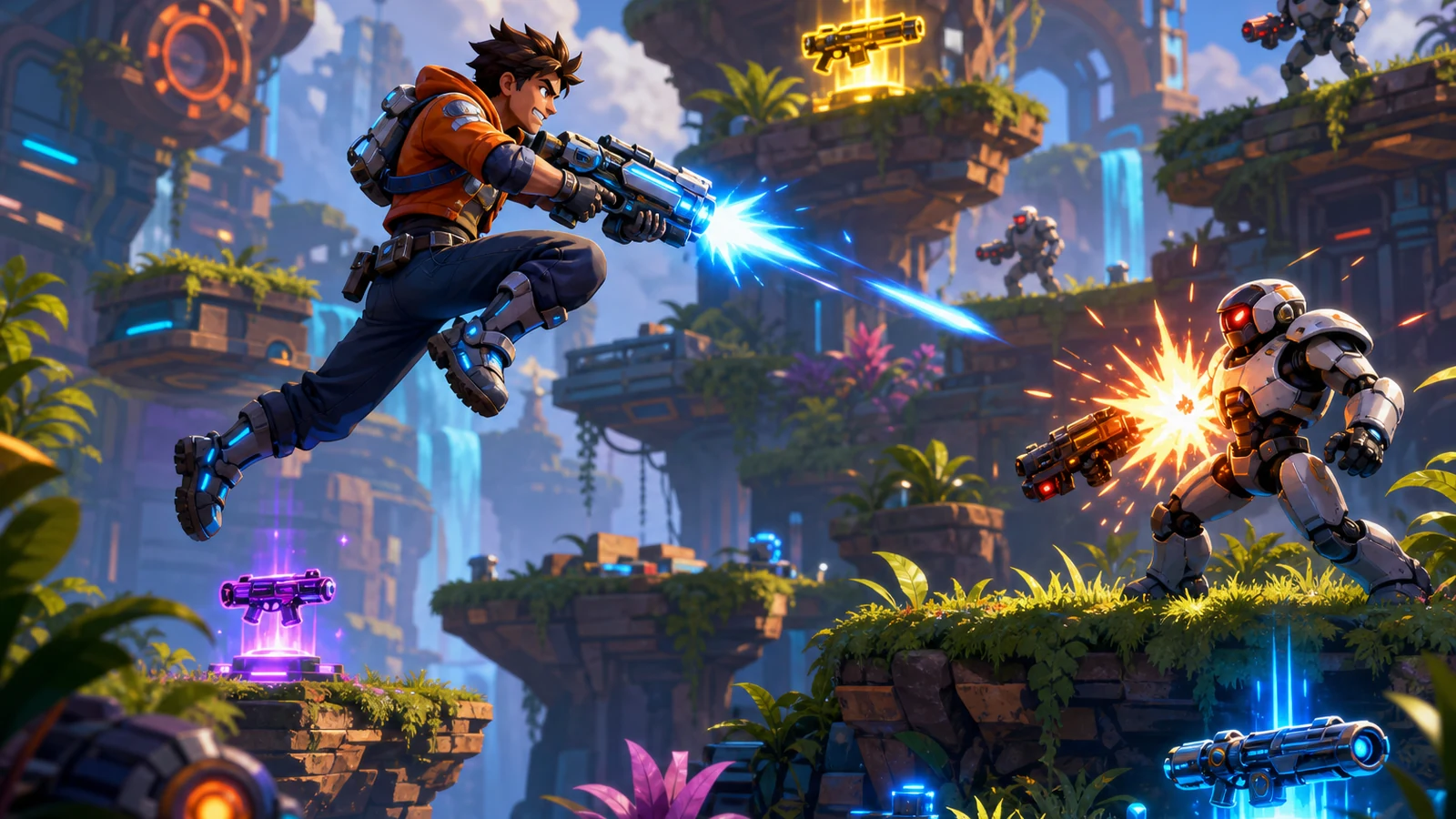
Build a polished Unity endless runner with lanes and pickups.Open in workspace
Shooter

Platform Shooter Quest

Build a side-scrolling platform shooter with weapon switching.
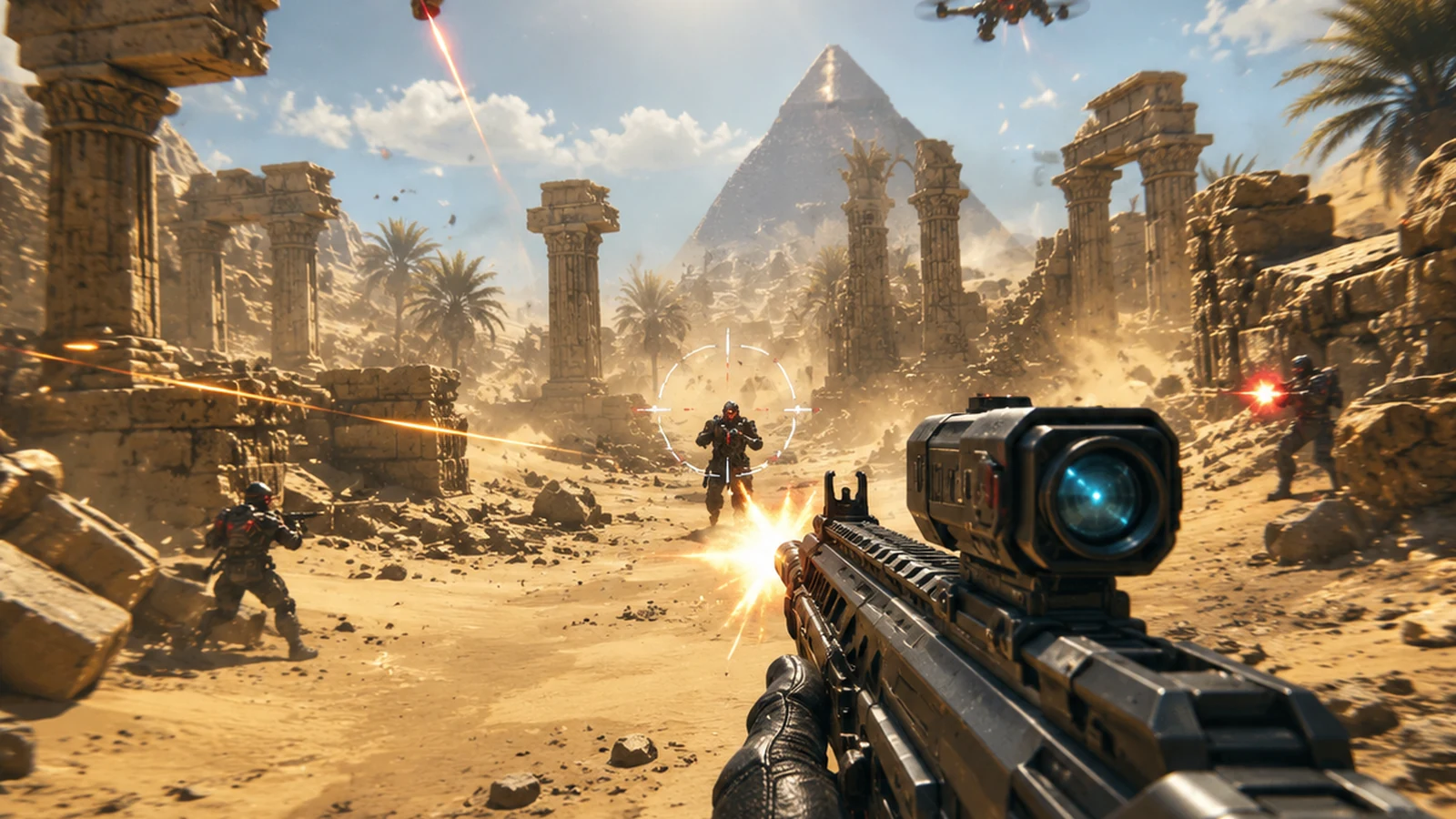
Build a side-scrolling platform shooter with weapon switching.Open in workspace
FPS

3D FPS Game

Build a desert FPS with weapon switching and a retro HUD.
Build a desert FPS with weapon switching and a retro HUD.Open in workspace
Unity

Crimson Illusion Battle

Build a Unity fantasy battle through a crimson illusion realm.

Build a Unity fantasy battle through a crimson illusion realm.Open in workspace
Godot

Baby Bat Climber

Build a compact Godot cave-climbing platformer.

Build a compact Godot cave-climbing platformer.Open in workspace
Arcade

Pumpkin Night Adventure

Build a Halloween grid-arena survival romp.

Build a Halloween grid-arena survival romp.Open in workspace
Driving

City Car Driving

Build an open-city free-driving game with car selection.

Build an open-city free-driving game with car selection.Open in workspace
Puzzle

Box Robot Puzzle

Build crate-pushing puzzles with vehicles and physics timing.

Build crate-pushing puzzles with vehicles and physics timing.Open in workspace
Adventure

Character Adventure Sim

Build a 3D character explorer with traversal and interactive zones.

Build a 3D character explorer with traversal and interactive zones.Open in workspace
Shooter

Dead City Shooter

Build a third-person zombie shooter in a ruined city.

Build a third-person zombie shooter in a ruined city.Open in workspace
Unity

Endless Runner

Build a polished Unity endless runner with lanes and pickups.

Build a polished Unity endless runner with lanes and pickups.Open in workspace
Shooter

Platform Shooter Quest

Build a side-scrolling platform shooter with weapon switching.

Build a side-scrolling platform shooter with weapon switching.Open in workspace
FPS

3D FPS Game

Build a desert FPS with weapon switching and a retro HUD.

Build a desert FPS with weapon switching and a retro HUD.Open in workspace
Unity

Crimson Illusion Battle

Build a Unity fantasy battle through a crimson illusion realm.

Build a Unity fantasy battle through a crimson illusion realm.Open in workspace
Godot

Baby Bat Climber

Build a compact Godot cave-climbing platformer.

Build a compact Godot cave-climbing platformer.Open in workspace

Prompt

MODEL: Seele01-Flash
Please use Three.js to generate a **mobile-first game** with the theme "**Scorpion Solitaire 3D**". Please read the following detailed game design requirements first, and then generate the code accordingly: ### 1. Assets & Environment * **Visual Style**: A polished, semi-realistic "Casino Table" aesthetic with a subtle desert theme to match the "Scorpion" title. * **Table**: A dark felt surface (dark grey or deep red) with a subtle sand-grain texture. * **Cards**: * Use `THREE.BoxGeometry` with very thin Z-depth to simulate card thickness (not just flat planes). * **Card Fronts**: Standard crisp SVG-style playing card textures (A-K, 4 suits). * **Card Backs**: A texture featuring a stylized red Scorpion logo on a patterned background. * **Animations**: Use a library like `tween.js` for smooth card movement (dealing, flipping, moving stacks). * **Lighting**: Soft warm ambient lighting coupled with a directional spotlight to cast subtle shadows under the cards, giving depth to the "stacks". * **Performance**: Use a single texture atlas for all card faces to reduce draw calls. Target 60fps on mobile devices. ### 2. Audio Requirements * **BGM**: A relaxing, lo-fi acoustic guitar or smooth jazz track (looping) to maintain focus. * **Sound Effects (SFX)**: * *Card Snap*: A crisp "thwack" sound when a card locks into position. * *Card Shuffle*: A ruffling sound during the initial deal. * *Invalid Move*: A subtle, low-pitched wooden "thud" or vibration sound. * *Victory*: A triumphant short jingle accompanied by a cascading card sound effect. * *Scorpion Sting*: A unique metallic sting sound when the timer runs low or a difficult move is made. ### 3. Gameplay Loop * **Setup**: * 7 columns (Tableau). * First 4 columns: 3 face-down cards, 4 face-up cards. * Last 3 columns: 7 face-up cards. * **Stock**: A separate pile containing the remaining 3 cards (face down), clickable to deal onto the first 3 columns. * **Rules & Logic**: * **Goal**: Build 4 complete columns (suits) from King down to Ace. * **Movement**: Players can move any face-up card (and all cards resting on top of it) to another column. * **Validation**: The target card must be exactly one rank higher than the card being moved (e.g., placing a 6 on a 7). * **Difficulty Modes (State Machine)**: * *Casual*: Move independent of suit; Place any card in empty columns. * *Normal*: Move independent of suit; Only **Kings** can fill empty columns. * *Difficult*: Move **Same Suit Only**; Only **Kings** can fill empty columns. * **Timer**: A countdown timer (e.g., 10 minutes). If it hits zero, Game Over. * **Win/Loss**: Win when all 4 King-Ace sequences are formed. Lose if no legal moves remain and the stock is empty (requires an "Auto-detect" algorithm). ### 4. Mobile Controls & Interaction * **Camera**: Fixed Orthographic camera (Top-down view) to ensure cards remain legible without perspective distortion on small screens. * **Touch Interaction**: * **Drag & Drop**: The primary control. Use `THREE.Raycaster` to detect touch start on a card. The card (and its children in the stack) should visually lift up (z-axis offset) and follow the finger/cursor. * **Tap-to-Move (Assist)**: Tapping a card should automatically check for the best legal move and animate it there (accessibility feature). * **UI Layout**: * **Portrait/Landscape**: Design for **Portrait Mode** by default (stacking columns vertically or overlapping them more heavily) but responsive to Landscape. * **HUD**: * Top Bar: Score, Timer, and "Menu/Pause" button. * Bottom Bar: "Undo" button (critical for mobile), "Hint" button. * **Touch Targets**: Ensure UI buttons are at least 44x44 pixels. Card collision boxes should be slightly larger than the visual mesh to forgive fat-finger inputs. * **Feedback**: * **Haptic**: Trigger `navigator.vibrate(10)` on a successful card drop. * **Visual**: Highlight the valid target column with a glow effect when dragging a card over it. Do not ask for clarification. Do not request confirmation. Directly execute the generation task based on the given instructions.
A game idea becoming a playable world and reaching an audience
MAKE • SHARE • EARN

Games are fun. Creating them is even better.

Game Introduction

About Scorpion Solitaire

Scorpion Solitaire is an exciting variation of the classic solitaire card game that adds extra challenge and strategy to your gaming experience. With an impressive 4.4/5 rating, this game transforms the traditional solitaire format by introducing time pressure, multiple difficulty levels, and more complex card arrangements that will test even experienced players.

Unlike regular solitaire, Scorpion Solitaire places more cards on the board from the start, creating a more complex puzzle that requires careful planning and quick thinking. The timed gameplay adds an element of urgency that keeps you engaged and focused throughout each session.

Core Features

Free Browser-Based Gaming

Scorpion Solitaire is completely free to play and runs directly in your web browser using HTML5 technology. No downloads, installations, or registration required - simply open the game and start playing immediately.

Three Challenging Difficulty Levels

The game offers three distinct difficulty modes to match your skill level:

  • Casual Mode : Most flexible gameplay where you can place cards independent of suit and use any empty spot
  • Normal Mode : Moderate challenge with suit-independent placement, but only Kings can occupy empty columns
  • Difficult Mode : Advanced gameplay requiring same-suit stacking with strict King-only empty column rules

Mobile-Optimized Experience

Designed specifically for both desktop and mobile devices, the game provides smooth touch controls and responsive design that adapts perfectly to any screen size. Play on your computer, tablet, or smartphone with equal ease.

Strategic Gameplay Elements

Each game presents a unique puzzle where you must: - Build four complete decks in descending order (King to Ace) - Manage face-up cards strategically - Use the three final cards wisely when needed - Race against time to complete your objective

Gameplay Mechanics

The objective is straightforward yet challenging: arrange four complete decks of cards in descending order from King to Ace. However, the execution requires strategic thinking and quick decision-making.

Card Movement Rules

  • Move any face-up card in a column
  • Place cards on other cards that are one rank higher
  • Different rules apply based on your chosen difficulty level
  • Use the rightmost card pile to deal three additional cards when needed

Winning Strategy

Success in Scorpion Solitaire requires balancing speed with strategy. While the timer creates urgency, hasty moves can lead to blocked sequences that prevent completion. Focus on exposing face-down cards early and maintaining flexibility in your card arrangements.

How to Play

Getting started with Scorpion Solitaire is simple:

  1. Choose Your Difficulty : Select from Casual, Normal, or Difficult mode based on your experience level
  2. Analyze the Board : Survey the initial card layout to identify potential moves
  3. Start Moving Cards : Click and drag face-up cards to valid positions
  4. Build Sequences : Create descending sequences from King to Ace
  5. Use Extra Cards : Click the rightmost pile when you need the final three cards
  6. Complete Four Decks : Successfully build all four decks to win

Controls

  • Mouse : Click and drag cards to move them
  • Touch : Tap and drag on mobile devices
  • Right Card Pile : Click to deal the final three cards

Why Play Scorpion Solitaire

This game perfectly combines the familiar comfort of solitaire with exciting new challenges that keep the experience fresh and engaging. The multiple difficulty levels ensure that both beginners and expert players can find their perfect challenge level.

The timed element adds excitement without being overwhelming, creating just enough pressure to keep you focused while still allowing for thoughtful strategy. Whether you have five minutes or an hour, Scorpion Solitaire provides the perfect mental exercise and entertainment.

The game's HTML5 technology ensures smooth performance across all modern devices, making it an ideal choice for quick gaming sessions during breaks or extended play sessions at home.

Frequently Asked Questions (FAQ)