
Slacking School - Free Online Mini-Games Collection - Casual Game
 Arcade
Pumpkin Night Adventure
Build a Halloween grid-arena survival romp.
 Action
Open World City Action
Build an open-world city romp with driving and police chases.
 FPS
FPS3D FPS Game
Build a desert FPS with weapon switching and a retro HUD.
 Adventure
Character Adventure Sim
Build a 3D character explorer with traversal and interactive zones.
 Driving
City Car Driving
Build an open-city free-driving game with car selection.
 New
NewFirst-Person Horror Survival
Build a first-person horror survival with exploration and enemies.
 Racing
Track Racing Challenge
Build a closed-circuit racer built around drift corners.
 Survival
Survival Sandbox Arena
Build a survival arena with enemy waves and turret defense.
 Unity
UnityEndless Runner
Build a polished Unity endless runner with lanes and pickups.
 Sandbox
Voxel Sandbox Builder
Build a voxel sandbox for placing and breaking blocks freely.
ArcadePumpkin Night Adventure
Build a Halloween grid-arena survival romp.
ActionOpen World City Action
Build an open-world city romp with driving and police chases.
FPS3D FPS Game
Build a desert FPS with weapon switching and a retro HUD.
AdventureCharacter Adventure Sim
Build a 3D character explorer with traversal and interactive zones.
DrivingCity Car Driving
Build an open-city free-driving game with car selection.
NewFirst-Person Horror Survival
Build a first-person horror survival with exploration and enemies.
RacingTrack Racing Challenge
Build a closed-circuit racer built around drift corners.
SurvivalSurvival Sandbox Arena
Build a survival arena with enemy waves and turret defense.
UnityEndless Runner
Build a polished Unity endless runner with lanes and pickups.
SandboxVoxel Sandbox Builder
Build a voxel sandbox for placing and breaking blocks freely.
Prompt

Games are fun. Creating them is even better.
Game Introduction
About the Game
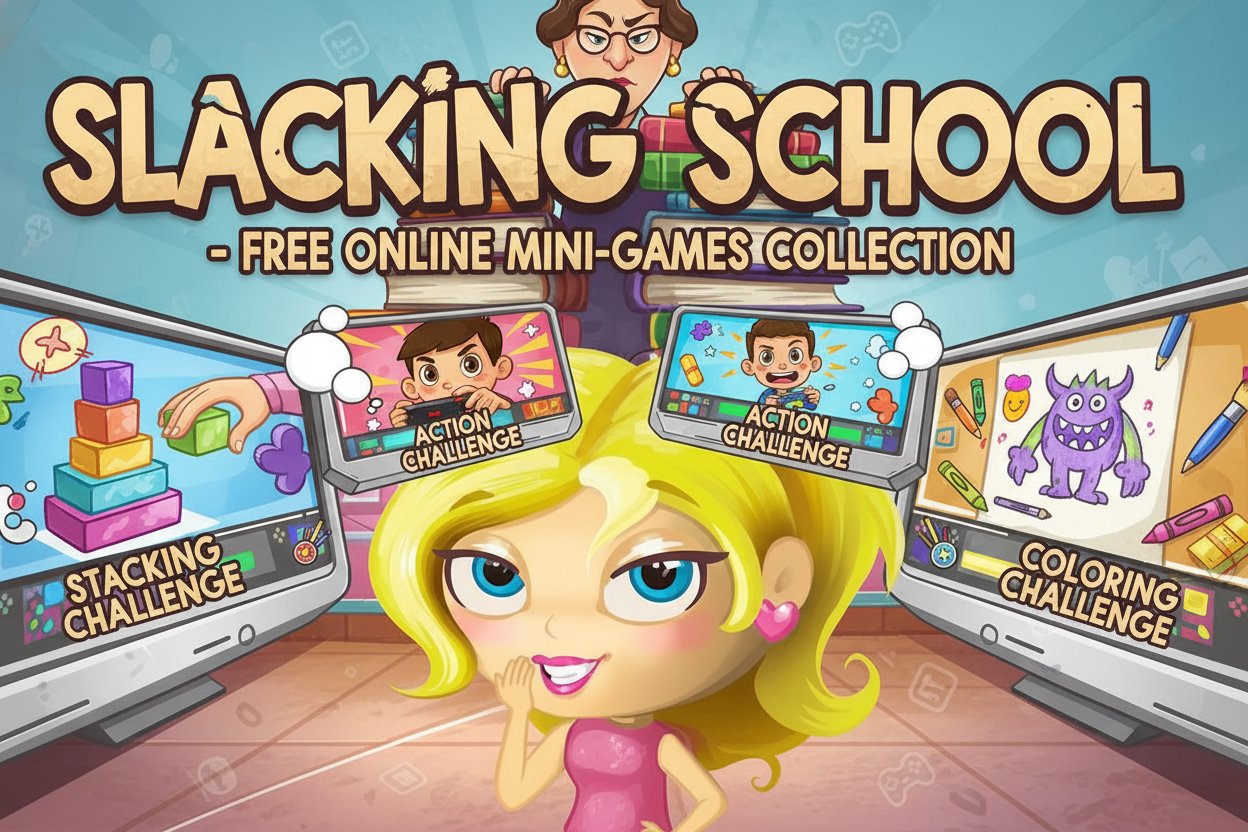
Slacking School is an entertaining free puzzle game that perfectly captures the universal experience of trying to stay entertained during boring school lessons. With a stellar 4.2/5 rating from players worldwide, this HTML5 game combines stealth gameplay with a collection of engaging mini-games that will keep you on your toes.
The premise is simple yet addictive: you're stuck in a classroom with a strict teacher who expects you to take notes, but you'd rather be doing something fun. When the teacher steps away, you have precious moments to play various mini-games before they return to check on you.
Core Features
Multiple Mini-Game Types
The game offers a diverse collection of mini-games to keep the experience fresh and exciting: - Stacking Games : Test your precision and timing skills - Action Games : Quick reflexes and fast-paced challenges - Coloring Games : Creative and relaxing artistic activities - Shooting Games : Fun paper ball target practice - Beauty Games : Paint nails and other grooming activities
Stealth Gameplay Mechanics
What makes Slacking School unique is its stealth element. An exclamation mark warning system alerts you when the teacher is approaching, adding tension and excitement to every gaming session. You must quickly switch back to "studying" to avoid getting caught.
Instant Play Technology
- No Download Required : Play directly in your browser
- HTML5 Powered : Smooth performance across all devices
- Mobile Optimized : Perfect touch controls for smartphones and tablets
- Cross-Platform : Works on PC, Mac, iOS, and Android devices
Time Management Challenge
Each level operates on a timer system, creating urgency as you try to complete all available mini-games before time runs out. The teacher's patrol schedule is randomized, meaning you never know exactly how much time you have for each activity.
Game Mechanics
How the Stealth System Works
The game's core mechanic revolves around risk and reward. When the teacher is present, you must resist the temptation to play and appear to be taking notes. The moment they leave, you can click on various mini-games scattered around your desk area.
Scoring and Progression
Success in Slacking School depends on: - Completing mini-games within the time limit - Avoiding detection by the teacher - Managing your time effectively between different activities - Achieving high scores in individual mini-games
Operation Guide
Basic Controls
- Mouse Click : Select and interact with mini-games
- Touch Controls : Tap to play on mobile devices
- Warning System : Watch for the exclamation mark that signals teacher approach
- Quick Exit : Immediately stop playing when warned
Winning Strategy
- Stay Alert : Always watch for the warning indicator
- Prioritize : Focus on games you can complete quickly
- Time Management : Don't get too absorbed in one activity
- Practice : Improve your mini-game skills to complete them faster
Game Objectives
- Complete as many mini-games as possible before the timer expires
- Avoid getting caught by the teacher
- Achieve high scores in individual challenges
- Unlock new mini-games and activities
Why Play Slacking School
Perfect for Casual Gaming
Slacking School is ideal for players looking for: - Quick Gaming Sessions : Perfect for short breaks - Stress Relief : Fun way to unwind and relax - Nostalgic Fun : Relive the universal school experience - Family Friendly : Suitable content for teens and adults
Educational Benefits
While primarily entertainment-focused, the game offers: - Time Management Skills : Learning to prioritize under pressure - Hand-Eye Coordination : Improving reflexes through mini-games - Multi-tasking : Managing multiple activities simultaneously - Quick Decision Making : Rapid response to changing situations
Accessibility Features
- Free to Play : No cost or registration required
- Instant Access : No downloads or installations needed
- Universal Appeal : Engaging for players of all skill levels
- Replay Value : Randomized elements keep the experience fresh
Technical Specifications
Platform Support
- Web Browsers : All modern browsers supported
- Mobile Devices : iOS and Android compatible
- Desktop : Windows, Mac, and Linux systems
- No Plugins Required : Pure HTML5 technology
Performance Optimization
The game features lightweight design for: - Fast loading times - Smooth gameplay on older devices - Minimal data usage - Consistent frame rates
Slacking School successfully transforms a relatable scenario into an engaging gaming experience, combining nostalgia with modern game design to create something truly entertaining for players of all ages.