
Sticker Maker - Creative Coloring Game - Casual Game
 New
NewArcade Crossing Game
Build a lane-dodging arcade game with traffic and pickups.
 Unity
UnityDesert Quickshot
Build a Unity quickdraw duel with streaks and rising heat.
 FPS
FPS3D FPS Game
Build a desert FPS with weapon switching and a retro HUD.
 Subscriber only
Unreal Top-Down Roguelite
Create a complete UE 5.5 top-down arena roguelite with upgrades and a boss finale.
 Arcade
Pumpkin Night Adventure
Build a Halloween grid-arena survival romp.
 Unity
UnityEndless Runner
Build a polished Unity endless runner with lanes and pickups.
 Subscriber only
Unreal City Tour
Explore a photoreal Unreal city with terrain and live weather.
 Adventure
Character Adventure Sim
Build a 3D character explorer with traversal and interactive zones.
 Unity
UnityBattle of Balls
Build a Unity arena where rolling balls collide and grow.
 Shooter
Platform Shooter Quest
Build a side-scrolling platform shooter with weapon switching.
NewArcade Crossing Game
Build a lane-dodging arcade game with traffic and pickups.
UnityDesert Quickshot
Build a Unity quickdraw duel with streaks and rising heat.
FPS3D FPS Game
Build a desert FPS with weapon switching and a retro HUD.
Subscriber onlyUnreal Top-Down Roguelite
Create a complete UE 5.5 top-down arena roguelite with upgrades and a boss finale.
ArcadePumpkin Night Adventure
Build a Halloween grid-arena survival romp.
UnityEndless Runner
Build a polished Unity endless runner with lanes and pickups.
Subscriber onlyUnreal City Tour
Explore a photoreal Unreal city with terrain and live weather.
AdventureCharacter Adventure Sim
Build a 3D character explorer with traversal and interactive zones.
UnityBattle of Balls
Build a Unity arena where rolling balls collide and grow.
ShooterPlatform Shooter Quest
Build a side-scrolling platform shooter with weapon switching.
Prompt

Games are fun. Creating them is even better.
Game Introduction
About the Game
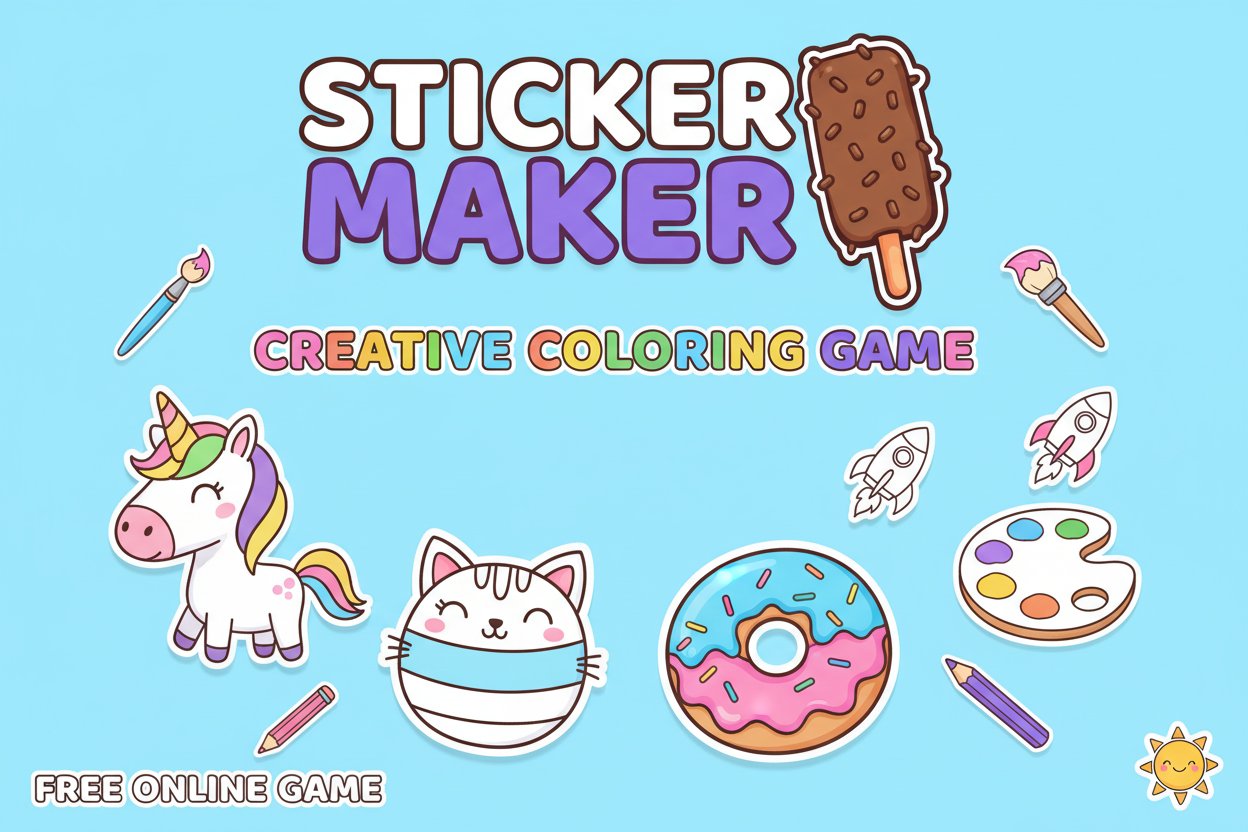
Sticker Maker is a delightful free online coloring game that captures the pure joy of creative expression. With an impressive 4.5/5 rating from players worldwide, this relaxing digital art experience invites you to rediscover the simple pleasure of coloring that you enjoyed as a child.
Unlike competitive games with stressful objectives, Sticker Maker offers a peaceful creative sanctuary where you can unwind and let your artistic side flourish. Whether you're taking a break from work, relaxing after school, or simply want to engage in some mindful creativity, this game provides the perfect escape.
Core Features
Extensive Creative Library
Choose from a diverse collection of adorable subjects to color:
-
Cute Animals
: Cats, puppies, and other loveable creatures
-
Magical Characters
: Unicorns and fantasy-themed designs
-
Fun Objects
: Donuts, fidget spinners, and trendy items
-
Seasonal Themes
: Holiday and special occasion designs
Stress-Free Gaming Experience
- No Time Pressure : Color at your own pace without any countdown timers
- No Competition : Focus purely on creativity without leaderboards or scoring
- All Ages Welcome : Designed to be enjoyed by children, teens, and adults alike
- Instant Access : Play directly in your browser without downloads or installations
Modern HTML5 Technology
Built with cutting-edge HTML5 technology, Sticker Maker runs smoothly across all devices and browsers, ensuring a consistent creative experience whether you're on desktop, tablet, or smartphone.
Gameplay Instructions
Simple Controls for Everyone
The game features intuitive controls that work across all devices:
Desktop Users: - Use your mouse to point and click on different areas - Select colors from the palette - Click and drag to fill larger areas
Mobile & Tablet Users:
- Use your finger to tap and select colors
- Swipe to navigate between different sticker designs
- Pinch to zoom for detailed coloring work
Creative Process
- Choose Your Canvas : Browse the library and select a design that inspires you
- Pick Your Palette : Choose from a vibrant array of colors
- Start Coloring : Tap or click to fill areas with your chosen colors
- Express Yourself : There are no rules - make each sticker uniquely yours
- Admire Your Work : Enjoy your completed digital sticker creation
Why Play Sticker Maker
Perfect Stress Relief
In our fast-paced world, Sticker Maker provides a much-needed digital detox. The meditative act of coloring has been proven to reduce stress and anxiety while promoting mindfulness and focus.
Rediscover Creative Joy
Many adults have lost touch with simple creative pleasures. This game helps you reconnect with the pure satisfaction of artistic expression without the pressure of creating perfect art.
Flexible Entertainment
- Quick Sessions : Perfect for short breaks (5-10 minutes)
- Extended Play : Ideal for longer relaxation periods
- Portable Fun : Access your creativity anywhere with internet connection
- Family Friendly : Safe, appropriate content for all family members
Educational Benefits
- Color Theory : Experiment with different color combinations
- Fine Motor Skills : Improve coordination through precise coloring
- Patience Development : Learn to take your time and enjoy the process
- Artistic Confidence : Build creative confidence in a judgment-free environment