
Toonle - Creative Animation Drawing Game - Casual Game
 Unity
UnityBattle of Balls
Build a Unity arena where rolling balls collide and grow.
 3D
3DThird Person Explorer
Build a third-person explorer with swappable scenes and a live minimap.
 Shooter
Dead City Shooter
Build a third-person zombie shooter in a ruined city.
 Unity
UnityEndless Runner
Build a polished Unity endless runner with lanes and pickups.
 FPS
FPS3D FPS Game
Build a desert FPS with weapon switching and a retro HUD.
 Action
Open World City Action
Build an open-world city romp with driving and police chases.
 New
NewFirst-Person Horror Survival
Build a first-person horror survival with exploration and enemies.
 Subscriber only
Unreal City Tour
Explore a photoreal Unreal city with terrain and live weather.
 Sports
Basketball Duel
Build a one-on-one basketball game with physics shooting.
 Racing
Track Racing Challenge
Build a closed-circuit racer built around drift corners.
UnityBattle of Balls
Build a Unity arena where rolling balls collide and grow.
3DThird Person Explorer
Build a third-person explorer with swappable scenes and a live minimap.
ShooterDead City Shooter
Build a third-person zombie shooter in a ruined city.
UnityEndless Runner
Build a polished Unity endless runner with lanes and pickups.
FPS3D FPS Game
Build a desert FPS with weapon switching and a retro HUD.
ActionOpen World City Action
Build an open-world city romp with driving and police chases.
NewFirst-Person Horror Survival
Build a first-person horror survival with exploration and enemies.
Subscriber onlyUnreal City Tour
Explore a photoreal Unreal city with terrain and live weather.
SportsBasketball Duel
Build a one-on-one basketball game with physics shooting.
RacingTrack Racing Challenge
Build a closed-circuit racer built around drift corners.
Prompt

Games are fun. Creating them is even better.
Game Introduction
About Toonle
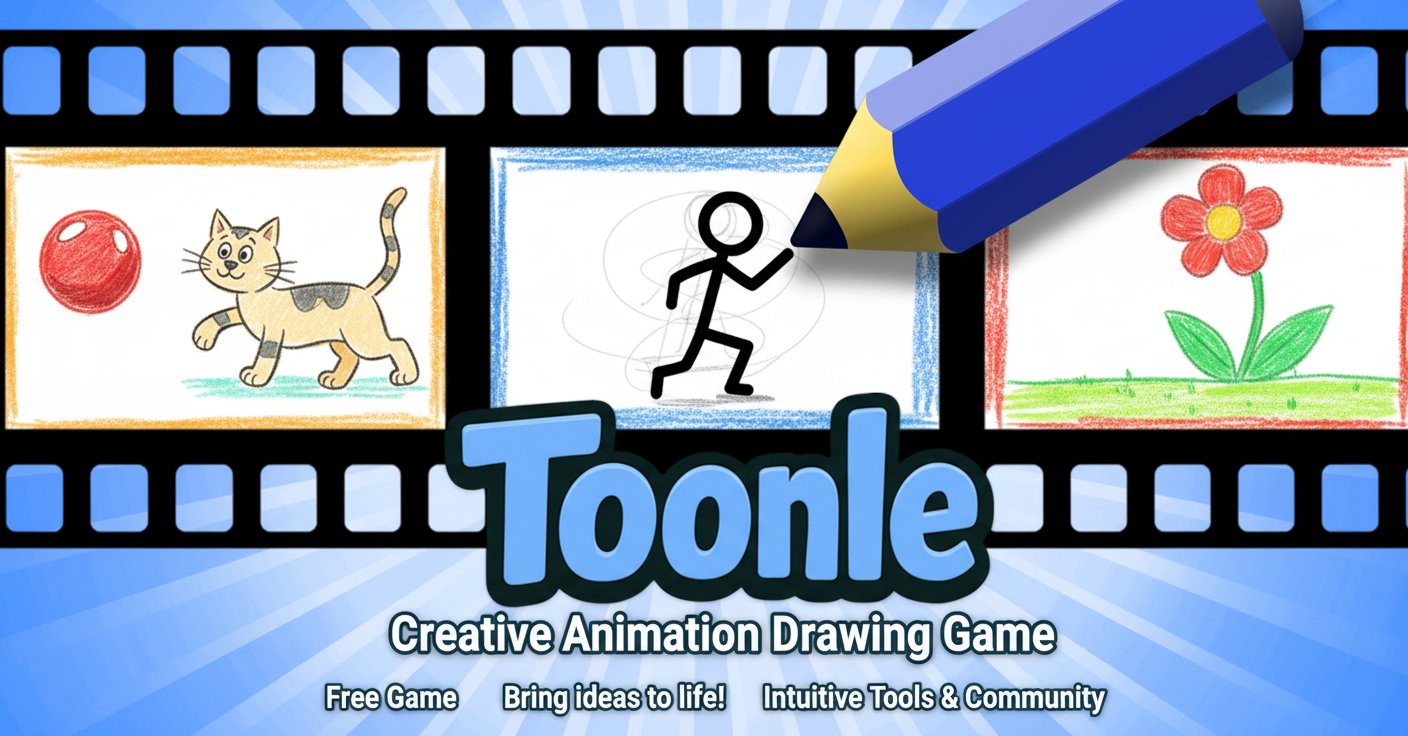
Toonle is an innovative online animation drawing game that transforms your creative ideas into stunning animated sequences. This free-to-play platform combines the art of traditional frame-by-frame animation with modern digital tools, making animation accessible to everyone from complete beginners to seasoned artists.
Whether you're sketching simple stick figures or crafting complex character animations, Toonle provides all the essential tools you need to create professional-looking animations directly in your browser.
Core Features
Professional Animation Tools
Toonle offers a comprehensive suite of drawing and animation tools designed for ease of use:
- Intuitive Drawing Interface : Clean, user-friendly workspace that doesn't overwhelm beginners
- Multiple Brush Options : Various brush types and sizes to achieve different artistic effects
- Custom Color Palettes : Create and save personalized color schemes for consistent styling
- Frame-by-Frame Animation : Traditional animation techniques made simple and accessible
- Onion Skinning : See previous and next frames while drawing for smooth animation flow
Community and Sharing Features
Connect with fellow animators and showcase your creativity:
- Animation Gallery : Browse and get inspired by community creations
- Easy Sharing : Share your animations with friends and social media platforms
- Community Feedback : Receive constructive criticism and encouragement from other users
- Featured Content : Discover trending animations and popular creators
Learning and Growth
Toonle isn't just a tool – it's a complete learning platform:
- Built-in Tutorials : Step-by-step guides covering animation fundamentals
- Inspiring Content Library : Watch examples of excellent animation techniques
- Progressive Skill Building : Tools and features that grow with your abilities
- Animation Principles : Learn industry-standard techniques like timing, spacing, and easing
Game Mechanics
Frame-by-Frame Animation Process
Creating animations in Toonle follows a simple yet powerful workflow:
- Setup Your Scene : Choose canvas size and frame rate for your animation
- Draw Your First Frame : Use the drawing tools to create your initial image
- Add Subsequent Frames : Create new frames and draw incremental changes
- Preview Your Work : Play back your animation to see how it flows
- Refine and Polish : Adjust timing, add details, and perfect your creation
- Share and Export : Save your animation and share it with the community
Creative Possibilities
The game supports various animation styles and genres:
- Character Animation : Bring stick figures, cartoons, and original characters to life
- Motion Graphics : Create abstract animations and visual effects
- Storytelling : Craft short animated stories and scenarios
- Educational Content : Make instructional animations and demonstrations
- Experimental Art : Push creative boundaries with unique animation techniques
Controls and Operation
Desktop Experience
- Mouse Drawing : Use left mouse button to draw smooth lines and shapes
- Precision Control : Fine-tune your artwork with precise cursor movements
- Keyboard Shortcuts : Speed up workflow with convenient hotkeys
- Multi-tool Access : Quick switching between brushes, colors, and animation controls
Mobile Compatibility
- Touch Drawing : Natural finger drawing on smartphones and tablets
- Gesture Controls : Intuitive pinch-to-zoom and pan gestures
- Responsive Interface : Optimized layout for smaller screens
- Cross-Platform Sync : Continue projects across different devices
Why Choose Toonle
Perfect for Beginners
Toonle removes the traditional barriers to animation creation:
- No Download Required : Start animating immediately in your browser
- Free to Use : Access all core features without any payment
- Gentle Learning Curve : User-friendly interface that doesn't intimidate newcomers
- Comprehensive Tutorials : Learn animation fundamentals through guided lessons
Suitable for All Skill Levels
While beginner-friendly, Toonle offers depth for experienced animators:
- Professional Techniques : Support for advanced animation principles
- Flexible Tools : Adapt to various animation styles and preferences
- Community Learning : Learn from other animators and share techniques
- Portfolio Building : Create a collection of animations to showcase your skills
Creative Freedom
Express yourself without limitations:
- No Style Restrictions : Create realistic, cartoon, abstract, or experimental animations
- Original Content : Full ownership of your creative works
- Collaborative Opportunities : Connect with other creators for joint projects
- Inspiration Hub : Discover new ideas through community browsing
Getting Started
Beginning your animation journey with Toonle is straightforward:
- Access the Game : Open Toonle in any modern web browser
- Explore Tutorials : Start with the built-in tutorial system
- Create Your First Animation : Begin with simple movements and characters
- Join the Community : Share your work and connect with other animators
- Develop Your Skills : Practice regularly and experiment with new techniques
Whether you're interested in creating simple animated GIFs, learning professional animation techniques, or just having fun with digital art, Toonle provides the perfect platform to explore your creativity and bring your ideas to life through the magic of animation.