
1010! Deluxe - Block Puzzle Game - Puzzle Game
 Unity
UnityChaos Train Arcade
Build a chaotic Unity train arcade of hazards and timing.
 Racing
Track Racing Challenge
Build a closed-circuit racer built around drift corners.
 FPS
FPS3D FPS Game
Build a desert FPS with weapon switching and a retro HUD.
 Survival
Survival Sandbox Arena
Build a survival arena with enemy waves and turret defense.
 Voxel
VoxelVoxel Village Explorer
Build a voxel village to roam with jump and camera controls.
 Sandbox
Voxel Sandbox Builder
Build a voxel sandbox for placing and breaking blocks freely.
 Unity
UnityDesert Quickshot
Build a Unity quickdraw duel with streaks and rising heat.
 Voxel
VoxelVoxel Hero Adventure
Build a voxel hero who explores, mines, and builds.
 Subscriber only
Unreal City Tour
Explore a photoreal Unreal city with terrain and live weather.
 New
NewCharacter Physics World
Build a third-person physics world with day-night and props to touch.
UnityChaos Train Arcade
Build a chaotic Unity train arcade of hazards and timing.
RacingTrack Racing Challenge
Build a closed-circuit racer built around drift corners.
FPS3D FPS Game
Build a desert FPS with weapon switching and a retro HUD.
SurvivalSurvival Sandbox Arena
Build a survival arena with enemy waves and turret defense.
VoxelVoxel Village Explorer
Build a voxel village to roam with jump and camera controls.
SandboxVoxel Sandbox Builder
Build a voxel sandbox for placing and breaking blocks freely.
UnityDesert Quickshot
Build a Unity quickdraw duel with streaks and rising heat.
VoxelVoxel Hero Adventure
Build a voxel hero who explores, mines, and builds.
Subscriber onlyUnreal City Tour
Explore a photoreal Unreal city with terrain and live weather.
NewCharacter Physics World
Build a third-person physics world with day-night and props to touch.
Prompt

Games are fun. Creating them is even better.
Game Introduction
About the Game
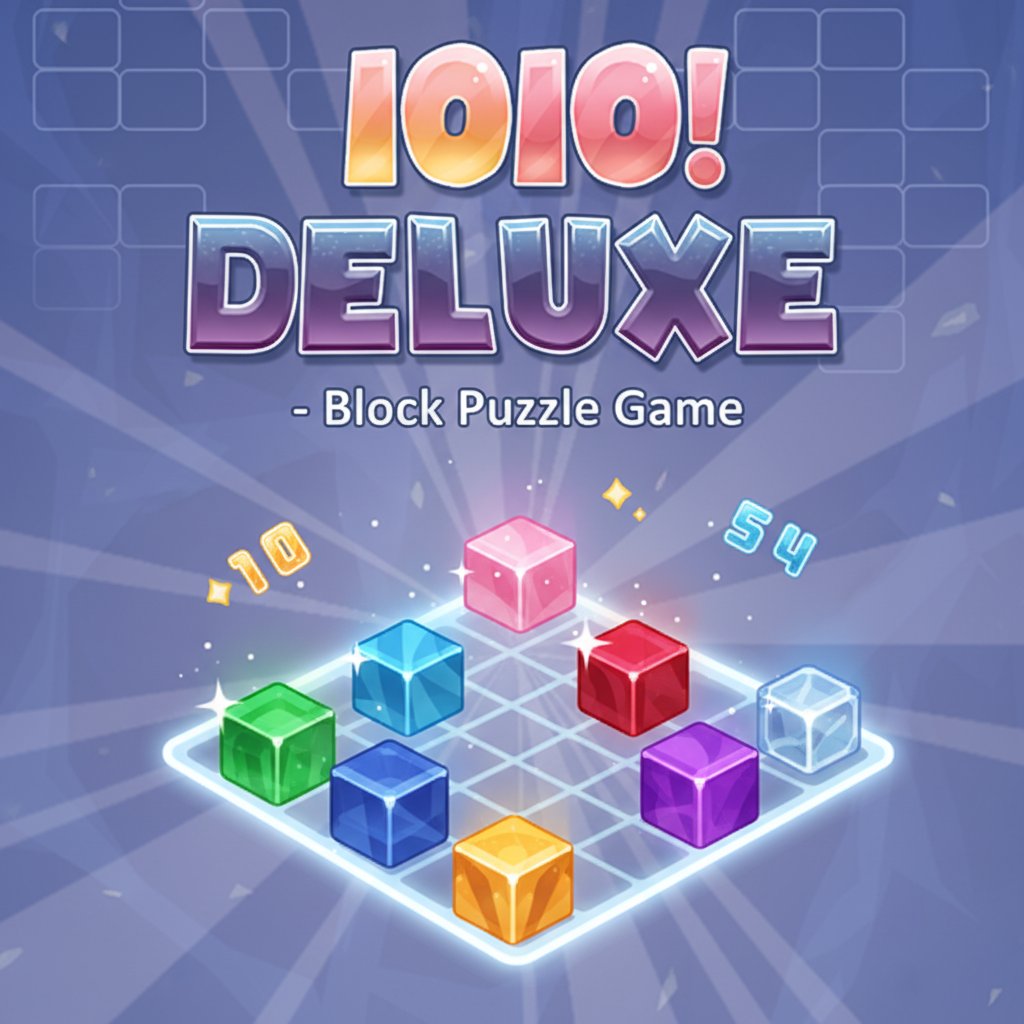
1010! Deluxe is a captivating block puzzle game that combines strategic thinking with satisfying gameplay mechanics. This enhanced version of the classic 1010 puzzle challenges you to arrange colorful geometric shapes into perfect rows and columns to maximize your score. With its vibrant design and intuitive mechanics, many players consider it even better than traditional Tetris games!
Core Features
Strategic Block Placement System
1010! Deluxe offers a unique twist on classic block puzzle gameplay. Unlike traditional falling block games, you have complete control over piece placement, allowing for careful strategic planning and maximum scoring opportunities.
Completely Free to Play
- Zero cost - play the full game without any payments
- No download required - instant browser gameplay
- No registration needed to start playing
- Full access to all features and game modes
Enhanced Visual Experience
The game features a stunning gradient color scheme with vibrant blocks in multiple colors including green, yellow, orange, red, pink, purple, and blue. The polished interface creates an engaging and visually appealing puzzle experience.
Cross-Platform Compatibility
Play seamlessly across all devices: - Desktop computers (Windows, Mac, Linux) - Mobile phones (iOS and Android) - Tablets and other touch devices - All modern web browsers supported
Social Gaming Features
- Share your high scores with friends
- Compare achievements and compete for the best scores
- Challenge others to beat your puzzle-solving skills
Gameplay Mechanics
Three-Shape Challenge System
Each round presents you with three different geometric shapes that you must strategically place on the game board. This limitation adds a layer of strategy as you must plan ahead and make the most efficient use of each piece.
Row and Column Completion
When you successfully fill a complete horizontal row or vertical column with blocks, those pieces disappear and convert into points. The more lines you clear simultaneously, the higher your score multiplier!
Strategic Planning Required
Unlike games where pieces fall automatically, 1010! Deluxe gives you unlimited time to consider your moves. This allows for deep strategic thinking and careful board management.
How to Play
Basic Controls
- Mouse Users : Click and drag pieces to move them around the board
- Touch Devices : Tap and drag with your finger
- Placement : Left click or tap to place pieces in your desired position
- Rotation : Some pieces can be rotated for optimal placement
Scoring Strategy
- Plan Ahead : Look at all three pieces before placing any
- Create Multiple Lines : Try to set up situations where you can clear multiple rows/columns at once
- Manage Space : Don't fill the board randomly - maintain open areas for future pieces
- Think Long-term : Sometimes it's better to wait for the perfect piece rather than placing immediately
Why Play 1010! Deluxe
Perfect for All Skill Levels
Whether you're a puzzle game beginner or a Tetris master, 1010! Deluxe offers engaging gameplay that scales with your skill level. The simple rules make it easy to learn, while the strategic depth keeps experienced players coming back.
Brain Training Benefits
- Improves spatial reasoning skills
- Enhances strategic planning abilities
- Develops pattern recognition
- Provides relaxing yet challenging mental exercise
Instant Entertainment
No lengthy tutorials or complex setup required. Simply load the game in your browser and start playing immediately. Perfect for quick gaming sessions or extended puzzle marathons.
Stress-Free Gaming
Without time pressure or falling pieces, you can play at your own pace. This makes it perfect for relaxation while still providing mental stimulation and achievement satisfaction.