
Block Champ - Strategic Tetris Puzzle Game - Puzzle Game
 3D
3DThird Person Explorer
Build a third-person explorer with swappable scenes and a live minimap.
 Subscriber only
Unreal City Tour
Explore a photoreal Unreal city with terrain and live weather.
 Shooter
Rail Shooter Ride
Build a roller-coaster rail shooter that aims as you ride.
 Unity
UnityChaos Train Arcade
Build a chaotic Unity train arcade of hazards and timing.
 Unity
UnityCity Eater
Build a Unity game where a growing blob devours the city.
 New
NewUnderwater Puzzle
Build an underwater puzzle: restore coral, dodge crabs.
 Subscriber only
Unreal Dungeon Crawler
Build a playable Unreal dungeon crawler, combat-ready.
 Subscriber only
Unreal Mountain Tour
Tour a third-person Unreal world of mountains and water.
 FPS
FPSZombie Horror Survival
Build a tense zombie horror survival with map progression.
 Subscriber only
Unreal FPS/TPS Shooter
Create a complete UE 5.5 FPS or TPS shooter with combat, UI, and replay.
3DThird Person Explorer
Build a third-person explorer with swappable scenes and a live minimap.
Subscriber onlyUnreal City Tour
Explore a photoreal Unreal city with terrain and live weather.
ShooterRail Shooter Ride
Build a roller-coaster rail shooter that aims as you ride.
UnityChaos Train Arcade
Build a chaotic Unity train arcade of hazards and timing.
UnityCity Eater
Build a Unity game where a growing blob devours the city.
NewUnderwater Puzzle
Build an underwater puzzle: restore coral, dodge crabs.
Subscriber onlyUnreal Dungeon Crawler
Build a playable Unreal dungeon crawler, combat-ready.
Subscriber onlyUnreal Mountain Tour
Tour a third-person Unreal world of mountains and water.
FPSZombie Horror Survival
Build a tense zombie horror survival with map progression.
Subscriber onlyUnreal FPS/TPS Shooter
Create a complete UE 5.5 FPS or TPS shooter with combat, UI, and replay.
Prompt

Games are fun. Creating them is even better.
Game Introduction
About Block Champ
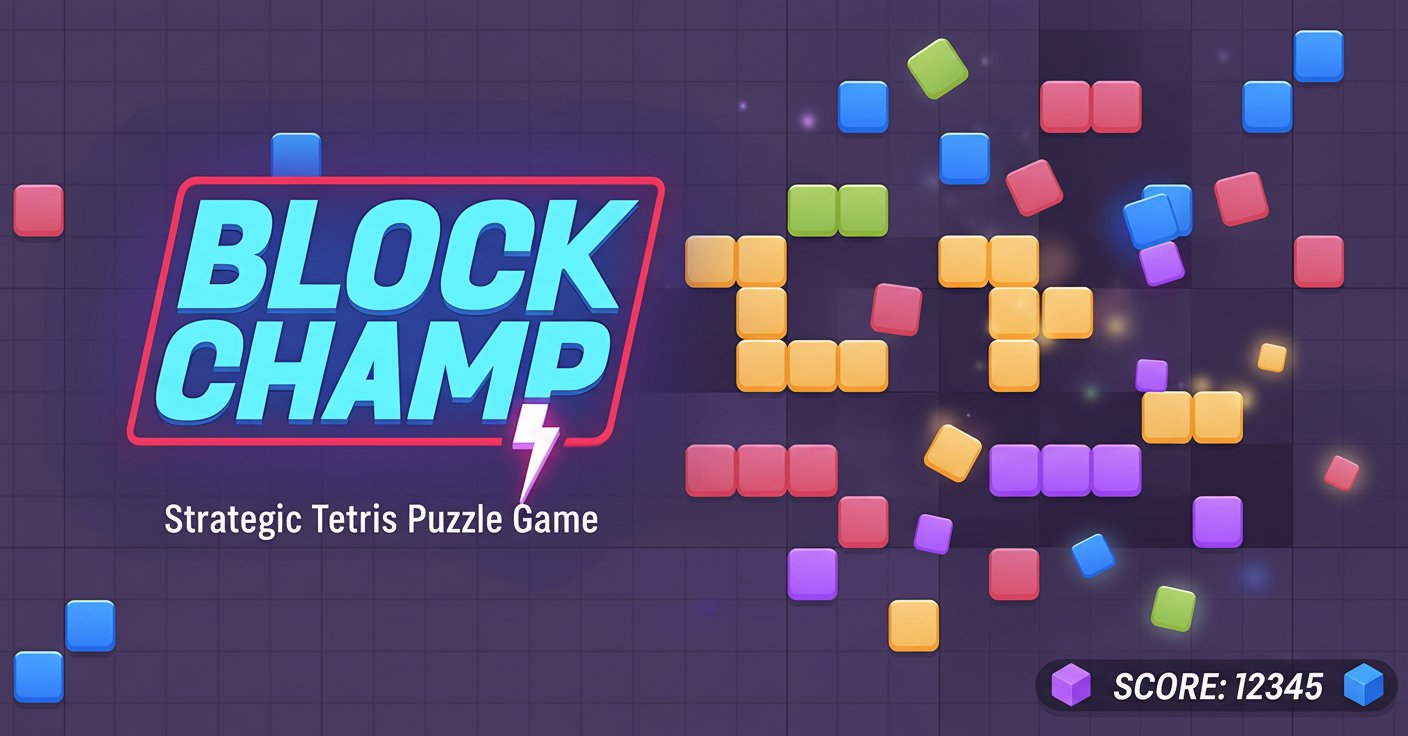
Block Champ revolutionizes the classic Tetris formula by removing time constraints and adding strategic depth to block-placing gameplay. This free online puzzle game challenges players to think tactically rather than react quickly, making it perfect for puzzle enthusiasts who prefer strategy over speed.
The game features a unique 10x10 grid system where you can clear lines both horizontally and vertically, offering more strategic possibilities than traditional Tetris games. With special blocks like lightning bolts and ice blocks, Block Champ provides fresh mechanics that keep the gameplay engaging and unpredictable.
Core Features
Strategic Gameplay Without Time Pressure
Unlike traditional Tetris games, Block Champ eliminates the pressure of falling blocks. You have unlimited time to consider your moves, making it ideal for players who enjoy thoughtful, strategic puzzle-solving.
Dual-Direction Line Clearing
Clear rows both horizontally and vertically on the 10x10 grid, providing multiple strategic options for every placement. This dual-direction system creates more opportunities for combo moves and higher scores.
Special Block Types
- Lightning Blocks : When two lightning bolts align, they automatically clear a row without needing all spaces filled
- Ice Blocks : These special blocks reproduce in the exact same location after a row is cleared, adding strategic complexity
- Varied Block Sizes : Larger blocks than traditional Tetris pieces require careful spatial planning
Flexible Color Options
Choose between multicolored blocks for added visual appeal or single-color mode for easier gameplay and learning. This flexibility makes the game accessible to both beginners and experienced players.
Score Multiplier System
Advanced players can maximize their scores by clearing multiple lines simultaneously, activating score multipliers that reward strategic thinking and planning.
Gameplay Mechanics
How Block Placement Works
Instead of blocks falling from the top, you manually place each piece anywhere on the 10x10 board. This fundamental change transforms the game from a reaction-based challenge to a strategic puzzle.
Grid Management
Managing space on the limited 10x10 grid becomes crucial as larger blocks require more room. Blocks become greyed out when there's insufficient space, forcing you to clear lines strategically.
Winning Strategy
Success in Block Champ comes from: - Planning ahead for large block pieces - Creating opportunities for multiple line clears - Utilizing special blocks effectively - Maintaining open space for future pieces
Operation Guide
Mouse Controls : - Drag and Drop : Use the left mouse button to drag pieces from the selection area to your desired position on the grid - Placement : Release the mouse button to place the block in the chosen location
Game Interface : - 10x10 Grid : The main playing area where you place blocks - Piece Preview : Shows the next three pieces available for placement - Score Display : Tracks your current score and multiplier progress
Strategic Tips : - Always keep space available for larger pieces - Look for opportunities to clear multiple lines at once - Use lightning blocks strategically to clear difficult areas - Plan your ice block placements carefully as they will regenerate
Why Play Block Champ
Block Champ offers a perfect blend of familiar Tetris mechanics with innovative strategic elements. The game's relaxed pace makes it ideal for:
- Puzzle Lovers : Strategic depth without time pressure stress
- Casual Gamers : Easy-to-learn mechanics with room for mastery
- Mobile Players : Optimized for both desktop and mobile devices
- Score Chasers : Multiplier system rewards tactical gameplay
The game's free-to-play nature and browser-based accessibility mean you can enjoy strategic puzzle-solving anytime, anywhere, without downloads or installations.