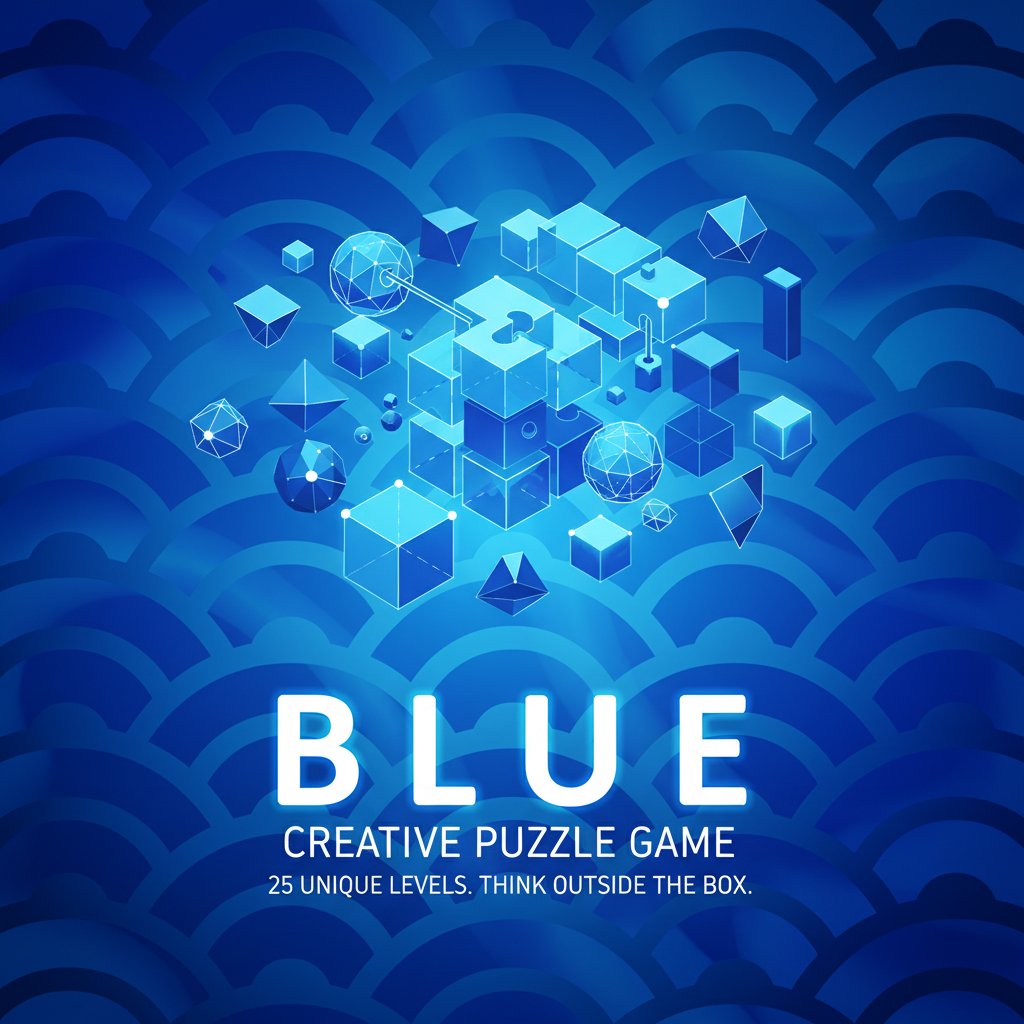
Blue - Creative Puzzle Game - Puzzle Game
Seele01-Flash
By Jayden Martinez
Play Blue, a creative puzzle game with 25 unique levels. Each puzzle requires different thinking. Free to play online with hints available. Test your logic skills now!
Shooter

Dead City Shooter

Build a third-person zombie shooter in a ruined city.

Build a third-person zombie shooter in a ruined city.Open in workspace
Shooter

Decay Zone Survival

Build a first-person zombie survival with ammo management.

Build a first-person zombie survival with ammo management.Open in workspace
Subscriber only

Unreal Dungeon Crawler

Build a playable Unreal dungeon crawler, combat-ready.

Build a playable Unreal dungeon crawler, combat-ready.Open in workspace
FPS

Zombie Horror Survival

Build a tense zombie horror survival with map progression.

Build a tense zombie horror survival with map progression.Open in workspace
Subscriber only

Unreal FPS/TPS Shooter

Create a complete UE 5.5 FPS or TPS shooter with combat, UI, and replay.

Create a complete UE 5.5 FPS or TPS shooter with combat, UI, and replay.Open in workspace
New

Drone Flight Combat

Build a cinematic drone combat run with missiles and a HUD.

Build a cinematic drone combat run with missiles and a HUD.Open in workspace
Shooter

Rail Shooter Ride

Build a roller-coaster rail shooter that aims as you ride.

Build a roller-coaster rail shooter that aims as you ride.Open in workspace
Unity

Strawberry Grove Adventure

Build a cozy Unity pixel grove of exploration and collectibles.

Build a cozy Unity pixel grove of exploration and collectibles.Open in workspace
Puzzle

Magic Cube Puzzle

Build an interactive Rubik's Cube with scramble and reset.

Build an interactive Rubik's Cube with scramble and reset.Open in workspace
Voxel

Voxel Village Explorer

Build a voxel village to roam with jump and camera controls.

Build a voxel village to roam with jump and camera controls.Open in workspace
Shooter

Dead City Shooter

Build a third-person zombie shooter in a ruined city.

Build a third-person zombie shooter in a ruined city.Open in workspace
Shooter

Decay Zone Survival

Build a first-person zombie survival with ammo management.

Build a first-person zombie survival with ammo management.Open in workspace
Subscriber only

Unreal Dungeon Crawler

Build a playable Unreal dungeon crawler, combat-ready.

Build a playable Unreal dungeon crawler, combat-ready.Open in workspace
FPS

Zombie Horror Survival

Build a tense zombie horror survival with map progression.

Build a tense zombie horror survival with map progression.Open in workspace
Subscriber only

Unreal FPS/TPS Shooter

Create a complete UE 5.5 FPS or TPS shooter with combat, UI, and replay.

Create a complete UE 5.5 FPS or TPS shooter with combat, UI, and replay.Open in workspace
New

Drone Flight Combat

Build a cinematic drone combat run with missiles and a HUD.

Build a cinematic drone combat run with missiles and a HUD.Open in workspace
Shooter

Rail Shooter Ride

Build a roller-coaster rail shooter that aims as you ride.

Build a roller-coaster rail shooter that aims as you ride.Open in workspace
Unity

Strawberry Grove Adventure

Build a cozy Unity pixel grove of exploration and collectibles.

Build a cozy Unity pixel grove of exploration and collectibles.Open in workspace
Puzzle

Magic Cube Puzzle

Build an interactive Rubik's Cube with scramble and reset.

Build an interactive Rubik's Cube with scramble and reset.Open in workspace
Voxel

Voxel Village Explorer

Build a voxel village to roam with jump and camera controls.

Build a voxel village to roam with jump and camera controls.Open in workspace

Prompt

MODEL: Seele01-Flash
Please use Three.js to generate a **mobile-first game** with the theme "**Blue: A Minimalist Logic Puzzle**". Please read the following detailed game design requirements first, and then generate the code accordingly: ### 1. Assets & Environment * **Visual Style:** Strictly monochromatic minimalist aesthetics. The entire color palette must consist of varying shades of blue (e.g., `#0000FF`, `#1E90FF`, `#87CEFA`, `#000080`) and stark white `#FFFFFF` for contrast. * **Scene Setup:** An orthographic camera setup to create a flat, 2D vector art look within a 3D space. The background should be a dynamic, seamless pattern of geometry (like the overlapping wave pattern in the reference image) that reacts subtly to user input (e.g., slight parallax or color shifting). * **Objects:** Geometric primitives (planes, circles, cubes) with flat shading (MeshBasicMaterial or MeshLambertMaterial without specular highlights). No realistic textures; use solid colors and gradients. * **Performance:** Low-poly models only. Since this is for mobile, avoid heavy post-processing. Use simple TWEEN animations for transitions instead of physics simulations. ### 2. Audio Requirements * **BGM:** A cool, smooth Jazz or Lo-fi Trip-hop track. It should be instrumental, featuring a prominent double bass, soft piano chords, or a saxophone melody. The tempo should be slow and relaxing to encourage thinking. * **SFX:** * **Interaction:** A satisfying "pop" or "bubble" sound when clicking objects (varying pitch based on the object). * **Success:** A harmonious major chord or a jazzy piano riff when a level is cleared. * **Failure/Reset:** A dull, low-pitched thud or a rewinding tape sound. * **UI:** A crisp "click" sound for the hint button. ### 3. Gameplay Loop * **Core Concept:** The goal of every level is simply to turn the entire screen **Blue**. However, the logic changes completely every level. * **Level Examples (Implement 2-3 distinct logic types):** * *Level 1 (The Toggle):* A grid of tiles. Tapping one flips its color and its neighbors'. Make them all blue. * *Level 2 (The Physicist):* Gravity-based. Tilt the phone (or drag finger) to guide a blue ball into a hole to flood the screen with blue ink. * *Level 3 (The Pattern):* A hidden sequence. Tap objects in a specific numerical order (1, 2, 3...) hidden in the geometry to reveal the blue background. * **Hint System:** A "Lightbulb" icon in the top-right corner. Clicking it reveals a text overlay with a cryptic clue, then a specific instruction if clicked again. ### 4. Mobile Controls & Interaction * **Orientation:** Portrait Mode (Vertical) optimized. * **Input Handling:** * **Primary:** One-finger tap and drag. Raycasting must be precise for touch events. * **Gestures:** Support swiping (for sliding puzzle mechanics) and holding (to fill up bars). * **UI Layout:** * Minimalist UI. No on-screen joysticks. * Top Right: Hint Button (min size 48x48px). * Top Left: Level Indicator (e.g., "Level 1"). * Bottom Center (hidden initially): "Next Level" button that pulses after success. * **Feedback:** * **Haptic:** Trigger a light vibration (using `navigator.vibrate`) on every valid interaction and a heavy vibration on level completion. * **Visual:** Objects should scale down slightly (`scale.set(0.9, 0.9, 0.9)`) on touch start and bounce back on touch end to mimic tactile buttons. Do not ask for clarification. Do not request confirmation. Directly execute the generation task based on the given instructions.
A game idea becoming a playable world and reaching an audience
MAKE • SHARE • EARN

Games are fun. Creating them is even better.

Game Introduction

About the Game

Blue is a captivating puzzle game that redefines the brain teaser genre with its innovative approach to puzzle design. Unlike traditional puzzle games that follow repetitive patterns, Blue presents 25 completely unique challenges, each requiring a different type of thinking and problem-solving approach. The game's minimalist aesthetic, dominated by beautiful blue tones and elegant geometric patterns, creates a calming yet intellectually stimulating environment.

What sets Blue apart from other puzzle games is its commitment to originality. Every single level introduces new mechanics, concepts, and ways of interaction, ensuring that players never know what to expect next. This unpredictability keeps the experience fresh and engaging throughout all 25 levels.

Core Features

Unique Puzzle Design Philosophy

Each of the 25 levels in Blue is fundamentally different from the others. You won't find repetitive mechanics or predictable patterns here. Instead, you'll encounter:

  • Diverse Interaction Methods : Each puzzle may require completely different approaches to solve
  • Creative Problem-Solving : Solutions often require thinking beyond conventional puzzle game logic
  • Progressive Difficulty : Levels gradually introduce more complex and abstract concepts
  • Minimalist Beauty : Clean, elegant design that focuses attention on the puzzle mechanics

Comprehensive Hint System

Stuck on a challenging level? Blue includes a thoughtful hint system designed to guide without spoiling:

  • Multiple Hints Per Level : Each puzzle offers several layers of hints
  • Progressive Revelation : Hints gradually reveal more information as needed
  • Light Bulb Indicator : Easy access to hints through the top-right corner button
  • Preserve Challenge : Hints guide your thinking without giving away solutions

Intellectual Challenge Categories

Blue incorporates elements from multiple puzzle game categories:

  • Logic Puzzles : Pure reasoning and deduction challenges
  • Brain Teasers : Abstract thinking and pattern recognition
  • Color-Based Mechanics : Visual perception and color theory applications
  • Interactive Experiments : Touch-based discovery and experimentation

Game Mechanics

The beauty of Blue lies in its simplicity of interaction combined with complexity of thought. The game uses intuitive mouse-based controls that anyone can master, but the mental challenges require genuine creativity and patience.

Dynamic Challenge System

No two levels follow the same rulebook. You might encounter: - Spatial reasoning challenges - Pattern completion puzzles - Color manipulation mechanics - Abstract logic problems - Interactive discovery tasks

Operation Guide

Basic Controls: - Left Mouse Button : Primary interaction tool for all puzzle elements - Light Bulb Button : Access hints when you need guidance (located in top-right corner) - Visual Feedback : The game provides immediate visual responses to your actions

Getting Started: 1. Begin with Level 1 to understand the game's unique approach 2. Don't assume patterns from previous levels will apply 3. Experiment freely - the game encourages exploration 4. Use hints strategically when genuinely stuck 5. Read all available hints for each level, as they often build upon each other

Pro Tips: - Approach each level with a completely fresh mindset - Don't rush - take time to understand what the puzzle is asking - Sometimes the solution involves doing something unexpected - Pay attention to visual cues and subtle changes in the interface

Why Play Blue?

For Puzzle Enthusiasts

Blue offers an experience unlike any other puzzle game. If you're tired of repetitive match-3 games or predictable sliding puzzles, Blue provides the intellectual variety you crave. Each level feels like discovering a new type of puzzle game entirely.

For Creative Thinkers

The game rewards unconventional thinking and creative problem-solving. It's perfect for players who enjoy being surprised and challenged in unexpected ways. Blue doesn't just test what you know - it challenges how you think.

For Casual Gamers

Despite its intellectual depth, Blue remains accessible to casual players. The hint system ensures no one gets permanently stuck, and the beautiful visual design makes even failed attempts enjoyable.

Perfect for Short Sessions

With 25 distinct levels, Blue is ideal for both quick mental breaks and longer puzzle-solving sessions. Each level can typically be completed in a few minutes once you understand the mechanics, making it perfect for commute entertainment or brief mental workouts.

Accessibility and Platform Support

Blue runs smoothly in any modern web browser, requiring no downloads or installations. The game is:

  • Completely Free : No payment required to access all 25 levels
  • Cross-Platform Compatible : Works on desktop computers, laptops, tablets, and smartphones
  • No Registration Required : Jump in and start playing immediately
  • Lightweight : Minimal system requirements ensure smooth performance on any device

Educational Value

Beyond entertainment, Blue serves as an excellent brain training tool. Regular play can help improve:

  • Creative Problem-Solving Skills : Learn to approach problems from multiple angles
  • Pattern Recognition : Develop better visual and logical pattern identification
  • Patience and Persistence : Build mental resilience when facing challenging problems
  • Abstract Thinking : Strengthen ability to work with non-concrete concepts

The game's emphasis on unique solutions for each level makes it an excellent tool for educators looking to demonstrate that problems can have multiple valid approaches and that creative thinking is often more valuable than rote memorization.

Frequently Asked Questions (FAQ)