
Connector - Connect the Dots Puzzle Game - Puzzle Game
 Unity
UnityCupid's Arrow
Build a Unity archery game of timing and matchmaking.
 Voxel
VoxelVoxel Village Explorer
Build a voxel village to roam with jump and camera controls.
 Sports
Basketball Duel
Build a one-on-one basketball game with physics shooting.

Time-Attack Racer
Build a no-physics finish-gate racer with nitro, minimap guidance, and synthesized audio.
 Sandbox
Voxel Sandbox Builder
Build a voxel sandbox for placing and breaking blocks freely.
 Subscriber only
Unreal Mountain Tour
Tour a third-person Unreal world of mountains and water.
 Roguelike
Dungeon Survivors
Build a Vampire-Survivors-style dungeon arena with hero picks.
 New
NewCharacter Physics World
Build a third-person physics world with day-night and props to touch.
 Unity
UnityEgg on the Car Roof
Build a Unity challenge: keep a fragile egg on a moving roof.
 Subscriber only
Unreal Dungeon Crawler
Build a playable Unreal dungeon crawler, combat-ready.
UnityCupid's Arrow
Build a Unity archery game of timing and matchmaking.
VoxelVoxel Village Explorer
Build a voxel village to roam with jump and camera controls.
SportsBasketball Duel
Build a one-on-one basketball game with physics shooting.
Time-Attack Racer
Build a no-physics finish-gate racer with nitro, minimap guidance, and synthesized audio.
SandboxVoxel Sandbox Builder
Build a voxel sandbox for placing and breaking blocks freely.
Subscriber onlyUnreal Mountain Tour
Tour a third-person Unreal world of mountains and water.
RoguelikeDungeon Survivors
Build a Vampire-Survivors-style dungeon arena with hero picks.
NewCharacter Physics World
Build a third-person physics world with day-night and props to touch.
UnityEgg on the Car Roof
Build a Unity challenge: keep a fragile egg on a moving roof.
Subscriber onlyUnreal Dungeon Crawler
Build a playable Unreal dungeon crawler, combat-ready.
Prompt

Games are fun. Creating them is even better.
Game Introduction
About the Game
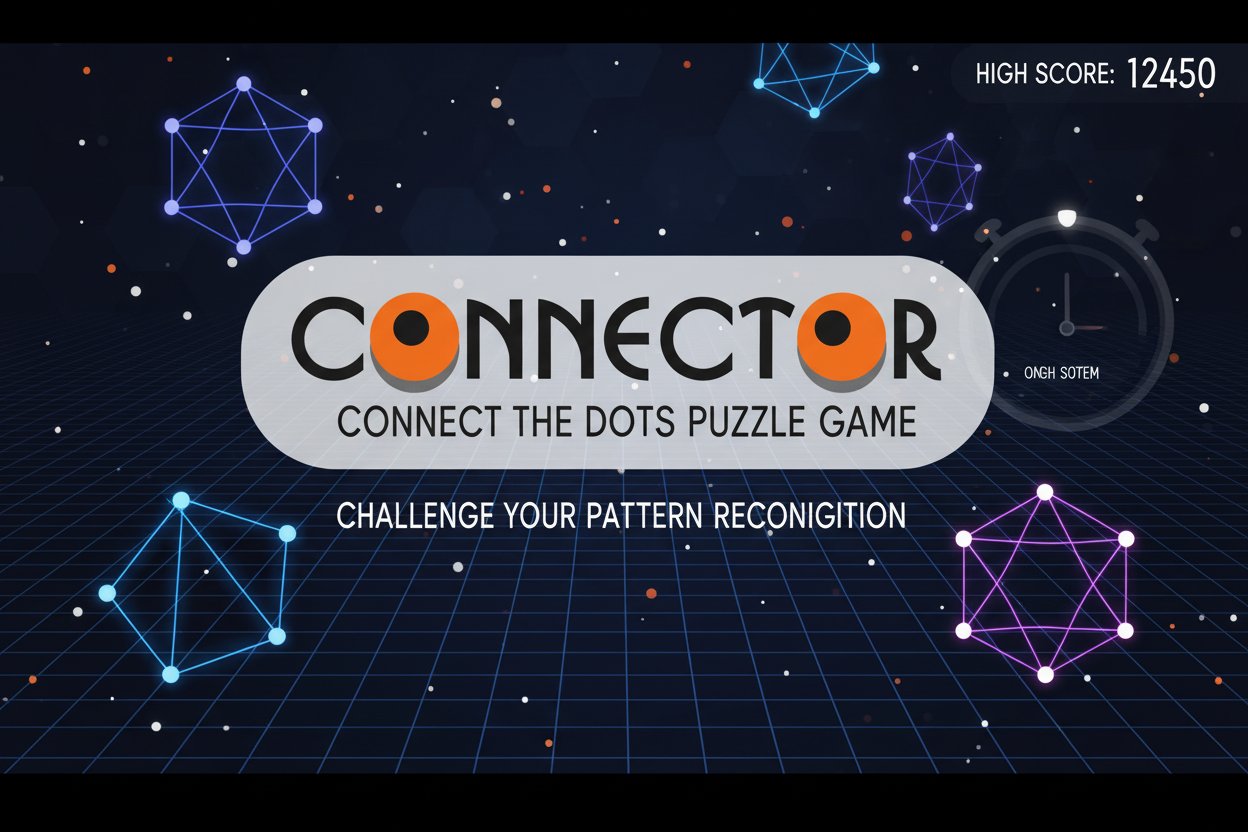
Connector is a captivating puzzle game that brings the classic connect-the-dots concept into the digital age. With a stellar 4.3/5 rating from players, this brain-teasing adventure challenges you to identify patterns among scattered dots and connect them to form complete geometric shapes. Whether you're creating pentagrams, pentagons, or discovering entirely new formations, every level presents a unique puzzle waiting to be solved.
Core Features
Pattern Recognition Challenge
The game presents you with a field of seemingly random dots, each hiding a potential connection. Your mission is to identify the underlying pattern and connect the dots in the correct sequence to reveal hidden shapes. This tests not only your visual perception but also your logical thinking abilities.
Speed-Based Scoring System
Time is of the essence in Connector. The faster you identify and complete the pattern, the higher your score climbs. This creates an exciting balance between accuracy and speed, encouraging players to develop both precision and quick thinking.
Clean Connection Bonus
Perfection pays off in Connector. Players who can complete patterns without making mistakes or backtracking earn bonus points. This reward system encourages careful planning and thoughtful execution rather than random trial and error.
Competitive Leaderboards
Climb to the top of the global leaderboard by mastering the art of dot connection. Compare your pattern-solving skills with players worldwide and strive to become the ultimate Connector champion.
Game Mechanics
Connector operates on simple yet engaging principles. Each level presents a collection of dots scattered across the playing field. Your task is to determine how these dots should be connected to form recognizable shapes. The game includes various geometric forms, from basic triangles and squares to more complex pentagrams and custom shapes.
The challenge lies in recognizing the intended pattern among what might initially appear as random dot placement. As you progress, the patterns become more complex, requiring greater spatial awareness and problem-solving skills.
Operation Guide
Desktop Controls: - Mouse : Click and drag to connect dots - Left Click : Select starting dot - Drag : Draw lines between dots - Release : Complete connection
Mobile Controls: - Touch : Tap dots to select them - Swipe : Drag finger between dots to create connections - Multi-touch : Supported for enhanced control
General Tips: - Study the dot pattern before making your first connection - Look for symmetrical arrangements or geometric relationships - Start with obvious connections and work toward more complex ones - Use the undo function if available when you make mistakes
Why Play This Game
Connector offers the perfect blend of relaxation and mental stimulation. It's an ideal choice for players who enjoy:
- Mental Exercise : Sharpen your pattern recognition and spatial reasoning skills
- Quick Gaming Sessions : Perfect for short breaks or commute entertainment
- Progressive Difficulty : Start easy and gradually face more challenging puzzles
- Stress Relief : The methodical nature of connecting dots can be surprisingly calming
- Competitive Spirit : Challenge yourself and others through leaderboard rankings
The game's accessibility makes it suitable for all ages, while its depth ensures that even experienced puzzle enthusiasts will find engaging challenges. Whether you're a casual gamer looking for a quick mental workout or a dedicated puzzle solver seeking your next obsession, Connector delivers an experience that grows with your skills.
Best of all, Connector is completely free to play through your web browser, with no downloads required. Jump in anytime, anywhere, and start connecting those dots!