Construct a Bridge - Physics Bridge Building Game - Puzzle Game
Prompt
Game Introduction
About the Game
Construct a Bridge is a captivating physics-based puzzle game that puts your engineering skills to the ultimate test. This challenging building game combines creative problem-solving with realistic physics simulation, creating an addictive gameplay experience that appeals to puzzle enthusiasts and aspiring engineers alike.
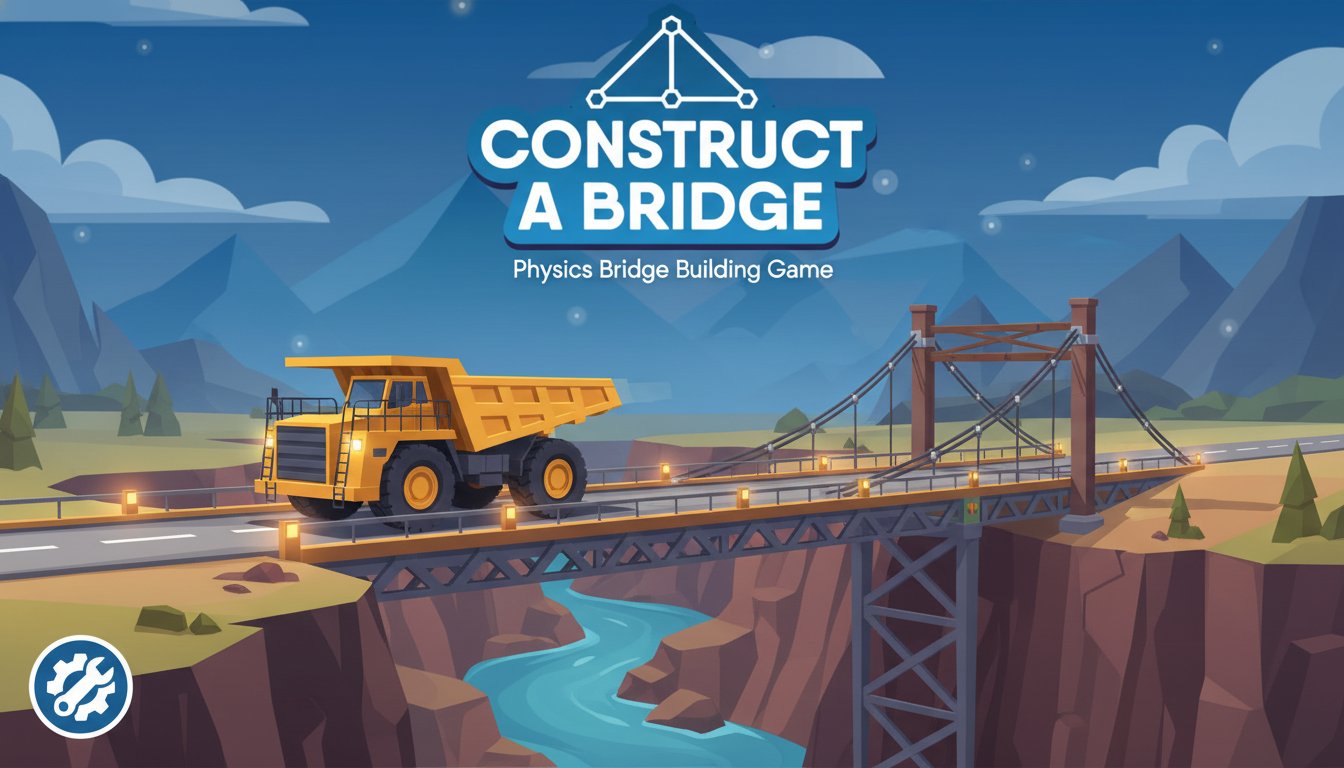
In this innovative bridge construction game, you'll face the exciting challenge of designing bridges that can withstand the weight of heavy trucks. Each level presents unique terrain obstacles and structural challenges that require careful planning and strategic thinking to overcome.
Core Features
Realistic Physics Engine
The game features an advanced physics simulation system that accurately models structural stress, weight distribution, and material properties. Your bridge designs must account for real-world engineering principles to succeed.
Strategic Resource Management
Each level provides a limited budget for purchasing bridge components. You must balance cost-effectiveness with structural integrity, making every connection and support beam count toward your bridge's success.
Progressive Difficulty System
With 10 carefully crafted levels, the game gradually introduces more complex challenges. Early levels teach basic bridge-building principles, while later stages require advanced engineering techniques and creative problem-solving.
Intuitive Building Interface
The simple point-and-click construction system makes bridge building accessible to players of all skill levels. Draw lines between anchor points to create your bridge structure with ease.
Game Mechanics
Bridge Construction Process
Your engineering journey begins with analyzing the terrain and identifying optimal anchor points. These fixed positions serve as the foundation for your bridge design. By drawing lines between anchor points, you create the structural framework that will support the crossing truck.
Testing and Iteration
Once your bridge is complete, watch as a heavy truck attempts to cross your creation. If your design is structurally sound, the truck will safely reach the other side. However, inadequate designs will buckle under pressure, requiring you to redesign and strengthen your approach.
Material Considerations
Different bridge components have varying costs and structural properties. Understanding how to efficiently distribute load-bearing elements while staying within budget is key to mastering each level.
Operation Guide
The game controls are designed for maximum accessibility:
- Mouse Control : Use the left mouse button for all game interactions
- Bridge Drawing : Click and drag between anchor points to create bridge segments
- Component Selection : Click on different materials and structural elements in the building interface
- Testing : Activate the truck crossing sequence to test your bridge design
- Restart : Rebuild your bridge if the initial design fails
Building Strategy Tips
- Analyze the gap distance and truck path before starting construction
- Consider weight distribution and identify critical support points
- Use triangular support structures for maximum stability
- Balance material costs with structural requirements
Why Play Construct a Bridge
Educational Value
This game serves as an excellent introduction to basic engineering principles and physics concepts. Players naturally learn about structural integrity, load distribution, and material properties through hands-on experimentation.
Mental Challenge
Each level presents a unique puzzle that requires logical thinking and creative problem-solving. The combination of physics simulation and resource management creates engaging mental challenges.
Accessibility
As a free browser-based game, Construct a Bridge is instantly accessible without downloads or installations. The game runs smoothly on both desktop computers and mobile devices, making it perfect for quick gaming sessions anywhere.
Replayability
While there are 10 core levels, the open-ended nature of bridge design encourages experimentation with different structural approaches. Players often return to earlier levels to test new engineering concepts and optimize their designs.