
Dot To Dot - Connect the Nodes Puzzle Game - Puzzle Game
 Puzzle
Magic Cube Puzzle
Build an interactive Rubik's Cube with scramble and reset.
 Unity
UnityStrawberry Grove Adventure
Build a cozy Unity pixel grove of exploration and collectibles.
 New
New3D Block Puzzle
Build a 3D falling-block puzzle with rotations and row clears.
 Driving
City Car Driving
Build an open-city free-driving game with car selection.
 Subscriber only
Unreal Dungeon Crawler
Build a playable Unreal dungeon crawler, combat-ready.
 New
NewArcade Crossing Game
Build a lane-dodging arcade game with traffic and pickups.
 FPS
FPSZombie Horror Survival
Build a tense zombie horror survival with map progression.
 Subscriber only
Unreal FPS/TPS Shooter
Create a complete UE 5.5 FPS or TPS shooter with combat, UI, and replay.
 FPS
FPS3D FPS Game
Build a desert FPS with weapon switching and a retro HUD.
 Unity
UnityBattle of Balls
Build a Unity arena where rolling balls collide and grow.
PuzzleMagic Cube Puzzle
Build an interactive Rubik's Cube with scramble and reset.
UnityStrawberry Grove Adventure
Build a cozy Unity pixel grove of exploration and collectibles.
New3D Block Puzzle
Build a 3D falling-block puzzle with rotations and row clears.
DrivingCity Car Driving
Build an open-city free-driving game with car selection.
Subscriber onlyUnreal Dungeon Crawler
Build a playable Unreal dungeon crawler, combat-ready.
NewArcade Crossing Game
Build a lane-dodging arcade game with traffic and pickups.
FPSZombie Horror Survival
Build a tense zombie horror survival with map progression.
Subscriber onlyUnreal FPS/TPS Shooter
Create a complete UE 5.5 FPS or TPS shooter with combat, UI, and replay.
FPS3D FPS Game
Build a desert FPS with weapon switching and a retro HUD.
UnityBattle of Balls
Build a Unity arena where rolling balls collide and grow.
Prompt

Games are fun. Creating them is even better.
Game Introduction
About the Game
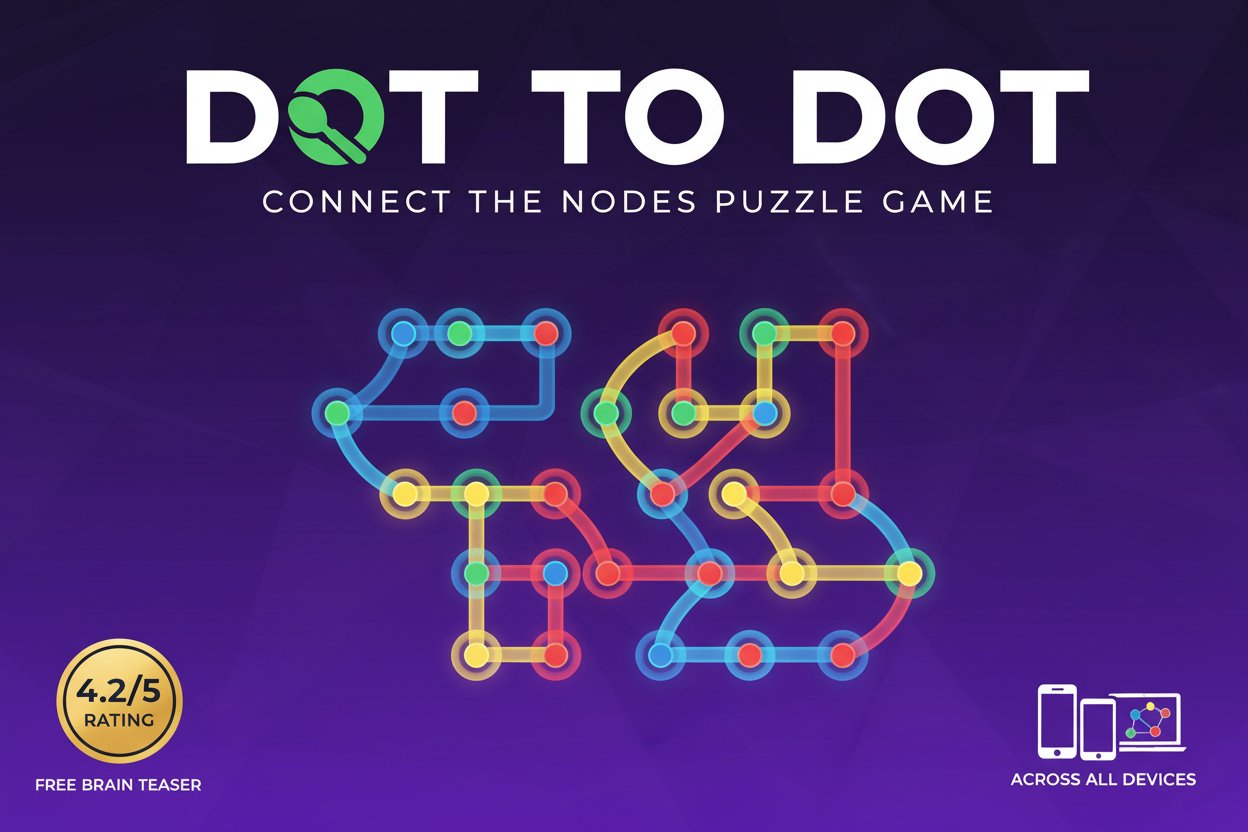
Dot To Dot is an engaging puzzle game that transforms the simple concept of connecting dots into an addictive brain challenge. With an impressive 4.2/5 star rating, this game has captured the attention of puzzle enthusiasts worldwide. The objective is elegantly simple yet increasingly challenging: connect colored nodes in sequence without allowing your paths to cross.
Core Features
Completely Free to Play
Enjoy unlimited access to all game content without any payment required. No hidden fees, no premium upgrades – just pure puzzle entertainment.
Cross-Platform Compatibility
Built with HTML5 technology, Dot To Dot works seamlessly across: - Desktop computers (Windows, Mac, Linux) - Mobile phones (iOS and Android) - Tablets and other touch devices - All modern web browsers
Progressive Difficulty System
Start with simple connections and gradually face more complex node arrangements that will test your spatial reasoning and strategic thinking skills.
Instant Play Technology
No downloads required! Click and start playing immediately in your browser. The game loads quickly and runs smoothly on any device.
Brain Training Benefits
Regular play helps improve: - Spatial awareness - Problem-solving skills - Strategic planning - Visual processing - Concentration and focus
Gameplay Mechanics
Dot To Dot presents you with a field of colored nodes scattered across the screen. Your mission is to connect nodes of the same color in a continuous path. The challenge intensifies as you must ensure that no connecting lines cross each other – a rule that transforms simple dot connection into a sophisticated puzzle experience.
Each level presents a unique arrangement of nodes, requiring careful planning and strategic thinking. You'll need to visualize the complete solution before making your first move, as one wrong connection can make the puzzle unsolvable.
Operation Guide
Desktop Controls
- Mouse Click : Select and connect nodes
- Drag : Create connecting lines between same-colored dots
- Right Click : Undo last connection (if available)
Mobile Controls
- Tap : Select nodes to connect
- Drag : Draw lines between matching colored nodes
- Long Press : Access menu options
Winning Strategy Tips
- Plan Ahead : Survey the entire board before making connections
- Start with Corners : Begin with nodes positioned at screen edges
- Avoid Crossing : Always visualize your path to prevent line intersections
- Work Systematically : Complete one color at a time when possible
Why Play This Game
Dot To Dot stands out in the crowded puzzle game market for several compelling reasons. First, its accessibility makes it perfect for quick mental breaks or extended gaming sessions. The game's intuitive mechanics mean anyone can start playing immediately, while the increasing complexity ensures long-term engagement.
The game serves as an excellent brain training tool, improving cognitive functions while providing entertainment. Unlike many mobile games filled with distractions, Dot To Dot offers pure, focused puzzle-solving that sharpens your mind.
For competitive players, the game provides opportunities to challenge friends and family, turning solo puzzle-solving into social competition. The satisfaction of completing increasingly difficult levels creates a rewarding progression system that keeps players returning.
Perfect for All Ages
The game's simple concept and clean interface make it suitable for children developing spatial skills, while the complex later levels provide sufficient challenge for adults seeking mental stimulation.