Factory Balls 4 - Puzzle Game

Seele01-Flash
By Alexander White
Play Factory Balls 4 free online! Paint and customize balls to match target patterns using masks and colors. Challenging puzzle gameplay for all ages.
Unity

Castle Devour Quest

Build a Unity castle quest with risky rooms and a win goal.
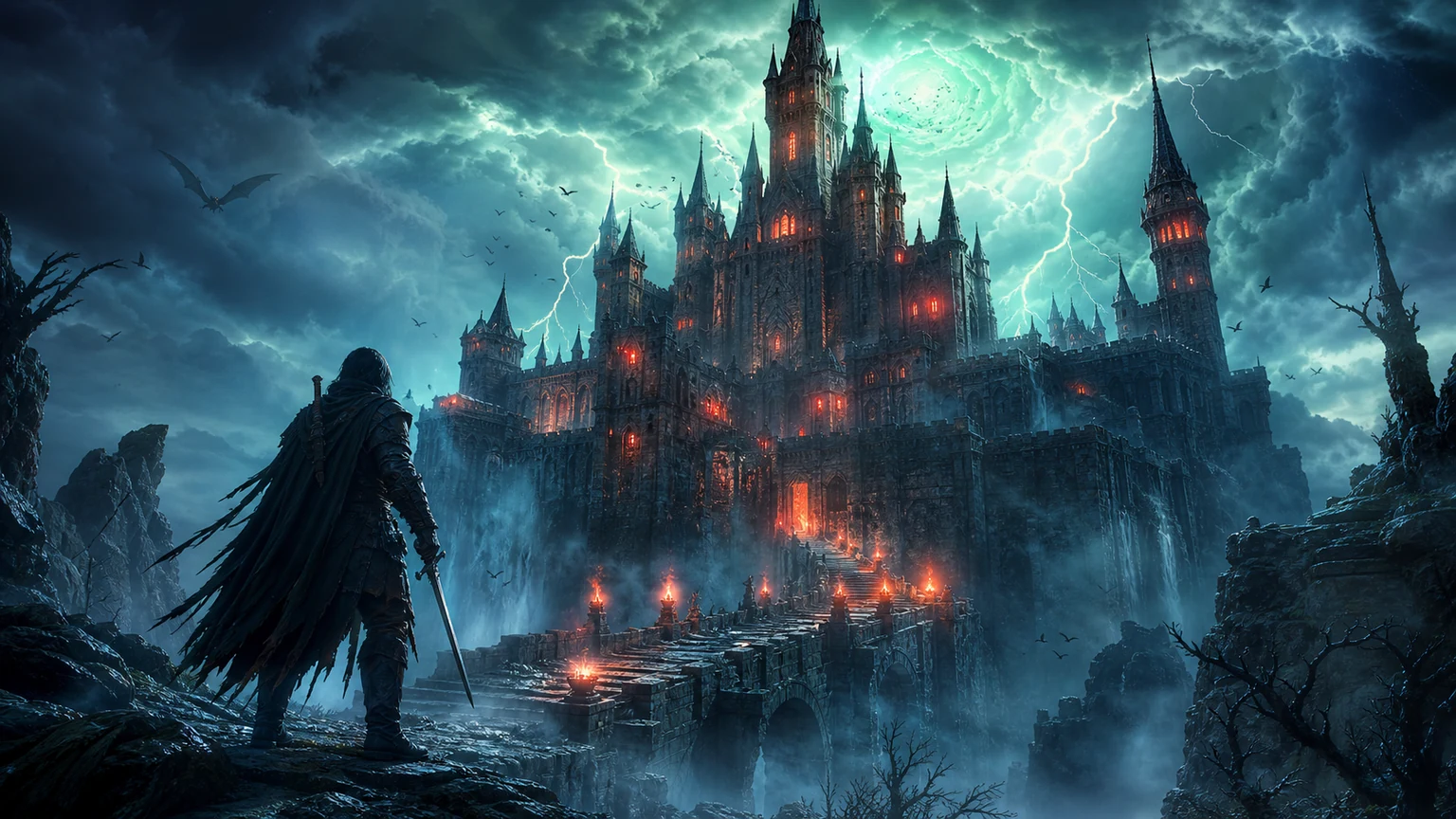
Build a Unity castle quest with risky rooms and a win goal.Open in workspace
Survival

Survival Sandbox Arena

Build a survival arena with enemy waves and turret defense.
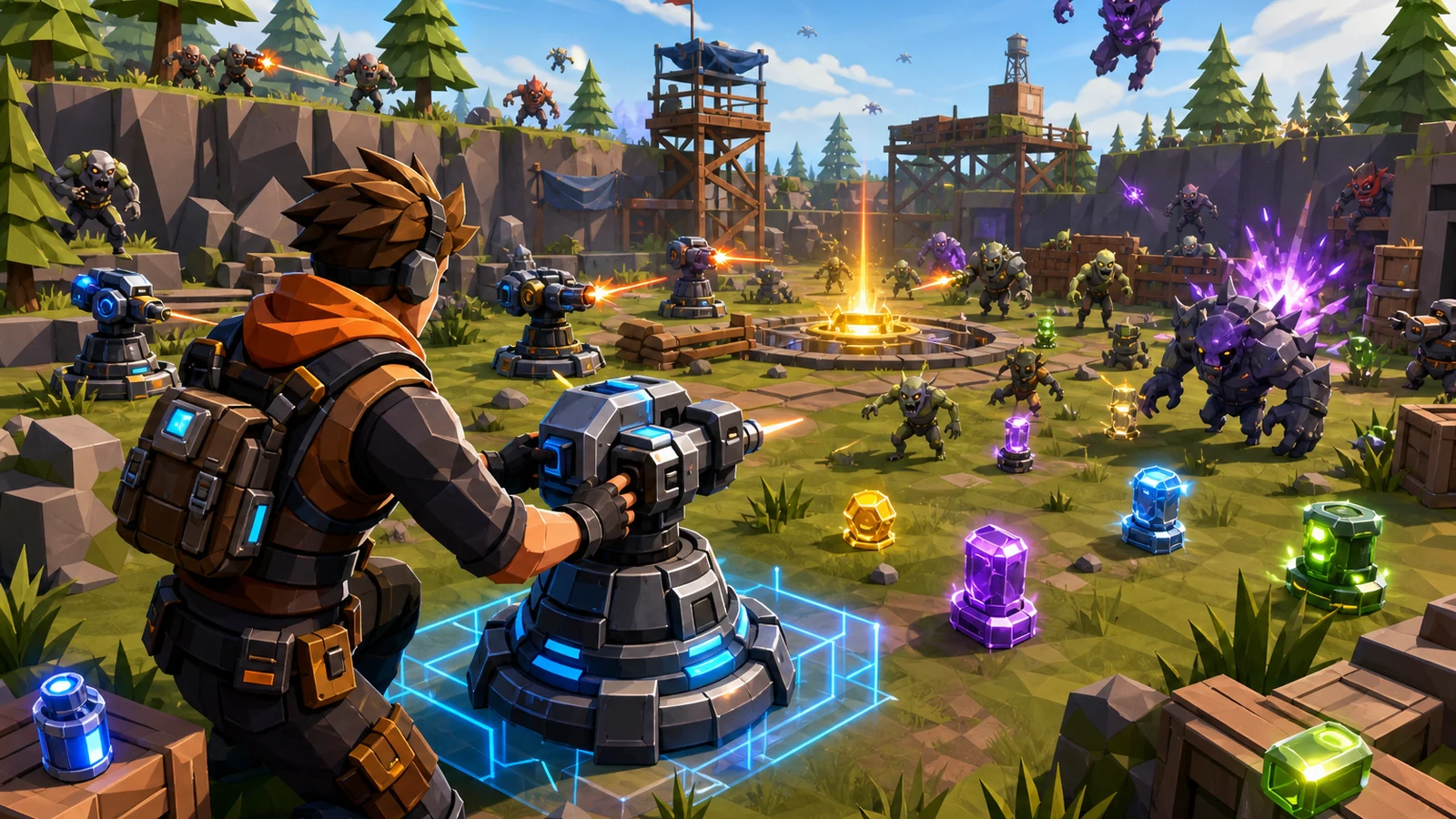
Build a survival arena with enemy waves and turret defense.Open in workspace
SEELE02 CORE

Game Generator

Turn a one-line idea into a playable game demo.

Turn a one-line idea into a playable game demo.Open in workspace
Unity

Battle of Balls

Build a Unity arena where rolling balls collide and grow.

Build a Unity arena where rolling balls collide and grow.Open in workspace
Unity

Desert Quickshot

Build a Unity quickdraw duel with streaks and rising heat.

Build a Unity quickdraw duel with streaks and rising heat.Open in workspace
New

Arcade Crossing Game

Build a lane-dodging arcade game with traffic and pickups.

Build a lane-dodging arcade game with traffic and pickups.Open in workspace

Time-Attack Racer

Build a no-physics finish-gate racer with nitro, minimap guidance, and synthesized audio.

Build a no-physics finish-gate racer with nitro, minimap guidance, and synthesized audio.Open in workspace
Subscriber only

Unreal Mountain Tour

Tour a third-person Unreal world of mountains and water.
Tour a third-person Unreal world of mountains and water.Open in workspace
New

3D Block Puzzle

Build a 3D falling-block puzzle with rotations and row clears.

Build a 3D falling-block puzzle with rotations and row clears.Open in workspace
Driving

City Car Driving

Build an open-city free-driving game with car selection.

Build an open-city free-driving game with car selection.Open in workspace
Unity

Castle Devour Quest

Build a Unity castle quest with risky rooms and a win goal.

Build a Unity castle quest with risky rooms and a win goal.Open in workspace
Survival

Survival Sandbox Arena

Build a survival arena with enemy waves and turret defense.

Build a survival arena with enemy waves and turret defense.Open in workspace
SEELE02 CORE

Game Generator

Turn a one-line idea into a playable game demo.

Turn a one-line idea into a playable game demo.Open in workspace
Unity

Battle of Balls

Build a Unity arena where rolling balls collide and grow.

Build a Unity arena where rolling balls collide and grow.Open in workspace
Unity

Desert Quickshot

Build a Unity quickdraw duel with streaks and rising heat.

Build a Unity quickdraw duel with streaks and rising heat.Open in workspace
New

Arcade Crossing Game

Build a lane-dodging arcade game with traffic and pickups.

Build a lane-dodging arcade game with traffic and pickups.Open in workspace

Time-Attack Racer

Build a no-physics finish-gate racer with nitro, minimap guidance, and synthesized audio.

Build a no-physics finish-gate racer with nitro, minimap guidance, and synthesized audio.Open in workspace
Subscriber only

Unreal Mountain Tour

Tour a third-person Unreal world of mountains and water.

Tour a third-person Unreal world of mountains and water.Open in workspace
New

3D Block Puzzle

Build a 3D falling-block puzzle with rotations and row clears.

Build a 3D falling-block puzzle with rotations and row clears.Open in workspace
Driving

City Car Driving

Build an open-city free-driving game with car selection.

Build an open-city free-driving game with car selection.Open in workspace

Prompt

MODEL: Seele01-Flash
Please use Three.js to generate a **mobile-first game** with the theme "**Factory Balls: Logic Puzzle**". Please read the following detailed game design requirements first, and then generate the code accordingly: ### 1. Assets & Environment * **Visual Style**: Minimalist, clean, and vibrant "vector-art" aesthetic rendered in 3D. Use flat shading (MeshBasicMaterial or MeshToonMaterial) with bold colors to mimic the style of Bart Bonte games. * **Central Object**: A large, high-quality white sphere (the "Player Ball") positioned in the center of the screen. * **Target Object**: A smaller sphere or a 2D UI image in the top-left corner showing the "Target Design" (e.g., a ball that is half orange, half white with sunglasses). * **The "Factory"**: A clean, gray or muted teal background. The ball sits on a simple pedestal or inside an open cardboard box geometry. * **Tools**: Represent tools as 3D icons or circular buttons arranged in a grid below the main ball. Tools include: * **Paint Buckets**: Red, Blue, Yellow, etc. * **Masking Items**: Tape (covers the center), Hat (covers the top), Goggles (covers the eyes). * **Mobile Optimization**: Use low-poly geometries for the masks. Ensure shadows are baked or minimal to maintain high FPS on mobile browsers. ### 2. Audio Requirements * **BGM**: A quirky, rhythmic, "factory-style" jazz or lounge loop (bass guitar and light percussion) that is relaxing but repetitive. * **Sound Effects**: * **Dip/Paint**: A wet "splat" or liquid submersion sound. * **Equip Mask**: A quick mechanical "click" or "zip" sound. * **Remove Mask**: A tearing tape sound or a "pop". * **Success**: A cheerful chime or fanfare when the ball matches the target. * **Fail/Reset**: A hydraulic "whoosh" sound (like flushing) when trashing a failed ball. ### 3. Gameplay Loop * **Objective**: The player must replicate the "Target Ball" by applying tools to the "Player Ball" in the correct order. * **The Mechanics (Stack Logic)**: * **Painting**: Dipping the ball paints all *exposed* surfaces. It does *not* paint areas covered by masks. * **Masking**: Placing an item (e.g., a belt) protects that specific area of the ball. Masks stack on top of each other. * **Unmasking**: All masks are removed automatically at the end of the level or when the player clicks "Finish" to check the result (simplification for code generation: or provide a specific "Remove All" tool). * **Level Example**: * *Target*: A ball with a white stripe in the middle and orange top/bottom. * *Solution*: 1. Equip Belt Mask (covers middle). 2. Dip in Orange Paint. 3. Remove Belt Mask. * **Win Condition**: When the visual state of the Player Ball matches the Target Ball array exactly, trigger a confetti particle effect and load the next logic puzzle. ### 4. Mobile Controls & Interaction * **Orientation**: **Portrait Mode** (Vertical) is required to fit the main ball on top and the tool grid at the bottom. * **Touch Controls**: * **Tap-to-Interact**: No dragging. Tapping a Paint Bucket immediately colors the ball. Tapping a Mask immediately toggles it on/off the ball. * **Raycasting**: Implement precise Raycaster logic for touch events on 3D objects. * **UI Layout**: * Place a large "RESET" button (trash can icon) and a "SUBMIT" button (check mark) at the very bottom of the screen. * Ensure all interactive buttons are at least 44x44 pixels in logical screen space. * **Feedback**: * **Squash & Stretch**: When the ball is painted or equipped, apply a slight scaling animation (tweening) to give it a "jelly" feel. * **Haptic Feedback**: Trigger `navigator.vibrate(10)` on every valid interaction if supported. Do not ask for clarification. Do not request confirmation. Directly execute the generation task based on the given instructions.
A game idea becoming a playable world and reaching an audience
MAKE • SHARE • EARN

Games are fun. Creating them is even better.

Game Introduction

About the Game

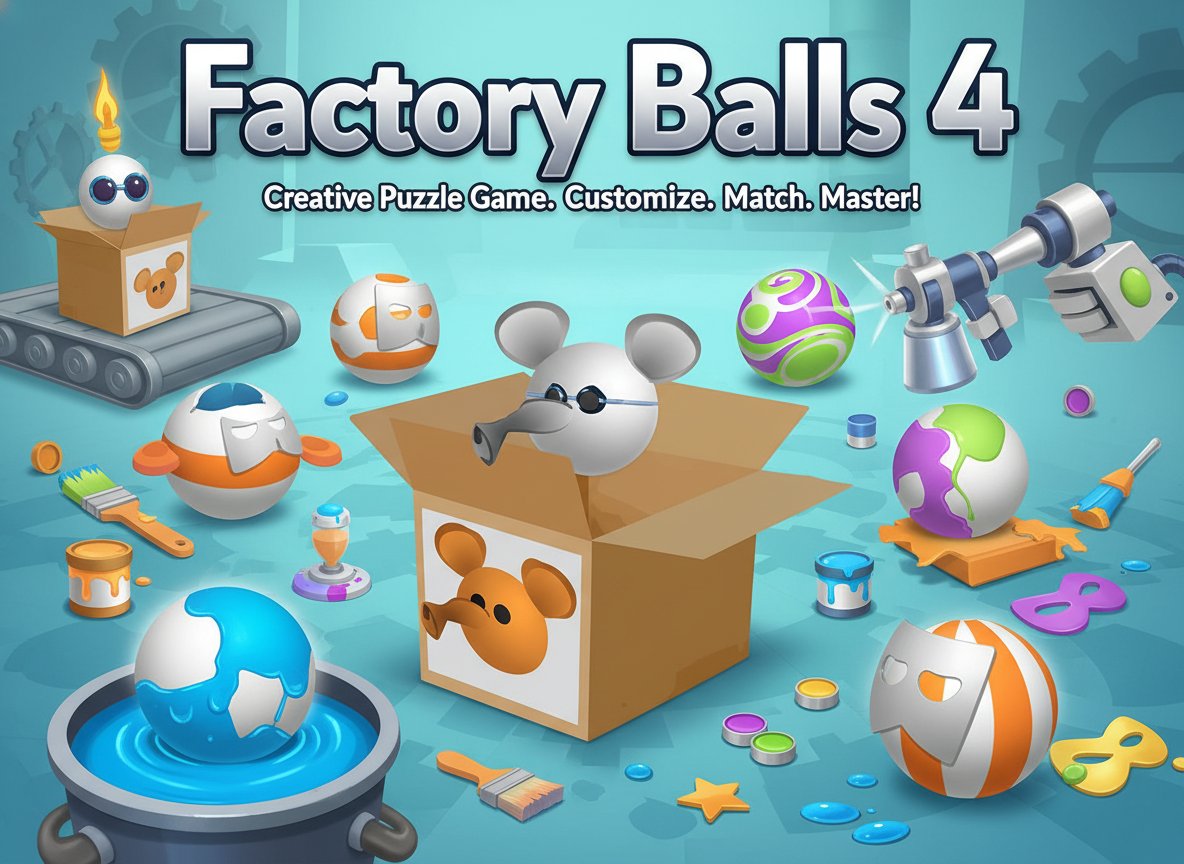
Factory Balls 4 is an innovative puzzle game that combines creativity with logical thinking. With a solid rating of 3.8/5 from players worldwide, this game challenges you to transform plain white balls into colorful masterpieces that match target designs shown on reference boxes.

In this unique painting puzzle, every ball starts as a blank canvas waiting for your artistic touch. Your mission is to recreate specific patterns and designs by strategically using various tools, masks, and color dips available in your virtual factory.

Core Features

Creative Problem-Solving Gameplay

Factory Balls 4 offers a refreshing twist on traditional puzzle games by combining artistic creativity with logical problem-solving. Each level presents a new challenge that requires you to think step-by-step about the painting process.

Progressive Difficulty System

Start with simple single-color designs and gradually work your way up to complex multi-colored patterns. The game introduces new tools and techniques as you advance, keeping the gameplay fresh and engaging.

Intuitive Mouse Controls

The game features user-friendly mouse-only controls, making it accessible to players of all ages and skill levels. Simply click and drag to apply colors, masks, and other decorative elements.

All-Ages Entertainment

Rated suitable for all ages, Factory Balls 4 provides clean, family-friendly entertainment that both children and adults can enjoy together.

No Download Required

Play instantly in your web browser without any downloads or installations. The game runs smoothly on desktop computers, laptops, and tablets.

Game Play

Understanding the Objective

Each level shows you a target ball design in a box. Your goal is to recreate this exact pattern using the tools available in your factory. Pay close attention to color placement, patterns, and decorative elements.

Using Factory Tools

The game provides various tools including: - Color Dips : Submerge your ball in different colored paints - Masks : Cover parts of the ball to protect areas from paint - Stamps and Stickers : Add decorative elements and patterns - Special Effects : Apply unique textures and finishes

Strategic Thinking

Success requires planning your painting sequence carefully. Consider which colors to apply first, when to use masks, and how to layer different elements to achieve the desired result.

Operation Guide

Mouse Controls : Factory Balls 4 uses simple mouse-only controls for maximum accessibility.

  • Point and Click : Select tools and color options from the factory interface
  • Drag and Drop : Move your ball to different stations and tools
  • Click to Apply : Activate selected tools by clicking on your ball
  • Menu Navigation : Use mouse to navigate between levels and options

The intuitive interface ensures that players can focus on puzzle-solving rather than complex control schemes.

Why Play Factory Balls 4

Perfect Brain Training

This game provides excellent mental exercise by combining visual-spatial reasoning with sequential planning skills. It's an ideal way to keep your mind sharp while having fun.

Stress-Free Gaming

Unlike time-pressured games, Factory Balls 4 allows you to work at your own pace. Take time to analyze each puzzle and experiment with different approaches without pressure.

Family-Friendly Fun

The game's all-ages rating and simple controls make it perfect for family gaming sessions. Parents and children can collaborate on challenging levels or compete to see who can solve puzzles faster.

Instant Accessibility

With no downloads required and browser-based gameplay, you can start playing immediately on any device with internet access. Perfect for quick gaming sessions during breaks or extended puzzle-solving marathons.

Frequently Asked Questions (FAQ)