
Fast Words - Spelling Challenge Game - Puzzle Game
 FPS
FPSNight Mission Survival
Build a first-person night survival with flashlight combat.
 Subscriber only
Unreal Mountain Tour
Tour a third-person Unreal world of mountains and water.
 Voxel
VoxelVoxel Village Explorer
Build a voxel village to roam with jump and camera controls.
 New
NewArcade Crossing Game
Build a lane-dodging arcade game with traffic and pickups.
 Unity
UnityCastle Devour Quest
Build a Unity castle quest with risky rooms and a win goal.
 Unity
UnityStrawberry Grove Adventure
Build a cozy Unity pixel grove of exploration and collectibles.
 Unity
UnityEgg on the Car Roof
Build a Unity challenge: keep a fragile egg on a moving roof.
 New
NewCharacter Physics World
Build a third-person physics world with day-night and props to touch.
 New
New3D Block Puzzle
Build a 3D falling-block puzzle with rotations and row clears.
 Unity
UnityCupid's Arrow
Build a Unity archery game of timing and matchmaking.
FPSNight Mission Survival
Build a first-person night survival with flashlight combat.
Subscriber onlyUnreal Mountain Tour
Tour a third-person Unreal world of mountains and water.
VoxelVoxel Village Explorer
Build a voxel village to roam with jump and camera controls.
NewArcade Crossing Game
Build a lane-dodging arcade game with traffic and pickups.
UnityCastle Devour Quest
Build a Unity castle quest with risky rooms and a win goal.
UnityStrawberry Grove Adventure
Build a cozy Unity pixel grove of exploration and collectibles.
UnityEgg on the Car Roof
Build a Unity challenge: keep a fragile egg on a moving roof.
NewCharacter Physics World
Build a third-person physics world with day-night and props to touch.
New3D Block Puzzle
Build a 3D falling-block puzzle with rotations and row clears.
UnityCupid's Arrow
Build a Unity archery game of timing and matchmaking.
Prompt

Games are fun. Creating them is even better.
Game Introduction
About the Game
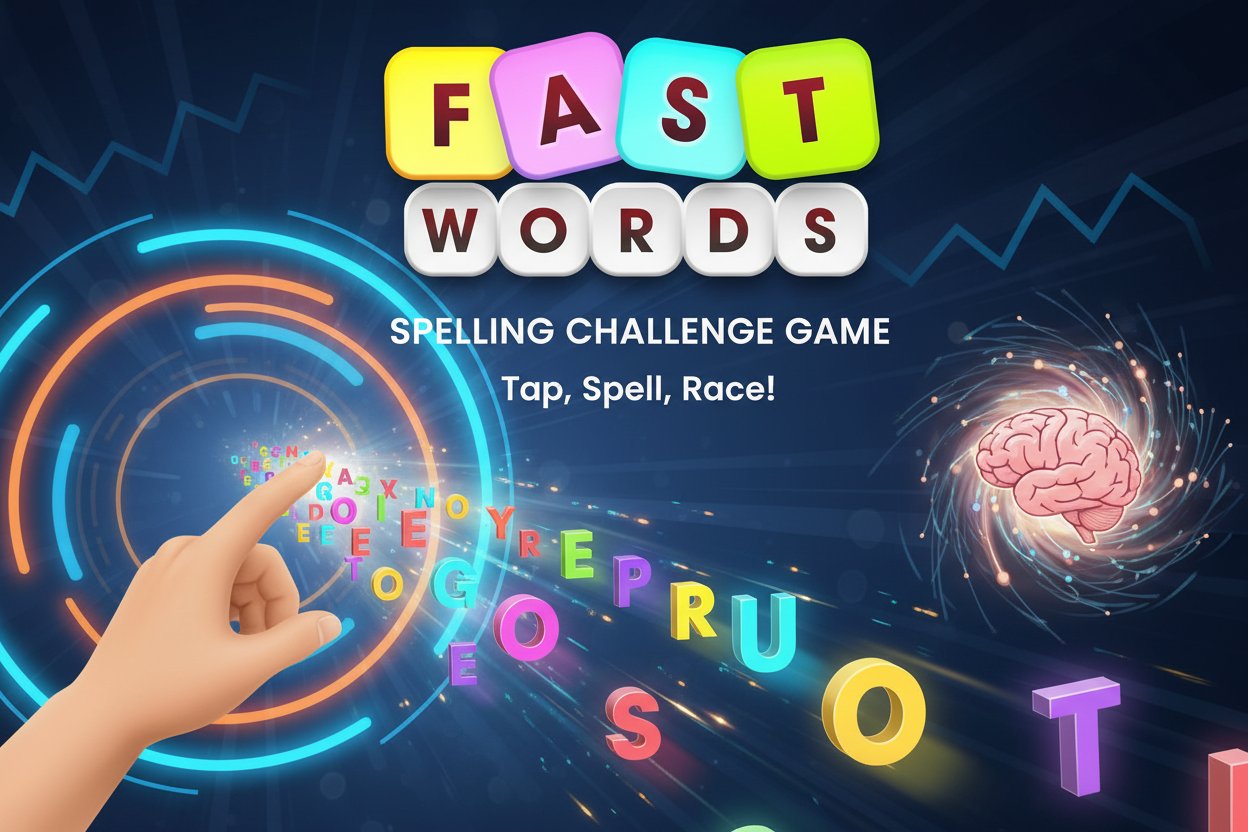
Fast Words is a thrilling word-spelling challenge that combines education with fast-paced action gameplay. With a solid 4.3/5 star rating from players worldwide, this free online game challenges you to spell words by tapping individual letters as they fall from the screen at ever-increasing speeds.
The game presents you with a target word upfront, then challenges you to tap each letter in the correct sequence as they flutter down the screen. What starts as a simple spelling exercise quickly becomes an intense test of hand-eye coordination and spelling accuracy.
Core Features
Fast-Paced Spelling Action
Unlike traditional word games, Fast Words adds a time pressure element that keeps you on your toes. As you progress, letters fall faster and faster, making even simple words like 'VOLCANIC' surprisingly challenging to spell correctly.
Educational Value
This game serves as an excellent tool for improving: - Spelling accuracy through repeated letter recognition - Hand-eye coordination via precision tapping - Reaction time as speeds increase - Vocabulary retention through word repetition
Cross-Platform Compatibility
- Free to play with no hidden costs or in-app purchases
- Instant play - no downloads required, works directly in your browser
- Mobile optimized for smartphones and tablets
- Desktop compatible for computer users
- HTML5 technology ensures smooth performance across all devices
Challenging Precision Gameplay
The game features intentionally small hit-boxes for letters, requiring precise timing and accuracy. This design choice makes the game more challenging and rewarding when you successfully complete difficult words.
Gameplay Mechanics
Fast Words follows a simple yet addictive formula:
- Word Display : You're shown the target word you need to spell
- Letter Rain : Individual letters begin falling from the top of the screen
- Tapping Challenge : Tap each letter in the correct sequence to spell the word
- Speed Increase : Successfully spelled words increase the falling speed
- Score Building : Faster completion times result in higher scores
Scoring System
Your performance is measured by: - Spelling accuracy - correct letter sequence - Completion speed - how quickly you finish each word - Consecutive successes - maintaining accuracy as difficulty increases - Overall efficiency - combining speed and precision
How to Play
Desktop Controls
- Mouse clicking : Use your mouse cursor to click on the appropriate letters as they float down the screen
- Timing : Click each letter in the exact sequence shown in the target word
- Precision : Aim carefully as the hit-boxes are intentionally small
Mobile Controls
- Touch tapping : Use your finger to tap letters on your smartphone or tablet screen
- Multi-touch : The game supports responsive touch controls for quick letter selection
- Gesture optimization : Designed for comfortable mobile gameplay
Tips for Success
- Start with shorter words to build up your rhythm
- Focus on letter positioning rather than trying to predict where they'll fall
- Keep your eyes on the target word to maintain spelling accuracy
- Practice on desktop first if you have larger fingers, as mobile requires more precision
Why Play Fast Words
Perfect for All Ages
This educational game is suitable for players of all skill levels: - Children can improve their spelling and letter recognition - Students can enhance their vocabulary and reaction time - Adults can enjoy a quick mental workout during breaks - Seniors can maintain cognitive sharpness through word games
Instant Entertainment
No need to wait for downloads or installations. Simply open your web browser and start playing immediately. The game loads quickly and runs smoothly on any modern device.
Educational Benefits
While having fun, players naturally improve their: - Spelling proficiency - Letter recognition speed - Hand-eye coordination - Concentration and focus - Quick decision-making skills
Competitive Element
Challenge yourself to beat your high scores or compete with friends to see who can handle the fastest letter speeds. The leaderboard system adds a competitive edge to the educational experience.