Find Color - Color Matching Puzzle Game - Puzzle Game
Prompt
Game Introduction
About the Game
Find Color is a deceptively simple yet incredibly challenging brain training puzzle game that has earned a solid 4.3/5 rating from players worldwide. This free online game tests your ability to distinguish between color names and the actual colors they're displayed in, creating a mind-bending experience that will keep you coming back for more.
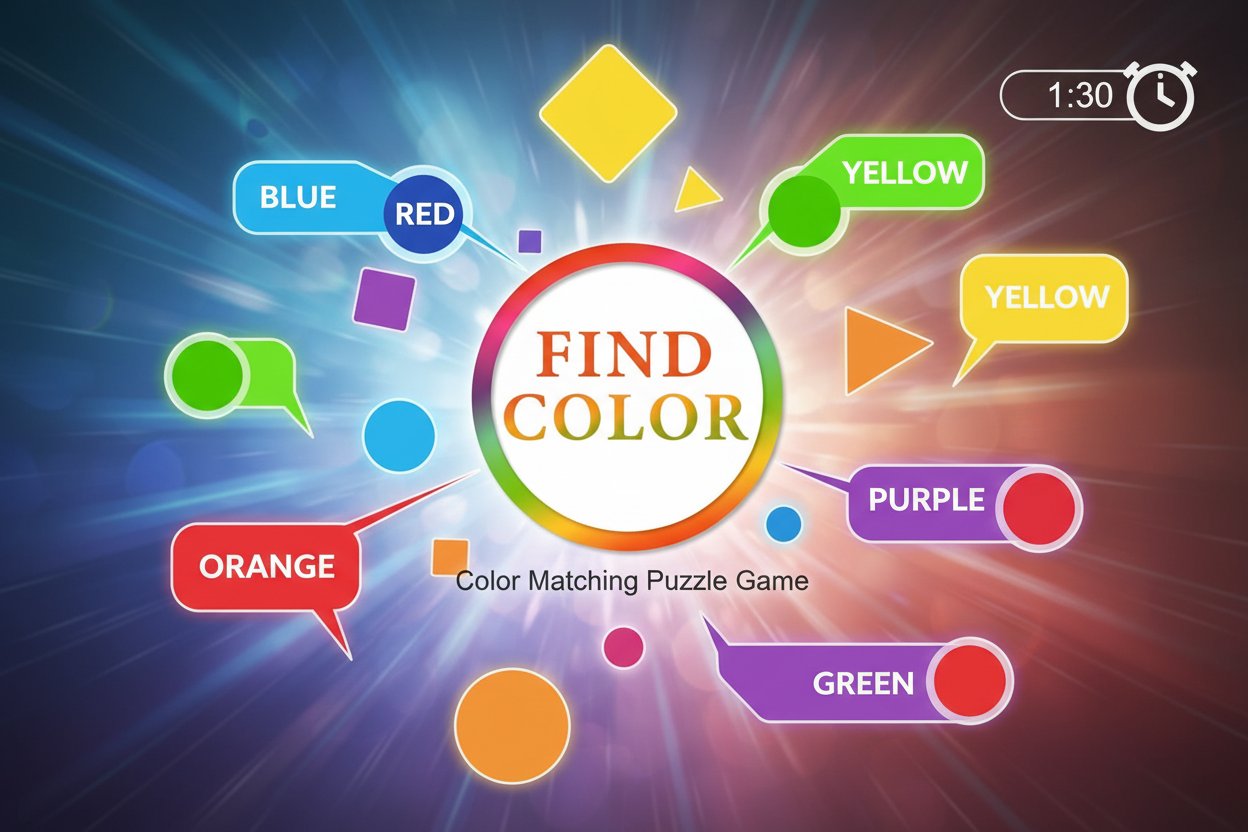
The concept appears straightforward: color names flash quickly on your screen, and you must determine whether the name matches the color it's written in. However, this seemingly simple task becomes surprisingly difficult as your brain struggles to process conflicting visual and textual information simultaneously.
Core Features
Instant Brain Challenge
Find Color delivers immediate cognitive stimulation without any learning curve. The game mechanics are intuitive - simply click "Yes" when the color name matches its display color, or "No" when they don't match. This simplicity makes it accessible to players of all ages while providing genuine mental exercise.
Addictive Gameplay Loop
The game's genius lies in its ability to create an addictive cycle of challenge and improvement. Each mistake teaches you something new about your cognitive processes, making you eager to try again and beat your previous score. The fast-paced nature ensures that sessions remain engaging and time flies by unnoticed.
Progressive Difficulty
As you play, the speed increases and color combinations become more challenging. What starts as an easy task quickly evolves into a true test of mental agility, requiring sustained concentration and quick decision-making skills.
Cross-Platform Compatibility
Built with HTML5 technology, Find Color runs smoothly on any device with a web browser. Whether you're on a desktop computer, tablet, or smartphone, the game adapts perfectly to your screen size and input method.
Gameplay Mechanics
The Color Challenge
Each round presents you with a colored word displaying a color name. Your brain must quickly process two pieces of information: what the word says and what color it appears in. When these match, click "Yes." When they conflict, click "No." The challenge lies in overriding your brain's automatic reading response.
Time Pressure Element
A countdown timer adds urgency to each decision, preventing you from overthinking and forcing rapid cognitive processing. This time pressure is what transforms a simple matching game into a genuine brain training exercise.
Score and Progress Tracking
The game tracks your performance, allowing you to monitor improvement over time. Beating your high score becomes a personal challenge that motivates continued play and skill development.
Operation Guide
Desktop Controls
- Mouse : Point and click to select "Yes" or "No" buttons
- Touchpad : Tap to make selections on supported devices
Mobile Controls
- Touch : Simply tap the "Yes" or "No" buttons with your finger
- Responsive Design : The interface automatically adjusts for comfortable mobile gameplay
Getting Started
- Load the game in your web browser
- Wait for the first colored word to appear
- Quickly determine if the word's color matches its meaning
- Click or tap the appropriate "Yes" or "No" button
- Continue until the timer runs out or you make an error
Why Play Find Color
Cognitive Benefits
Find Color provides genuine brain training benefits by exercising your ability to process conflicting information quickly and accurately. Regular play can improve focus, attention to detail, and decision-making speed.
Perfect for Quick Sessions
As an instant game, Find Color is ideal for short mental breaks. A complete session takes just minutes, making it perfect for filling brief downtime periods throughout your day.
No Commitment Required
With no downloads, installations, or account creation needed, you can start playing immediately. The game saves your progress locally, so you can return anytime to try beating your high score.
Universal Appeal
The simple concept transcends age and language barriers. Whether you're a student looking to sharpen your focus, a professional seeking a mental break, or a senior wanting to keep your mind active, Find Color offers appropriate challenge levels for everyone.
Completely Free
Enjoy unlimited gameplay without any cost. There are no hidden fees, premium features, or advertisements interrupting your gaming experience.