
Four in a Row - Connect Four Classic Game - Puzzle Game
 Unity
UnityCupid's Arrow
Build a Unity archery game of timing and matchmaking.
 Unity
UnityStrawberry Grove Adventure
Build a cozy Unity pixel grove of exploration and collectibles.
 FPS
FPS3D FPS Game
Build a desert FPS with weapon switching and a retro HUD.
 Subscriber only
Unreal Mountain Tour
Tour a third-person Unreal world of mountains and water.
 Unity
UnityEndless Runner
Build a polished Unity endless runner with lanes and pickups.
 Unity
UnityCrimson Illusion Battle
Build a Unity fantasy battle through a crimson illusion realm.
 New
NewFirst-Person Horror Survival
Build a first-person horror survival with exploration and enemies.
 Roguelike
Dungeon Survivors
Build a Vampire-Survivors-style dungeon arena with hero picks.
 Shooter
Platform Shooter Quest
Build a side-scrolling platform shooter with weapon switching.
 Driving
City Car Driving
Build an open-city free-driving game with car selection.
UnityCupid's Arrow
Build a Unity archery game of timing and matchmaking.
UnityStrawberry Grove Adventure
Build a cozy Unity pixel grove of exploration and collectibles.
FPS3D FPS Game
Build a desert FPS with weapon switching and a retro HUD.
Subscriber onlyUnreal Mountain Tour
Tour a third-person Unreal world of mountains and water.
UnityEndless Runner
Build a polished Unity endless runner with lanes and pickups.
UnityCrimson Illusion Battle
Build a Unity fantasy battle through a crimson illusion realm.
NewFirst-Person Horror Survival
Build a first-person horror survival with exploration and enemies.
RoguelikeDungeon Survivors
Build a Vampire-Survivors-style dungeon arena with hero picks.
ShooterPlatform Shooter Quest
Build a side-scrolling platform shooter with weapon switching.
DrivingCity Car Driving
Build an open-city free-driving game with car selection.
Prompt

Games are fun. Creating them is even better.
Game Introduction
About the Game
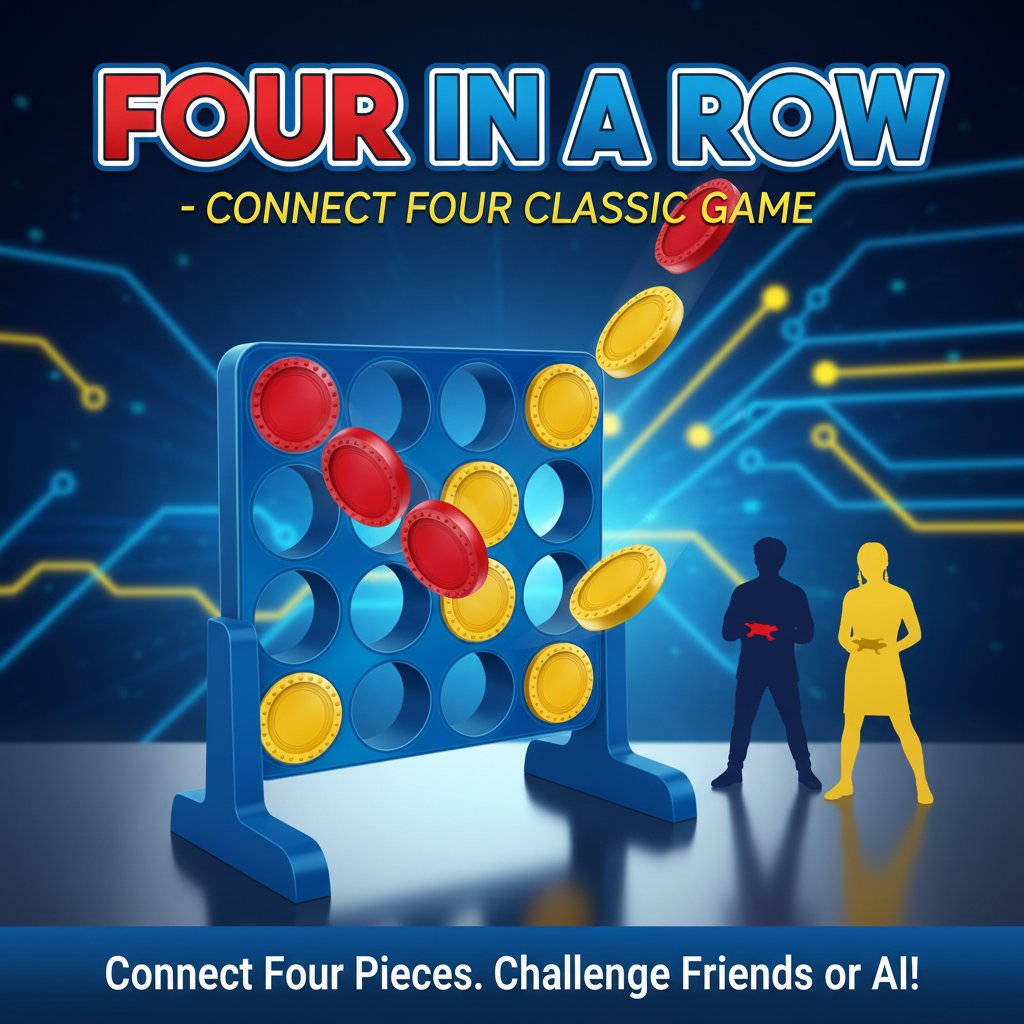
Four in a Row is a beloved strategic board game that has entertained players for generations. This digital version brings the classic connect-four gameplay to your browser, allowing you to enjoy the timeless puzzle challenge anytime, anywhere. The game features intuitive controls, crisp graphics with red and yellow game pieces, and engaging gameplay that's easy to learn but challenging to master.
Whether you're looking to challenge your strategic thinking or enjoy some friendly competition, Four in a Row delivers the perfect blend of simplicity and depth that has made it a household favorite worldwide.
Core Features
Classic Strategic Gameplay
Experience the authentic Four in a Row challenge where every move matters. Plan your strategy carefully as you attempt to connect four of your colored discs while blocking your opponent's winning combinations.
Multiple Game Modes
- Single Player Mode : Test your skills against intelligent computer AI with varying difficulty levels
- Two Player Mode : Challenge friends and family in exciting head-to-head matches
- Quick Match : Jump into a game instantly without setup delays
User-Friendly Design
The game features a clean, colorful interface with clearly distinguishable red and yellow game pieces. The intuitive drag-and-drop mechanics make it accessible for players of all ages and skill levels.
Cross-Platform Compatibility
Play seamlessly across all devices - desktop computers, tablets, and smartphones. No downloads required - simply open your browser and start playing immediately.
Game Rules and Strategy
How to Play
The objective is simple yet engaging: be the first player to connect four of your colored discs in a row. Connections can be made horizontally, vertically, or diagonally across the 7x6 game grid.
Winning Strategies
- Control the Center : Occupy the middle columns for maximum connection opportunities
- Think Ahead : Plan multiple moves in advance to set up winning combinations
- Block Opponents : Watch for your opponent's potential four-in-a-row setups and block them strategically
- Create Multiple Threats : Force your opponent into difficult defensive positions
Operation Guide
Mouse Controls : Click on any column to drop your disc into the lowest available slot
Touch Controls : On mobile devices, simply tap the column where you want to place your piece
Game Flow : 1. Choose your color (red or yellow) 2. Select single-player or two-player mode 3. Take turns dropping discs into columns 4. First to connect four pieces wins! 5. Start a new game or rematch with different settings
Why Play Four in a Row
Perfect for All Ages
This game appeals to children learning strategic thinking and adults seeking mental stimulation. Its simple rules make it accessible, while the strategic depth keeps experienced players engaged.
Educational Benefits
- Develops logical reasoning and pattern recognition
- Improves strategic planning and foresight
- Enhances spatial awareness and visual processing
- Builds patience and concentration skills
Social Gaming Experience
Whether playing with family members, friends, or online opponents, Four in a Row creates memorable gaming moments and friendly competition that brings people together.
No Commitment Required
With quick 5-10 minute game sessions, it's perfect for short breaks, waiting periods, or whenever you need a mental challenge. No lengthy tutorials or complex setups - just pure, immediate fun.