
Geography Game: South America - Puzzle Game
 Sandbox
Voxel Sandbox Builder
Build a voxel sandbox for placing and breaking blocks freely.
 FPS
FPS3D FPS Game
Build a desert FPS with weapon switching and a retro HUD.
 Driving
City Car Driving
Build an open-city free-driving game with car selection.
 Shooter
Rail Shooter Ride
Build a roller-coaster rail shooter that aims as you ride.
 Shooter
Platform Shooter Quest
Build a side-scrolling platform shooter with weapon switching.
 Godot
GodotBaby Bat Climber
Build a compact Godot cave-climbing platformer.
 Puzzle
Box Robot Puzzle
Build crate-pushing puzzles with vehicles and physics timing.
 New
NewSolo Racing Game
Build a browser racer with tracks, timing, and a minimap.
 New
NewRiver Raid Survival
Build a River Raid-style flight survival run with fuel pressure.
 New
NewHook a Fish Arcade
Build a fishing arcade where catches buy you more time.
SandboxVoxel Sandbox Builder
Build a voxel sandbox for placing and breaking blocks freely.
FPS3D FPS Game
Build a desert FPS with weapon switching and a retro HUD.
DrivingCity Car Driving
Build an open-city free-driving game with car selection.
ShooterRail Shooter Ride
Build a roller-coaster rail shooter that aims as you ride.
ShooterPlatform Shooter Quest
Build a side-scrolling platform shooter with weapon switching.
GodotBaby Bat Climber
Build a compact Godot cave-climbing platformer.
PuzzleBox Robot Puzzle
Build crate-pushing puzzles with vehicles and physics timing.
NewSolo Racing Game
Build a browser racer with tracks, timing, and a minimap.
NewRiver Raid Survival
Build a River Raid-style flight survival run with fuel pressure.
NewHook a Fish Arcade
Build a fishing arcade where catches buy you more time.
Prompt

Games are fun. Creating them is even better.
Game Introduction
About the Game
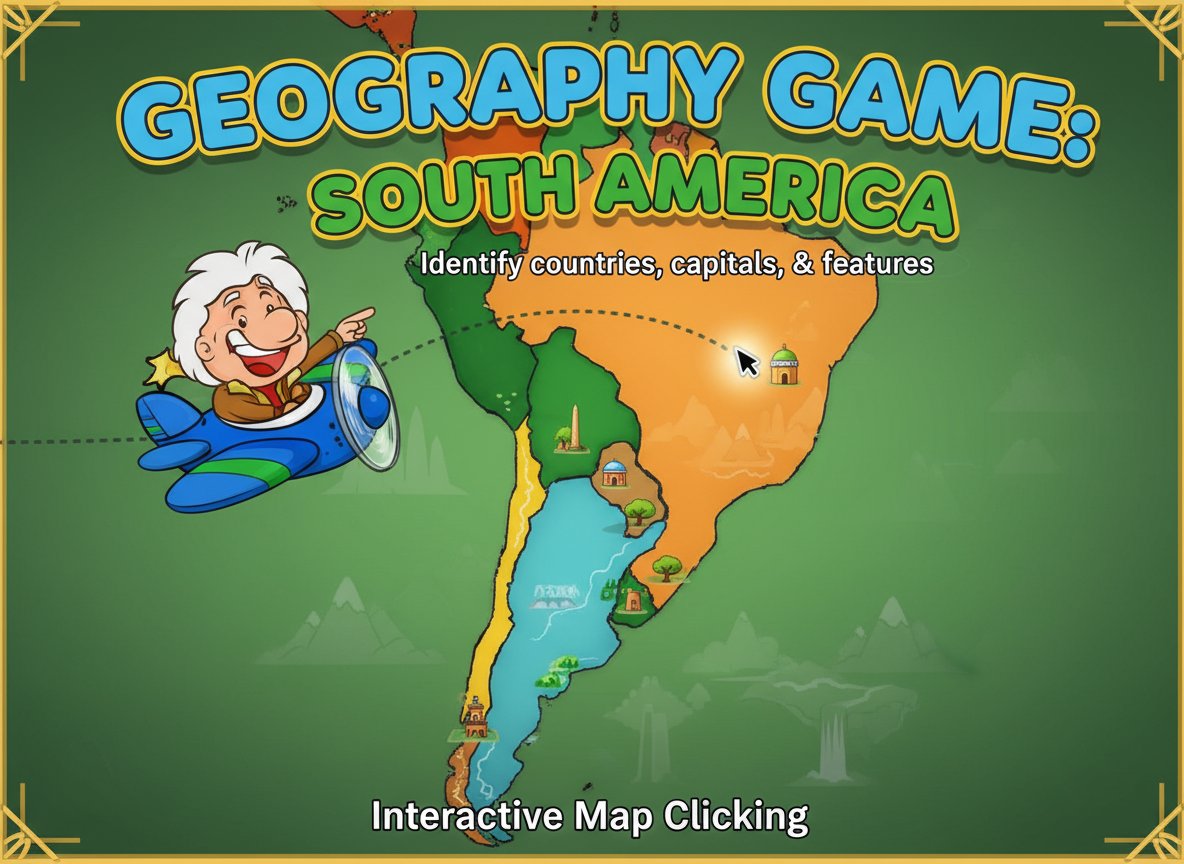
Geography Game: South America is an engaging educational puzzle game designed to test and improve your knowledge of South American geography. This interactive map quiz challenges players to identify countries, capitals, cities, and geographic features across the diverse continent of South America. Perfect for students, educators, and geography enthusiasts of all ages, this game makes learning about South American geography both fun and memorable.
Core Features
Interactive Learning Experience
The game features a user-friendly interface where players simply click on the map to select their answers. This hands-on approach makes learning geography more engaging than traditional textbook methods.
Comprehensive Coverage
Explore all 12 sovereign countries of South America, from the largest nation Brazil to smaller countries like Uruguay and Suriname. Learn about major cities, capitals, and important geographic landmarks that define this fascinating continent.
Educational Value
Designed as both entertainment and educational tool, this game helps improve: - Geographic knowledge of South American countries and their locations - Spatial awareness and map-reading skills - Cultural understanding through geographic exploration - Memory retention through interactive gameplay
Accessible Design
The game is completely free to play and runs directly in your web browser without any downloads or installations required. Compatible with computers, tablets, and smartphones for learning on the go.
Gameplay Mechanics
The gameplay is straightforward and intuitive. Players are presented with a colorful, interactive map of South America and given various geographic challenges. You might be asked to:
- Identify specific countries by clicking on their borders
- Locate capital cities and major urban centers
- Find important geographic features like rivers and mountain ranges
- Match country names with their correct positions on the map
Operation Guide
Mouse Controls : Simply use your mouse to click on the map areas. The game responds to precise clicking, so aim carefully when selecting countries or cities.
Getting Started : 1. Load the game in your web browser 2. Read the question or instruction displayed 3. Click on the corresponding area of the South American map 4. Receive immediate feedback on your answer 5. Progress through increasingly challenging questions
Tips for Success : - Take your time to study the map layout - Pay attention to country shapes and relative positions - Use geographic features like coastlines and borders as reference points - Learn from incorrect answers to improve future performance
Why Play This Game
This geography game offers an excellent way to expand your knowledge of South America while having fun. Whether you're a student preparing for geography tests, a teacher looking for classroom resources, or simply someone interested in world geography, this game provides valuable learning opportunities.
The interactive format makes it more engaging than traditional studying methods, while the immediate feedback helps reinforce correct information. It's particularly useful for visual learners who benefit from map-based learning approaches.
Perfect for Educational Settings
Teachers can incorporate this game into lesson plans as a fun way to review South American geography. Students can use it for self-directed learning and test preparation. The game's all-ages content rating makes it suitable for learners from elementary school through adult education.