
Google Feud - Autocomplete Quiz Game - Puzzle Game
 Unity
UnityEgg on the Car Roof
Build a Unity challenge: keep a fragile egg on a moving roof.
 New
New3D Block Puzzle
Build a 3D falling-block puzzle with rotations and row clears.
 Subscriber only
Unreal City Tour
Explore a photoreal Unreal city with terrain and live weather.
 Shooter
Platform Shooter Quest
Build a side-scrolling platform shooter with weapon switching.
 Godot
GodotBaby Bat Climber
Build a compact Godot cave-climbing platformer.
 New
NewArcade Crossing Game
Build a lane-dodging arcade game with traffic and pickups.
 Unity
UnityChaos Train Arcade
Build a chaotic Unity train arcade of hazards and timing.
 Shooter
Decay Zone Survival
Build a first-person zombie survival with ammo management.
 Unity
UnityBattle of Balls
Build a Unity arena where rolling balls collide and grow.

Time-Attack Racer
Build a no-physics finish-gate racer with nitro, minimap guidance, and synthesized audio.
UnityEgg on the Car Roof
Build a Unity challenge: keep a fragile egg on a moving roof.
New3D Block Puzzle
Build a 3D falling-block puzzle with rotations and row clears.
Subscriber onlyUnreal City Tour
Explore a photoreal Unreal city with terrain and live weather.
ShooterPlatform Shooter Quest
Build a side-scrolling platform shooter with weapon switching.
GodotBaby Bat Climber
Build a compact Godot cave-climbing platformer.
NewArcade Crossing Game
Build a lane-dodging arcade game with traffic and pickups.
UnityChaos Train Arcade
Build a chaotic Unity train arcade of hazards and timing.
ShooterDecay Zone Survival
Build a first-person zombie survival with ammo management.
UnityBattle of Balls
Build a Unity arena where rolling balls collide and grow.
Time-Attack Racer
Build a no-physics finish-gate racer with nitro, minimap guidance, and synthesized audio.
Prompt

Games are fun. Creating them is even better.
Game Introduction
About Google Feud
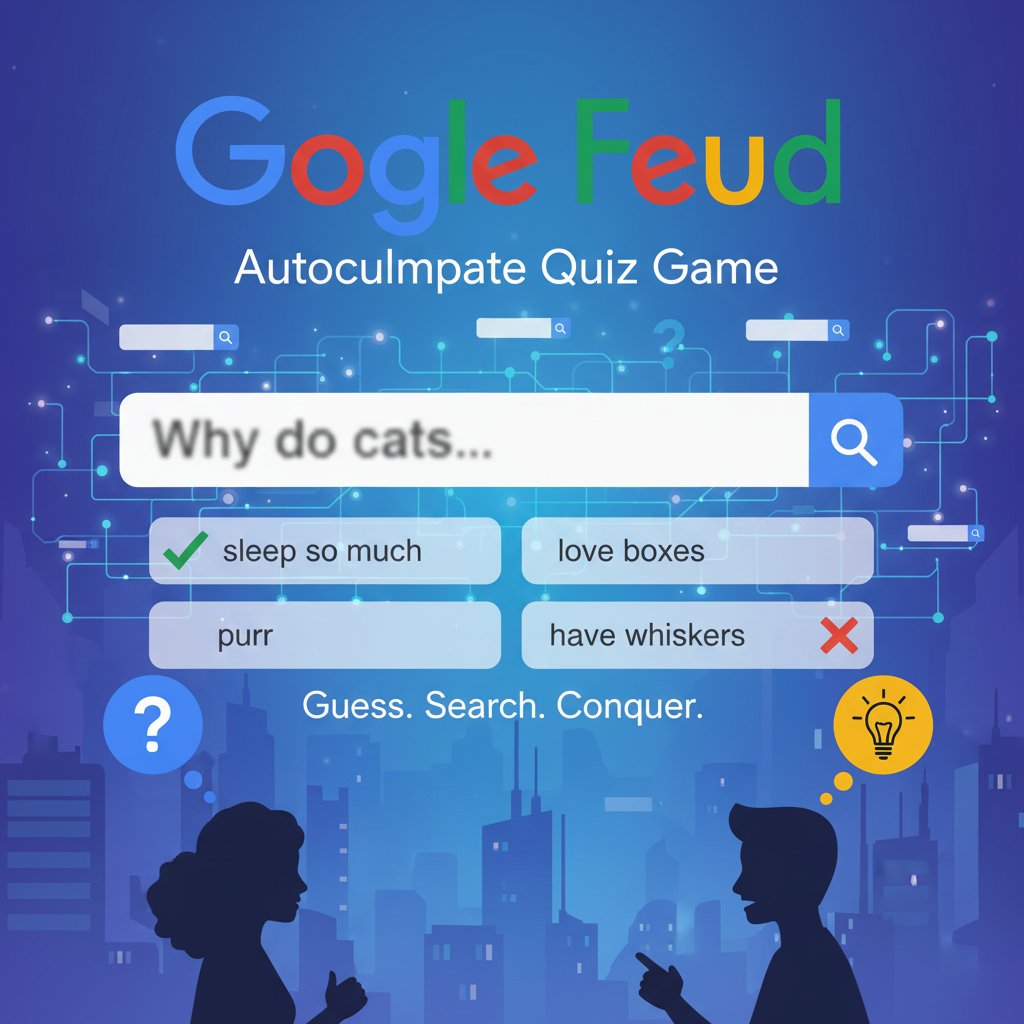
Google Feud is a fascinating online quiz game that puts your knowledge of human search behavior to the test. This clever brain training game challenges players to predict Google's autocomplete suggestions for various search queries. With its simple yet addictive gameplay, Google Feud has become a popular choice for puzzle enthusiasts and anyone curious about what the world searches for online.
The game presents you with incomplete search queries and asks you to guess the most popular autocomplete suggestions. It's like playing Family Feud, but with Google search data as your guide. Each correct guess reveals real search trends, making this both entertaining and surprisingly educational.
Core Features
Multiple Categories to Explore
Google Feud offers diverse question categories to keep gameplay fresh and challenging:
-
Culture
: Pop culture, celebrities, and trending topics
-
People
: Questions about human behavior and relationships
-
Names
: Popular names and their associations
-
Questions
: Common questions people ask Google
Real Google Data
Unlike other guessing games, Google Feud uses actual Google autocomplete data, making every answer authentic and reflecting real search trends. This gives players genuine insights into what people around the world are curious about.
Progressive Difficulty
The game starts with easier, more obvious completions and gradually introduces more challenging and unexpected search suggestions. This keeps players engaged as they develop their intuition for search patterns.
Social Gaming Elements
Perfect for group play, Google Feud becomes even more entertaining when played with friends. Compare your guessing skills and see who truly understands the collective internet mindset.
How to Play Google Feud
Getting Started
- Choose Your Category : Select from Culture, People, Names, or Questions
- Read the Query : A partial search phrase appears in the familiar Google search box
- Make Your Guess : Type what you think completes the search query
- Submit and Score : Hit enter to see if your guess matches popular searches
Scoring System
You have exactly 3 attempts per question to guess the autocomplete suggestions. Each correct guess earns points based on how popular that particular search completion is. The most searched completions give higher scores, rewarding players who can think like the masses.
Winning Strategy
Success in Google Feud requires understanding human psychology and current trends. Think about what ordinary people might search for, not what you personally would search. Consider common concerns, popular culture references, and everyday questions that millions might ask.
Why Play Google Feud
Educational Entertainment
Google Feud offers a unique window into human curiosity and social trends. While having fun, you'll learn about popular culture, common concerns, and how people phrase their questions online.
Brain Training Benefits
This game exercises multiple cognitive skills: - Pattern Recognition : Identifying common search behaviors - Cultural Awareness : Understanding popular trends and references - Predictive Thinking : Anticipating what others might search for - Vocabulary Skills : Thinking of various ways to phrase queries
Perfect for Any Skill Level
Whether you're a casual gamer or a trivia expert, Google Feud offers appropriate challenges. The game's difficulty naturally adjusts based on how obscure the autocomplete suggestions are.
No Commitment Required
As a browser-based game, Google Feud requires no downloads or accounts. Jump in for a quick mental workout during breaks or enjoy extended gaming sessions with friends.
Technical Requirements
Google Feud works perfectly across all modern devices and browsers: - Desktop Computers : Full keyboard support for fast typing - Tablets : Touch-friendly interface for mobile gaming - Smartphones : Optimized layout for small screens - No Installation : Plays directly in your web browser - Cross-Platform : Save progress across different devices