
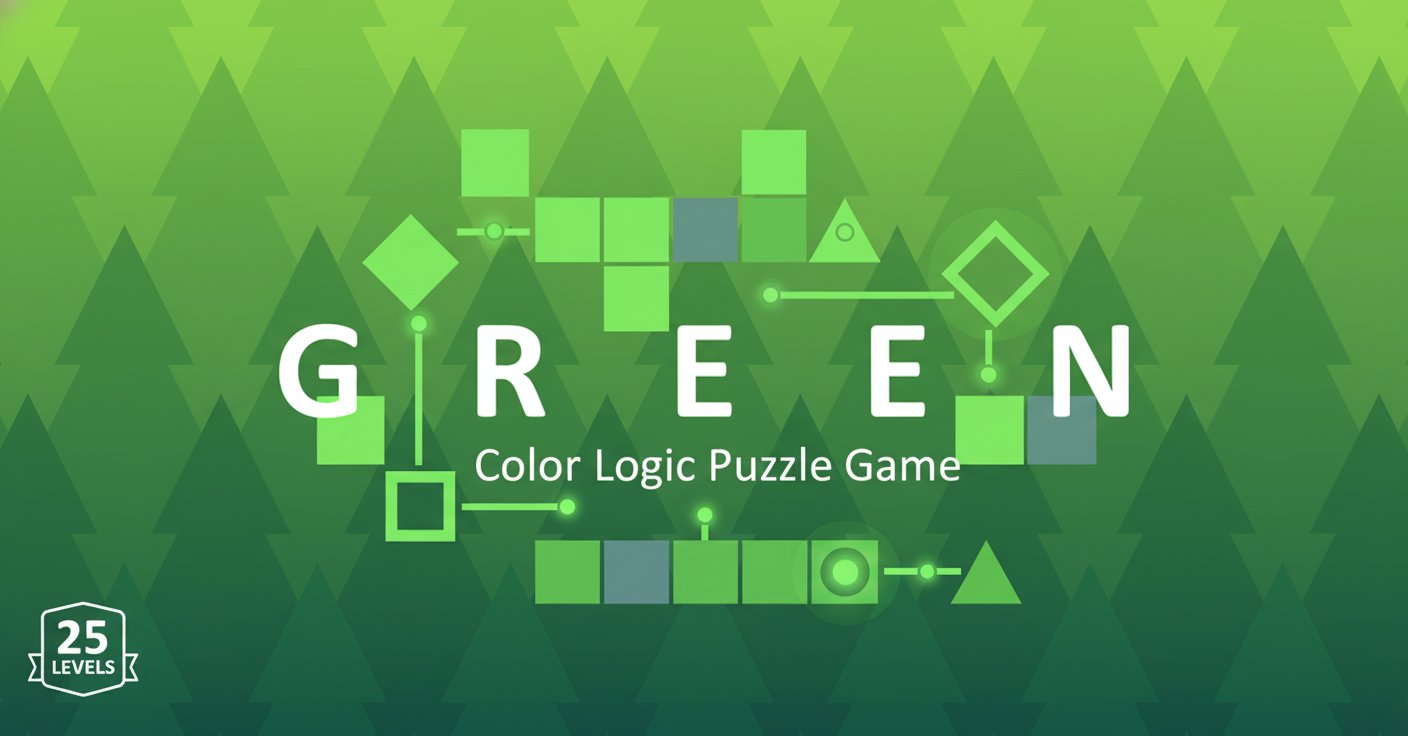
Green - Color Logic Puzzle Game - Puzzle Game
 Adventure
Character Adventure Sim
Build a 3D character explorer with traversal and interactive zones.
 New
NewFirst-Person Horror Survival
Build a first-person horror survival with exploration and enemies.
 Unity
UnityDesert Quickshot
Build a Unity quickdraw duel with streaks and rising heat.
 Subscriber only
Unreal Mountain Tour
Tour a third-person Unreal world of mountains and water.
 Shooter
Dead City Shooter
Build a third-person zombie shooter in a ruined city.
 Driving
City Car Driving
Build an open-city free-driving game with car selection.
 3D
3DThird Person Explorer
Build a third-person explorer with swappable scenes and a live minimap.
 Subscriber only
Unreal Top-Down Roguelite
Create a complete UE 5.5 top-down arena roguelite with upgrades and a boss finale.
 Unity
UnityCastle Devour Quest
Build a Unity castle quest with risky rooms and a win goal.
 Shooter
Platform Shooter Quest
Build a side-scrolling platform shooter with weapon switching.
AdventureCharacter Adventure Sim
Build a 3D character explorer with traversal and interactive zones.
NewFirst-Person Horror Survival
Build a first-person horror survival with exploration and enemies.
UnityDesert Quickshot
Build a Unity quickdraw duel with streaks and rising heat.
Subscriber onlyUnreal Mountain Tour
Tour a third-person Unreal world of mountains and water.
ShooterDead City Shooter
Build a third-person zombie shooter in a ruined city.
DrivingCity Car Driving
Build an open-city free-driving game with car selection.
3DThird Person Explorer
Build a third-person explorer with swappable scenes and a live minimap.
Subscriber onlyUnreal Top-Down Roguelite
Create a complete UE 5.5 top-down arena roguelite with upgrades and a boss finale.
UnityCastle Devour Quest
Build a Unity castle quest with risky rooms and a win goal.
ShooterPlatform Shooter Quest
Build a side-scrolling platform shooter with weapon switching.
Prompt
Games are fun. Creating them is even better.
Game Introduction
About Green
Green is a captivating logic puzzle game that challenges players to think outside the box. As part of a popular color-themed puzzle series, Green offers 25 meticulously crafted levels where your goal is simple yet challenging: turn the entire screen green. What makes this game special is that each level introduces completely new mechanics and puzzle-solving approaches, ensuring that no two challenges feel the same.
The game features minimalist design with immersive visuals and atmospheric music that creates the perfect environment for focused puzzle-solving. Whether you're a casual puzzle enthusiast or a hardcore logic game fan, Green provides an engaging experience that will test your problem-solving abilities.
Core Features
Innovative Puzzle Design
Green stands out with its unpredictable puzzle mechanics. Unlike traditional puzzle games that follow set patterns, each of the 25 levels introduces entirely new concepts and rules. This approach keeps players constantly engaged and prevents the gameplay from becoming repetitive.
Progressive Difficulty System
The game starts with relatively simple puzzles to help you understand the core concept, then gradually increases in complexity. Each level builds upon your understanding while introducing fresh challenges that require different thinking approaches.
Built-in Hint System
Stuck on a particularly challenging level? Green includes an intelligent hint system accessible through the lightbulb icon. Click it multiple times to receive increasingly obvious clues, helping you progress without completely spoiling the solution.
Atmospheric Experience
The game combines clean, minimalist visuals with carefully crafted background music to create an immersive puzzle-solving environment. The green color theme is consistent throughout, creating a cohesive and visually pleasing experience.
Gameplay
How to Play
The core objective in Green is beautifully simple: make the entire screen turn green. However, achieving this goal requires careful observation, logical thinking, and creative problem-solving. Each level presents a different puzzle mechanism that you must figure out through experimentation and deduction.
Some levels might involve clicking specific patterns, others could require timing-based actions, and some might need you to discover hidden interactive elements. The key is to observe carefully, think creatively, and don't be afraid to experiment with different approaches.
Level Structure
With 25 levels of increasing complexity, Green provides hours of engaging puzzle-solving entertainment. Early levels serve as an introduction to the game's philosophy, while later stages present mind-bending challenges that will test even experienced puzzle solvers.
Operation Guide
Simple Controls
Green features incredibly intuitive controls that anyone can master: - Left Mouse Click : The primary interaction method for solving puzzles - Hint Button : Located in the top right corner (lightbulb icon) for when you need assistance - Level Navigation : Simple interface for moving between completed levels
The one-click control system ensures that the focus remains on puzzle-solving rather than complex controls, making the game accessible to players of all ages and gaming experience levels.
Why Play Green?
Perfect for All Skill Levels
Whether you're new to puzzle games or a seasoned veteran, Green offers an appropriate challenge. The progressive difficulty ensures that beginners can learn and improve, while the later levels provide substantial challenges for experienced players.
No Time Pressure
Unlike many modern games, Green allows you to think at your own pace. There are no timers, no rush, and no penalty for taking time to contemplate your next move. This makes it perfect for relaxing gaming sessions or when you want to exercise your brain without stress.
Browser-Based Convenience
Play instantly in your web browser without downloads, installations, or account creation. Green is also compatible with mobile devices, allowing you to enjoy puzzle-solving on the go.
Completely Free
Enjoy all 25 levels without any payment requirements, subscriptions, or in-app purchases. The full game experience is available at no cost.