
Jigsaw Gems - Classic Jigsaw Puzzle Game - Puzzle Game
 New
NewFirst-Person Horror Survival
Build a first-person horror survival with exploration and enemies.
 Unity
UnityStrawberry Grove Adventure
Build a cozy Unity pixel grove of exploration and collectibles.
 Racing
Track Racing Challenge
Build a closed-circuit racer built around drift corners.
 Survival
Survival Sandbox Arena
Build a survival arena with enemy waves and turret defense.
 Subscriber only
Unreal Landscape Tour
Tour photoreal Unreal landscapes with cinematic camera work.
 Unity
UnityCity Eater
Build a Unity game where a growing blob devours the city.
 Unity
UnityDesert Quickshot
Build a Unity quickdraw duel with streaks and rising heat.
 Puzzle
Magic Cube Puzzle
Build an interactive Rubik's Cube with scramble and reset.
 Voxel
VoxelVoxel Hero Adventure
Build a voxel hero who explores, mines, and builds.
 Arcade
Pumpkin Night Adventure
Build a Halloween grid-arena survival romp.
NewFirst-Person Horror Survival
Build a first-person horror survival with exploration and enemies.
UnityStrawberry Grove Adventure
Build a cozy Unity pixel grove of exploration and collectibles.
RacingTrack Racing Challenge
Build a closed-circuit racer built around drift corners.
SurvivalSurvival Sandbox Arena
Build a survival arena with enemy waves and turret defense.
Subscriber onlyUnreal Landscape Tour
Tour photoreal Unreal landscapes with cinematic camera work.
UnityCity Eater
Build a Unity game where a growing blob devours the city.
UnityDesert Quickshot
Build a Unity quickdraw duel with streaks and rising heat.
PuzzleMagic Cube Puzzle
Build an interactive Rubik's Cube with scramble and reset.
VoxelVoxel Hero Adventure
Build a voxel hero who explores, mines, and builds.
ArcadePumpkin Night Adventure
Build a Halloween grid-arena survival romp.
Prompt

Games are fun. Creating them is even better.
Game Introduction
About Jigsaw Gems
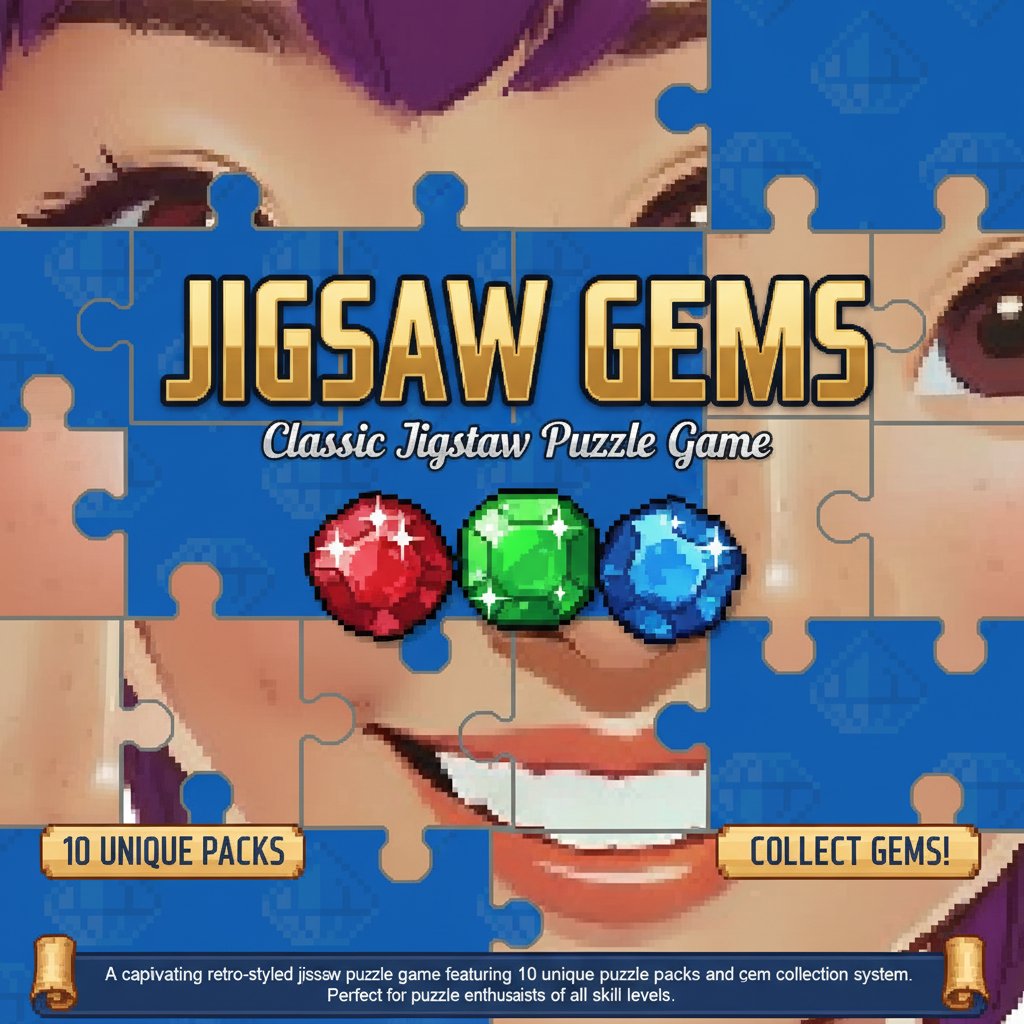
Jigsaw Gems is an engaging online jigsaw puzzle game that combines classic puzzle-solving with modern gaming elements. This retro-styled brain teaser offers hundreds of challenging puzzles across 10 different themed packs, making it perfect for puzzle enthusiasts and casual gamers alike. The game features a unique gem collection system where every completed puzzle rewards you with gems that can be used to unlock new content.
Core Features
Extensive Puzzle Collection
Jigsaw Gems offers an impressive library of jigsaw puzzles organized into 10 distinct level packs. Each pack contains carefully curated puzzles with varying difficulty levels, ensuring both beginners and experienced puzzle solvers find appropriate challenges.
Gem Reward System
Every puzzle you complete earns you valuable gems. This rewarding progression system motivates players to continue solving puzzles while providing a clear path to unlock new content. The more puzzles you solve, the more gems you collect, and the more exciting puzzle packs become available.
Daily and Weekly Challenges
Stay engaged with regular fresh content through daily and weekly puzzle challenges. These special events offer unique puzzles and bonus gem rewards, helping you maintain your puzzle-solving skills while earning extra currency for unlocking premium content.
Retro Gaming Aesthetic
The game features a charming retro art style that appeals to both nostalgic gamers and modern puzzle fans. The pixel-perfect graphics and classic gaming atmosphere create an immersive experience that stands out from typical jigsaw puzzle games.
Gameplay Mechanics
Simple Drag-and-Drop Interface
Jigsaw Gems uses an intuitive mouse-controlled interface that makes puzzle solving smooth and enjoyable. Simply drag puzzle pieces around the screen to find their correct positions. The responsive controls work seamlessly across all devices.
Progressive Difficulty
Start with simpler puzzles to learn the mechanics, then gradually progress to more complex challenges. Each puzzle pack introduces new themes and increased piece counts, ensuring a steady learning curve that keeps players engaged.
Strategic Piece Placement
Success in Jigsaw Gems requires both patience and strategy. Look for edge pieces first, group similar colors and patterns, and use the preview image as your guide to efficiently complete each puzzle.
Operation Guide
Mouse Controls: - Left Click + Drag : Move puzzle pieces around the workspace - Right Click : Rotate pieces (if rotation is enabled) - Mouse Wheel : Zoom in and out for better piece visibility - Double Click : Auto-fit pieces to nearby correct positions
Tips for Success: 1. Start by finding and placing all edge pieces to create the border 2. Group pieces by color, pattern, or recognizable elements 3. Use the reference image to identify where specific pieces belong 4. Take breaks if you get stuck - fresh eyes often spot solutions quickly 5. Complete daily challenges regularly to maximize gem earnings
Why Play Jigsaw Gems
Perfect Brain Training
Jigsaw puzzles are scientifically proven to improve cognitive function, memory, and problem-solving skills. Jigsaw Gems makes brain training enjoyable and rewarding through its engaging gameplay and progression system.
Stress Relief and Relaxation
The meditative nature of puzzle solving provides excellent stress relief. The game's soothing gameplay and satisfying completion rewards create a perfect escape from daily pressures.
Accessible to All Ages
Whether you're introducing children to puzzle games or looking for a challenging hobby as an adult, Jigsaw Gems accommodates all skill levels with its diverse difficulty options and helpful interface.
Completely Free to Play
Enjoy unlimited access to Jigsaw Gems without any cost. The game is entirely free to play with no hidden fees, subscriptions, or mandatory purchases. Earn gems through gameplay to unlock all content naturally.
Cross-Platform Compatibility
Play seamlessly across desktop computers, laptops, tablets, and smartphones. Your progress saves automatically, allowing you to continue your puzzle-solving journey on any device.