
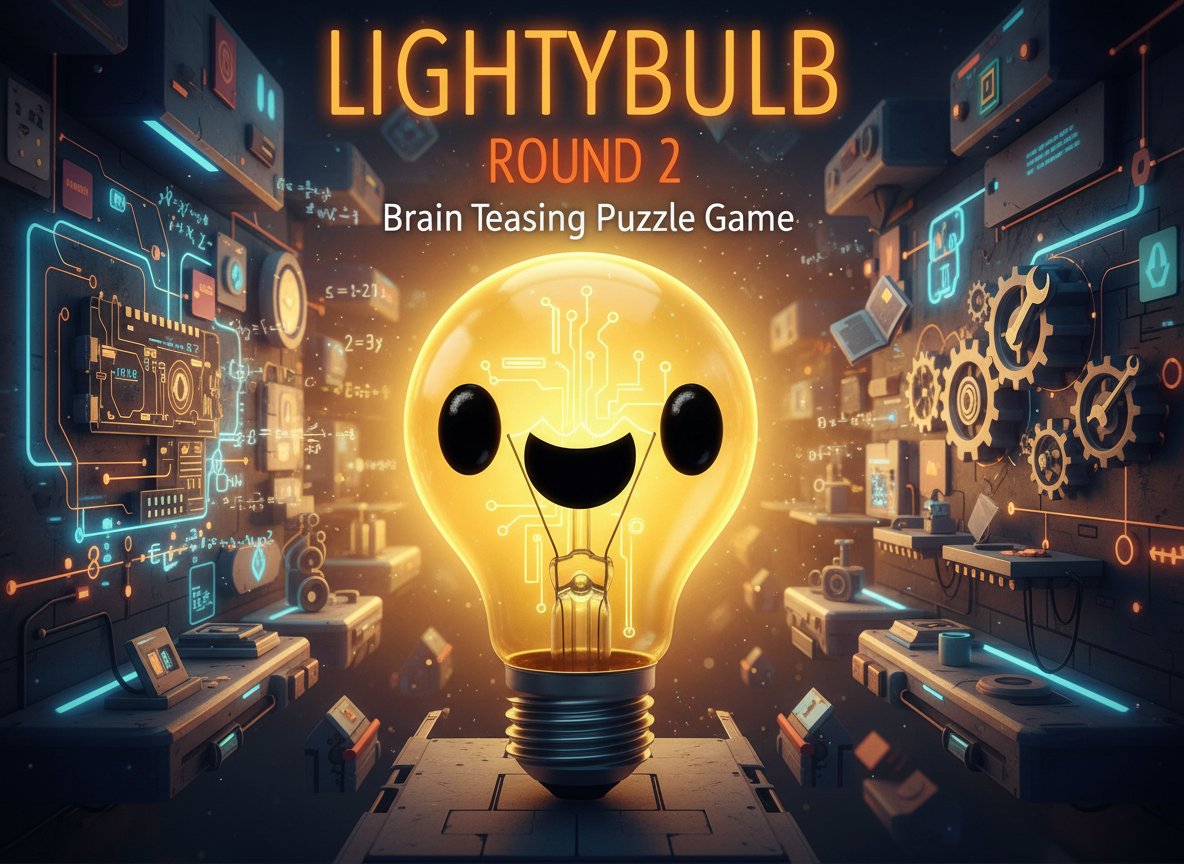
Lightybulb Round 2 - Brain Teasing Puzzle Game - Puzzle Game
 Shooter
Platform Shooter Quest
Build a side-scrolling platform shooter with weapon switching.
 Godot
GodotBaby Bat Climber
Build a compact Godot cave-climbing platformer.
 Unity
UnityEgg on the Car Roof
Build a Unity challenge: keep a fragile egg on a moving roof.
 Driving
City Car Driving
Build an open-city free-driving game with car selection.
 New
New3D Block Puzzle
Build a 3D falling-block puzzle with rotations and row clears.

Time-Attack Racer
Build a no-physics finish-gate racer with nitro, minimap guidance, and synthesized audio.
 Unity
UnityCastle Devour Quest
Build a Unity castle quest with risky rooms and a win goal.
 Unity
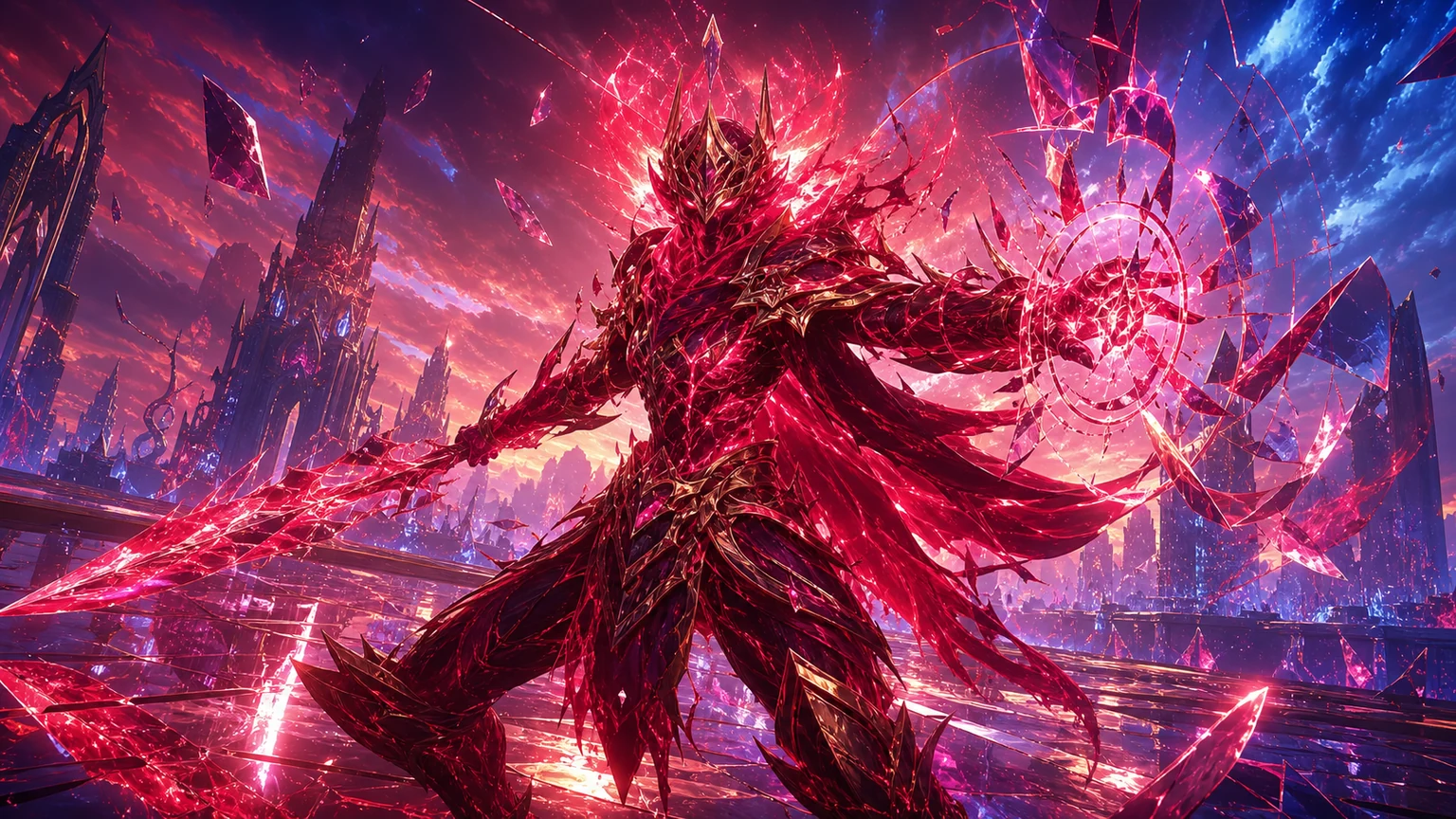
UnityCrimson Illusion Battle
Build a Unity fantasy battle through a crimson illusion realm.
 New
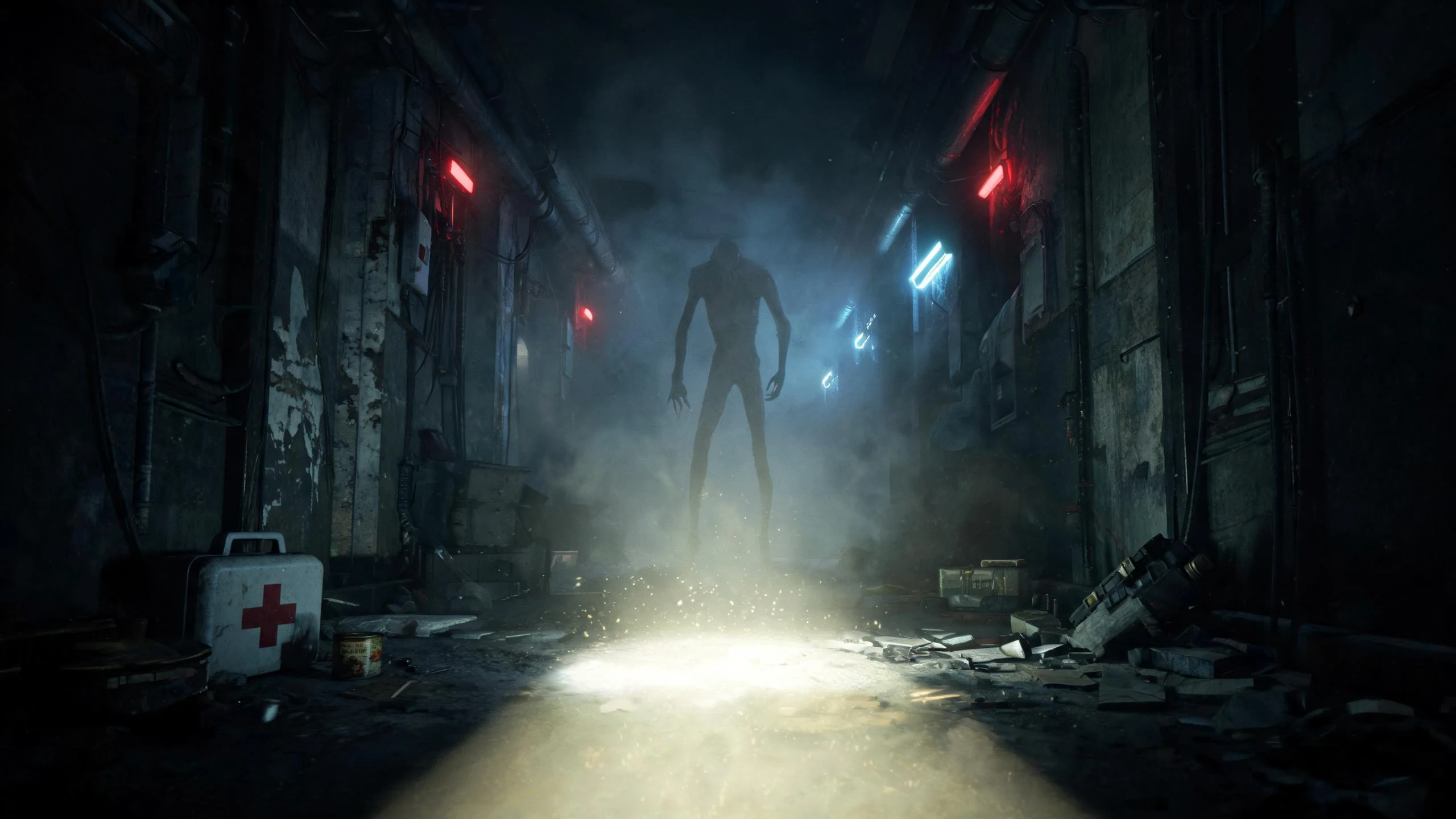
NewFirst-Person Horror Survival
Build a first-person horror survival with exploration and enemies.
 Unity
UnityCupid's Arrow
Build a Unity archery game of timing and matchmaking.
ShooterPlatform Shooter Quest
Build a side-scrolling platform shooter with weapon switching.
GodotBaby Bat Climber
Build a compact Godot cave-climbing platformer.
UnityEgg on the Car Roof
Build a Unity challenge: keep a fragile egg on a moving roof.
DrivingCity Car Driving
Build an open-city free-driving game with car selection.
New3D Block Puzzle
Build a 3D falling-block puzzle with rotations and row clears.
Time-Attack Racer
Build a no-physics finish-gate racer with nitro, minimap guidance, and synthesized audio.
UnityCastle Devour Quest
Build a Unity castle quest with risky rooms and a win goal.
UnityCrimson Illusion Battle
Build a Unity fantasy battle through a crimson illusion realm.
NewFirst-Person Horror Survival
Build a first-person horror survival with exploration and enemies.
UnityCupid's Arrow
Build a Unity archery game of timing and matchmaking.
Prompt
Games are fun. Creating them is even better.
Game Introduction
About the Game
Lightybulb Round 2 is a captivating puzzle game that will test your mental agility and creative thinking skills. With its adorable character design and deceptively simple appearance, this brain teaser offers hours of challenging gameplay that will keep you engaged from start to finish. The game has earned a solid 3.5/5 rating from players who appreciate its unique approach to puzzle-solving.
Core Features
Interactive Puzzle Mechanics
What sets Lightybulb Round 2 apart from traditional puzzle games is its emphasis on interactive exploration . Players must click on various objects and experiment with dragging items around the screen to discover hidden solutions. This hands-on approach makes every level feel like a mini-detective story waiting to be solved.
Diverse Problem-Solving Methods
Each level presents a unique challenge that requires different cognitive skills: - Mathematical calculations for number-based puzzles - Code deciphering to unlock secret patterns - Process of elimination for logical deduction - Creative interaction with environmental objects
Cute and Accessible Design
Despite being labeled as a "Hard" game, Lightybulb Round 2 maintains a friendly, approachable aesthetic with its cute character design. The bright yellow lightbulb mascot creates a welcoming atmosphere that encourages experimentation without intimidation.
Cross-Platform Compatibility
Built with HTML5 technology, the game runs smoothly on: - Desktop computers via web browsers - Mobile devices and tablets - Any device with modern browser support - No downloads or installations required
Game Mechanics
Click and Drag Interactions
The core gameplay revolves around mouse interactions and keyboard input. Players need to: - Click on objects to activate switches, buttons, and interactive elements - Drag items to move, combine, or position objects strategically - Experiment freely as there are often multiple ways to interact with each element
Progressive Difficulty
While levels may appear similar at first glance, each one introduces new mechanics and solution methods. The game gradually increases complexity, teaching players to approach problems from multiple angles.
Operation Guide
Basic Controls
- Mouse Click : Interact with objects, buttons, and switches
- Mouse Drag : Move objects around the screen to discover new interactions
- Keyboard : Use for specific puzzles that require text input or number entry
- Observation : Pay attention to visual cues and environmental details
Problem-Solving Tips
- Try everything : Click on every visible object to understand what's interactive
- Think laterally : Solutions often require unconventional thinking
- Pay attention to details : Small visual cues often contain important hints
- Don't rush : Take time to analyze each level's unique requirements
- Experiment with combinations : Try dragging objects together or onto other elements
Why Play This Game
Mental Exercise Benefits
Lightybulb Round 2 provides excellent cognitive training by challenging different aspects of problem-solving: - Enhances logical reasoning skills - Improves pattern recognition abilities - Develops creative thinking approaches - Strengthens analytical problem-solving
Perfect for All Skill Levels
While tagged as "Hard," the game's cute presentation and gradual learning curve make it accessible to puzzle newcomers while still providing substantial challenges for experienced players.
Instant Accessibility
As a free browser-based game , you can start playing immediately without any commitment: - No registration required - No download waiting time - Play during breaks or commutes - Resume progress anytime
Unique Gaming Experience
Unlike traditional match-3 or sliding puzzles, Lightybulb Round 2 offers a fresh take on puzzle gaming that combines multiple problem-solving disciplines in one cohesive experience.