
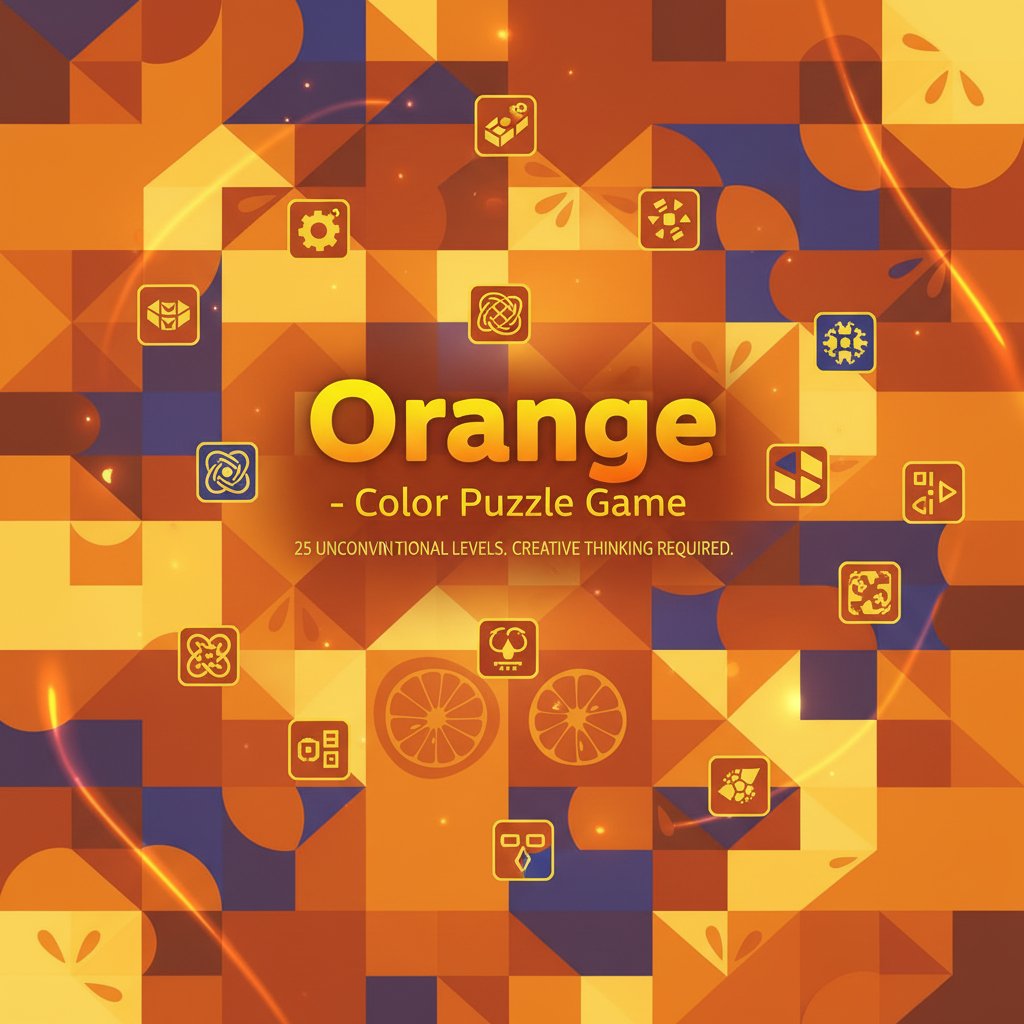
Orange - Color Puzzle Game - Puzzle Game
 New
NewFirst-Person Horror Survival
Build a first-person horror survival with exploration and enemies.
 New
NewCharacter Physics World
Build a third-person physics world with day-night and props to touch.
 Sports
Basketball Duel
Build a one-on-one basketball game with physics shooting.
 Puzzle
Magic Cube Puzzle
Build an interactive Rubik's Cube with scramble and reset.
 Subscriber only
Unreal City Tour
Explore a photoreal Unreal city with terrain and live weather.
 Subscriber only
Unreal Mountain Tour
Tour a third-person Unreal world of mountains and water.
 Puzzle
Box Robot Puzzle
Build crate-pushing puzzles with vehicles and physics timing.
 Sandbox
Voxel Sandbox Builder
Build a voxel sandbox for placing and breaking blocks freely.
 Action
Open World City Action
Build an open-world city romp with driving and police chases.
 Voxel
VoxelVoxel Hero Adventure
Build a voxel hero who explores, mines, and builds.
NewFirst-Person Horror Survival
Build a first-person horror survival with exploration and enemies.
NewCharacter Physics World
Build a third-person physics world with day-night and props to touch.
SportsBasketball Duel
Build a one-on-one basketball game with physics shooting.
PuzzleMagic Cube Puzzle
Build an interactive Rubik's Cube with scramble and reset.
Subscriber onlyUnreal City Tour
Explore a photoreal Unreal city with terrain and live weather.
Subscriber onlyUnreal Mountain Tour
Tour a third-person Unreal world of mountains and water.
PuzzleBox Robot Puzzle
Build crate-pushing puzzles with vehicles and physics timing.
SandboxVoxel Sandbox Builder
Build a voxel sandbox for placing and breaking blocks freely.
ActionOpen World City Action
Build an open-world city romp with driving and police chases.
VoxelVoxel Hero Adventure
Build a voxel hero who explores, mines, and builds.
Prompt

Games are fun. Creating them is even better.
Game Introduction
About Orange
Orange is a captivating puzzle game that breaks the mold of traditional puzzle gaming. Unlike conventional puzzle games where levels follow similar patterns, Orange presents 25 completely unique challenges that will test your creativity, logic, and problem-solving abilities. Each level is meticulously crafted to offer a fresh puzzle experience that requires different thinking approaches.
Core Features
Unique Level Design Philosophy
Every single level in Orange is fundamentally different from the others. This isn't just about increasing difficulty - it's about presenting entirely new puzzle mechanics and concepts that keep you engaged and surprised throughout your gaming experience.
Beautiful Visual Presentation
The game features stunning, minimalist design with vibrant orange-themed graphics. The clean interface ensures that nothing distracts you from the pure puzzle-solving experience, while the beautiful aesthetics make each level visually appealing.
Comprehensive Hint System
Stuck on a challenging level? Orange includes an intelligent hint system accessible through the light bulb button in the top-right corner. Multiple hints are available for each level, providing graduated assistance without spoiling the solution completely.
Progressive Difficulty Curve
While each level is unique, the game carefully balances challenge progression. Early levels introduce you to the game's creative thinking requirements, while later levels push your problem-solving skills to their limits.
Game Mechanics
Orange combines elements from various puzzle genres: - Logic puzzles that require systematic thinking - Color-based challenges using the orange theme creatively - Brain training elements that improve cognitive flexibility - Creative problem-solving scenarios that reward unconventional approaches
How to Play
Basic Controls
The game uses simple, intuitive controls: - Left mouse button : Primary interaction with puzzle elements - Light bulb button : Access the multi-layered hint system when needed - Clean interface : Focus entirely on the puzzle without distractions
Gameplay Strategy
- Observe carefully : Each level presents visual clues about its unique mechanics
- Think creatively : Traditional puzzle approaches may not work
- Use hints wisely : Multiple hints are available, read them all for complete understanding
- Experiment freely : The game encourages trial and exploration
- Embrace uniqueness : Don't expect patterns from previous levels
Why Play Orange?
Mental Exercise Benefits
Orange serves as an excellent brain training tool. The diverse puzzle types exercise different cognitive skills: - Pattern recognition - Logical reasoning - Creative thinking - Problem-solving flexibility - Visual-spatial processing
Perfect for All Skill Levels
Whether you're a puzzle game veteran or newcomer, Orange accommodates all players. The hint system ensures that challenging levels remain accessible, while the unique design keeps experienced players engaged.
Free and Accessible
Play Orange completely free in your browser - no downloads, no installations, no hidden costs. The game works perfectly on desktop and mobile devices, making it ideal for quick mental breaks or extended puzzle sessions.
Completion Challenge
With 25 unique levels, Orange offers substantial content while remaining focused. The real challenge isn't just solving each puzzle, but doing so efficiently. How quickly can you complete all levels while truly understanding each unique solution?