
Paint the Flag - Quiz & Coloring Game - Puzzle Game
 New
NewCharacter Physics World
Build a third-person physics world with day-night and props to touch.
 New
NewFirst-Person Horror Survival
Build a first-person horror survival with exploration and enemies.
 Puzzle
Box Robot Puzzle
Build crate-pushing puzzles with vehicles and physics timing.

Time-Attack Racer
Build a no-physics finish-gate racer with nitro, minimap guidance, and synthesized audio.
 Unity
UnityCrimson Illusion Battle
Build a Unity fantasy battle through a crimson illusion realm.
 New
NewSolo Racing Game
Build a browser racer with tracks, timing, and a minimap.
 Subscriber only
Unreal Mountain Tour
Tour a third-person Unreal world of mountains and water.
 FPS
FPS3D FPS Game
Build a desert FPS with weapon switching and a retro HUD.
 Shooter
Decay Zone Survival
Build a first-person zombie survival with ammo management.
 Action
Open World City Action
Build an open-world city romp with driving and police chases.
NewCharacter Physics World
Build a third-person physics world with day-night and props to touch.
NewFirst-Person Horror Survival
Build a first-person horror survival with exploration and enemies.
PuzzleBox Robot Puzzle
Build crate-pushing puzzles with vehicles and physics timing.
Time-Attack Racer
Build a no-physics finish-gate racer with nitro, minimap guidance, and synthesized audio.
UnityCrimson Illusion Battle
Build a Unity fantasy battle through a crimson illusion realm.
NewSolo Racing Game
Build a browser racer with tracks, timing, and a minimap.
Subscriber onlyUnreal Mountain Tour
Tour a third-person Unreal world of mountains and water.
FPS3D FPS Game
Build a desert FPS with weapon switching and a retro HUD.
ShooterDecay Zone Survival
Build a first-person zombie survival with ammo management.
ActionOpen World City Action
Build an open-world city romp with driving and police chases.
Prompt

Games are fun. Creating them is even better.
Game Introduction
About the Game
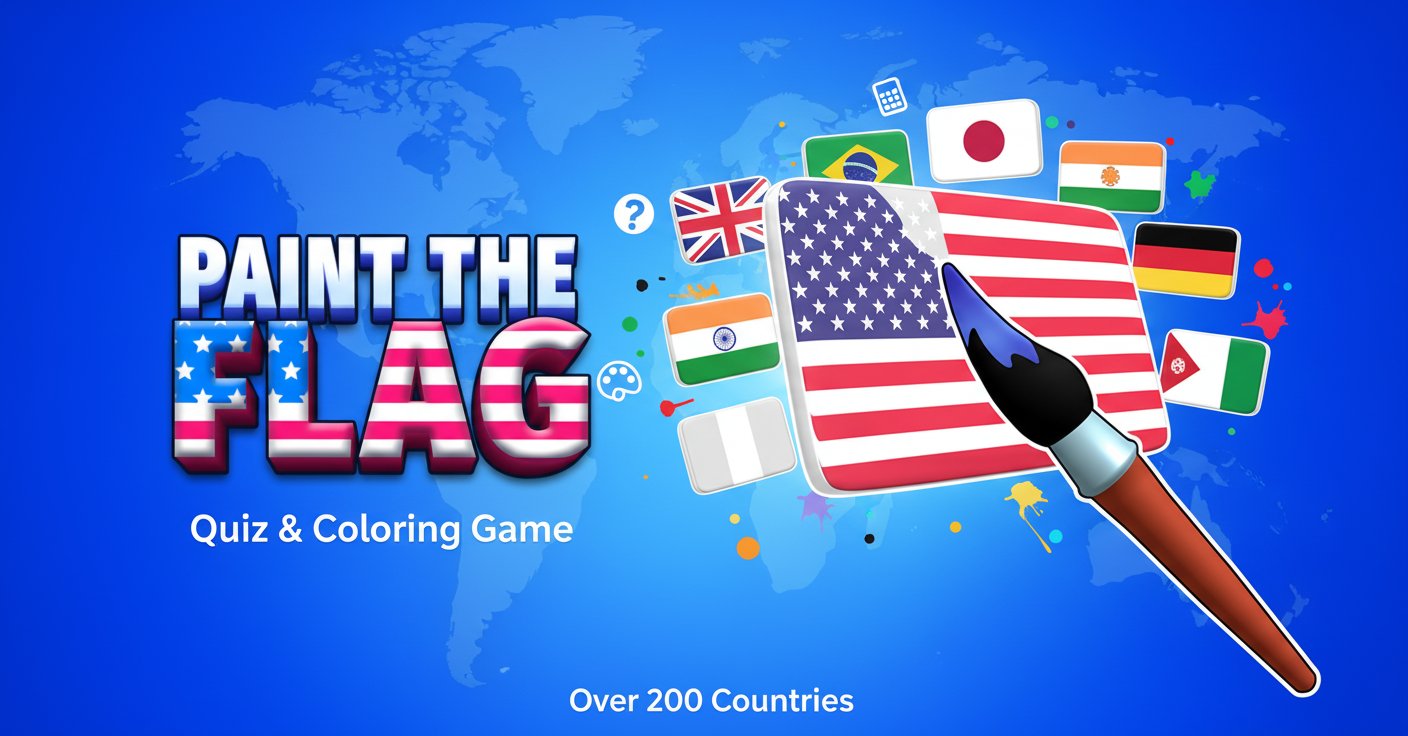
Paint the Flag is a unique educational quiz game that transforms geography learning into an entertaining coloring experience. This innovative game challenges players to identify and paint flags from more than 200 countries worldwide, combining knowledge testing with creative expression. Whether you're a geography enthusiast, trivia lover, or someone looking for a relaxing yet educational gaming experience, Paint the Flag offers the perfect blend of learning and entertainment.
The game stands out by making geography education interactive and visually engaging, turning what could be a dry memorization exercise into a colorful, hands-on adventure through the world's national symbols.
Core Features
Comprehensive Flag Database
Explore flags from over 200 countries and territories, covering every continent and region. From well-known national flags to lesser-known territories, the game provides a comprehensive global flag encyclopedia.
Interactive Learning Experience
Unlike traditional quiz games that only test recognition, Paint the Flag requires active participation through coloring, which enhances memory retention and makes learning more engaging.
Cross-Platform Accessibility
- Free to Play : Completely free with no hidden costs or premium features
- Universal Browser Support : Play instantly on any web browser without downloads
- Mobile Optimized : Perfectly adapted for touch controls on smartphones and tablets
- Desktop Compatible : Full mouse and keyboard support for computer users
Educational Value
Perfect for students, teachers, and anyone interested in geography and world cultures. The game helps improve: - Geographic awareness and knowledge - Visual memory and pattern recognition - Cultural understanding through national symbols - Focus and concentration skills
Gameplay Mechanics
The game presents you with outline drawings of various national flags. Your task is to correctly identify the flag and paint it using the appropriate colors. Each level challenges your knowledge of different countries' flags, from the simple designs of Japan and France to the complex patterns of countries like Bhutan or South Africa.
Progressive Difficulty
Start with easily recognizable flags and gradually progress to more challenging ones. The game adapts to your skill level, ensuring a satisfying learning curve for both beginners and geography experts.
Operation Guide
Controls are intuitive and designed for all devices:
- Mouse Users : Click to select colors from the palette, then click on flag sections to fill them
- Touch Devices : Tap color options and tap flag areas to paint
- Color Selection : Choose from a comprehensive color palette
- Hint System : Get assistance when you're stuck on challenging flags
- Progress Tracking : Monitor your improvement across different regions and difficulty levels
Why Play This Game
Educational Entertainment
Paint the Flag transforms learning into play, making geography education enjoyable and memorable. It's perfect for: - Students preparing for geography tests - Parents looking for educational games for children - Adults wanting to brush up on world knowledge - Travelers planning to explore new countries
Stress Relief and Mindfulness
The coloring aspect provides a meditative, relaxing experience that can help reduce stress while simultaneously expanding your knowledge base.
Social Learning
Share your progress and challenge friends to beat your scores, turning geographical learning into a social activity.
Cultural Appreciation
Learn about different countries and their national symbols, fostering greater understanding and appreciation for global diversity.