
Stupidity Test - Logic Quiz Game - Puzzle Game
 Roguelike
Dungeon Survivors
Build a Vampire-Survivors-style dungeon arena with hero picks.
 Unity
UnityDesert Quickshot
Build a Unity quickdraw duel with streaks and rising heat.
 New
NewUnderwater Puzzle
Build an underwater puzzle: restore coral, dodge crabs.
 Sports
Basketball Duel
Build a one-on-one basketball game with physics shooting.
 New
NewArcade Crossing Game
Build a lane-dodging arcade game with traffic and pickups.
 New
NewRiver Raid Survival
Build a River Raid-style flight survival run with fuel pressure.
 Shooter
Platform Shooter Quest
Build a side-scrolling platform shooter with weapon switching.
 Godot
GodotBaby Bat Climber
Build a compact Godot cave-climbing platformer.
 Unity
UnityChaos Train Arcade
Build a chaotic Unity train arcade of hazards and timing.
 Sandbox
Voxel Sandbox Builder
Build a voxel sandbox for placing and breaking blocks freely.
RoguelikeDungeon Survivors
Build a Vampire-Survivors-style dungeon arena with hero picks.
UnityDesert Quickshot
Build a Unity quickdraw duel with streaks and rising heat.
NewUnderwater Puzzle
Build an underwater puzzle: restore coral, dodge crabs.
SportsBasketball Duel
Build a one-on-one basketball game with physics shooting.
NewArcade Crossing Game
Build a lane-dodging arcade game with traffic and pickups.
NewRiver Raid Survival
Build a River Raid-style flight survival run with fuel pressure.
ShooterPlatform Shooter Quest
Build a side-scrolling platform shooter with weapon switching.
GodotBaby Bat Climber
Build a compact Godot cave-climbing platformer.
UnityChaos Train Arcade
Build a chaotic Unity train arcade of hazards and timing.
SandboxVoxel Sandbox Builder
Build a voxel sandbox for placing and breaking blocks freely.
Prompt

Games are fun. Creating them is even better.
Game Introduction
About the Game
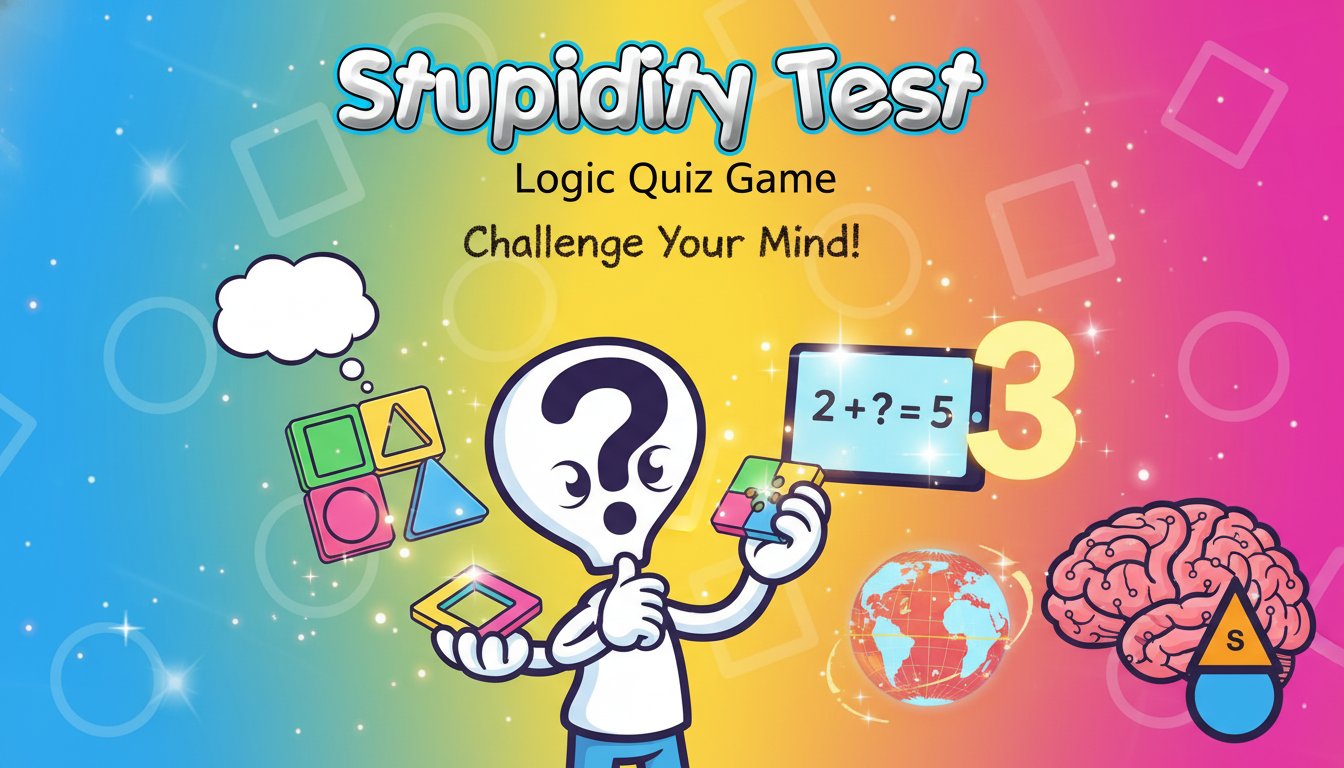
Stupidity Test is a cleverly designed quiz game that puts your logical thinking to the ultimate test. Despite its provocative name, this game is actually a sophisticated intelligence assessment tool disguised as entertainment. Players face a series of carefully crafted questions involving colors, shapes, mathematical operations, and logical reasoning challenges.
The game features a clean, minimalist interface with bold graphics and intuitive design. Each question is presented clearly, allowing you to focus entirely on the mental challenge at hand. Your performance is tracked throughout the test, and you'll receive immediate feedback on your answers.
Core Features
Comprehensive Logic Assessment
The Stupidity Test covers multiple cognitive domains to provide a well-rounded evaluation of your thinking abilities:
- Color Recognition Challenges : Questions that test your ability to identify, differentiate, and logically process color-based information
- Shape Logic Puzzles : Geometric reasoning tasks that challenge spatial intelligence and pattern recognition
- Mathematical Problem Solving : Simple yet tricky math questions that require careful attention to detail
- Logical Reasoning : Abstract thinking challenges that test your ability to follow logical sequences
Instant Scoring System
Receive immediate feedback on your performance with a comprehensive scoring system that tracks your progress throughout the entire test. The game shows your final score at completion or stops immediately when you make an error, adding an element of pressure that makes each question crucial.
Cross-Platform Compatibility
Enjoy seamless gameplay across all devices with full browser compatibility for both desktop computers and mobile devices. No downloads required - simply open your browser and start testing your intelligence immediately.
Gameplay Experience
Question Variety
Each playthrough presents a fresh mix of challenging questions designed to catch you off guard. The questions may seem simple at first glance, but they often contain subtle tricks that require careful consideration. Success depends on your ability to think critically and avoid common logical pitfalls.
Progressive Difficulty
Questions are structured to gradually increase in complexity, starting with seemingly obvious answers before introducing more sophisticated logical challenges. This progression keeps players engaged while building confidence before presenting the most challenging puzzles.
Operation Guide
Playing the Stupidity Test is straightforward and intuitive:
- Mouse Control : Use left-click to select your chosen answer from the multiple choice options
- Question Navigation : Progress through questions automatically after making your selection
- Score Tracking : Monitor your performance in real-time as you advance through the test
- Immediate Feedback : Receive instant results showing whether you passed or where you made mistakes
The simple control scheme ensures that the focus remains entirely on the mental challenge rather than complex game mechanics.
Why Play This Game
The Stupidity Test offers several compelling reasons to challenge yourself:
Mental Exercise : Regular brain training through logic puzzles has been shown to improve cognitive function and problem-solving skills. This game provides an entertaining way to keep your mind sharp.
Quick Entertainment : Perfect for short breaks or when you need a mental challenge that can be completed in just a few minutes. Each test session is brief but intellectually satisfying.
Self-Assessment Tool : Gain insights into your logical reasoning abilities and identify areas where your thinking might need improvement. The game serves as both entertainment and self-evaluation.
Social Challenge : Compare your results with friends and family members to see who can achieve the highest score or complete the test without errors.
Accessibility : Completely free to play with no registration required. Simply visit the game page and begin testing your intelligence immediately.
Replay Value : Multiple question sets and randomized elements ensure that each playthrough offers a fresh challenge, encouraging repeated attempts to improve your score.