
Unpuzzle - Reverse Jigsaw Puzzle Game - Puzzle Game
 Shooter
Decay Zone Survival
Build a first-person zombie survival with ammo management.
 Shooter
Rail Shooter Ride
Build a roller-coaster rail shooter that aims as you ride.
 FPS
FPSNight Mission Survival
Build a first-person night survival with flashlight combat.
 New
NewArcade Crossing Game
Build a lane-dodging arcade game with traffic and pickups.
 New
NewDrone Flight Combat
Build a cinematic drone combat run with missiles and a HUD.
 New
NewFirst-Person Horror Survival
Build a first-person horror survival with exploration and enemies.
 New
NewSolo Racing Game
Build a browser racer with tracks, timing, and a minimap.
 3D
3DThird Person Explorer
Build a third-person explorer with swappable scenes and a live minimap.
 Unity
UnityEndless Runner
Build a polished Unity endless runner with lanes and pickups.
 FPS
FPS3D FPS Game
Build a desert FPS with weapon switching and a retro HUD.
ShooterDecay Zone Survival
Build a first-person zombie survival with ammo management.
ShooterRail Shooter Ride
Build a roller-coaster rail shooter that aims as you ride.
FPSNight Mission Survival
Build a first-person night survival with flashlight combat.
NewArcade Crossing Game
Build a lane-dodging arcade game with traffic and pickups.
NewDrone Flight Combat
Build a cinematic drone combat run with missiles and a HUD.
NewFirst-Person Horror Survival
Build a first-person horror survival with exploration and enemies.
NewSolo Racing Game
Build a browser racer with tracks, timing, and a minimap.
3DThird Person Explorer
Build a third-person explorer with swappable scenes and a live minimap.
UnityEndless Runner
Build a polished Unity endless runner with lanes and pickups.
FPS3D FPS Game
Build a desert FPS with weapon switching and a retro HUD.
Prompt

Games are fun. Creating them is even better.
Game Introduction
About the Game
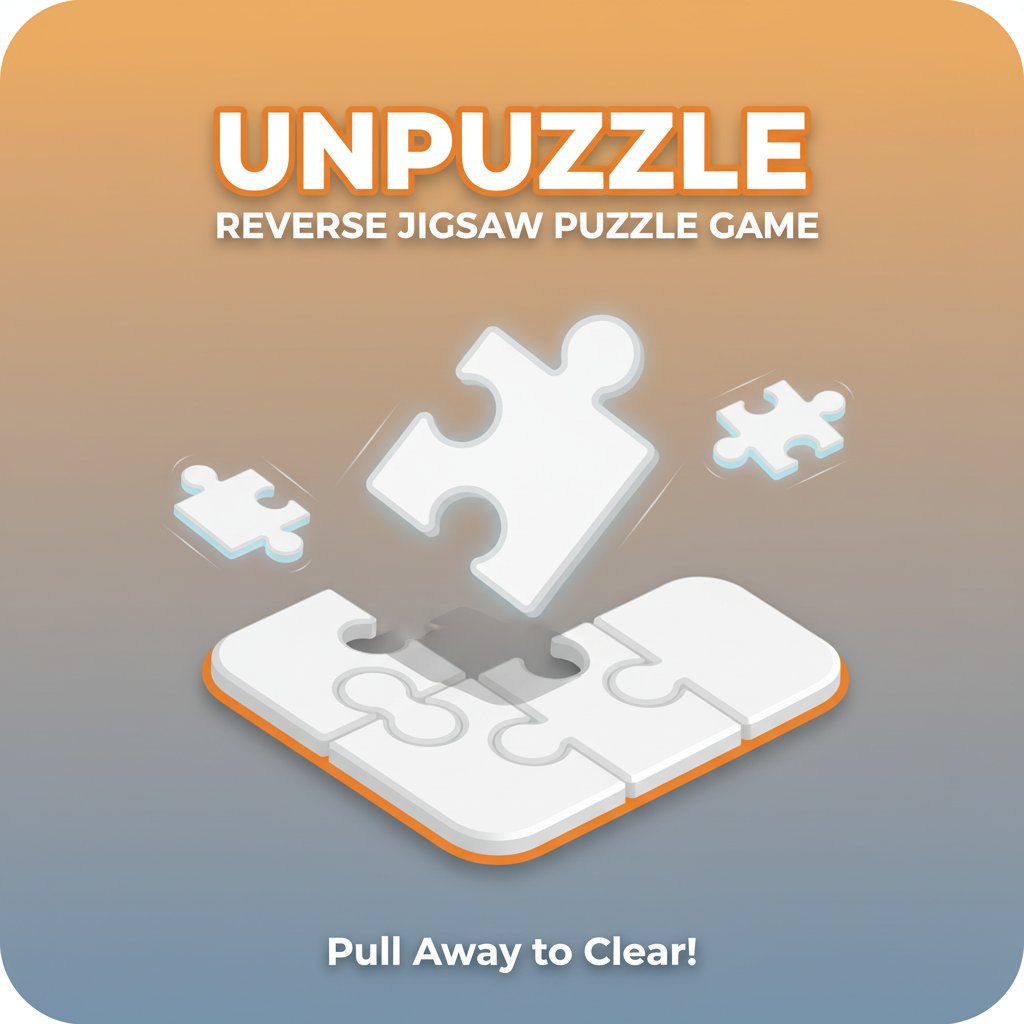
Unpuzzle revolutionizes the traditional jigsaw puzzle concept by flipping it on its head. Instead of assembling pieces together, your goal is to systematically remove every single piece from the puzzle board until you achieve a completely empty canvas. This innovative approach to puzzle solving creates a fresh and engaging brain training experience that's both relaxing and mentally stimulating.
The game features clean, minimalist graphics with a soothing orange and white color scheme that promotes a calm, focused gaming environment. Each puzzle presents a unique challenge that requires spatial reasoning, strategic thinking, and patience to solve.
Core Features
Innovative Reverse Puzzle Mechanics
Unlike traditional jigsaw puzzles, Unpuzzle challenges your problem-solving skills in reverse. You must analyze the puzzle structure and determine the correct sequence for removing pieces, making each level a strategic puzzle in itself.
Multiple Solution Paths
Most puzzles offer several different ways to solve them, encouraging creative thinking and experimentation. This flexibility means you can replay levels to discover new solving strategies and improve your efficiency.
Relaxing Gameplay Experience
Designed as a stress-relief activity, Unpuzzle provides a meditative gaming experience. The simple mechanics and pleasant visuals create the perfect environment for unwinding after a busy day.
Progressive Difficulty Levels
Start with simple puzzles and gradually work your way up to more complex challenges. The difficulty curve is carefully designed to keep you engaged without becoming frustrating.
Free Browser-Based Gaming
Enjoy complete access to all features without any downloads or installations. The game runs smoothly in any modern web browser on desktop and mobile devices.
Game Mechanics
Strategic Piece Removal
Success depends on understanding piece dependencies. Some pieces block others from being removed, requiring you to plan your moves carefully. This creates engaging puzzle scenarios where order of operations is crucial.
Intuitive Controls
The simple click-and-drag interface makes the game accessible to players of all ages and skill levels. No complex controls to learn - just point, click, and drag.
Operation Guide
Basic Controls: - Mouse/Touch : Click and hold any puzzle piece - Drag : Pull the piece away from the puzzle in any direction - Release : Let go to remove the piece from the board
Solving Strategy: 1. Analyze the puzzle layout before making your first move 2. Identify which pieces are blocking others 3. Start with pieces that have clear removal paths 4. Work systematically to avoid getting stuck 5. Remember that multiple solution paths often exist
Important Rule : You can only remove a piece if no other pieces are blocking its path. This core mechanic is what makes each puzzle a strategic challenge.
Why Play This Game
Perfect Brain Training Tool
Unpuzzle provides excellent exercise for spatial reasoning, logical thinking, and strategic planning skills. It's an ideal way to keep your mind sharp while having fun.
Stress Relief and Relaxation
The calm, methodical nature of the gameplay makes it perfect for stress relief. Many players find the systematic piece removal process meditative and soothing.
Accessible to Everyone
With its simple mechanics and intuitive controls, Unpuzzle welcomes players of all ages and experience levels. Whether you're a puzzle veteran or newcomer, you'll find something to enjoy.
No Time Pressure
Take as long as you need to solve each puzzle. There are no timers or pressure elements, allowing you to play at your own comfortable pace.
Completely Free Experience
Enjoy unlimited access to all puzzles and features without any cost. No hidden fees, no premium content - just pure puzzle-solving fun.