
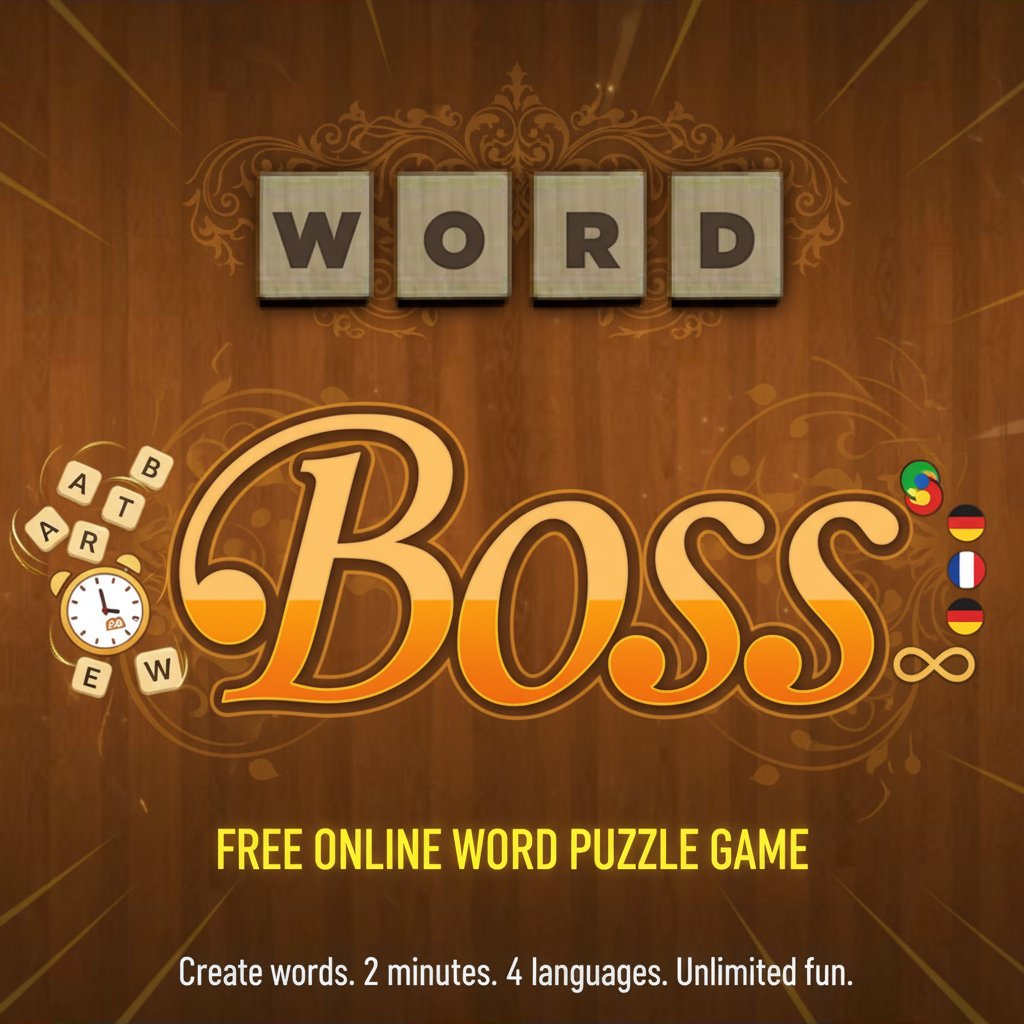
Word Boss - Free Online Word Puzzle Game - Puzzle Game
 Unity
UnityDesert Quickshot
Build a Unity quickdraw duel with streaks and rising heat.
 3D
3DThird Person Explorer
Build a third-person explorer with swappable scenes and a live minimap.
 Driving
City Car Driving
Build an open-city free-driving game with car selection.
 New
NewDrone Flight Combat
Build a cinematic drone combat run with missiles and a HUD.
 Voxel
VoxelVoxel Hero Adventure
Build a voxel hero who explores, mines, and builds.
 Puzzle
Magic Cube Puzzle
Build an interactive Rubik's Cube with scramble and reset.
 Unity
UnityEgg on the Car Roof
Build a Unity challenge: keep a fragile egg on a moving roof.
 Subscriber only
Unreal Top-Down Roguelite
Create a complete UE 5.5 top-down arena roguelite with upgrades and a boss finale.
 Shooter
Platform Shooter Quest
Build a side-scrolling platform shooter with weapon switching.
 Unity
UnityCastle Devour Quest
Build a Unity castle quest with risky rooms and a win goal.
UnityDesert Quickshot
Build a Unity quickdraw duel with streaks and rising heat.
3DThird Person Explorer
Build a third-person explorer with swappable scenes and a live minimap.
DrivingCity Car Driving
Build an open-city free-driving game with car selection.
NewDrone Flight Combat
Build a cinematic drone combat run with missiles and a HUD.
VoxelVoxel Hero Adventure
Build a voxel hero who explores, mines, and builds.
PuzzleMagic Cube Puzzle
Build an interactive Rubik's Cube with scramble and reset.
UnityEgg on the Car Roof
Build a Unity challenge: keep a fragile egg on a moving roof.
Subscriber onlyUnreal Top-Down Roguelite
Create a complete UE 5.5 top-down arena roguelite with upgrades and a boss finale.
ShooterPlatform Shooter Quest
Build a side-scrolling platform shooter with weapon switching.
UnityCastle Devour Quest
Build a Unity castle quest with risky rooms and a win goal.
Prompt

Games are fun. Creating them is even better.
Game Introduction
About Word Boss
Word Boss is an engaging word puzzle game that challenges your vocabulary skills and quick thinking abilities. In this classic Scrabble-style game, you have exactly 2 minutes to create as many valid words as possible using 6 randomly selected letter tiles. The game combines the excitement of time pressure with the satisfaction of word discovery, making it perfect for word enthusiasts and casual players alike.
This beloved game has been resurrected from the Flash era and is now available as a modern browser game, ensuring smooth gameplay across all devices without any downloads required.
Core Features
Time-Based Challenge
The 2-minute time limit adds thrilling urgency to every game session. This constraint forces players to think quickly and strategically, making each round intense and rewarding.
Multiple Language Support
Word Boss supports four major languages: - English - Perfect for native speakers and ESL learners - Spanish - Ideal for Spanish vocabulary building - French - Great for French language practice - Italian - Excellent for Italian word skills
Interactive Tile System
The game features intuitive Scrabble-style letter tiles that you can: - Click or tap to select letters - Drag and drop to rearrange - Shuffle when you need fresh inspiration - Use keyboard input for faster gameplay
Progress Tracking
A clear scoreboard shows your progress, displaying how many words you've found and how many remain to be discovered, helping you strategize your approach.
Game Mechanics
Each round begins with 6 randomly selected letters displayed as tiles on your screen. Your goal is to combine these letters into valid words of varying lengths. The game accepts words of different sizes, from short 3-letter combinations to longer words using all available letters.
The shuffle feature proves invaluable when you're stuck - it rearranges your tiles to potentially reveal word combinations you might have missed. This mechanic ensures that even challenging letter combinations remain engaging rather than frustrating.
Operation Guide
Basic Controls
- Mouse/Touch : Click or tap letters to select them for word formation
- Drag & Drop : Move tiles around to visualize different combinations
- Keyboard Input : Type letters directly using your keyboard for rapid word creation
- Backspace : Remove the last letter from your current word
- Double-tap : Quickly remove any letter from your word in progress
- Shuffle Button : Reorganize tiles when you need a fresh perspective
Gameplay Strategy
Start by identifying common letter patterns and short words, then work toward longer combinations. Use the shuffle feature strategically - sometimes seeing letters in a different arrangement can spark new word ideas.
Why Play Word Boss
Educational Benefits
Word Boss serves as an excellent tool for: - Vocabulary expansion in multiple languages - Spelling practice and pattern recognition - Quick thinking and mental agility development - Language learning support for non-native speakers
Accessibility and Convenience
- Completely free with no hidden costs or premium features
- No download required - play instantly in your browser
- Cross-platform compatibility - works on computers, phones, and tablets
- Quick sessions perfect for short breaks or commutes
- Multiple language options for diverse learning needs
Perfect for All Skill Levels
Whether you're a word game novice or a vocabulary expert, Word Boss adapts to your skill level. Beginners can focus on finding basic words, while advanced players can challenge themselves to discover obscure terms and maximize their word count.
The game's simple mechanics make it instantly accessible, while the depth of possible word combinations ensures long-term engagement and replayability.