
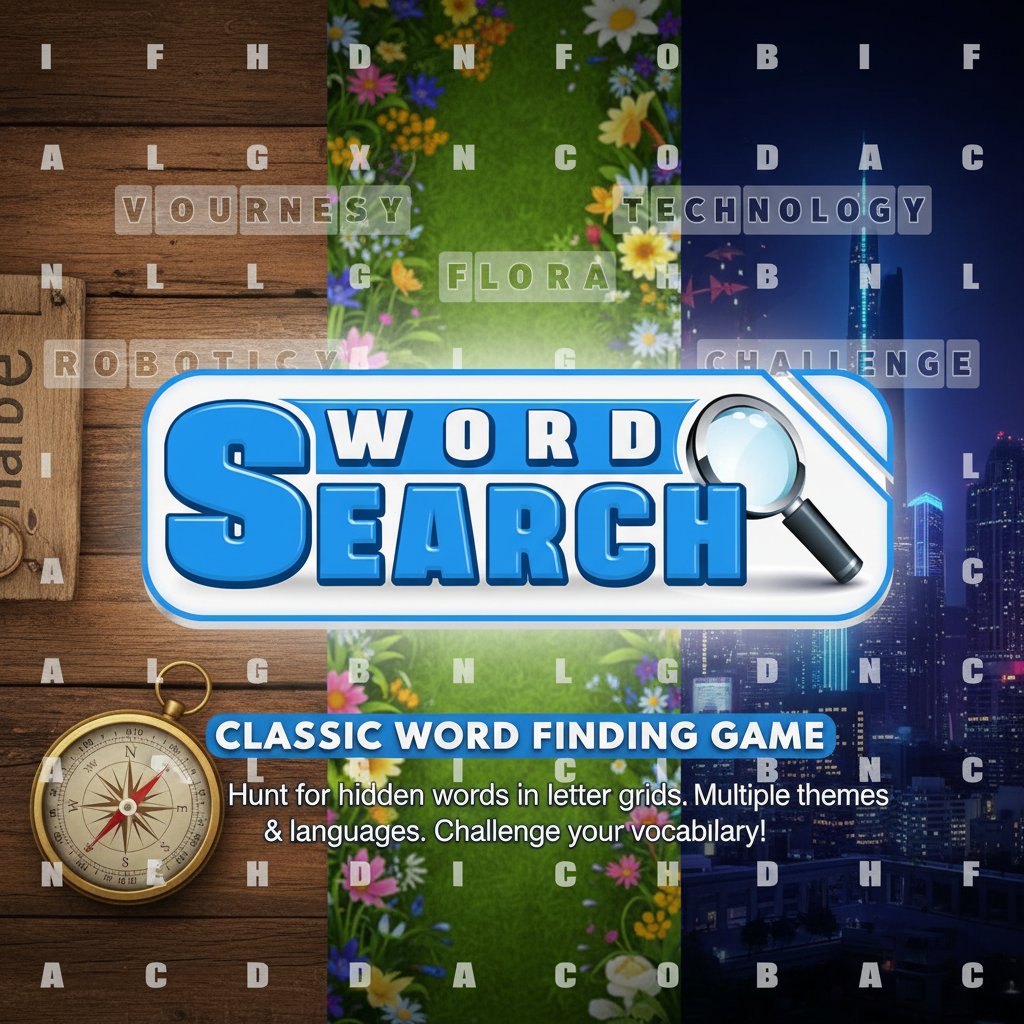
Word Search - Classic Word Finding Game - Puzzle Game
 Unity
UnityEgg on the Car Roof
Build a Unity challenge: keep a fragile egg on a moving roof.
 New
NewHook a Fish Arcade
Build a fishing arcade where catches buy you more time.
 Unity
UnityCity Eater
Build a Unity game where a growing blob devours the city.

Time-Attack Racer
Build a no-physics finish-gate racer with nitro, minimap guidance, and synthesized audio.
 Shooter
Decay Zone Survival
Build a first-person zombie survival with ammo management.
 Subscriber only
Unreal Mountain Tour
Tour a third-person Unreal world of mountains and water.
 Sandbox
Voxel Sandbox Builder
Build a voxel sandbox for placing and breaking blocks freely.
 Shooter
Platform Shooter Quest
Build a side-scrolling platform shooter with weapon switching.
 Godot
GodotBaby Bat Climber
Build a compact Godot cave-climbing platformer.
 New
NewFirst-Person Horror Survival
Build a first-person horror survival with exploration and enemies.
UnityEgg on the Car Roof
Build a Unity challenge: keep a fragile egg on a moving roof.
NewHook a Fish Arcade
Build a fishing arcade where catches buy you more time.
UnityCity Eater
Build a Unity game where a growing blob devours the city.
Time-Attack Racer
Build a no-physics finish-gate racer with nitro, minimap guidance, and synthesized audio.
ShooterDecay Zone Survival
Build a first-person zombie survival with ammo management.
Subscriber onlyUnreal Mountain Tour
Tour a third-person Unreal world of mountains and water.
SandboxVoxel Sandbox Builder
Build a voxel sandbox for placing and breaking blocks freely.
ShooterPlatform Shooter Quest
Build a side-scrolling platform shooter with weapon switching.
GodotBaby Bat Climber
Build a compact Godot cave-climbing platformer.
NewFirst-Person Horror Survival
Build a first-person horror survival with exploration and enemies.
Prompt

Games are fun. Creating them is even better.
Game Introduction
About the Game
Word Search is the beloved classic puzzle game that has entertained millions of players worldwide. This digital version brings the traditional pen-and-paper word hunt experience to your browser, offering unlimited puzzles with various themes and difficulty levels. Whether you're a casual player looking for relaxation or a word enthusiast seeking a mental challenge, this game provides hours of engaging entertainment.
Core Features
Multiple Language Support
Choose your preferred language to enjoy word puzzles in your native tongue or practice vocabulary in a foreign language. This feature makes the game accessible to players worldwide while offering educational value.
Six Exciting Themes
Select from carefully curated categories that cater to different interests: - Fruits : Discover delicious fruit names hidden in the grid - Animals : Hunt for creatures from around the world - Countries : Test your geography knowledge with nation names - Vegetables : Find healthy greens and nutritious options - Music : Explore musical terms and instrument names - Computer : Challenge yourself with technology-related vocabulary
Time Challenge System
Race against the clock to find all hidden words and set new personal records. The timing feature adds competitive excitement and helps track your improvement over time.
Clean, User-Friendly Interface
The game features a clear, easy-to-read letter grid with intuitive controls that work seamlessly across all devices. The professional design ensures comfortable gameplay sessions without eye strain.
Game Mechanics
Words can be hidden in multiple directions within the letter grid: - Horizontal : Left to right or right to left - Vertical : Top to bottom or bottom to top - Diagonal : In all four diagonal directions
This variety keeps the gameplay challenging and prevents predictable patterns, ensuring each puzzle feels fresh and engaging.
Operation Guide
Basic Controls: - Mouse/Touch : Click and drag to select words in the grid - Word List : Check the list of words you need to find - Theme Selection : Choose your preferred category before starting - Language Options : Select your desired language from the menu - Timer : Monitor your progress and aim for faster completion times
Playing Tips: 1. Start by scanning for shorter words (3-4 letters) as they're easier to spot 2. Look for uncommon letters (Q, X, Z) as they often mark word locations 3. Remember that words can run in any direction, including backwards 4. Use the process of elimination - cross off found words from the list 5. Take breaks if you get stuck - fresh eyes often spot hidden words immediately
Why Play Word Search
Educational Benefits
- Vocabulary Enhancement : Discover new words and reinforce spelling
- Pattern Recognition : Improve visual scanning and attention to detail
- Concentration Skills : Develop focus and persistence through puzzle-solving
- Language Learning : Practice vocabulary in different languages
- Memory Training : Strengthen recall abilities and cognitive function
Perfect for All Ages
Word Search appeals to players from elementary school students to senior adults. The adjustable difficulty through theme selection makes it suitable for various skill levels and interests.
Stress Relief and Relaxation
The systematic, meditative nature of searching for words provides excellent stress relief. Unlike fast-paced games, Word Search allows players to work at their own pace, making it perfect for unwinding after a busy day.
No Time Pressure (Optional)
While the game includes a timer for those who enjoy challenges, players can ignore it completely and simply enjoy the peaceful word-hunting experience at their leisure.