
Word Slide - Interactive Word Puzzle Game - Puzzle Game
 SEELE02 CORE
Game Generator
Turn a one-line idea into a playable game demo.
 Unity
UnityCity Eater
Build a Unity game where a growing blob devours the city.
 Unity
UnityChaos Train Arcade
Build a chaotic Unity train arcade of hazards and timing.
 Action
Open World City Action
Build an open-world city romp with driving and police chases.
 Arcade
Pumpkin Night Adventure
Build a Halloween grid-arena survival romp.
 Racing
Track Racing Challenge
Build a closed-circuit racer built around drift corners.
 Adventure
Character Adventure Sim
Build a 3D character explorer with traversal and interactive zones.
 Survival
Survival Sandbox Arena
Build a survival arena with enemy waves and turret defense.
 New
NewUnderwater Puzzle
Build an underwater puzzle: restore coral, dodge crabs.

Time-Attack Racer
Build a no-physics finish-gate racer with nitro, minimap guidance, and synthesized audio.
SEELE02 COREGame Generator
Turn a one-line idea into a playable game demo.
UnityCity Eater
Build a Unity game where a growing blob devours the city.
UnityChaos Train Arcade
Build a chaotic Unity train arcade of hazards and timing.
ActionOpen World City Action
Build an open-world city romp with driving and police chases.
ArcadePumpkin Night Adventure
Build a Halloween grid-arena survival romp.
RacingTrack Racing Challenge
Build a closed-circuit racer built around drift corners.
AdventureCharacter Adventure Sim
Build a 3D character explorer with traversal and interactive zones.
SurvivalSurvival Sandbox Arena
Build a survival arena with enemy waves and turret defense.
NewUnderwater Puzzle
Build an underwater puzzle: restore coral, dodge crabs.
Time-Attack Racer
Build a no-physics finish-gate racer with nitro, minimap guidance, and synthesized audio.
Prompt

Games are fun. Creating them is even better.
Game Introduction
About Word Slide
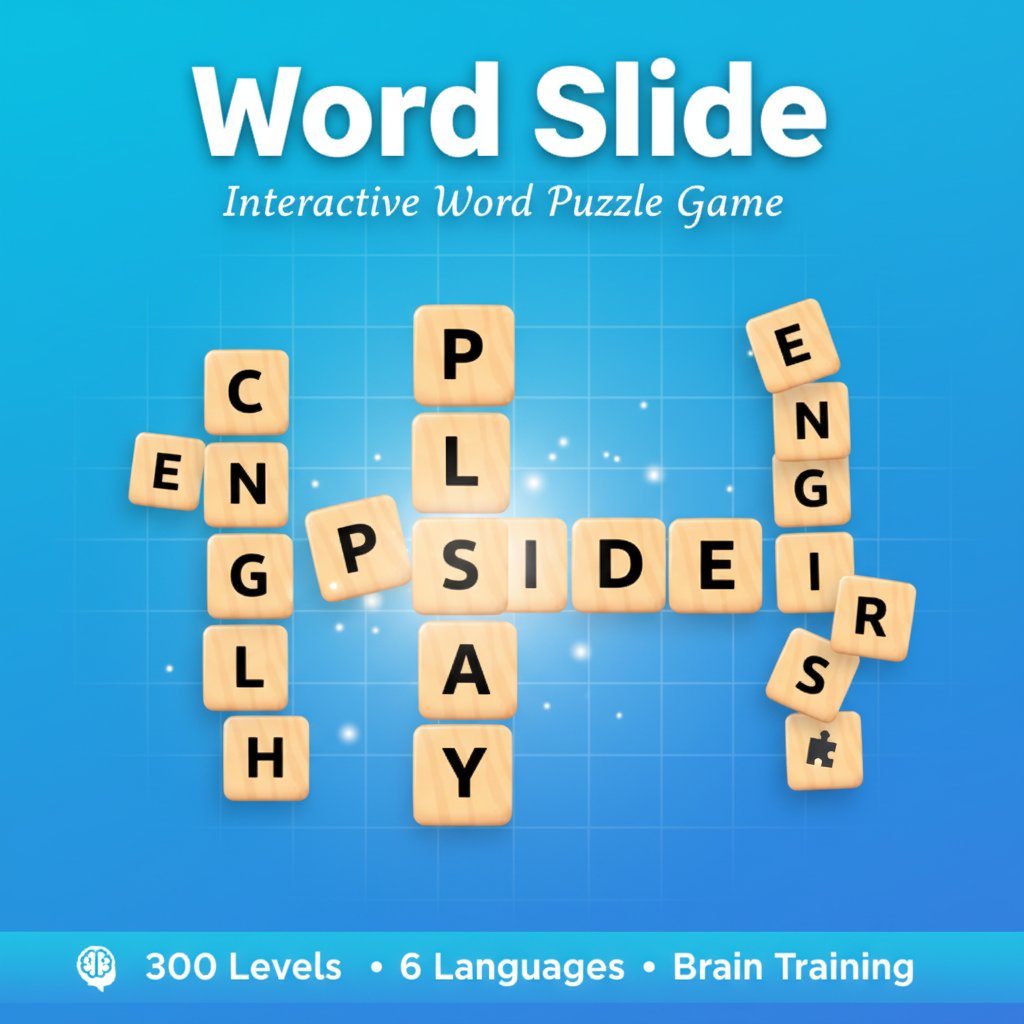
Word Slide is a captivating word puzzle game that combines vocabulary skills with strategic thinking. This brain-training game challenges players to rearrange columns of letters to create meaningful words, making it an excellent choice for anyone looking to improve their language skills while having fun.
The game features a unique sliding mechanic where you manipulate entire columns of letters rather than individual tiles. Your objective is simple yet challenging: form words until every single letter tile has been utilized. As you successfully create words, the used letters change color, providing visual feedback and helping you track your progress through each level.
Core Features
Extensive Multilingual Content
Word Slide offers an impressive 300 levels spread across 6 different languages , providing countless hours of educational entertainment. This multilingual approach makes it perfect for language learners and native speakers alike who want to expand their vocabulary.
Progressive Difficulty System
The game is designed with a carefully crafted difficulty curve. Starting with simpler word combinations, levels gradually increase in complexity, ensuring that players of all skill levels can enjoy and benefit from the experience.
Smart Hint System
When you find yourself stuck on a particularly challenging level, Word Slide provides a helpful hint system. These hints reveal which specific words you need to find, giving you just enough guidance without completely solving the puzzle for you.
Skip Option for Flexibility
Recognizing that some levels might be too challenging for certain players, the game includes a skip feature. This ensures that a single difficult level won't prevent you from enjoying the rest of the game.
Visual Progress Tracking
The color-changing mechanic serves as both feedback and motivation. Watch as letter tiles transform from their original state to brown as you use them correctly, providing a satisfying visual representation of your progress.
Gameplay Mechanics
Word Slide's core gameplay revolves around column manipulation. Unlike traditional word games where you move individual letters, this game requires you to think in terms of vertical columns. You'll swipe columns up or down to rearrange letters, with the goal of creating meaningful words in the designated row marked with arrow indicators.
The strategic element comes from understanding how moving one column affects the entire puzzle. Sometimes, creating one word might make it easier or harder to form subsequent words, requiring players to think several moves ahead.
Operation Guide
Basic Controls
- Swipe Up/Down : Move letter columns vertically to rearrange letters
- Target Row : Focus on the row with arrow indicators - this is where words must be formed
- Color Feedback : Watch for letter tiles changing color when words are correctly formed
- Hint Button : Tap when stuck to reveal target words
- Skip Option : Use when a level proves too challenging
Winning Strategy
Success in Word Slide requires both vocabulary knowledge and spatial reasoning. Start by identifying obvious words, then work systematically to use all remaining letters. Pay attention to the color changes - they're your key indicator of progress toward level completion.
Educational Benefits
Word Slide serves as an excellent educational tool for vocabulary development. The game encourages players to: - Explore new word combinations and meanings - Practice spelling and word recognition - Develop problem-solving skills through strategic thinking - Improve pattern recognition abilities - Learn vocabulary in multiple languages
Why Play Word Slide
This game stands out in the crowded word puzzle genre through its unique column-sliding mechanism and extensive content library. Whether you're a casual player looking for a relaxing word game or a serious puzzle enthusiast seeking a mental challenge, Word Slide delivers an engaging experience.
The game's completely free nature makes it accessible to everyone, while its cross-platform compatibility ensures you can enjoy it anywhere, anytime. The multilingual content adds educational value, making it perfect for language learning or simply expanding your vocabulary in your native language.
Word Slide successfully combines entertainment with education, making learning fun and engaging. Share the experience with friends and family to make vocabulary building a social activity that everyone can enjoy together.