ISLANDER - Pixel Crafting Adventure Game - Simulation Game
Prompt
Game Introduction
About ISLANDER
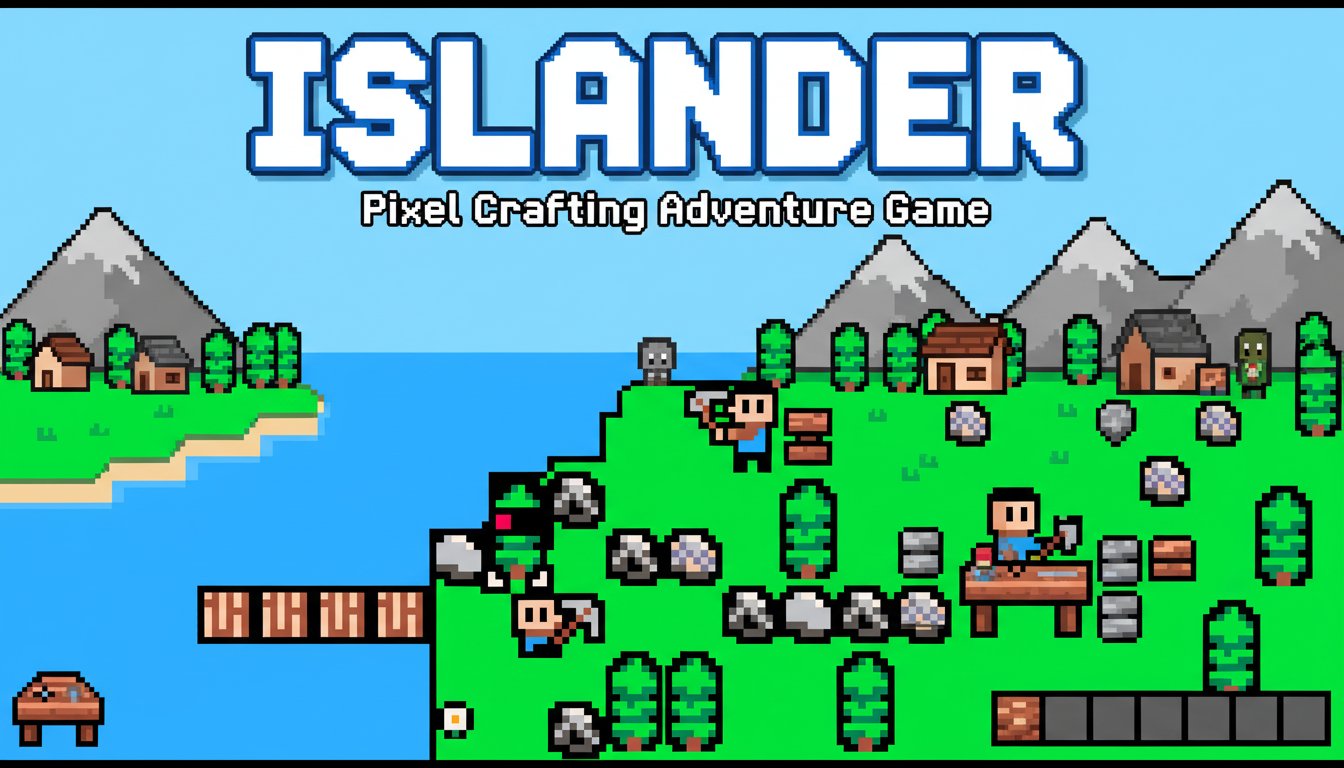
ISLANDER is a captivating 2D pixel art crafting adventure game that captures the essence of Minecraft-style gameplay in a charming retro package. This browser-based crafting game offers players the freedom to build, explore, and create in a beautifully pixelated world filled with adventure and discovery.
With its distinctive pixel art style and intuitive crafting mechanics, ISLANDER provides an accessible yet engaging experience for both newcomers to the crafting genre and veterans looking for a nostalgic gaming experience.
Core Features
Minecraft-Inspired Crafting System
Islander features a comprehensive crafting system reminiscent of Minecraft, where players can gather resources, combine materials, and create tools, structures, and items. The game's crafting mechanics are designed to be intuitive while offering depth for creative players.
Beautiful Pixel Art Aesthetic
The game showcases stunning 2D pixel art that brings the island world to life. Every element, from the character sprites to the environmental details, is crafted with attention to detail that pays homage to classic 16-bit gaming era.
Goal-Oriented Gameplay
Unlike sandbox games with no clear direction, ISLANDER provides various objectives and goals to complete, giving players a sense of progression and achievement while maintaining the freedom to explore and create.
Cross-Platform Browser Support
Play seamlessly across desktop and mobile browsers without any downloads or installations. The game is optimized for both touch controls on mobile devices and keyboard controls on desktop computers.
Adventure and Exploration Elements
Beyond crafting, ISLANDER incorporates adventure elements that encourage exploration of the island environment. Discover new areas, gather unique resources, and uncover the mysteries of your island home.
Gameplay Mechanics
Resource Gathering and Management
Collect various materials scattered throughout the island world. Different resources serve different purposes in your crafting endeavors, from basic tools to complex structures.
Building and Construction
Construct buildings, bridges, and other structures using the materials you've gathered. The building system allows for creative expression while serving practical purposes in your island adventure.
Progressive Objectives
Complete a variety of goals that guide your journey through the game. These objectives help players learn the crafting system while providing clear milestones for advancement.
Controls and Interface
The game features simple, intuitive controls that work perfectly on both desktop and mobile devices:
- Arrow Keys : Navigate your character around the island world
- Z or C Keys : Interact with objects, hit/select items, and perform actions
- X Key : Access the game menu and navigate back through interfaces
- Tab Key : Generate save codes to preserve your progress
The control scheme is designed to be accessible for players of all ages while providing responsive gameplay that feels natural and fluid.
Why Play ISLANDER
Perfect for Crafting Game Fans
If you enjoy games like Minecraft, Terraria, or other crafting adventures, ISLANDER offers a fresh take on the genre with its unique 2D perspective and pixel art charm.
Ideal for Casual Gaming
The browser-based nature and intuitive controls make it perfect for quick gaming sessions during breaks or extended play periods when you want to dive deep into crafting and building.
Creative Expression
The game provides ample opportunities for creative expression through its building and crafting systems, allowing players to create unique structures and solve problems in their own way.
Nostalgic Appeal
The pixel art style and 2D gameplay evoke the golden age of retro gaming, making it appealing to players who appreciate classic game aesthetics.
Completely Free
Enjoy the full ISLANDER experience without any cost. No hidden fees, no premium content - just pure crafting adventure fun.