Golf Orbit - Launch Golf Balls to Mars - Sports Game
Prompt
Game Introduction
About Golf Orbit
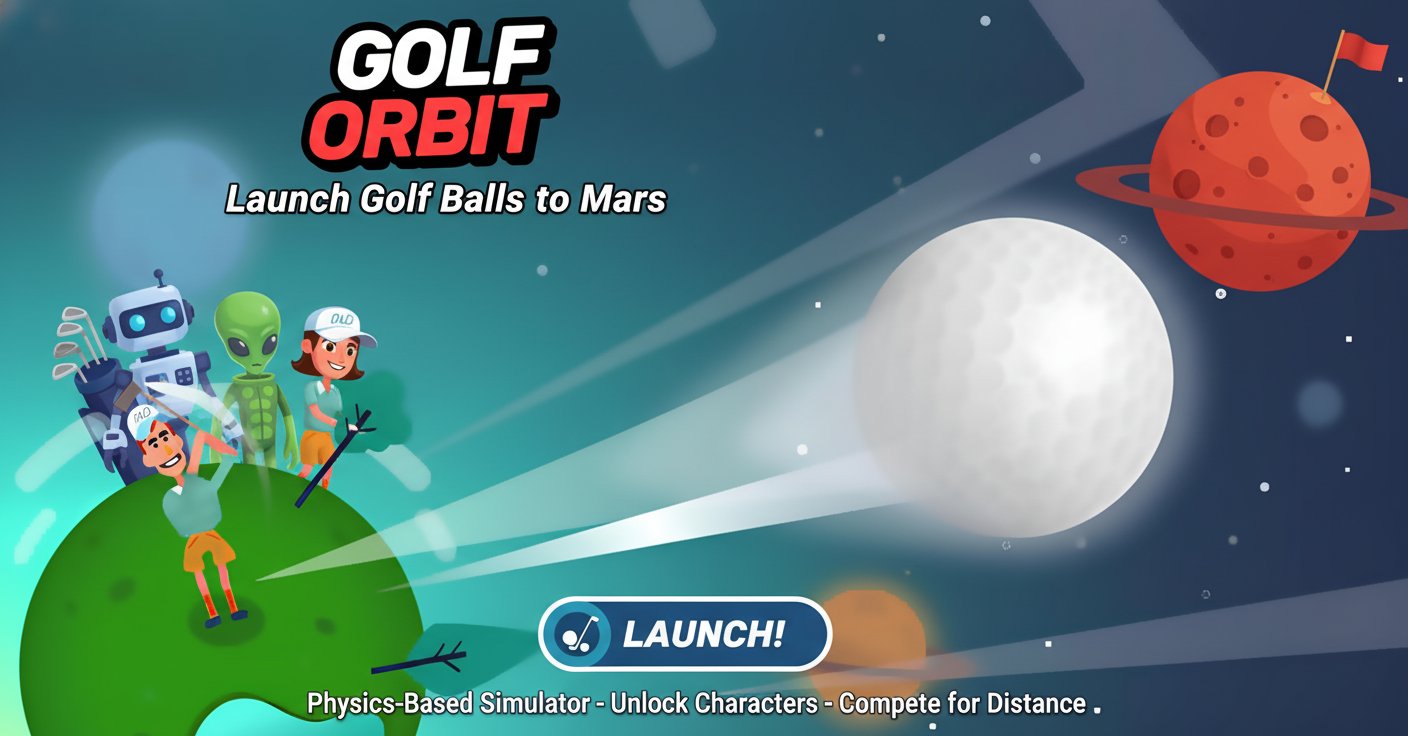
Golf Orbit is a unique golf simulator that takes the traditional sport to cosmic heights. Instead of aiming for holes, your mission is to launch golf balls as far as possible - even reaching Mars! This physics-based game combines simple one-button controls with challenging gameplay, making it perfect for both casual players and golf enthusiasts seeking something different.
The game features vibrant 2D graphics, intuitive mouse controls, and an engaging upgrade system that keeps you coming back for longer shots. With 24 unique characters to unlock and multiple worlds to explore, Golf Orbit offers endless entertainment for players of all ages.
Core Features
Simple Yet Challenging Gameplay
Golf Orbit uses a one-button control system that anyone can learn instantly. Simply tap and hold your left mouse button to set power, then release to launch the ball. However, mastering the perfect shot requires skill, timing, and understanding of the game's physics system.
Physics-Based Ball Flight
Watch your golf ball soar through the air, bouncing off trees, buildings, and other obstacles. Each collision can either help or hinder your distance, making every shot unpredictable and exciting. Perfect shots can even destroy obstacles in your path!
Extensive Character Collection
Choose from 24 unique golfers, including: - Professional male and female golfers - A clown with a bowling pin club - A lion in beach shorts who swings with its tail - A samurai using a sword as a club - Santa Claus with his candy cane - A graceful ballerina with a flower club
Upgrade and Customization System
Collect coins during flight to upgrade three essential elements: - Strength : Increase your initial hitting power - Speed : Boost ball velocity for longer flights - Bounce : Improve ball resilience when hitting obstacles
Multiple Game Worlds
Practice your swing from various locations including space environments and other vibrant graphic settings, each offering unique visual experiences.
Game Mechanics
Scoring System
Your performance is measured by distance achieved with each shot. The farther you hit the ball, the more points you earn. Special achievements like birdies (hole in 2 shots) or eagles (hole in one) provide bonus points for equipment upgrades.
Coin Collection
As your ball travels through the air, collect coins scattered throughout the flight path. These coins serve as currency for purchasing upgrades and unlocking new content in the clubhouse.
Obstacle Interaction
The game features dynamic obstacle interaction where your ball can bounce off trees, buildings, and terrain features. Strategic shots can use these obstacles to gain extra distance, while perfect shots can destroy them entirely.
Operation Guide
Basic Controls
- Left Mouse Click : Tap and hold to charge power, release to shoot
- Power Adjustment : Hold longer for more power, release quickly for lighter shots
- Aiming : Position your mouse to adjust shot angle before clicking
Gameplay Strategy
- Power Management : Find the optimal power level for maximum distance without sacrificing accuracy
- Angle Selection : Experiment with different launch angles to discover the most effective trajectory
- Obstacle Utilization : Use buildings and terrain features as stepping stones for extended flight
- Upgrade Priority : Focus on strength upgrades first, then balance speed and bounce improvements
Clubhouse Navigation
Access the clubhouse between shots to: - Spend coins on performance upgrades - Unlock new golfer characters - Change ball colors and designs - Select different world environments
Why Play Golf Orbit
Unique Golf Experience
Golf Orbit revolutionizes traditional golf by focusing on distance rather than precision putting. This creates a more accessible and immediately satisfying experience for players who want quick, rewarding gameplay.
Perfect for All Skill Levels
The simple one-button control system makes Golf Orbit accessible to beginners, while the physics-based gameplay and upgrade system provide depth for experienced players seeking mastery.
Endless Replayability
With 24 characters to unlock, multiple upgrade paths, and the constant challenge of beating your distance records, Golf Orbit offers hundreds of hours of entertainment.
Cross-Platform Accessibility
Play Golf Orbit on any device with a web browser - no downloads required. The game works seamlessly on desktop computers, tablets, and mobile phones, making it perfect for gaming anywhere.
Completely Free
Enjoy the full Golf Orbit experience without any cost. All characters, upgrades, and features are unlockable through gameplay, with no hidden fees or premium content barriers.