Ship Battle - Strategy Game
Prompt
Game Introduction
About the Game
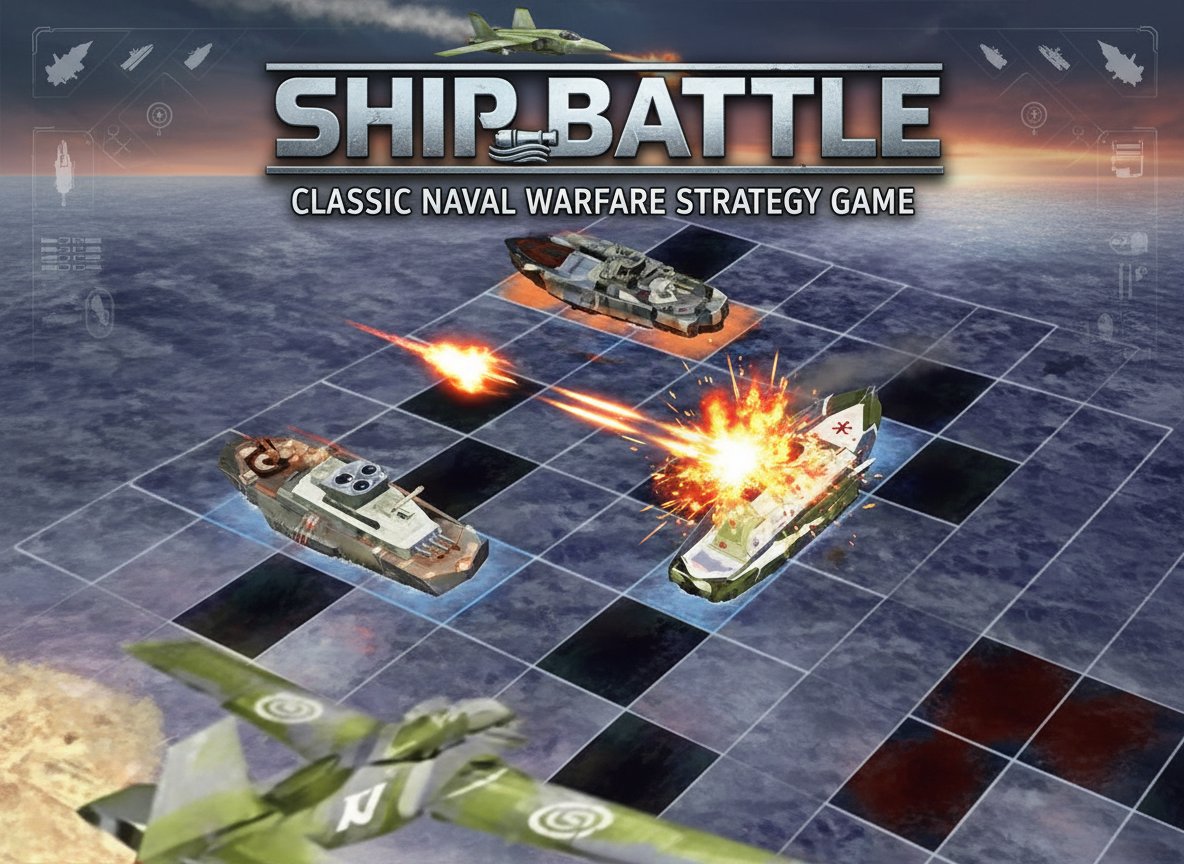
Ship Battle is an engaging online strategy game that brings the classic battleship experience to your browser. This turn-based naval warfare game challenges players to outsmart their opponents through strategic ship placement and calculated bombing runs. With its simple yet addictive gameplay mechanics, Ship Battle offers hours of tactical entertainment for strategy game enthusiasts.
The game features intuitive mouse controls and a clean grid-based interface that makes it accessible to players of all skill levels. Whether you're a seasoned strategist or new to naval combat games, Ship Battle provides an exciting and competitive gaming experience.
Core Features
Strategic Ship Placement
The key to victory lies in clever ship positioning. Before the battle begins, you must strategically place your naval fleet on the grid. Consider different formations and hiding spots to maximize your chances of survival while making it difficult for enemies to locate your vessels.
Turn-Based Combat System
Engage in tactical bombing runs where each move counts. Take turns with your opponent to drop bombs on suspected enemy positions. Use logic, deduction, and strategic thinking to efficiently locate and destroy the enemy fleet.
Multiple Enemy Encounters
Face various opponents with different AI patterns and difficulty levels. Each enemy brings unique challenges, requiring you to adapt your strategy and bombing patterns to achieve victory.
High Score Competition
Track your performance and compete for high scores. The game rewards efficient gameplay, encouraging players to sink enemy fleets with minimal moves and maximum precision.
Browser-Based Convenience
Enjoy instant access without downloads or installations. Ship Battle runs smoothly in any modern web browser, making it perfect for quick gaming sessions during breaks or extended strategic battles.
Game Mechanics
Fleet Management
Start each game by positioning your ships on the battlefield grid. Consider ship sizes, orientations, and spacing to create an optimal defensive formation that's difficult for enemies to predict and destroy.
Bombing Strategy
Develop effective bombing patterns to systematically search for enemy vessels. Use hits and misses to narrow down possible ship locations and plan your next moves accordingly.
Victory Conditions
Win by being the first to completely destroy the enemy fleet. Speed and efficiency matter - the fewer moves you use, the higher your score will be.
Operation Guide
Mouse Controls : All game interactions are handled through simple mouse clicks
Ship Placement Phase : - Click and drag to position your ships on the grid - Rotate ships by clicking on them - Ensure all vessels are properly placed before starting combat
Combat Phase : - Click on enemy grid squares to drop bombs - Observe hit and miss indicators to plan your next moves - Continue bombing until all enemy ships are destroyed
Strategic Tips : - Avoid predictable placement patterns - Use systematic bombing approaches - Pay attention to ship size patterns when you score hits
Why Play Ship Battle
Ship Battle offers the perfect blend of strategy and excitement that appeals to both casual and serious gamers. The game's turn-based nature allows for thoughtful decision-making, while the competitive element keeps you engaged and coming back for more.
This classic naval warfare concept has been enjoyed by generations of players, and this online version maintains all the strategic depth while adding modern conveniences like high score tracking and smooth browser gameplay. It's an ideal choice for players who enjoy:
- Strategic thinking and planning
- Turn-based tactical combat
- Classic board game experiences in digital format
- Quick, engaging gaming sessions
- Competitive score-based challenges
The game's accessibility means you can start playing immediately, while its strategic depth ensures long-term replay value. Whether you're looking for a mental challenge or just want to enjoy some nostalgic battleship action, Ship Battle delivers an authentic and entertaining experience.