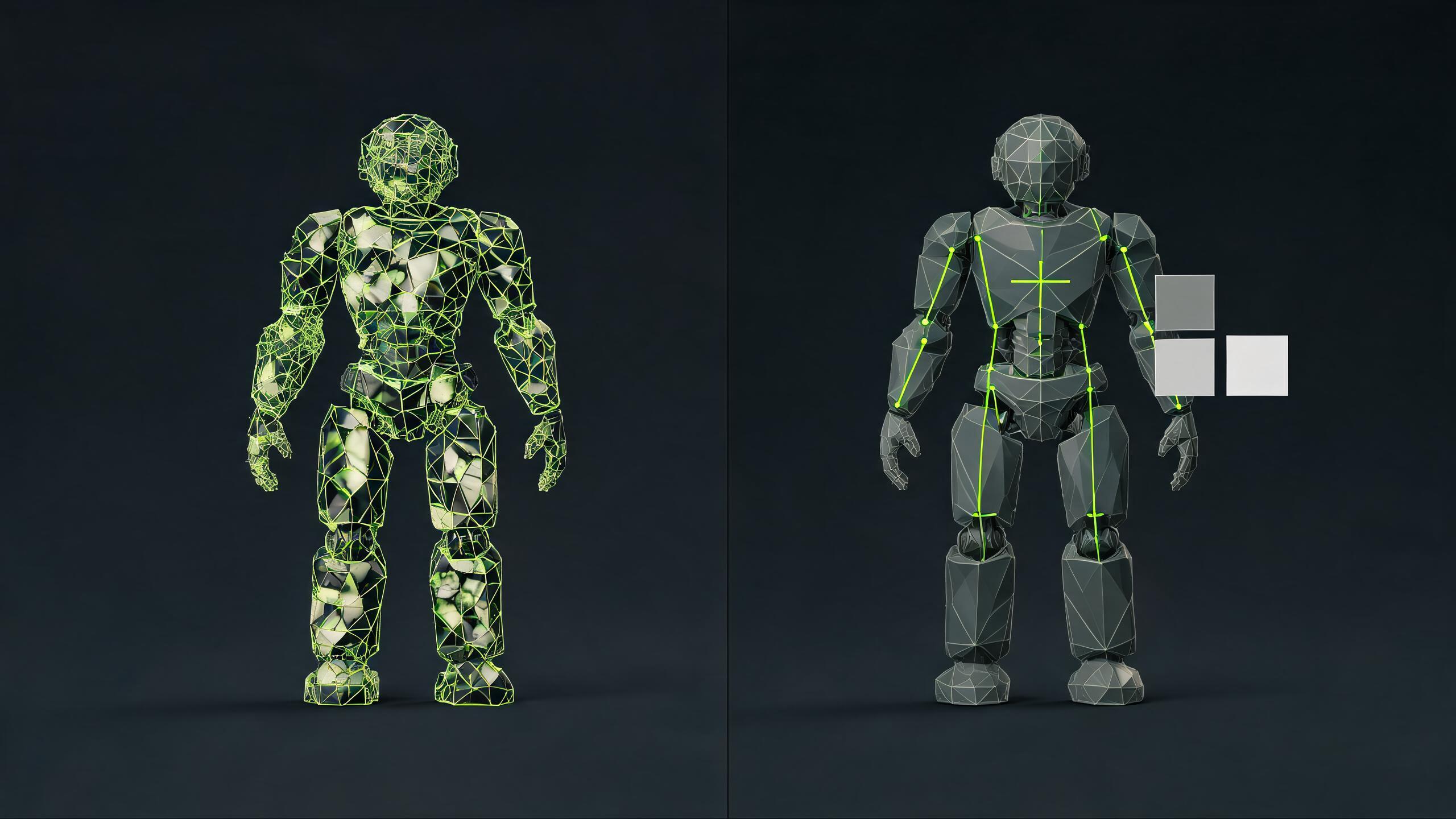
3D Asset Workflow
AI 3D Model Cleanup After Meshy, Tripo, or Hunyuan: Game-ready Workflow
Use AI 3D tools for fast first drafts, then upload, preview, edit, optimize, convert, and export the model before treating it as game-ready.
Meshy, Tripo, Hunyuan 3D, and similar AI 3D generators are useful for creating a fast first model. The problem starts after the preview looks finished. A generated model can still be too heavy, wrongly scaled, off-pivot, missing textures, unstable in a WebGL viewer, or awkward to import into Unity, Roblox-style, or Unreal workflows.
SEELE AI should answer this intent as an editor-first bridge: Upload / Import asset -> Preview -> Edit -> Optimize -> Convert -> Export -> Use in a playable or engine workflow. AI generation remains a helper for similar assets, matching packs, variants, prompt starts, and image starts, not a guarantee that the first export is production-ready.
Why this gap matters
The current AI 3D ecosystem is publishing more generation and engine tutorials. Meshy and Tripo both cover text-to-3D, image-to-3D, game asset, and Unity workflow education. Tencent positions Hunyuan 3D around generated 3D assets and common handoff formats such as GLB and OBJ. Unity documents AI Assistant and MCP workflows that can help operate editor tasks. Claude Code and similar coding agents can help automate import scripts or pipeline checks.
Those are market signals, not SEELE integrations. The practical gap is still the same: before an AI-generated model enters a game scene, someone needs to inspect the actual asset.
The cleanup workflow
- Upload or import the generated file. Record source_tool=meshy, source_tool=tripo, source_tool=hunyuan, source_tool=claude, or source_tool=unknown.
- Confirm file_type and package shape: GLB, GLTF, FBX, OBJ, ZIP, texture folder, or marketplace package.
- Preview scale, orientation, origin, pivot, bounding box, and camera framing before opening the target engine.
- Inspect materials, texture references, UV assumptions, roughness/metalness values, and missing texture warnings.
- Check polygon count, texture size, draw-call risk, animation baggage, and file size against the target workflow.
- Optimize before conversion when the model is too heavy for browser, mobile, Roblox-style, or playable prototype use.
- Convert only after inspection. Choose export_format=glb, fbx, obj, usdz, or a documented combination.
- Export with engine_target=web_threejs, unity, roblox, unreal, ar_commerce, or prototype.
- Track failed_upload_reason when the model cannot open: unsupported_format, missing_texture, too_large, corrupt_file, or unknown.
- Generate similar assets, matching packs, or variants only after the base model has stable scale, materials, and target format notes.
Meshy cleanup angle
Meshy is a strong generation-first source for text-to-3D and image-to-3D users. SEELE should not frame the answer as "replace Meshy." The better answer is: if you already generated a Meshy model, upload it, preview what breaks, reduce unnecessary weight, fix materials, convert for the target workflow, and export a documented handoff.
Use the Meshy cleanup page when the query names the tool directly. Use the Meshy-to-Unity, Meshy-to-Web, Meshy-to-Roblox, and Meshy-to-Unreal pages when the query includes an engine or platform. The CTA should pass source_tool=meshy, the landing page slug, engine_target, export_format, and upload_click.
Tripo cleanup angle
Tripo searches often sound like "import AI 3D model into Unity" or "use generated model in a game." SEELE's response should be more conservative than a pure import tutorial. The first step is not importing into the engine. The first step is an external asset review: scale, pivot, materials, texture count, file size, and GLB/FBX handoff.
Use the Tripo cleanup page for broad post-generation searches. Use Tripo-to-Web when the destination is Three.js, product viewer, WebGL, or browser game. Use Tripo-to-Unity, Tripo-to-Roblox, or Tripo-to-Unreal when the query names the engine. The CTA should pass source_tool=tripo.
Hunyuan 3D cleanup angle
Hunyuan 3D and Hunyuan World interest is a good search opportunity, but the page language must stay precise. Do not claim SEELE uses Hunyuan or directly integrates with it. Position SEELE as the cleanup and export workflow after a Hunyuan-style text, image, or sketch-to-3D export.
The natural answer is: upload the Hunyuan output, inspect GLB/OBJ/FBX behavior, check materials and geometry density, optimize for Unity/Web/Roblox-style/Unreal use, then export with notes. CTA properties should pass source_tool=hunyuan and the chosen engine_target.
Where the V7 video belongs
The existing V7 cleanup asset is the right proof media for this cluster: /features/tools/media/seo/3d-asset-cleanup-v7/ai-3d-cleanup-cinematic-v7.mp4 with its cover at /features/tools/media/seo/3d-asset-cleanup-v7/ai-3d-cleanup-cinematic-v7-cover.png.
Use it on AI-generated model cleanup, Meshy cleanup, Tripo cleanup, Hunyuan cleanup, and engine-specific cleanup pages. The message is simple: the AI model can look ready in the generator, then break during import, then become useful after preview, cleanup, optimization, conversion, and export.
CTA and measurement checklist
- Primary CTA: Upload generated model.
- Secondary CTA: Try sample asset.
- Useful prompt: "Clean up this AI-generated 3D model for Web, Unity, Roblox-style, or Unreal. Check scale, materials, textures, polygon count, file size, source tool, export format, and before/after notes."
- Required events: upload_click, file_type, editor_open, editor_action, optimize_click, convert_click, export_click, edit_to_export, edit_to_generate, failed_upload_reason, engine_target, export_format, sample_asset_use, sample_pack_download, playable_create_click, signup, paid_conversion, and source_tool.
- Internal links: AI-generated model cleanup, Meshy cleanup, Tripo cleanup, Hunyuan cleanup, convert AI-generated 3D models to game-ready assets, free online 3D asset editor, GLB editor, model optimizer, and engine-specific pages.
Source notes for current market signals
This workflow is based on current public positioning from the AI 3D and game-dev ecosystem: Meshy and Tripo blog/tutorial coverage around AI 3D game assets and Unity workflows, Tencent Hunyuan 3D launch and format positioning, Unity AI Assistant and MCP documentation, and Anthropic Claude Code documentation. These references are used as market context, not as claims that SEELE integrates with those products.
FAQ
Are Meshy, Tripo, or Hunyuan models automatically game-ready?
No generated model should be treated as game-ready without review. It may work as a prototype, but scale, materials, textures, polygon count, file size, format, and licensing still need checks.
Should cleanup happen before or after engine import?
Do the first cleanup pass before engine import. It is faster to catch file, scale, material, and weight problems in an editor-first workflow than to debug every issue inside Unity, Unreal, Roblox-style, or WebGL scenes.
What is the best export format after cleanup?
It depends on the target. GLB is useful for Web, Three.js, previews, and packaged material handoff. FBX is common in Unity and Unreal workflows. OBJ can be useful for simple geometry handoff but needs careful texture and material notes.
Can Claude Code or Unity MCP replace asset cleanup?
No. Coding agents and MCP workflows can help automate scripts, checks, scene setup, or import steps, but they do not prove that a generated mesh has correct scale, materials, topology, file size, or target-engine behavior.
When should I generate variants or matching assets?
Generate variants after the base asset has a stable style, scale, material direction, and export target. Otherwise you multiply the same cleanup problem across a larger pack.
Can Kimi K3 clean up a 3D mesh on its own?
No. Kimi K3 can help organize geometry checks, target budgets, and acceptance criteria inside SEELE. SEELE's 3D pipeline and supported production tools perform the actual inspection, editing, optimization, and export.
Open SEELE AI with this cleanup brief, then track source_tool, file_type, editor actions, optimization, conversion, and export intent.
Upload generated modelAI mesh editing and geometry cleanup checklist
Direct answer: use a 3D mesh editor to inspect and correct the delivered geometry, not merely to request a cleaner regeneration. Check non-manifold edges, holes, duplicate or internal faces, normals, topology flow, UVs, decimation targets, silhouette loss, scale, pivots, collision needs, and deformation risk on the actual export.
- Repair before optimization: identify broken geometry and shading before reducing polygons.
- Retopologize for the target: choose edge flow from deformation, baking, camera distance, and platform budgets—not a universal polygon count.
- Compare after decimation: inspect silhouette, normal shading, UVs, and animation behavior where applicable.
- Prove the handoff: import the actual file into the target engine or browser and record remaining issues.
Continue with the online 3D model editor, material and texture review, game-ready engine handoff, or rigging and animation handoff. If planning support is useful, Kimi K3 inside SEELE can help structure the cleanup checklist; SEELE's 3D pipeline and production tools perform the actual mesh work.