Best input bundle
Pair annotated screenshots or short captures with the relevant log window, Insights trace, console variables, asset or Blueprint context, reproduction steps, and expected behavior.
Multimodal workflow · screenshots, logs, traces, and scene evidence
A screenshot can show the symptom while a log or trace explains the system that produced it. Gemini 3.6 Flash can help connect those evidence types, but the result must remain a ranked diagnosis with reproducible checks—not a declaration that the Unreal bug is fixed.
Package one failure as an evidence bundle: project and engine version, reproduction steps, expected and actual result, annotated captures, relevant logs or traces, recent changes, target hardware, and privacy review. Ask for ranked hypotheses, evidence for and against each one, the next discriminating test, and a rollback-safe fix plan.
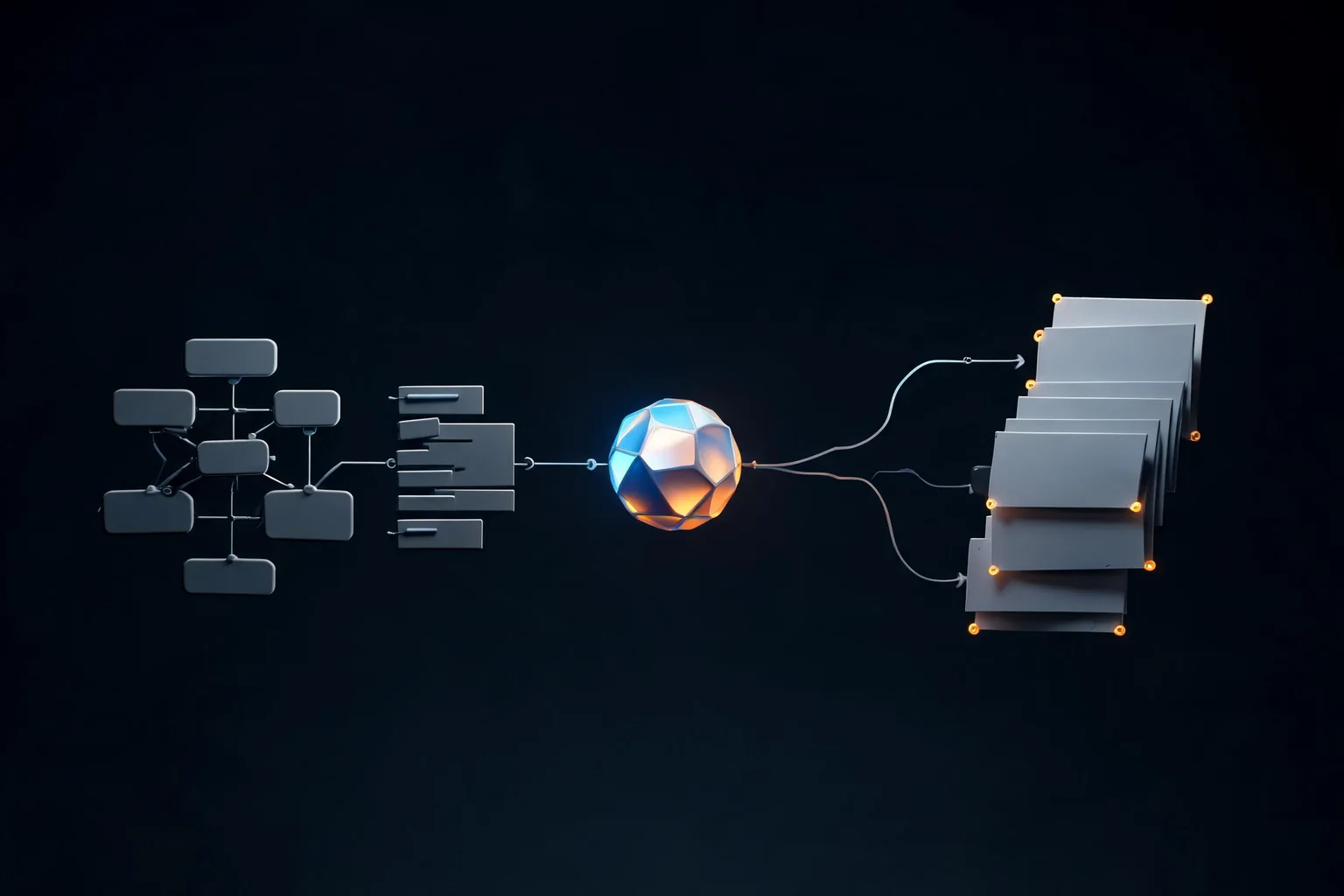
Pair annotated screenshots or short captures with the relevant log window, Insights trace, console variables, asset or Blueprint context, reproduction steps, and expected behavior.
Require observed facts, uncertain inferences, ranked hypotheses, discriminating tests, proposed owner, risk, and rollback as separate fields.
Models often over-index on the visible symptom, guess a familiar engine setting, or ignore that editor, PIE, standalone, and packaged behavior differ.
The same input must reproduce the issue before the change and pass after the change on the target mode and hardware, with logs, traces, and regression checks preserved.
Start with a one-sentence failure: action, expected result, actual result, mode, engine version, platform, and frequency. Add only captures that reveal the symptom or state. Annotate the frame, timestamp, actor, view, material, UI element, or network role in question. Preserve original files separately so compression and markup do not erase evidence.
Attach the smallest relevant log window and, when appropriate, Unreal Insights timing, GPU capture, Visual Logger output, network trace, automation result, crash callstack, asset audit, Blueprint compile messages, or cook report. Include recent changes and a clean-baseline comparison. Remove API keys, account data, private repository URLs, user identifiers, licensed source assets, and unrelated project material before sending anything to an external model.
Ask the model to list direct observations first. Then request three or fewer hypotheses, each tied to specific evidence, contradictory evidence, and one cheap test that distinguishes it from the others. Require the likely Unreal subsystem and responsible file, asset, graph, setting, or runtime state. If the evidence is insufficient, the correct output is a request for one missing artifact—not a fabricated root cause.
For rendering issues, separate camera exposure, material, lighting, post process, texture streaming, shader compilation, LOD, Nanite, Lumen, upscaling, driver, and capture artifacts. For gameplay issues, separate input, authority, state transition, animation, collision, navigation, save state, and UI presentation. For performance, separate CPU, GPU, memory, IO, shader, streaming, network, and content-scale signals before suggesting optimization.
Google's July 21, 2026 release is the source for model positioning, reported benchmarks, listed pricing, and availability. Google does not claim native Unreal integration on that page. Epic documentation and the target project remain authoritative for engine behavior.
Release date, positioning, reported efficiency, benchmark comparisons, pricing, and starting availability.
Open official announcementRe-check the exact model ID, supported inputs, current status, limits, API behavior, region, and terms before use.
Open model documentationReview evaluation scope, safety information, known limitations, and the evidence behind general capability claims.
Open model cardValidate C++, Blueprint, testing, packaging, and runtime behavior in the exact Unreal version used by the project.
C++ documentation · Blueprint documentation · Automation tests
Evaluate Gemini 3.6 Flash for Unreal Engine planning, C++, Blueprints, multimodal review, cost, testing, and safe handoff without claiming native UE integration.
Read this guideUse Gemini 3.6 Flash for bounded Unreal C++ and Blueprint planning, review, tests, recovery, and handoff while keeping compilation and runtime validation native.
Read this guideCompare Gemini 3.6 Flash and 3.5 Flash for Unreal coding, multimodal review, token efficiency, cost, migration, and controlled project evaluation.
Read this guideIt can describe visible evidence and suggest hypotheses, but one screenshot rarely exposes engine state, asset settings, graph defaults, logs, timing, authority, or packaged behavior. Pair the image with reproduction steps and native evidence, then verify the diagnosis by running a test that distinguishes it from competing causes.
Do not upload secrets, tokens, private user data, confidential code or assets outside approved policy, licensed content without permission, internal URLs, crash dumps containing identifiers, or unrelated repository material. Minimize the evidence bundle, redact sensitive fields, document the external-processing decision, and follow current vendor and company retention rules.
A computer-use tool may interact with visible interfaces, but that expands the risk boundary. Use a disposable project or sandbox, restrict permissions, require confirmation for destructive or external actions, log every step, keep source control clean, and validate the final state independently. The official release does not establish native Unreal correctness.
SEELE AI can create a browser-playable reference for the desired scene, camera, controls, environment, or interaction. Use that output to clarify intent and acceptance criteria, then diagnose and implement the real fix in Unreal. A reference prototype does not identify the native root cause or prove the packaged fix.
Return to the Unreal landing page, choose a verified Workspace card, and make the scene or gameplay loop concrete before planning native implementation.