
Construction Idle - Building Clicker Game - Casual Game
 Sandbox
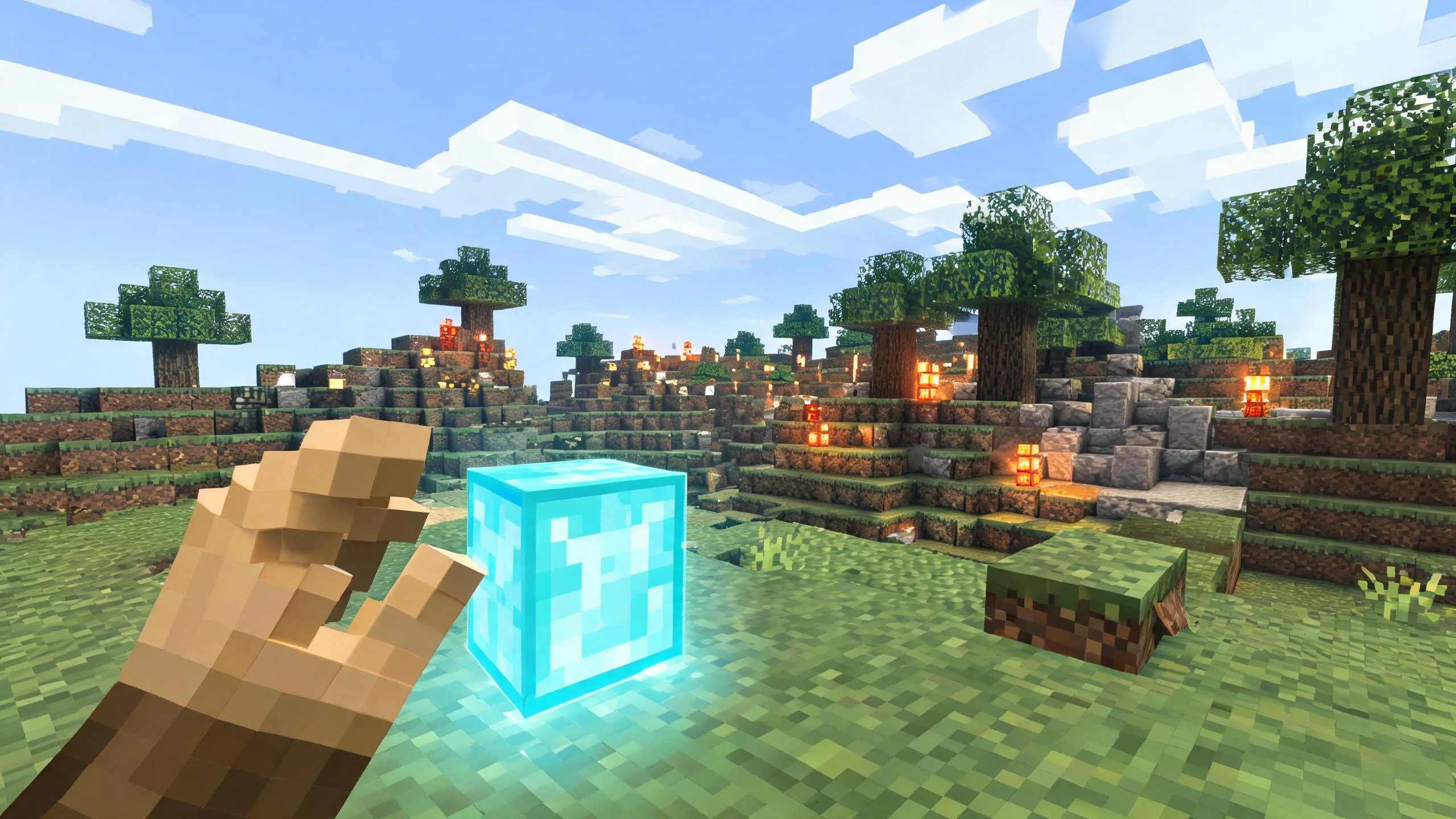
Voxel Sandbox Builder
Build a voxel sandbox for placing and breaking blocks freely.
 Shooter
Rail Shooter Ride
Build a roller-coaster rail shooter that aims as you ride.
 Unity
UnityDesert Quickshot
Build a Unity quickdraw duel with streaks and rising heat.
 Subscriber only
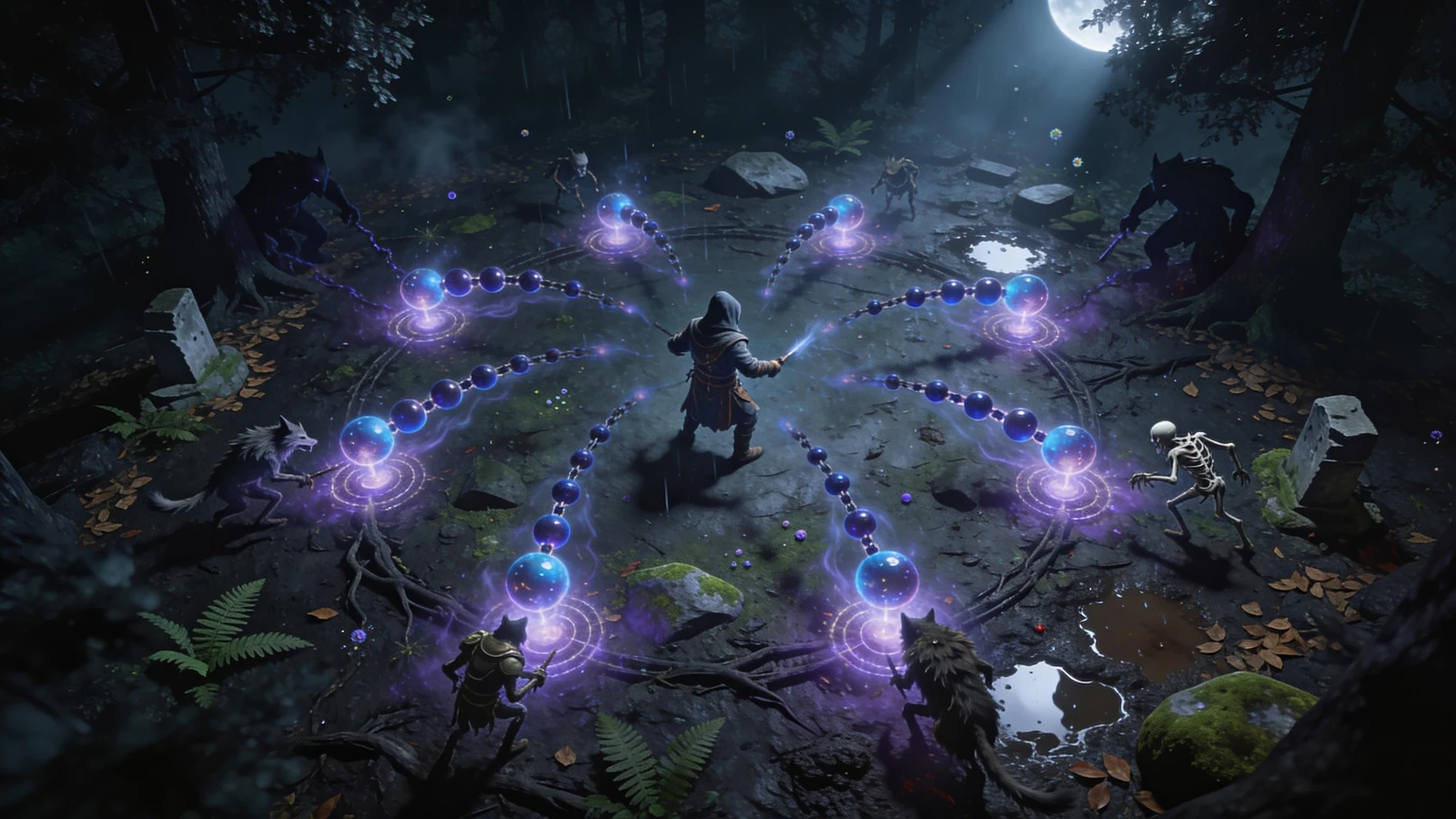
Unreal Top-Down Roguelite
Create a complete UE 5.5 top-down arena roguelite with upgrades and a boss finale.
 SEELE02 CORE
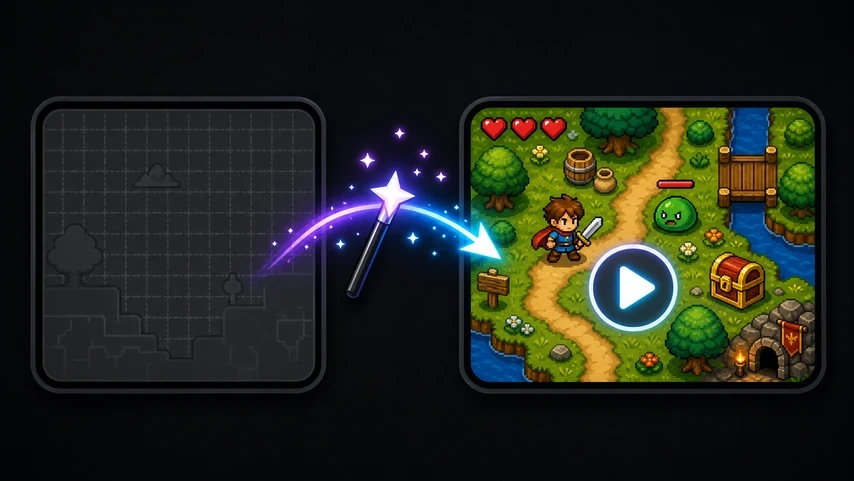
Game Generator
Turn a one-line idea into a playable game demo.
 Shooter
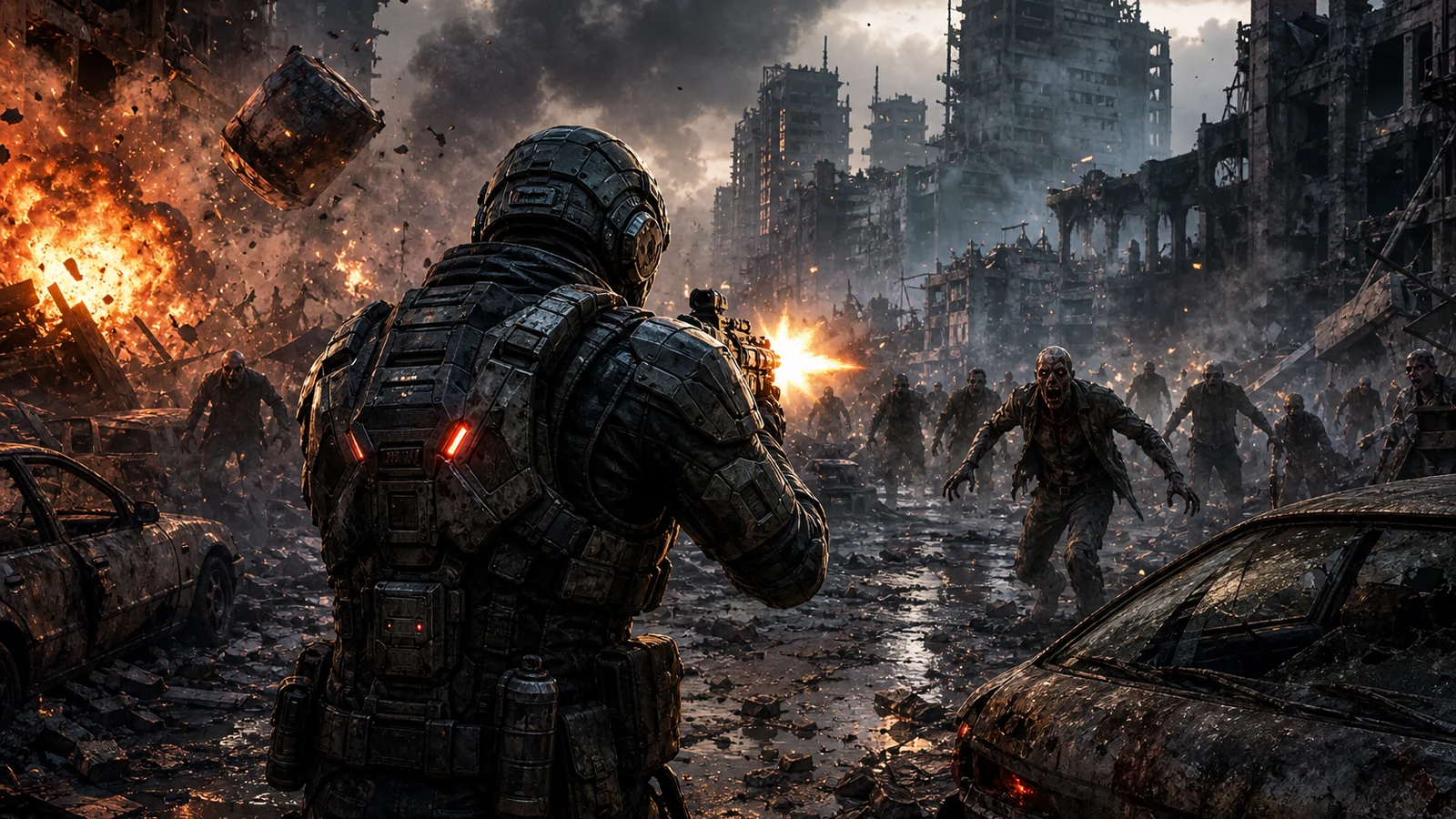
Dead City Shooter
Build a third-person zombie shooter in a ruined city.
 Puzzle
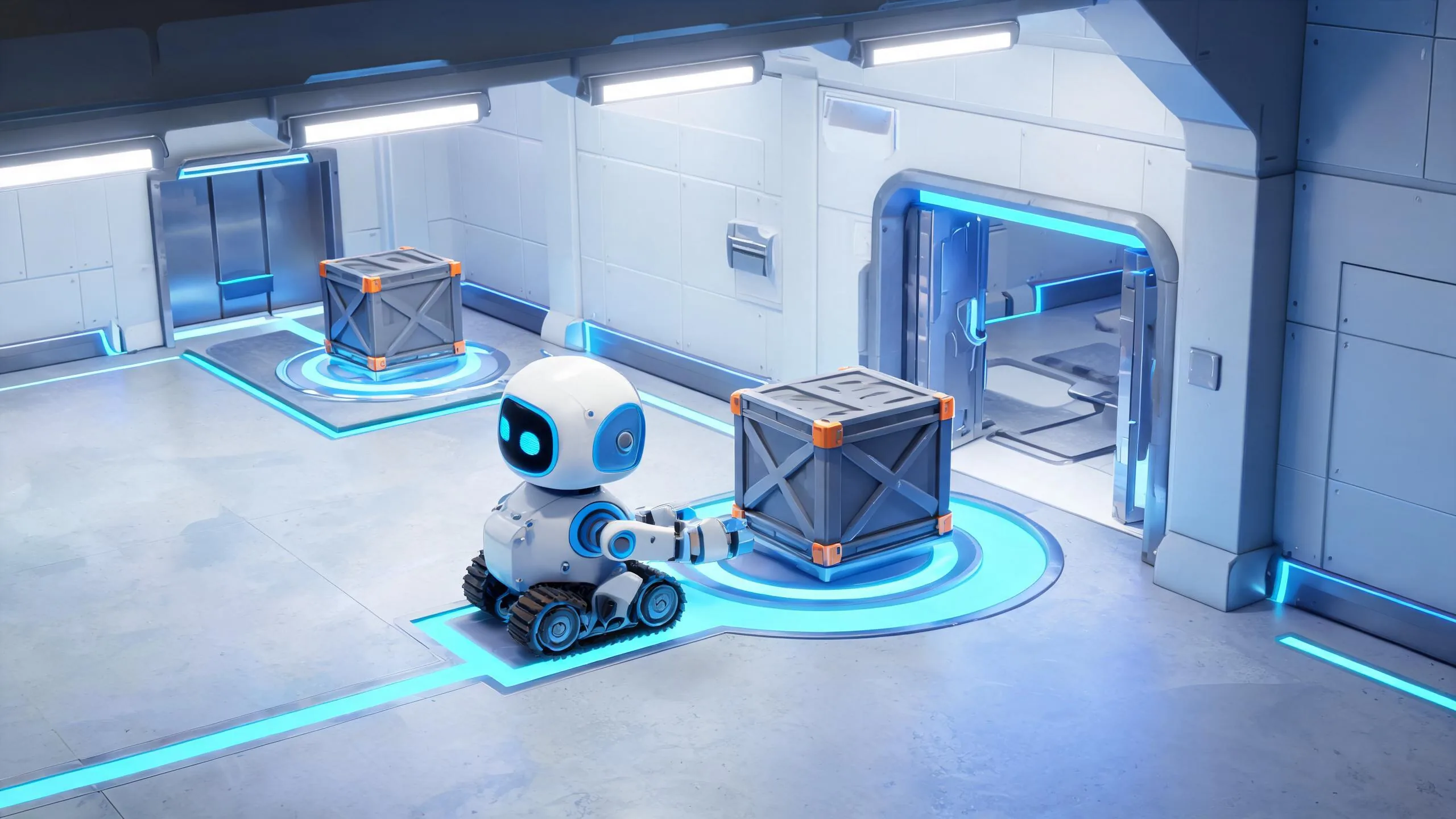
Box Robot Puzzle
Build crate-pushing puzzles with vehicles and physics timing.
 Subscriber only
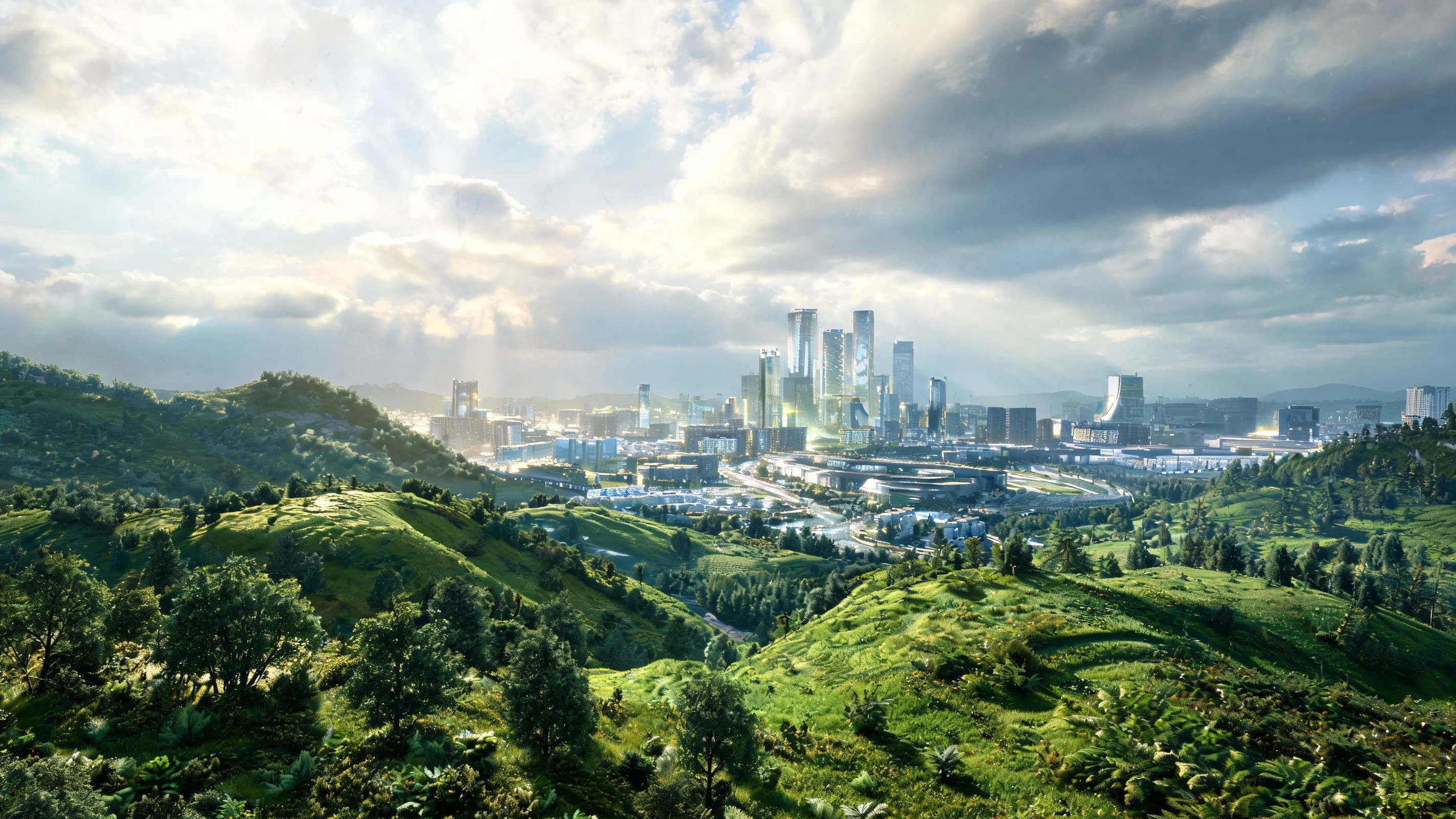
Unreal City Tour
Explore a photoreal Unreal city with terrain and live weather.
 New
NewArcade Crossing Game
Build a lane-dodging arcade game with traffic and pickups.
 FPS
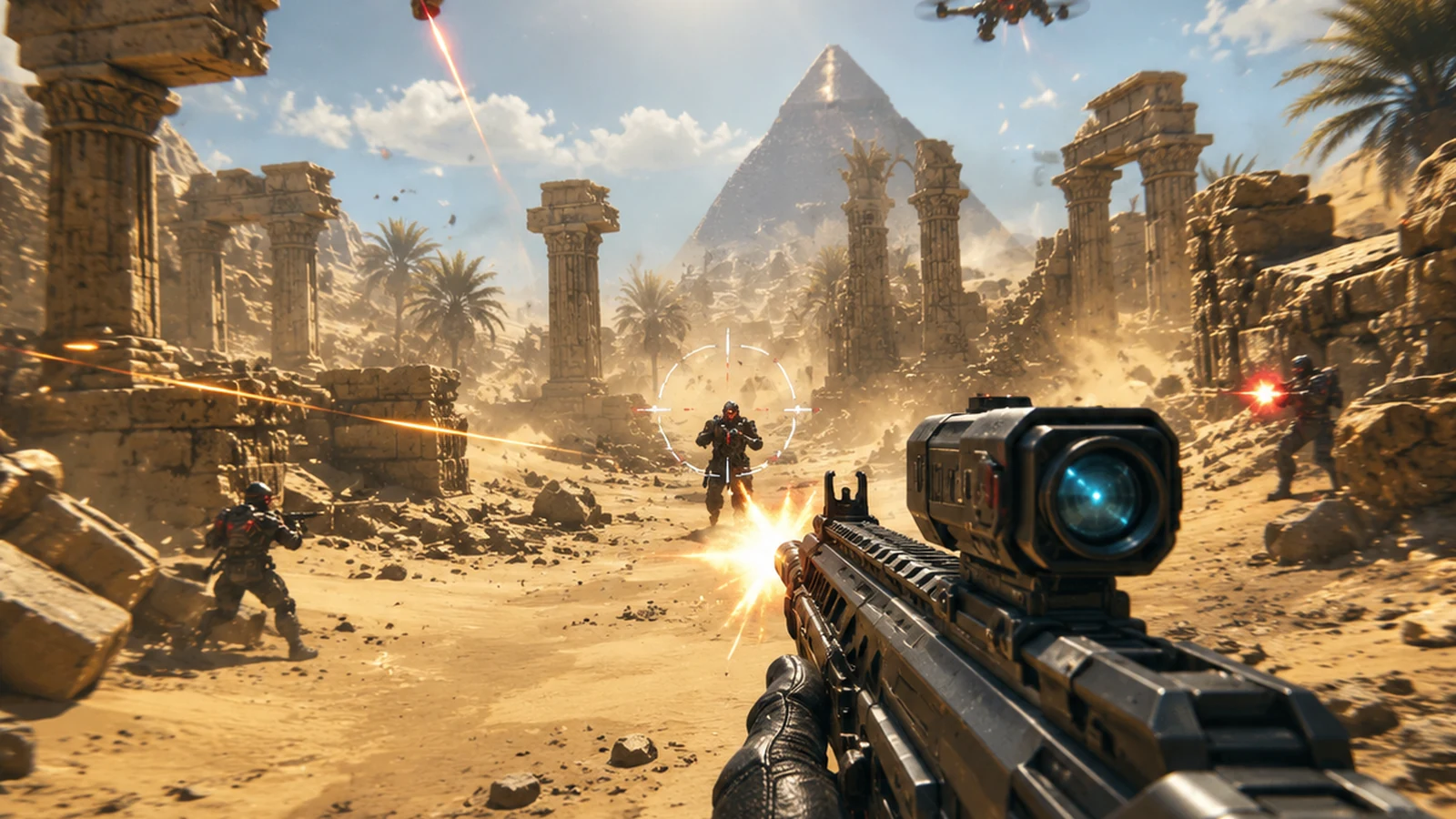
FPS3D FPS Game
Build a desert FPS with weapon switching and a retro HUD.
SandboxVoxel Sandbox Builder
Build a voxel sandbox for placing and breaking blocks freely.
ShooterRail Shooter Ride
Build a roller-coaster rail shooter that aims as you ride.
UnityDesert Quickshot
Build a Unity quickdraw duel with streaks and rising heat.
Subscriber onlyUnreal Top-Down Roguelite
Create a complete UE 5.5 top-down arena roguelite with upgrades and a boss finale.
SEELE02 COREGame Generator
Turn a one-line idea into a playable game demo.
ShooterDead City Shooter
Build a third-person zombie shooter in a ruined city.
PuzzleBox Robot Puzzle
Build crate-pushing puzzles with vehicles and physics timing.
Subscriber onlyUnreal City Tour
Explore a photoreal Unreal city with terrain and live weather.
NewArcade Crossing Game
Build a lane-dodging arcade game with traffic and pickups.
FPS3D FPS Game
Build a desert FPS with weapon switching and a retro HUD.
Prompt
Games are fun. Creating them is even better.
Game Introduction
About Construction Idle
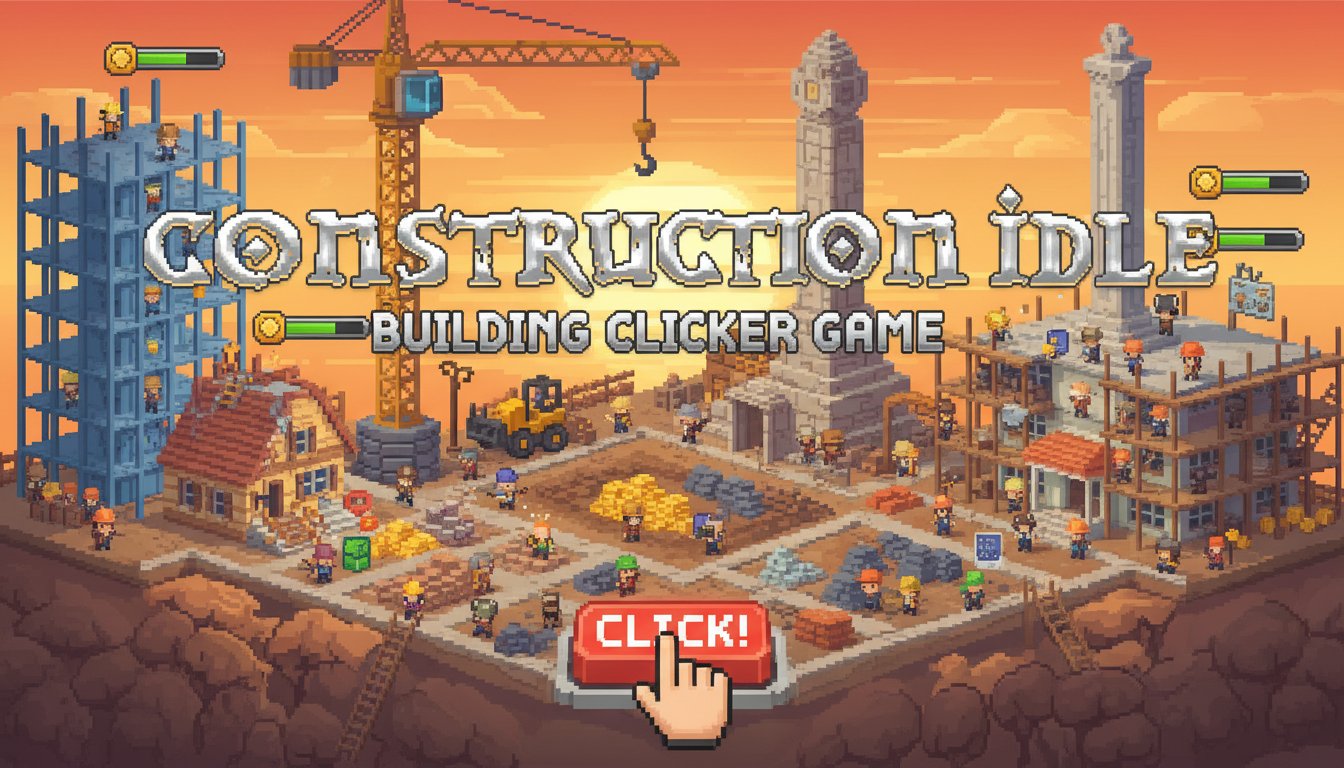
Construction Idle is a captivating pixel art clicker game that puts you in charge of a bustling construction site. This free-to-play incremental game combines the satisfaction of building with the addictive mechanics of idle gameplay. Your mission is simple yet engaging: construct as many stylish buildings as possible while managing resources and expanding your construction capabilities.
The game features charming retro pixel graphics that bring your construction site to life with colorful workers, tools, and building materials. Each click of your mouse adds another brick to your growing structures, creating a satisfying sense of progress and achievement.
Core Features
Addictive Click-to-Build Mechanics
The core gameplay revolves around clicking bricks to construct buildings. Each click contributes to your construction progress, making every interaction meaningful and rewarding. The simple yet engaging mechanic ensures that both casual and dedicated players can enjoy the experience.
Worker Management System
Hire various types of construction workers to automate your building process. Each worker type brings unique capabilities and speeds, allowing you to optimize your construction efficiency. Watch as your hired crew works tirelessly to build structures even when you're not actively clicking.
Tool Upgrades and Equipment
Invest in better construction tools and equipment to significantly boost your building speed and efficiency. From basic hammers to advanced construction machinery, each upgrade provides tangible improvements to your construction capabilities.
Incremental Progression
Experience the satisfying progression system where each completed building unlocks new opportunities. Earn resources to reinvest in better tools, more workers, and enhanced construction capabilities.
Pixel Art Style
Enjoy the nostalgic charm of detailed pixel art graphics that give the game a unique visual identity. The retro aesthetic creates an appealing contrast with modern incremental gameplay mechanics.
Gameplay Mechanics
Building Construction
Start by clicking on bricks to begin construction. Each click represents placing a brick or construction element, gradually building up your structures. The visual feedback of seeing buildings grow with each click provides immediate satisfaction.
Resource Management
Earn coins and resources through successful construction projects. Manage your budget wisely to balance hiring workers, purchasing tools, and starting new building projects.
Automation Features
As you progress, unlock automation features that allow your construction site to operate independently. This idle gameplay element means your empire continues growing even when you're away from the game.
Operation Guide
Getting started with Construction Idle is incredibly straightforward:
- Left Mouse Button : Click anywhere on the construction site to place bricks and build structures
- Menu Navigation : Use mouse clicks to navigate through upgrade menus and purchase options
- Worker Hiring : Click on worker icons to hire construction staff
- Tool Purchases : Access the shop to buy better construction equipment
The intuitive controls ensure that players of all skill levels can immediately jump into the construction action without complex tutorials or steep learning curves.
Why Play Construction Idle
Perfect for All Play Styles
Whether you prefer active clicking sessions or passive idle progression, Construction Idle accommodates both preferences. Engage in intensive building sessions or let your automated workers handle construction while you multitask.
Stress-Free Gaming Experience
Unlike competitive games, Construction Idle offers a relaxing, pressure-free environment where you can build at your own pace. There are no time limits or failure conditions, making it perfect for unwinding.
Instant Accessibility
Play directly in your web browser without downloads, installations, or account creation. The game loads quickly and runs smoothly on both desktop and mobile browsers.
Continuous Content
With endless building possibilities and constant upgrade opportunities, Construction Idle provides long-term entertainment value. Each session brings new construction challenges and upgrade decisions.
Nostalgic Appeal
The pixel art style appeals to fans of retro gaming while offering modern incremental gameplay mechanics. This combination creates a unique gaming experience that feels both familiar and fresh.