
Emoji Builder - Create Custom Emojis - Casual Game
 New
NewHook a Fish Arcade
Build a fishing arcade where catches buy you more time.
 New
New3D Block Puzzle
Build a 3D falling-block puzzle with rotations and row clears.
 SEELE02 CORE
Game Generator
Turn a one-line idea into a playable game demo.
 Subscriber only
Unreal Top-Down Roguelite
Create a complete UE 5.5 top-down arena roguelite with upgrades and a boss finale.
 New
NewCharacter Physics World
Build a third-person physics world with day-night and props to touch.
 Action
Open World City Action
Build an open-world city romp with driving and police chases.
 FPS
FPS3D FPS Game
Build a desert FPS with weapon switching and a retro HUD.
 New
NewUnderwater Puzzle
Build an underwater puzzle: restore coral, dodge crabs.
 Racing
Track Racing Challenge
Build a closed-circuit racer built around drift corners.
 Voxel
VoxelVoxel Hero Adventure
Build a voxel hero who explores, mines, and builds.
NewHook a Fish Arcade
Build a fishing arcade where catches buy you more time.
New3D Block Puzzle
Build a 3D falling-block puzzle with rotations and row clears.
SEELE02 COREGame Generator
Turn a one-line idea into a playable game demo.
Subscriber onlyUnreal Top-Down Roguelite
Create a complete UE 5.5 top-down arena roguelite with upgrades and a boss finale.
NewCharacter Physics World
Build a third-person physics world with day-night and props to touch.
ActionOpen World City Action
Build an open-world city romp with driving and police chases.
FPS3D FPS Game
Build a desert FPS with weapon switching and a retro HUD.
NewUnderwater Puzzle
Build an underwater puzzle: restore coral, dodge crabs.
RacingTrack Racing Challenge
Build a closed-circuit racer built around drift corners.
VoxelVoxel Hero Adventure
Build a voxel hero who explores, mines, and builds.
Prompt

Games are fun. Creating them is even better.
Game Introduction
About the Game
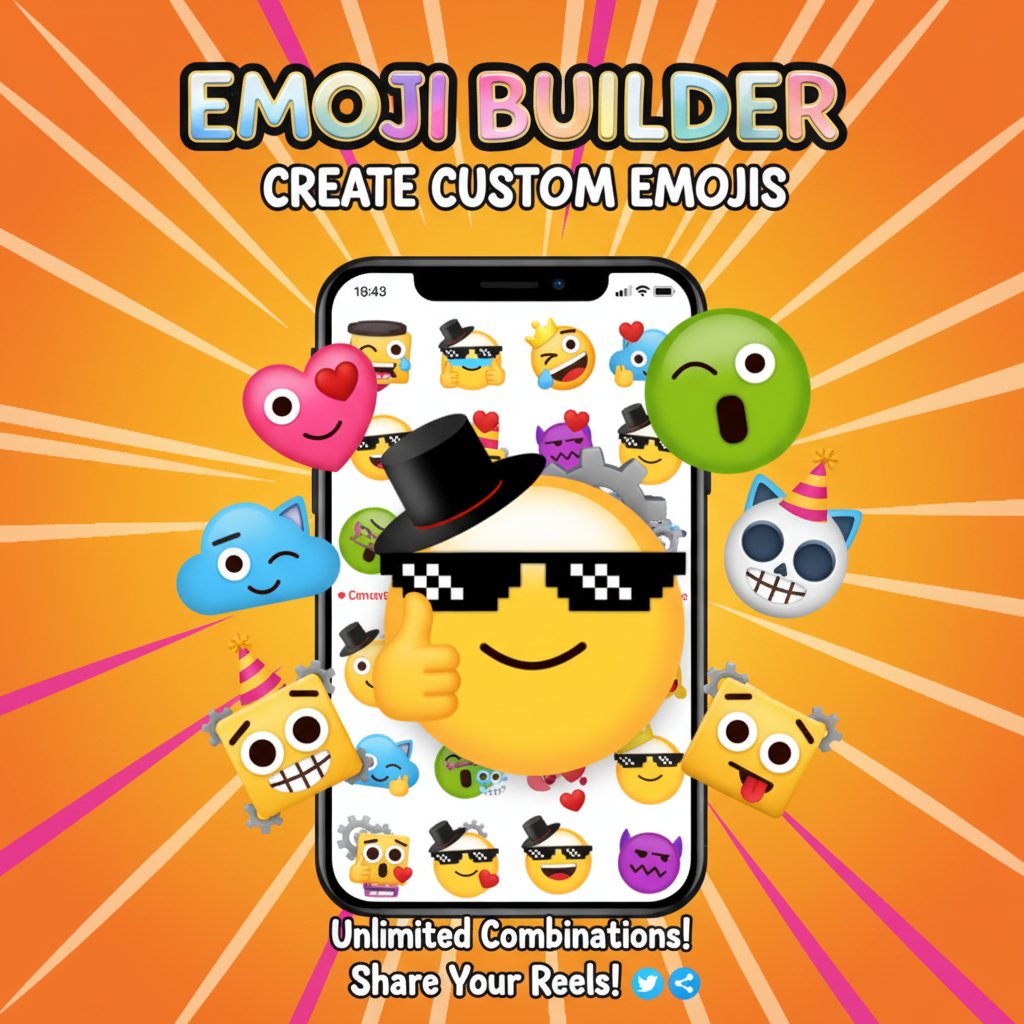
Emoji Builder is an innovative creative game that lets you become an emoji designer! This engaging online game allows you to mix and match different parts from your favorite emojis to create completely unique and personalized expressions. Whether you want to combine a winking eye with a surprised mouth or add funky accessories like sunglasses and hats, the possibilities are endless.
The game challenges you to create four different custom emojis, which you can then display in an exciting reel to show off your creative skills. With countless combinations available, every player can express their unique style and personality through their emoji creations.
Core Features
Unlimited Creative Freedom
Emoji Builder offers an extensive library of emoji parts including: - Facial expressions : Eyes, mouths, eyebrows in various styles - Accessories : Hats, sunglasses, and other fun add-ons - Color variations : Different skin tones and vibrant colors - Special effects : Unique elements to make your emojis stand out
Interactive Reel Showcase
Once you've crafted your four masterpiece emojis, the game lets you present them in a dynamic reel format. This feature adds an extra layer of excitement as you can admire your creations and potentially share your artistic vision with others.
Cross-Platform Compatibility
The game works seamlessly across all devices - whether you're on a desktop computer, smartphone, or tablet. The intuitive interface adapts perfectly to both mouse and touch controls.
Game Mechanics
The gameplay revolves around a simple yet addictive concept: creative combination . You start with a base emoji face and then add various elements to transform it into something entirely new. The drag-and-drop interface makes it easy to experiment with different combinations until you achieve the perfect look.
Each emoji part can be positioned and layered to create depth and personality. Want to create a cool emoji wearing sunglasses? Simply drag the sunglasses onto your base emoji. Looking to make something more dramatic? Combine multiple accessories and expressions for truly unique results.
Operation Guide
Basic Controls
- Mouse Users : Click and drag emoji parts onto your base emoji
- Touch Screen Users : Tap and drag elements to position them
- Positioning : Fine-tune placement by dragging parts to exact locations
- Layering : Add multiple elements to create complex designs
- Reset : Start over anytime if you want to try a different approach
Step-by-Step Creation Process
- Choose your base emoji face
- Browse through available parts and accessories
- Drag desired elements onto your emoji
- Adjust positioning for the perfect look
- Repeat the process to create four unique emojis
- View your collection in the showcase reel
Why Play Emoji Builder
Perfect for Creative Expression
This game is ideal for players who love customization and creative expression. It's particularly appealing to: - Art enthusiasts who enjoy design challenges - Social media users who want to create unique content - Young players developing their artistic skills - Anyone looking for a relaxing, creative gaming experience
Educational Benefits
Beyond entertainment, Emoji Builder helps develop: - Visual design skills through color and composition choices - Creative thinking by encouraging unique combinations - Digital literacy through intuitive interface interaction - Patience and focus while perfecting designs
Stress-Free Gaming
Unlike competitive games, Emoji Builder offers a peaceful, pressure-free environment where you can take your time and experiment freely. There's no time limit, no scoring pressure - just pure creative fun.
Social Connection
The reel feature allows you to appreciate your artistic achievements and potentially inspire others. Creating custom emojis can also be a great conversation starter about personal expression and creativity.