
Spot the Differences - Find Hidden Differences Puzzle Game - Puzzle Game
 Driving
City Car Driving
Build an open-city free-driving game with car selection.
 Voxel
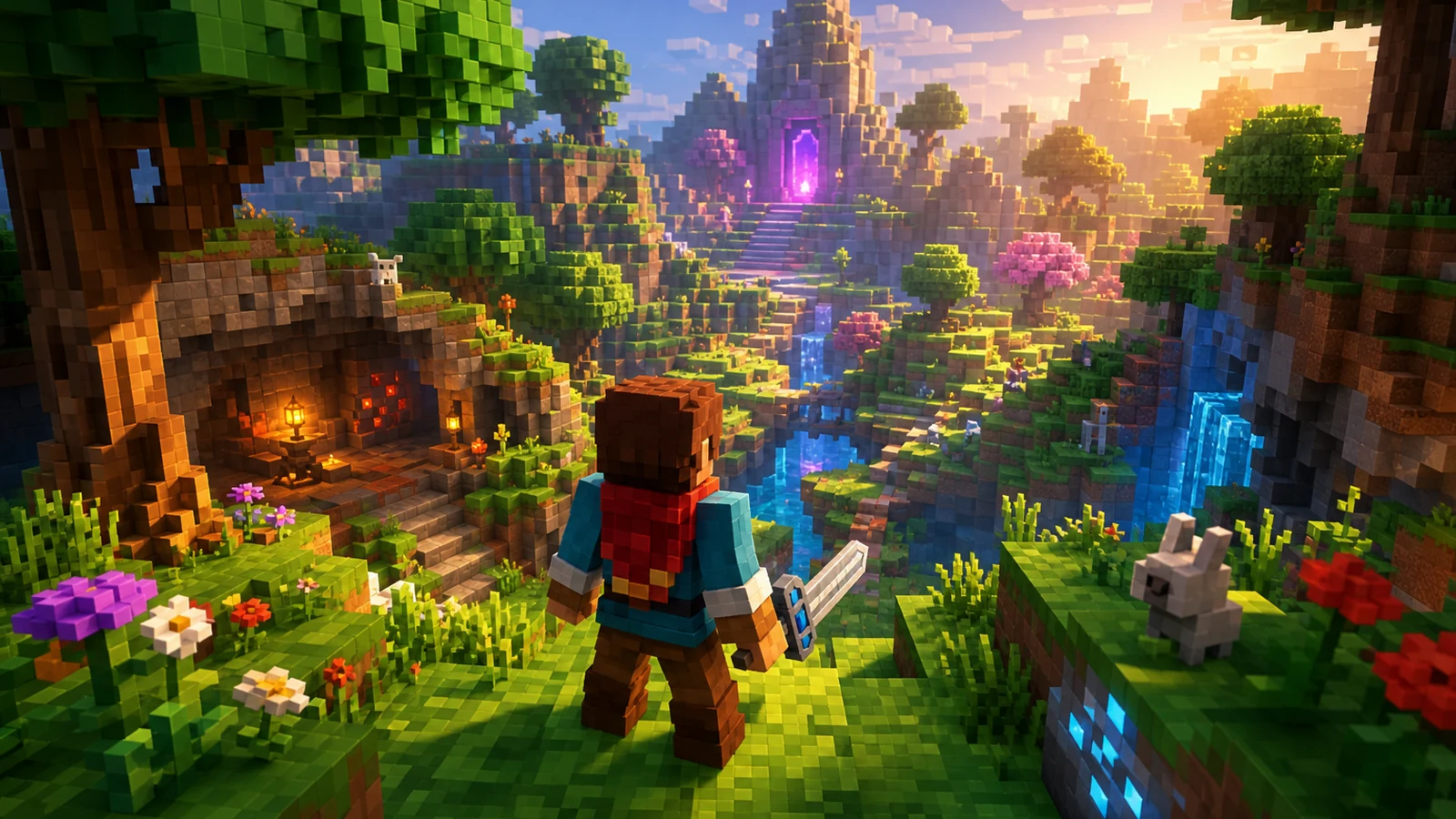
VoxelVoxel Hero Adventure
Build a voxel hero who explores, mines, and builds.
 FPS
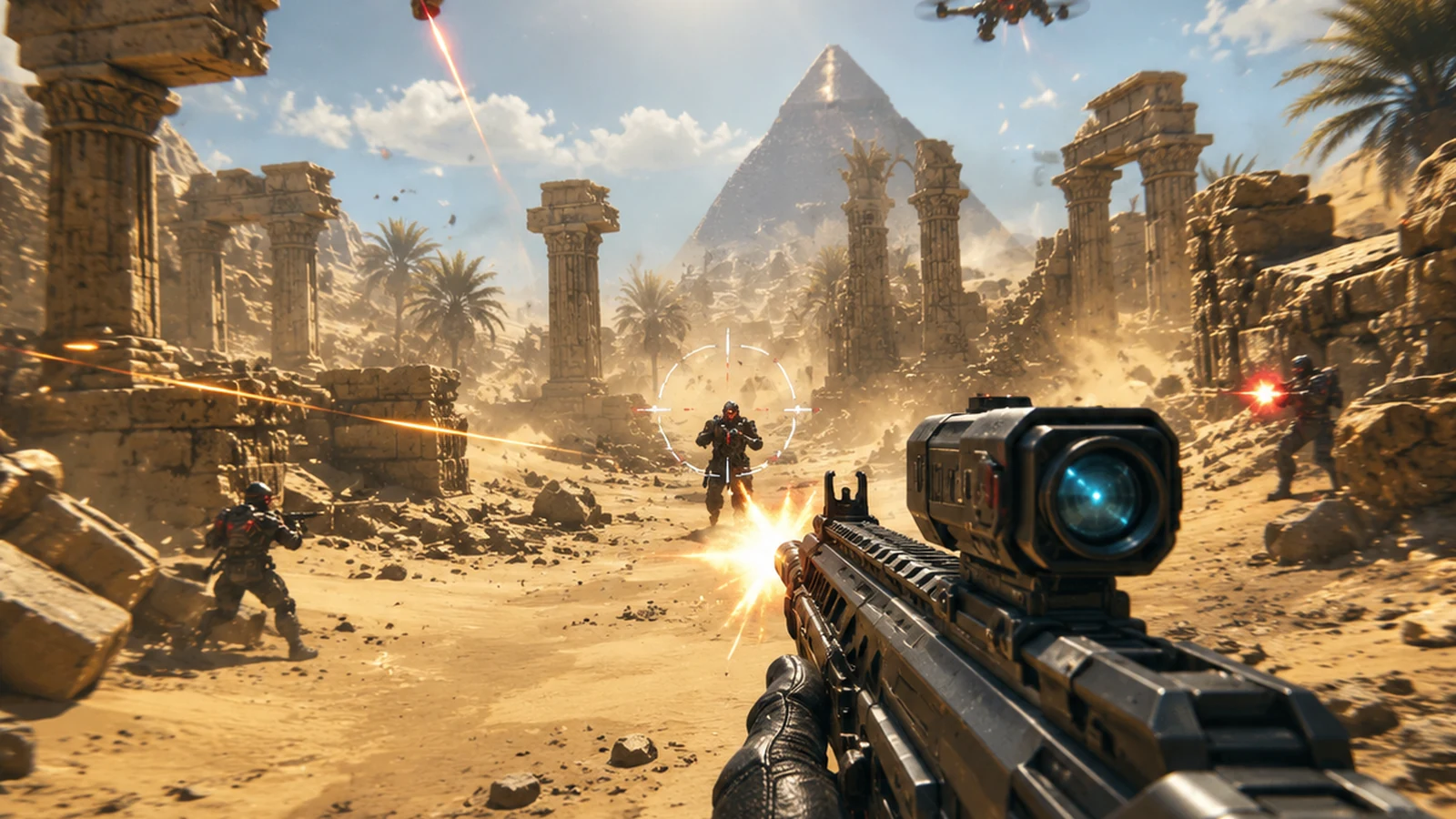
FPS3D FPS Game
Build a desert FPS with weapon switching and a retro HUD.
 Roguelike
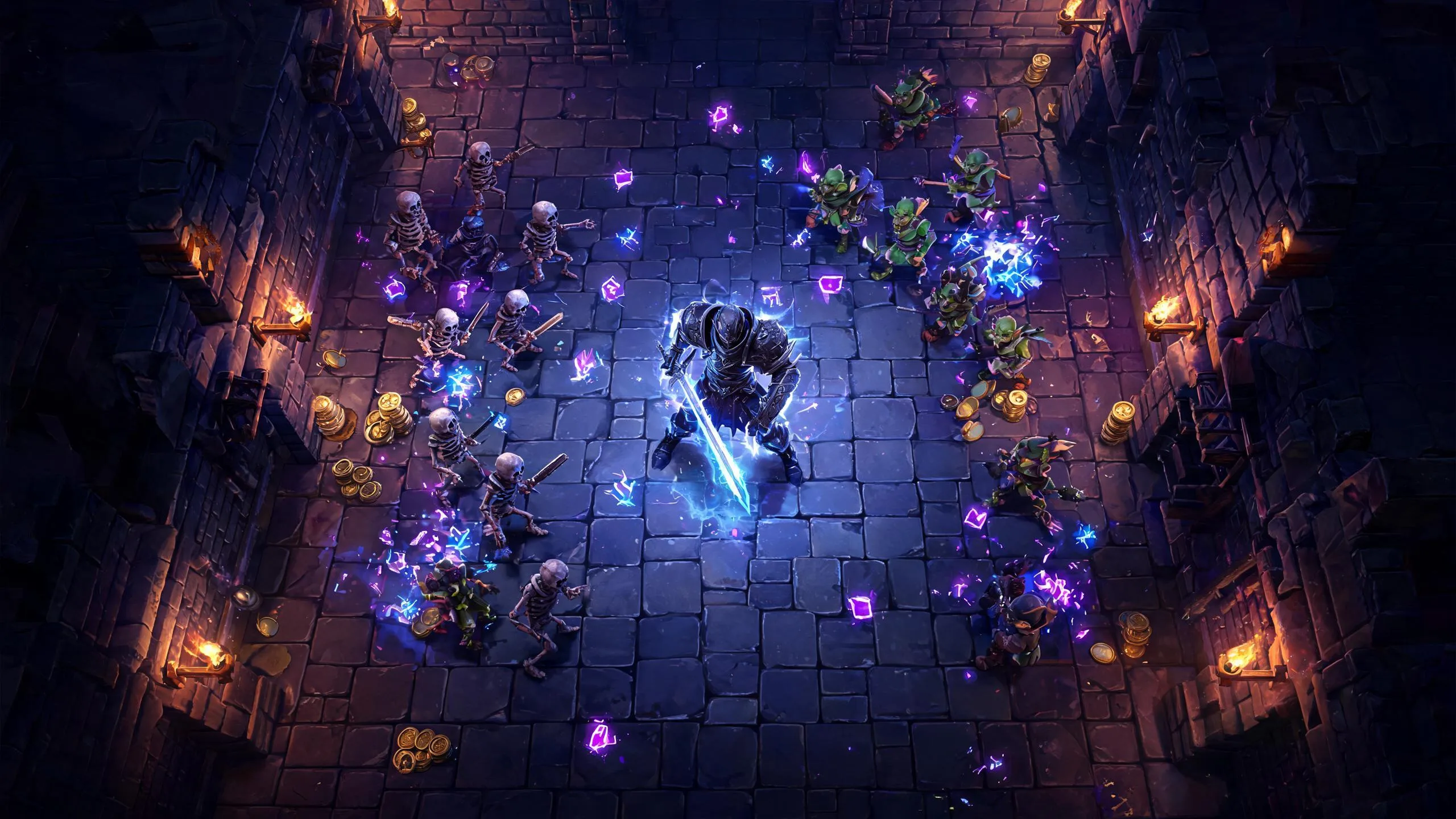
Dungeon Survivors
Build a Vampire-Survivors-style dungeon arena with hero picks.
 Unity
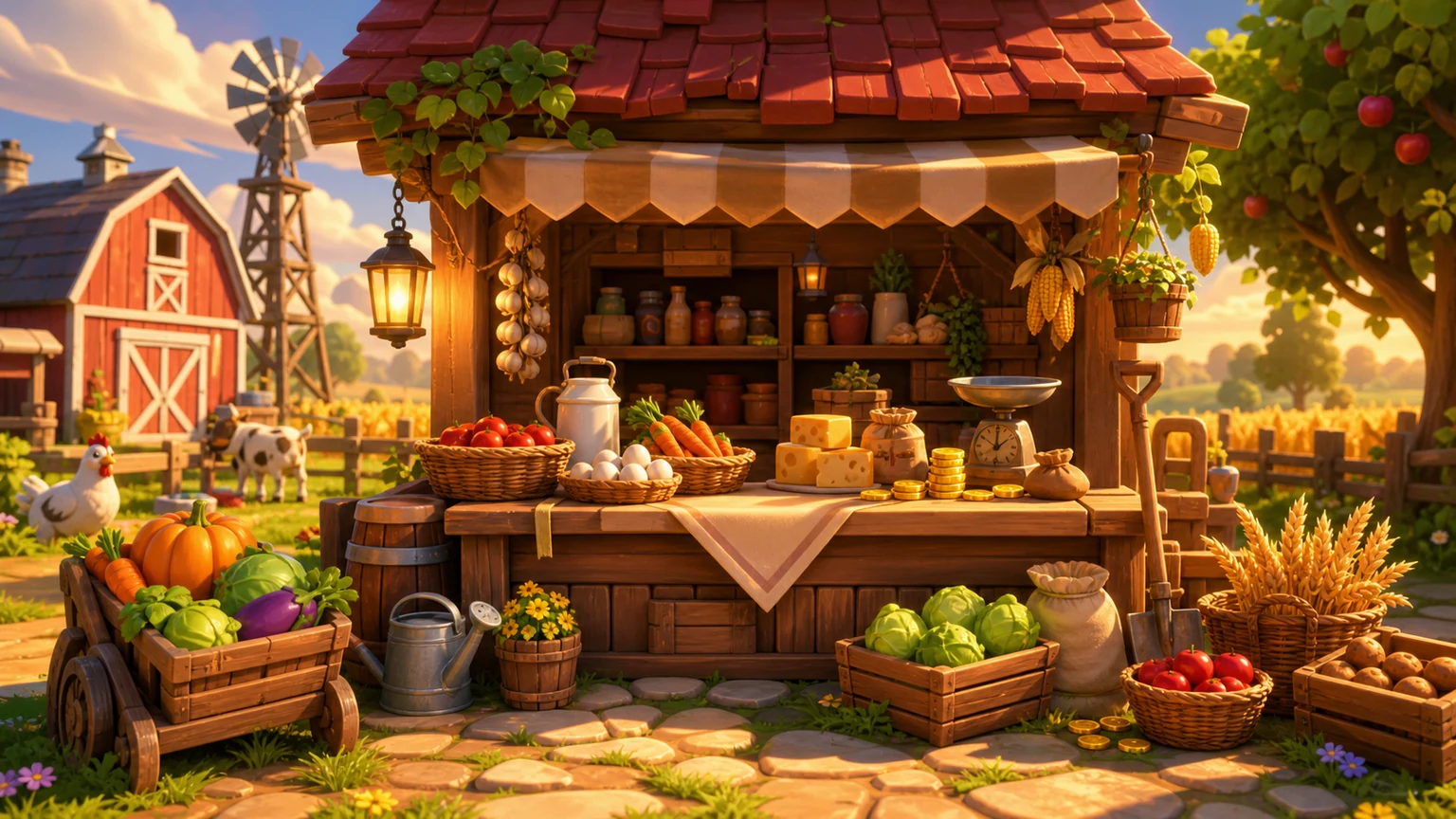
UnityFarmstead Shop
Build a Unity farm-shop sim: grow, stock, serve, upgrade.
 3D
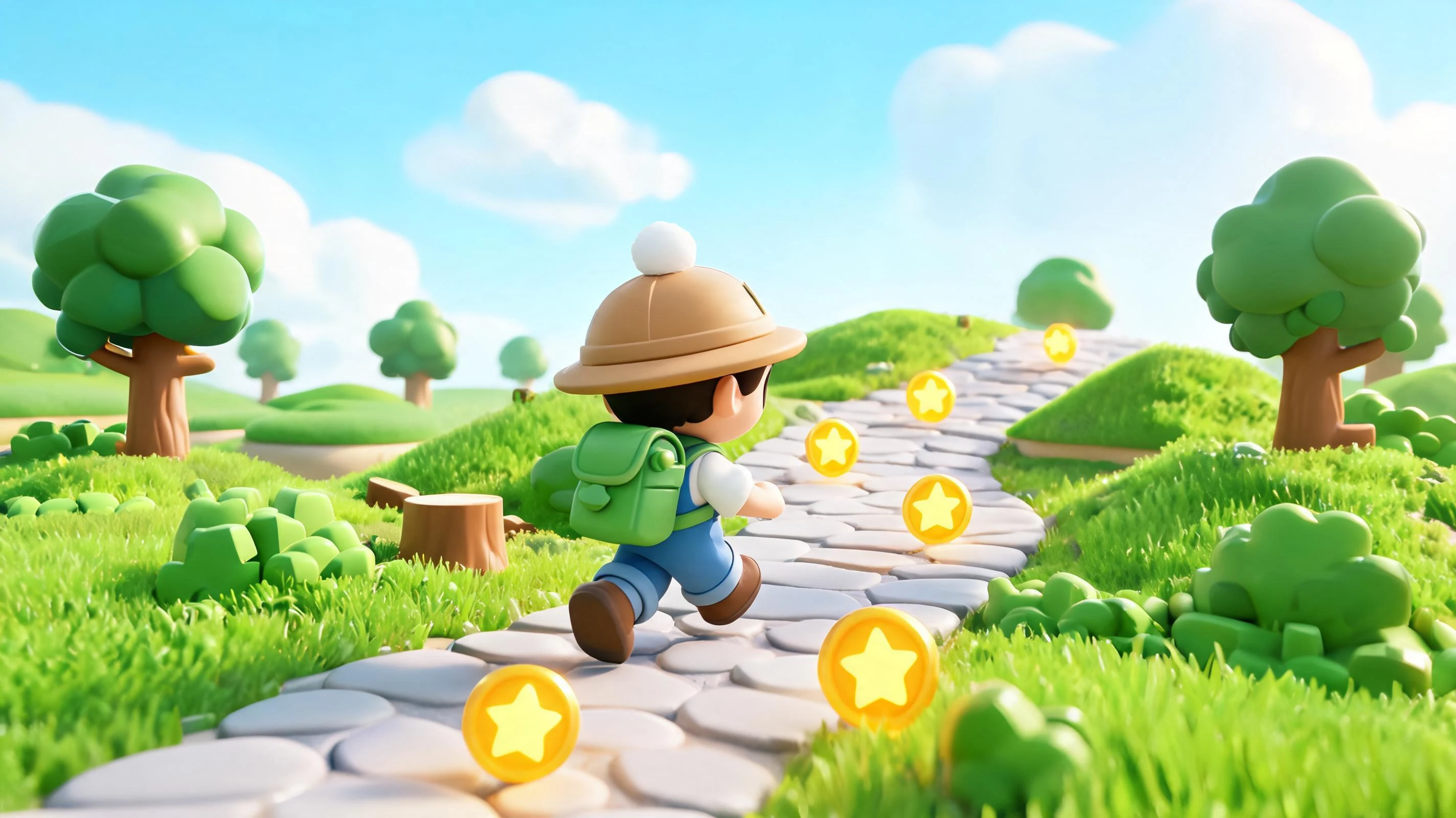
3DThird Person Explorer
Build a third-person explorer with swappable scenes and a live minimap.
 Shooter
Rail Shooter Ride
Build a roller-coaster rail shooter that aims as you ride.
 Unity
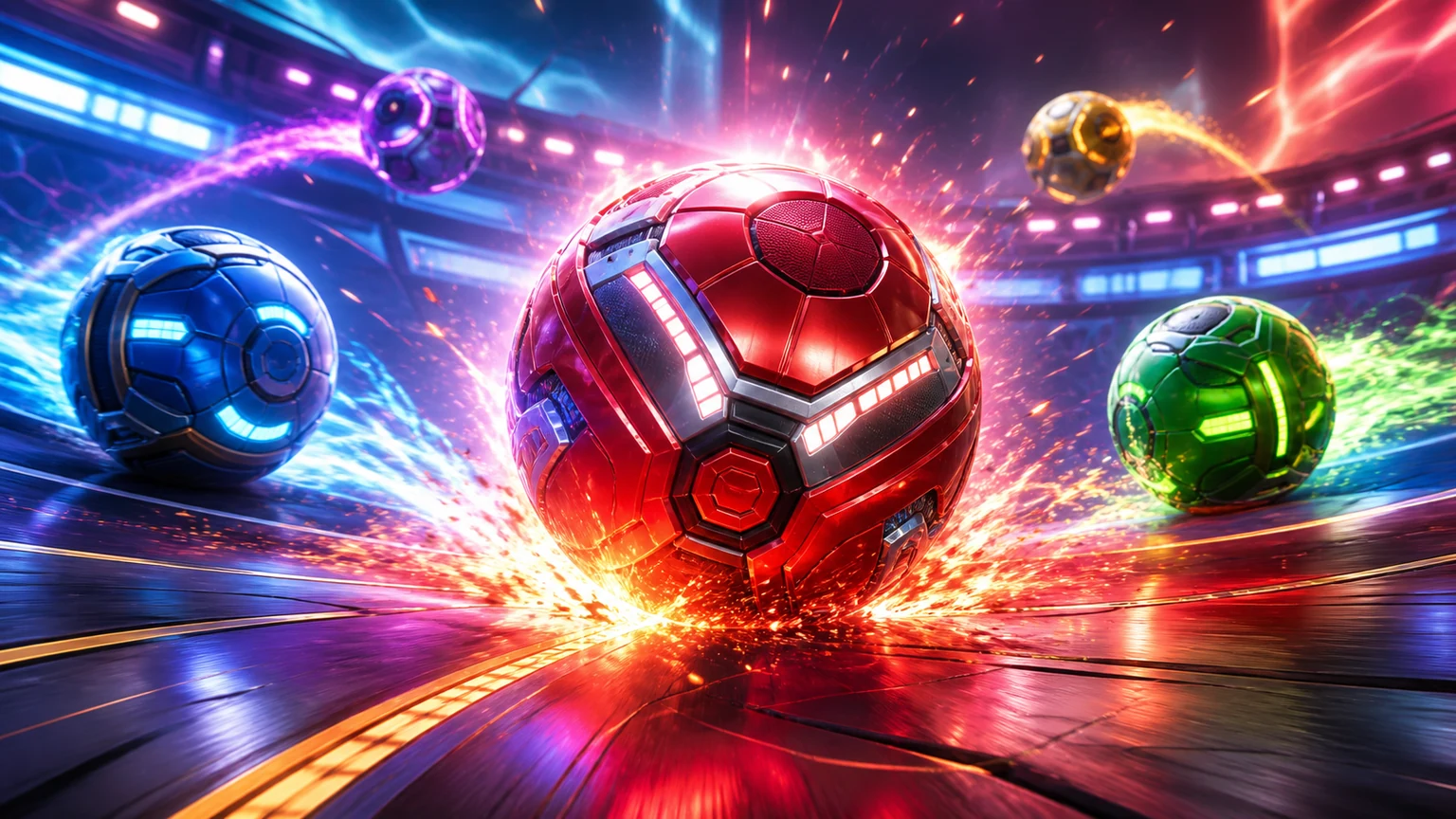
UnityBattle of Balls
Build a Unity arena where rolling balls collide and grow.
 New
NewSolo Racing Game
Build a browser racer with tracks, timing, and a minimap.
 Subscriber only
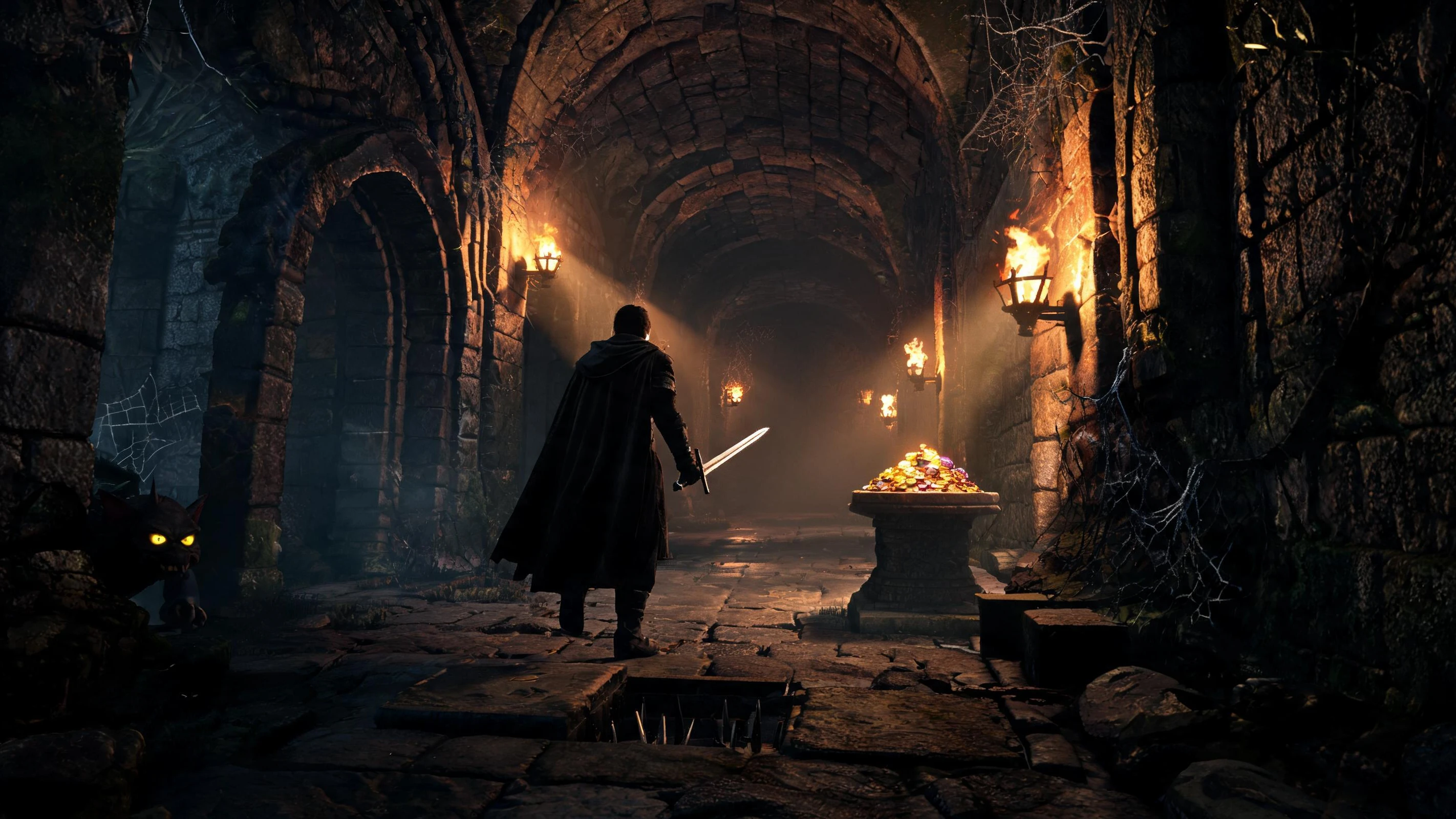
Unreal Dungeon Crawler
Build a playable Unreal dungeon crawler, combat-ready.
DrivingCity Car Driving
Build an open-city free-driving game with car selection.
VoxelVoxel Hero Adventure
Build a voxel hero who explores, mines, and builds.
FPS3D FPS Game
Build a desert FPS with weapon switching and a retro HUD.
RoguelikeDungeon Survivors
Build a Vampire-Survivors-style dungeon arena with hero picks.
UnityFarmstead Shop
Build a Unity farm-shop sim: grow, stock, serve, upgrade.
3DThird Person Explorer
Build a third-person explorer with swappable scenes and a live minimap.
ShooterRail Shooter Ride
Build a roller-coaster rail shooter that aims as you ride.
UnityBattle of Balls
Build a Unity arena where rolling balls collide and grow.
NewSolo Racing Game
Build a browser racer with tracks, timing, and a minimap.
Subscriber onlyUnreal Dungeon Crawler
Build a playable Unreal dungeon crawler, combat-ready.
Prompt
Games are fun. Creating them is even better.
Game Introduction
About the Game
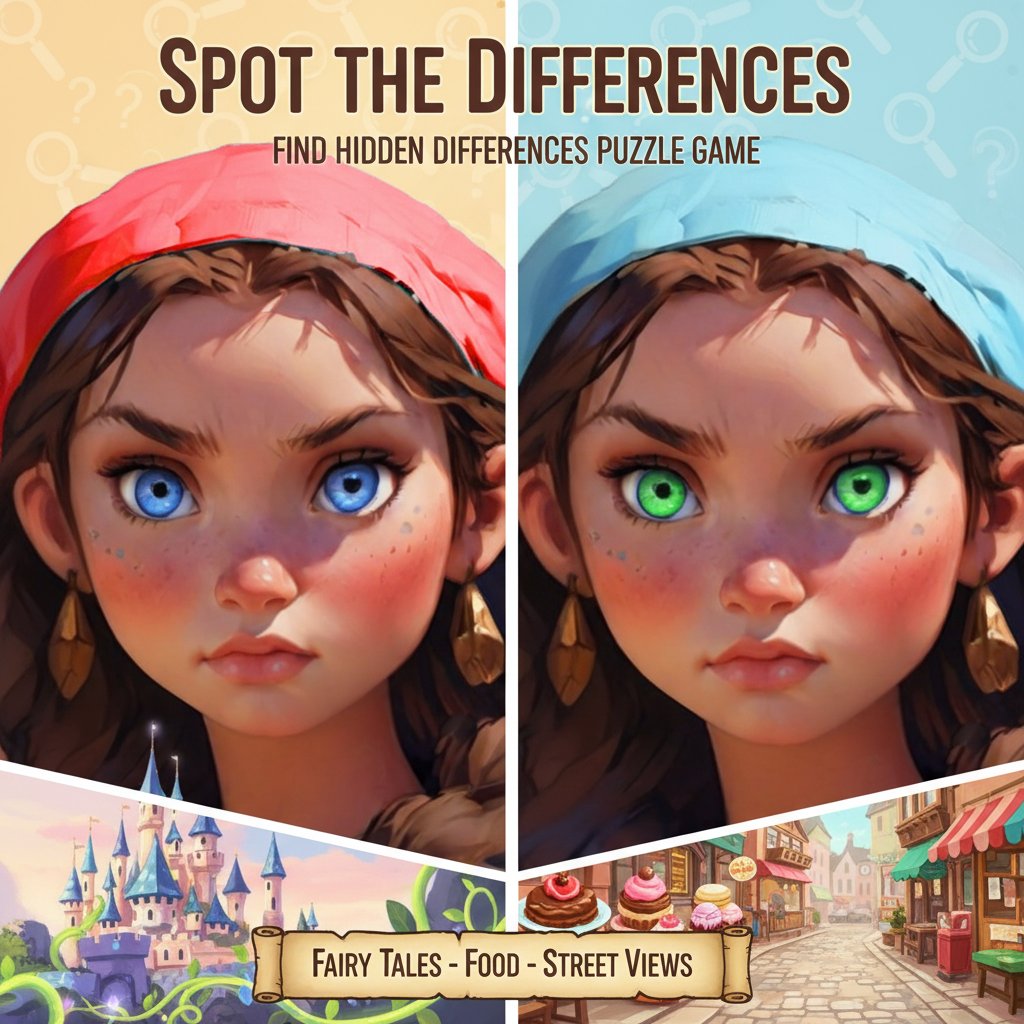
Spot the Differences is a captivating puzzle game that puts your observation skills to the ultimate test. This classic find-the-difference game presents you with pairs of nearly identical images, challenging you to discover the subtle disparities hidden within. With its collection of beautifully crafted artwork featuring fairy tale scenes, mouth-watering dishes, and picturesque street views, each level offers a delightful visual experience that keeps players engaged for hours.
Core Features
Beautiful Artwork Collection
The game showcases an impressive variety of hand-crafted illustrations spanning multiple themes: - Fairy Tale Scenes : Enchanting fantasy landscapes and magical characters - Culinary Delights : Appetizing food photography and artistic meal presentations - Charming Streetscapes : Quaint urban scenes and architectural beauty - High-Quality Graphics : Crisp, detailed images that make difference-spotting both challenging and enjoyable
Challenge System
Each level is carefully designed to provide the perfect balance of difficulty: - Three Lives Per Level : Limited attempts add strategic thinking to your observation skills - Progressive Difficulty : Levels become more challenging as you advance - Hint System : Get helpful guidance when you're stuck on tricky differences - Multiple Differences : Each image pair contains several hidden disparities to discover
Accessibility and Convenience
- Completely Free : No hidden costs or premium content barriers
- No Download Required : Play instantly in your web browser
- Cross-Platform Compatible : Works seamlessly on computers, tablets, and smartphones
- Save Progress : Your achievements and level progress are automatically saved
Gameplay Mechanics
How to Play
The gameplay is intuitive and accessible to players of all ages: 1. Examine Both Images : Study the two side-by-side pictures carefully 2. Spot the Differences : Look for subtle changes in colors, objects, shapes, or details 3. Click to Mark : Touch or click on the difference you've found 4. Use Hints Wisely : Access helpful clues when you need assistance 5. Complete the Level : Find all differences before running out of lives
Winning Strategy
- Systematic Scanning : Examine images section by section rather than randomly
- Focus on Details : Pay attention to small elements like shadows, textures, and background objects
- Color Variations : Look for subtle color changes that might be easy to miss
- Save Hints : Use the hint system strategically for the most challenging differences
Operation Guide
Controls
- Mouse Click : Click directly on spotted differences (desktop)
- Touch Screen : Tap on differences using finger or stylus (mobile)
- Hint Button : Access helpful clues when needed
- Menu Navigation : Easy-to-use interface for level selection and settings
Platform Support
The game offers excellent compatibility across all modern devices: - Desktop Computers : Full keyboard and mouse support - Laptops : Optimized for both touchscreen and traditional input - Tablets : Touch-friendly interface perfect for portable gaming - Smartphones : Responsive design adapts to smaller screens
Why Play This Game
Cognitive Benefits
Spot the Differences isn't just entertaining—it's also great mental exercise: - Improves Concentration : Enhances your ability to focus on details - Sharpens Visual Skills : Develops better observation and pattern recognition - Stress Relief : Provides relaxing, meditative gameplay experience - Memory Training : Strengthens visual memory and attention span
Perfect for Everyone
- Family-Friendly : Suitable content for players of all ages
- Educational Value : Helps develop important cognitive skills
- Casual Gaming : Perfect for short breaks or extended play sessions
- Social Fun : Great for playing with friends and family members
Accessibility Features
- Intuitive Interface : Easy to understand for new players
- Multiple Difficulty Levels : Accommodates both beginners and experts
- Helpful Hints : Ensures no player gets permanently stuck
- Progress Tracking : See your improvement over time
Whether you're looking to sharpen your observation skills, enjoy beautiful artwork, or simply pass time with an engaging puzzle challenge, Spot the Differences delivers an exceptional gaming experience that combines entertainment with cognitive benefits.