
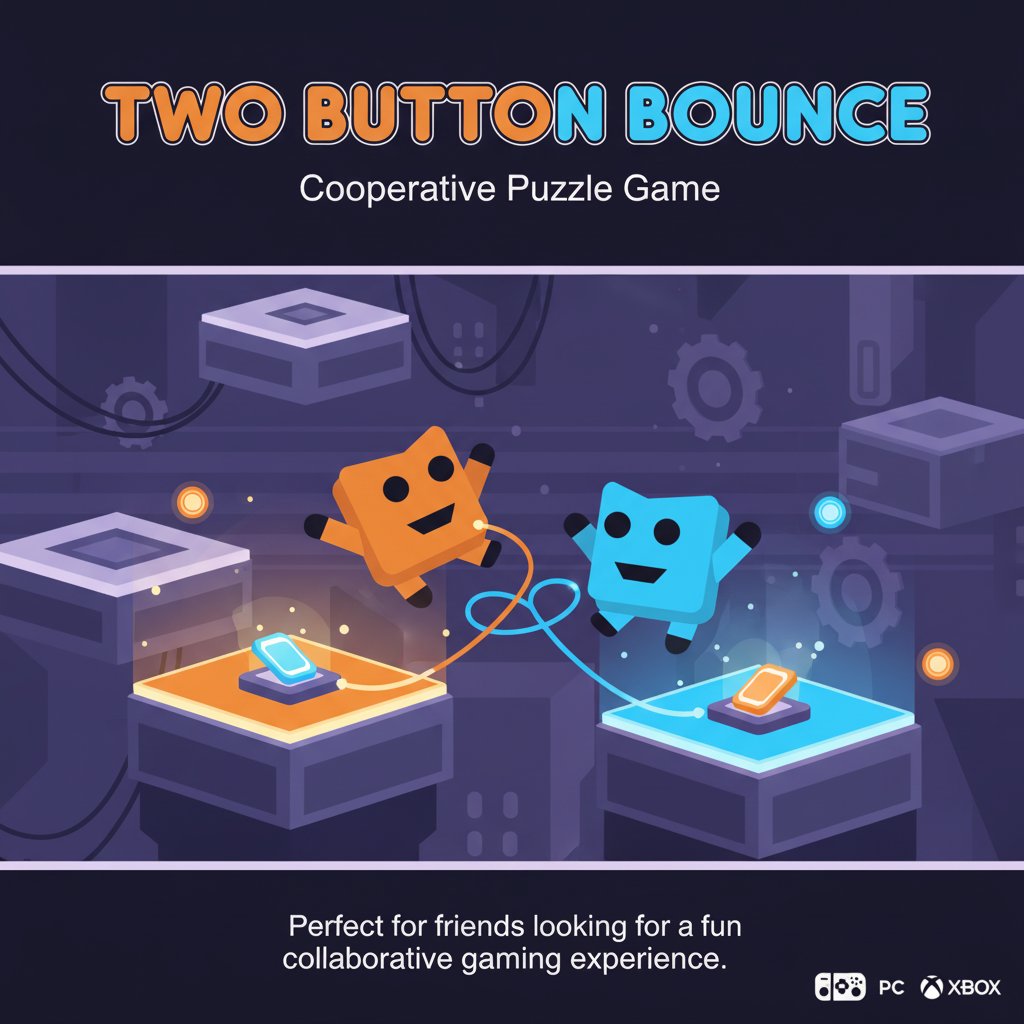
Two Button Bounce - Cooperative Puzzle Game - Puzzle Game
 Unity
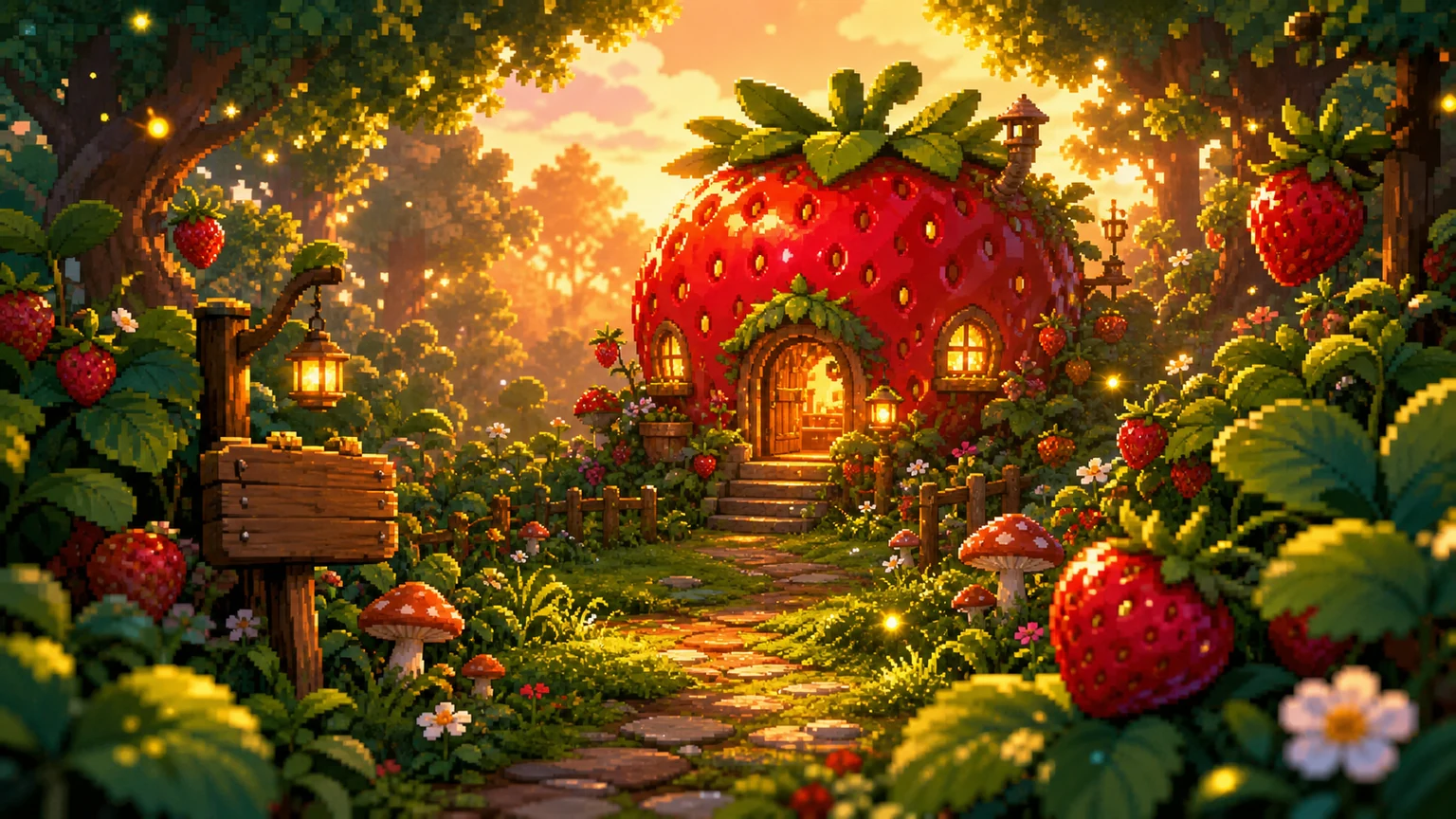
UnityStrawberry Grove Adventure
Build a cozy Unity pixel grove of exploration and collectibles.
 Shooter
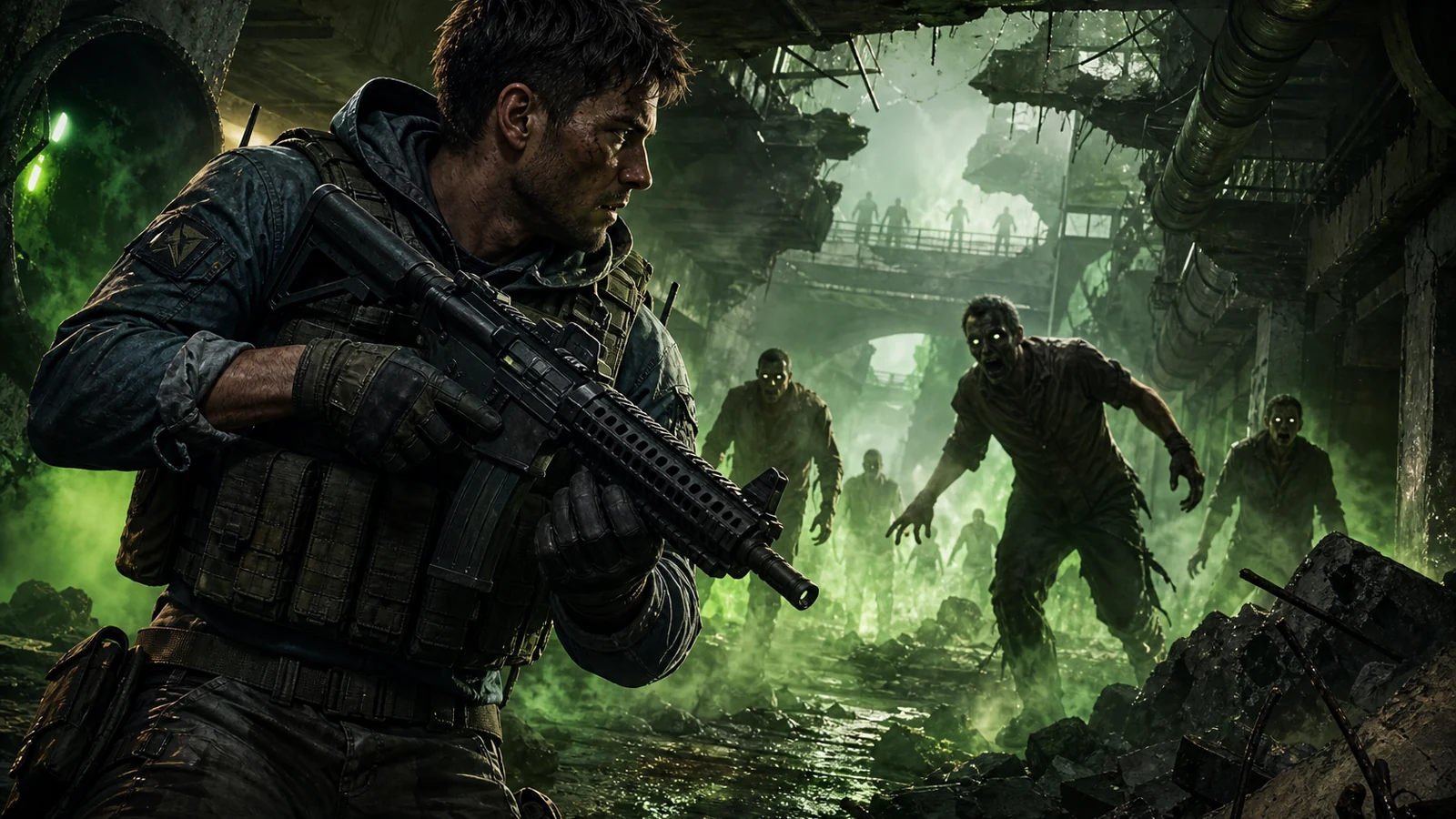
Decay Zone Survival
Build a first-person zombie survival with ammo management.
 Unity
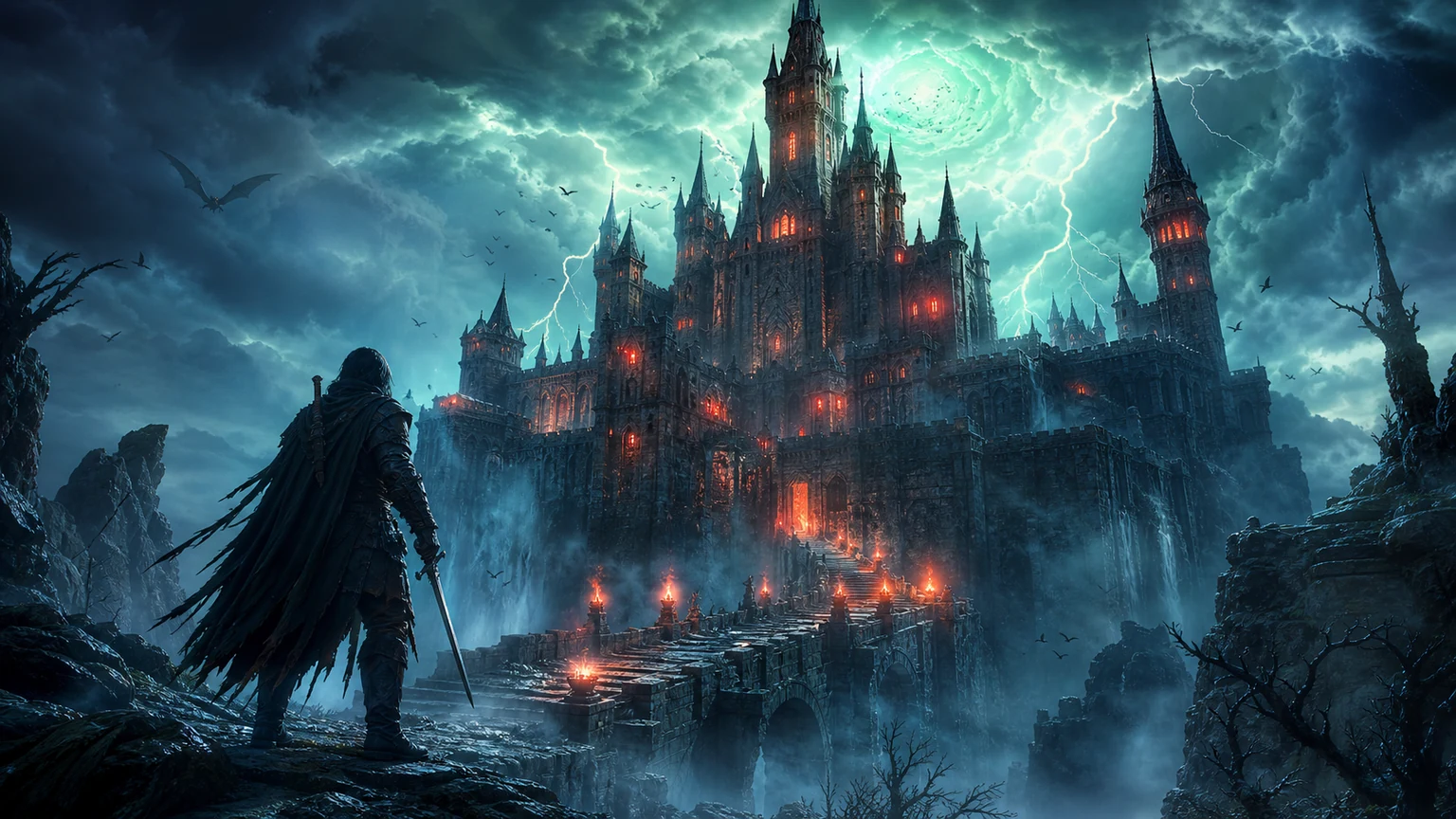
UnityCastle Devour Quest
Build a Unity castle quest with risky rooms and a win goal.
 New
NewDrone Flight Combat
Build a cinematic drone combat run with missiles and a HUD.
 Subscriber only
Unreal Mountain Tour
Tour a third-person Unreal world of mountains and water.
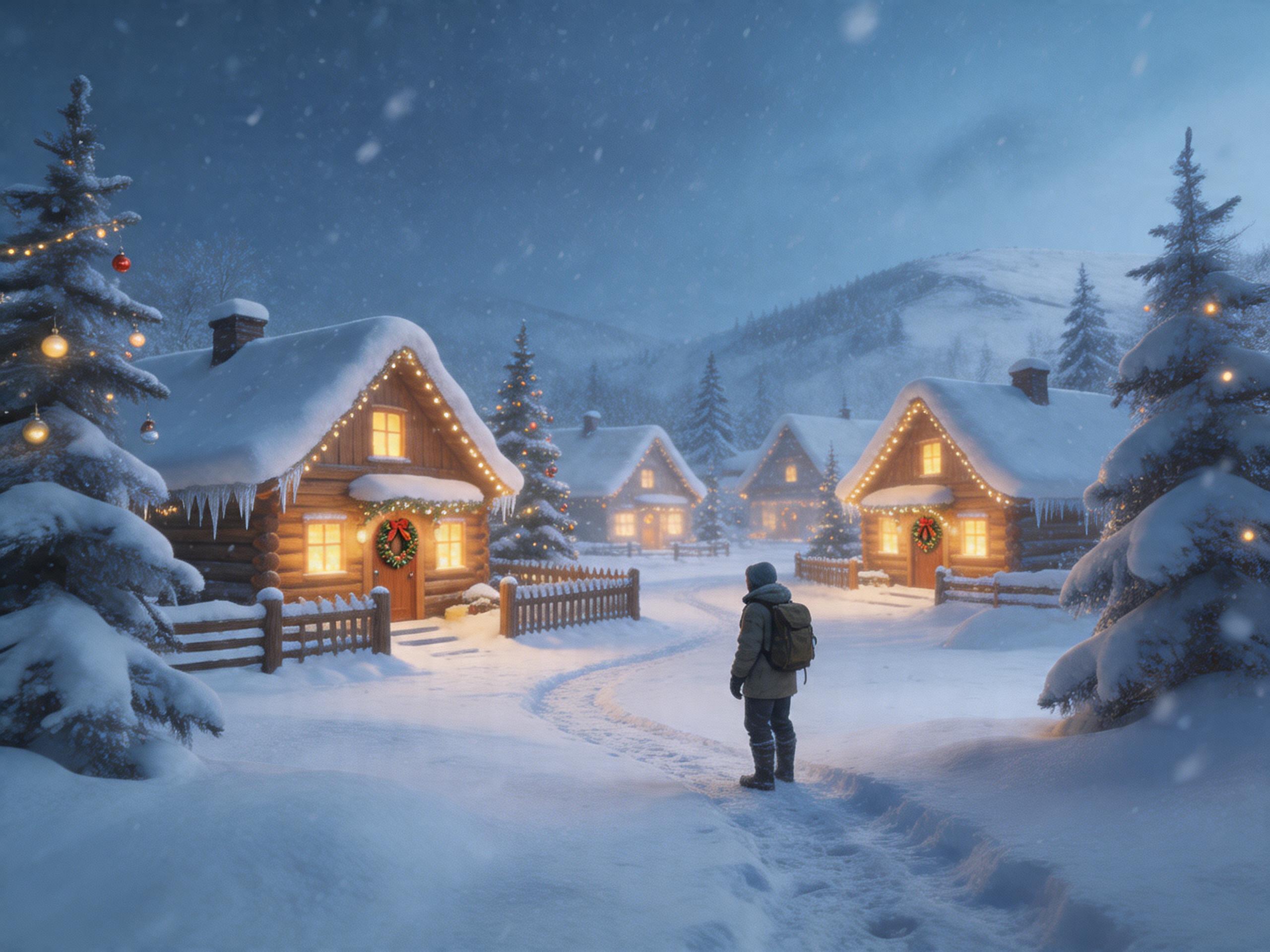 Subscriber only
Unreal Landscape Tour
Tour photoreal Unreal landscapes with cinematic camera work.
 Driving
City Car Driving
Build an open-city free-driving game with car selection.
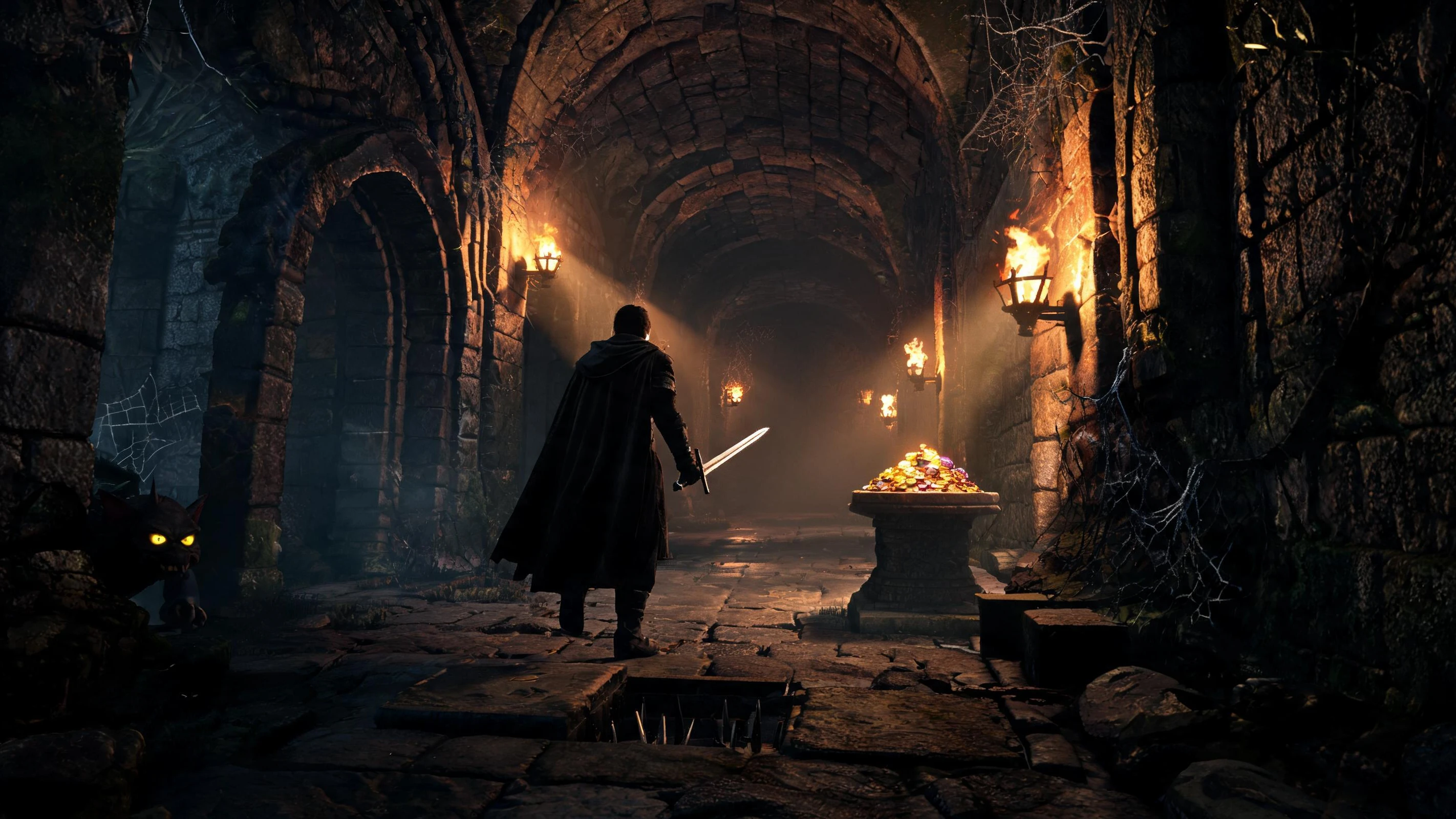 Subscriber only
Unreal Dungeon Crawler
Build a playable Unreal dungeon crawler, combat-ready.
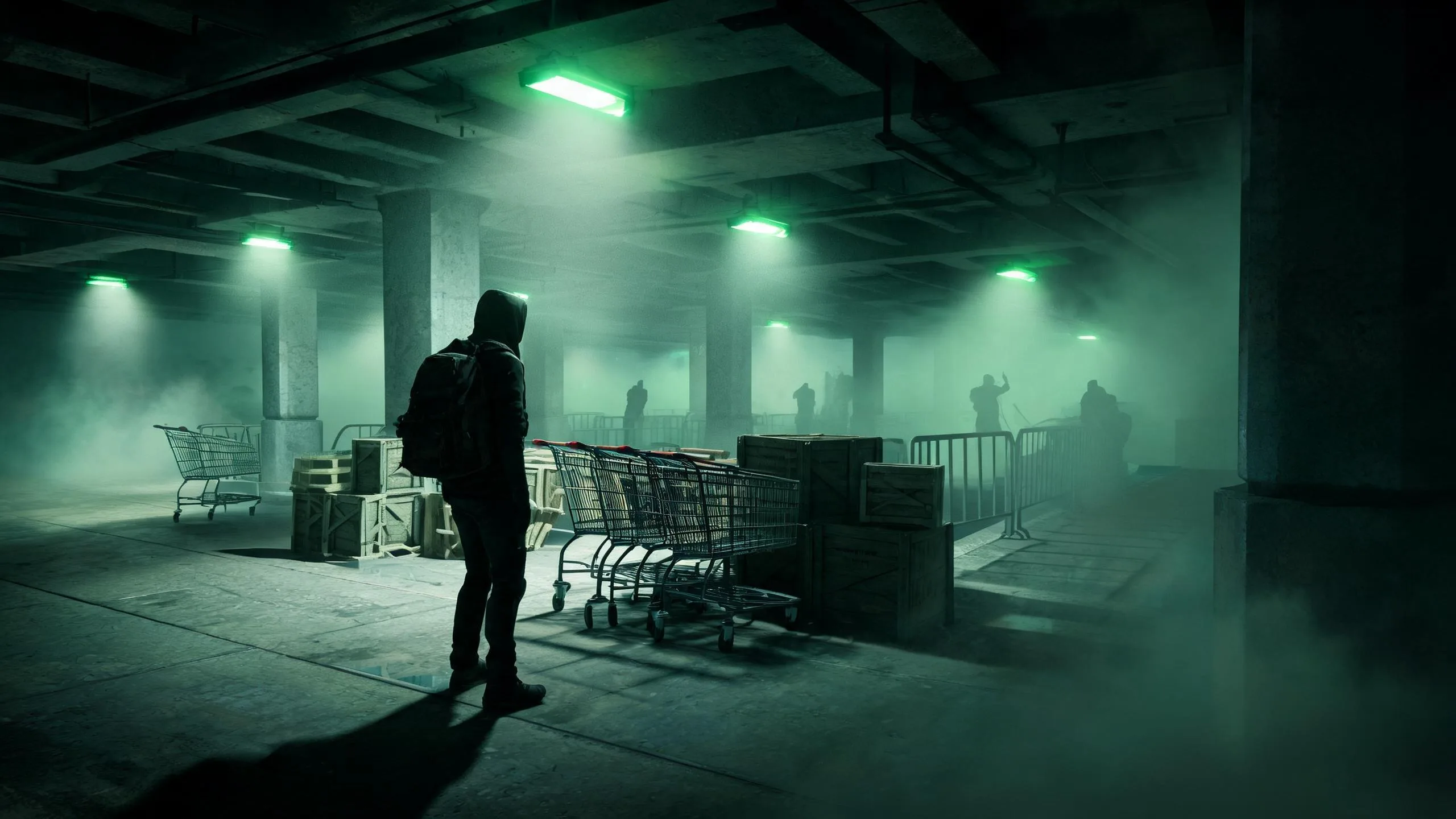 FPS
FPSZombie Horror Survival
Build a tense zombie horror survival with map progression.
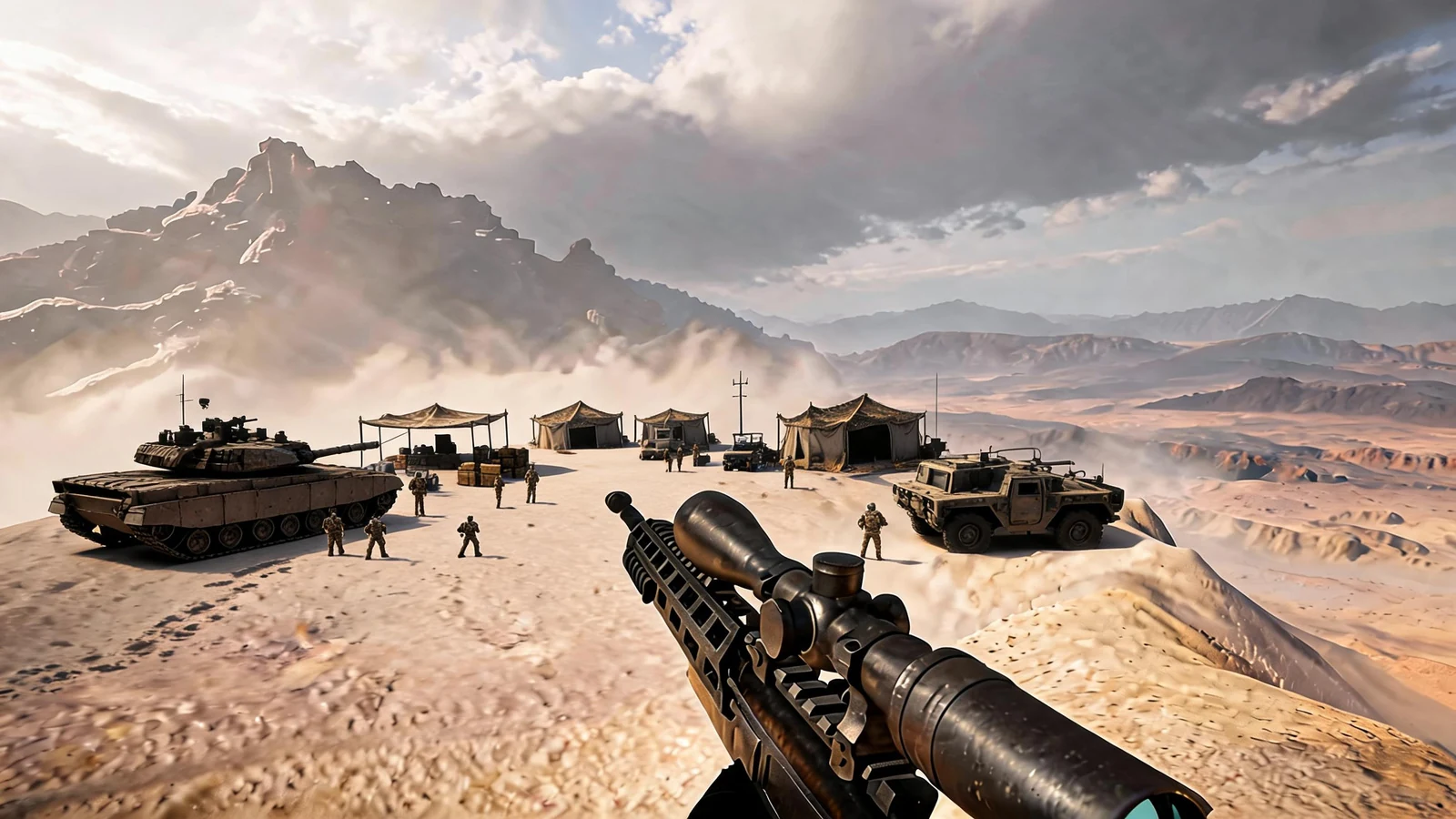 Subscriber only
Unreal FPS/TPS Shooter
Create a complete UE 5.5 FPS or TPS shooter with combat, UI, and replay.
UnityStrawberry Grove Adventure
Build a cozy Unity pixel grove of exploration and collectibles.
ShooterDecay Zone Survival
Build a first-person zombie survival with ammo management.
UnityCastle Devour Quest
Build a Unity castle quest with risky rooms and a win goal.
NewDrone Flight Combat
Build a cinematic drone combat run with missiles and a HUD.
Subscriber onlyUnreal Mountain Tour
Tour a third-person Unreal world of mountains and water.
Subscriber onlyUnreal Landscape Tour
Tour photoreal Unreal landscapes with cinematic camera work.
DrivingCity Car Driving
Build an open-city free-driving game with car selection.
Subscriber onlyUnreal Dungeon Crawler
Build a playable Unreal dungeon crawler, combat-ready.
FPSZombie Horror Survival
Build a tense zombie horror survival with map progression.
Subscriber onlyUnreal FPS/TPS Shooter
Create a complete UE 5.5 FPS or TPS shooter with combat, UI, and replay.
Prompt
Games are fun. Creating them is even better.
Game Introduction
About Two Button Bounce
Two Button Bounce is an exciting cooperative puzzle platformer that transforms the traditional single-player puzzle experience into a collaborative adventure. This engaging brain game features two charming square characters - one orange and one blue - who must work together to overcome increasingly challenging obstacles, collect keys, and find their way to the exit.
Building on the success of puzzle platformers, Two Button Bounce introduces a unique cooperative mechanic where teamwork is essential for success. The game's minimalist design and intuitive controls make it accessible to players of all skill levels, while the collaborative puzzle-solving elements provide depth and replayability.
Core Features
Cooperative Gameplay
The heart of Two Button Bounce lies in its cooperative mechanics. Both characters run continuously back and forth on platforms, and players must time their jumps perfectly to help each other progress. One character often needs to assist the other in reaching higher platforms or collecting essential items.
Brain-Training Puzzle Elements
Each level presents unique logic puzzles that require careful observation and strategic thinking. Players must analyze the level layout, identify the sequence of actions needed, and coordinate their movements to achieve the goal.
Local Multiplayer Support
Designed specifically for local cooperative play, Two Button Bounce allows two friends to share the same keyboard and work together in real-time. This creates an engaging social gaming experience perfect for casual gaming sessions.
Progressive Difficulty
The game features carefully designed levels that gradually introduce new mechanics and increase in complexity, ensuring players remain challenged without becoming frustrated.
Game Mechanics
Character Movement
Both characters move automatically, running back and forth across platforms. This creates a dynamic environment where timing becomes crucial for successful puzzle solving.
Wall Bouncing System
Characters can jump and bounce off walls to reach new areas, change direction, or gain extra height. Mastering the bouncing mechanics is essential for accessing difficult-to-reach keys and exits.
Key Collection
Most levels require collecting keys before the exit becomes accessible. Often, one character must collect the key while the other prepares to help them reach the exit.
Win Condition Flexibility
Unlike many cooperative games, Two Button Bounce only requires one character to reach the exit to complete the level. This design choice encourages strategic thinking about which character should focus on escaping.
Operation Guide
The game features simple yet effective controls designed for two players sharing one keyboard:
Player 1 Controls: - W Key : Jump and bounce off walls
Player 2 Controls: - Up Arrow Key : Jump and bounce off walls
Shared Controls: - R Key : Reset current level - Esc Key : Return to previous menu
Timing Strategy
Success in Two Button Bounce depends heavily on timing. Players must observe their characters' movement patterns and coordinate jumps to maximize efficiency and solve puzzles effectively.
Communication Tips
Since both players share the same screen, clear communication about intentions and timing becomes crucial. Discussing strategy before attempting difficult sections often leads to faster success.
Why Play Two Button Bounce
Perfect for Social Gaming
Two Button Bounce excels as a social gaming experience. The cooperative mechanics naturally encourage discussion, laughter, and shared problem-solving, making it ideal for friends, family members, or gaming partners looking for a collaborative challenge.
Develops Problem-Solving Skills
The game's puzzle elements help develop logical thinking, spatial awareness, and strategic planning skills. Each level presents a unique challenge that requires creative solutions.
Accessible Yet Challenging
With its simple two-button control scheme, the game is easy to learn but difficult to master. This accessibility makes it suitable for players of different skill levels while providing enough challenge to remain engaging.
No Commitment Required
As a free browser-based game, Two Button Bounce requires no downloads, installations, or financial commitment. Players can jump in immediately and enjoy the cooperative puzzle-solving experience.
Builds Teamwork Skills
The cooperative nature of the game helps develop communication and teamwork abilities as players must coordinate their actions and support each other to succeed.
Whether you're looking for a quick gaming session with a friend or a longer puzzle-solving adventure, Two Button Bounce delivers an entertaining cooperative experience that combines simple mechanics with engaging collaborative gameplay.