1. Direct answer: use generated media as a reference artifact
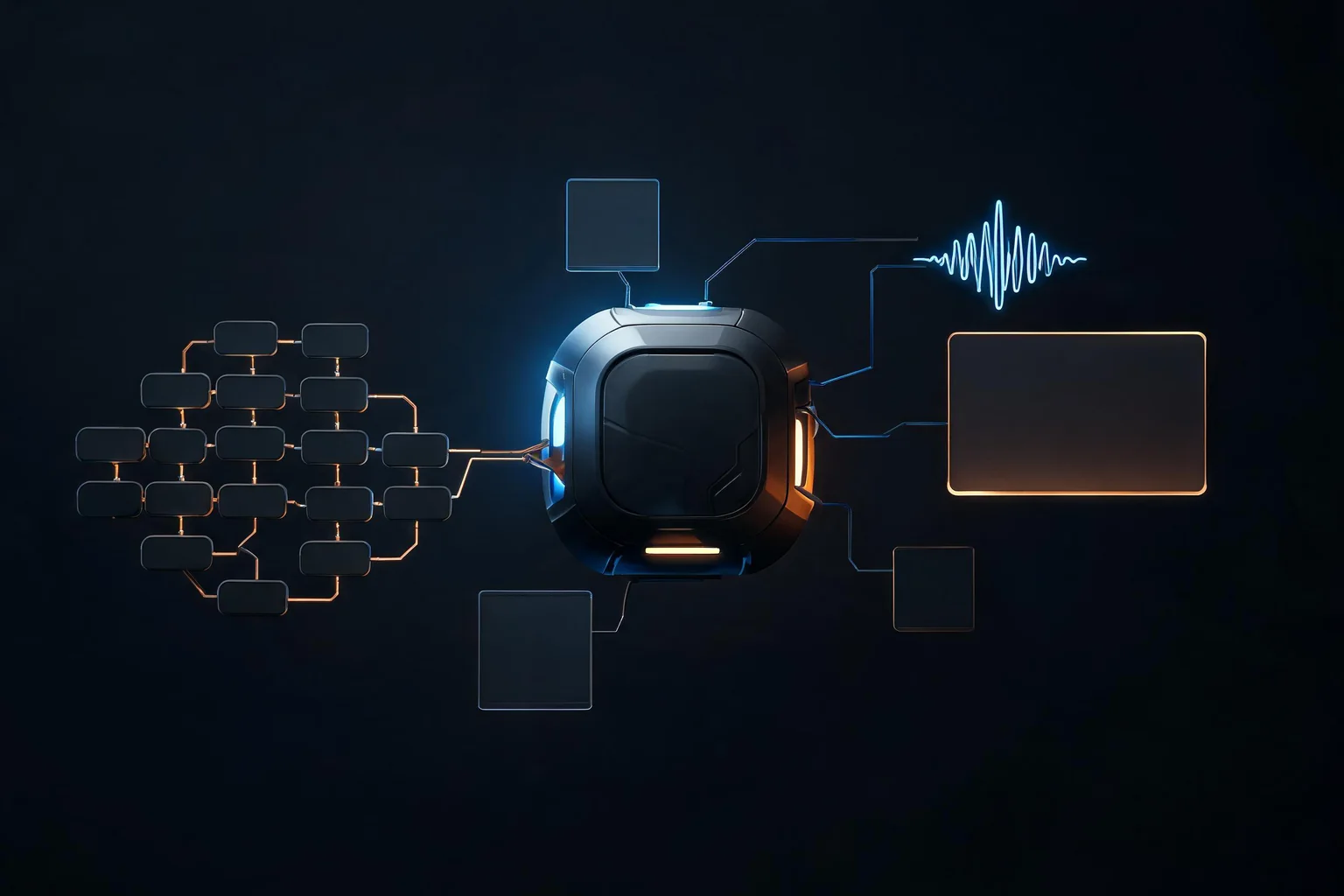
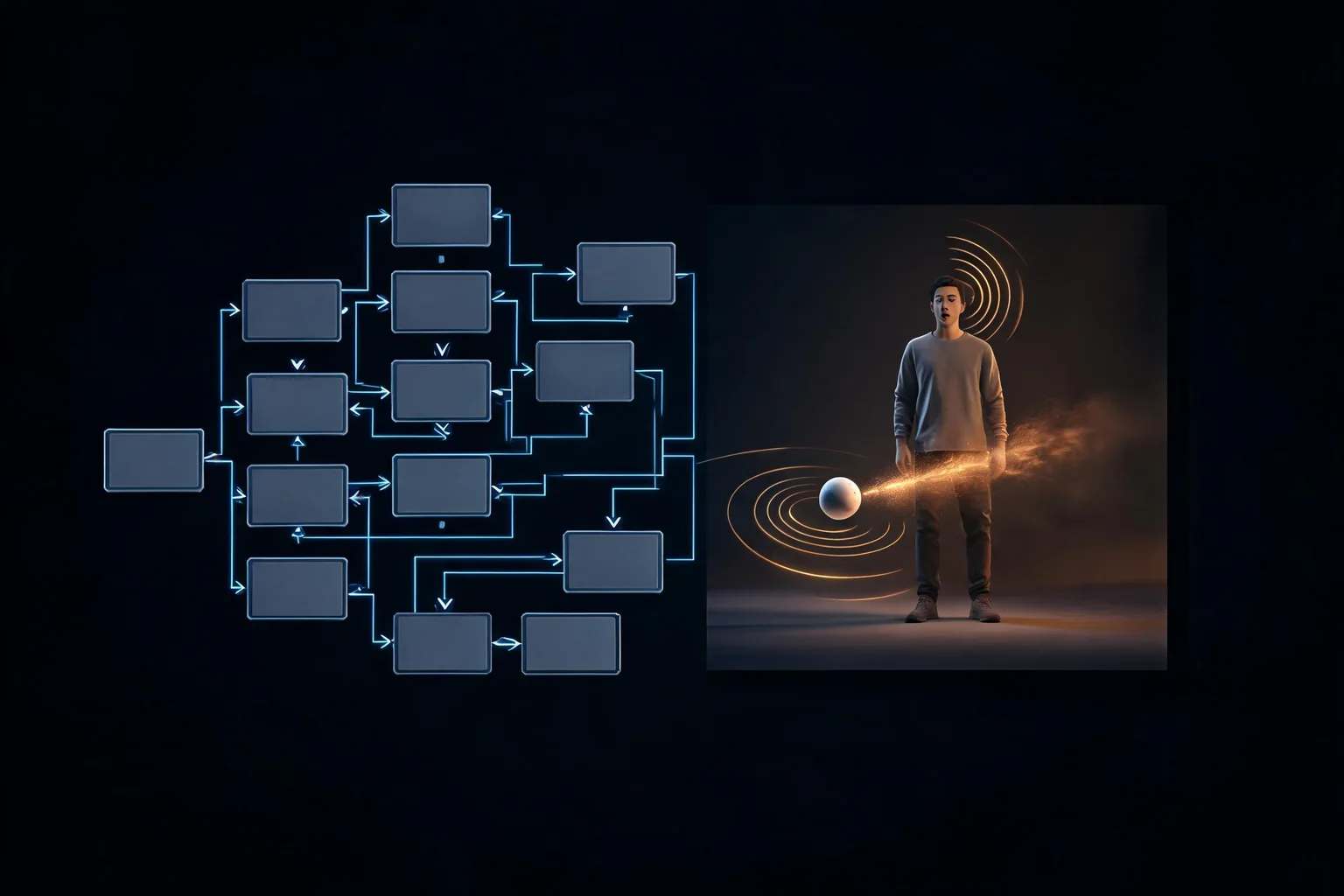
Seedance 2.0, Sora 2, and Veo 3.1 Lite can support shot exploration, while Seedream 5.0 Pro and Nano Banana 2 Lite can support still-image ideation. None produces an editable Unreal scene. A useful workflow converts approved media into explicit camera, lens, blocking, timing, lighting, material, asset, and continuity decisions, then rebuilds those decisions in Sequencer with licensed project assets.
The July 12-19 exact-term comparison contained 169 hourly points. Seedance 2.0 averaged 63.96 and ended at 86; Sora 2 averaged 28.21 and ended at 33. Veo 3.1 Lite, Seedream 5.0 Pro, and Nano Banana 2 Lite were much lower for those exact terms. These normalized values identify current search attention inside this group, not the best model for a shot or proof of product availability in every region.
2. Verified media-model matrix
| Model | First-party status | Best evaluation role | Boundary to preserve | |---|---|---|---| | Seedance 2.0 | ByteDance release February 12 | multimodal video references and motion tests | verify access, rights, and edit controls for the actual product | | Sora 2 | OpenAI model release September 30, 2025 | video concept and controllability comparison | model release and current product availability are separate facts | | Veo 3.1 Lite | Google developer release March 31 | lower-cost video iteration in the Gemini API | API output is rendered media, not Unreal scene state | | Seedream 5.0 Pro | ByteDance Seed release July 8 | still concepts, compositions, and art-direction references | no logos, protected characters, or unreviewed final assets | | Nano Banana 2 Lite | Google June update | fast, cost-aware image iteration | verify current model ID, policy, provenance, and output rights |
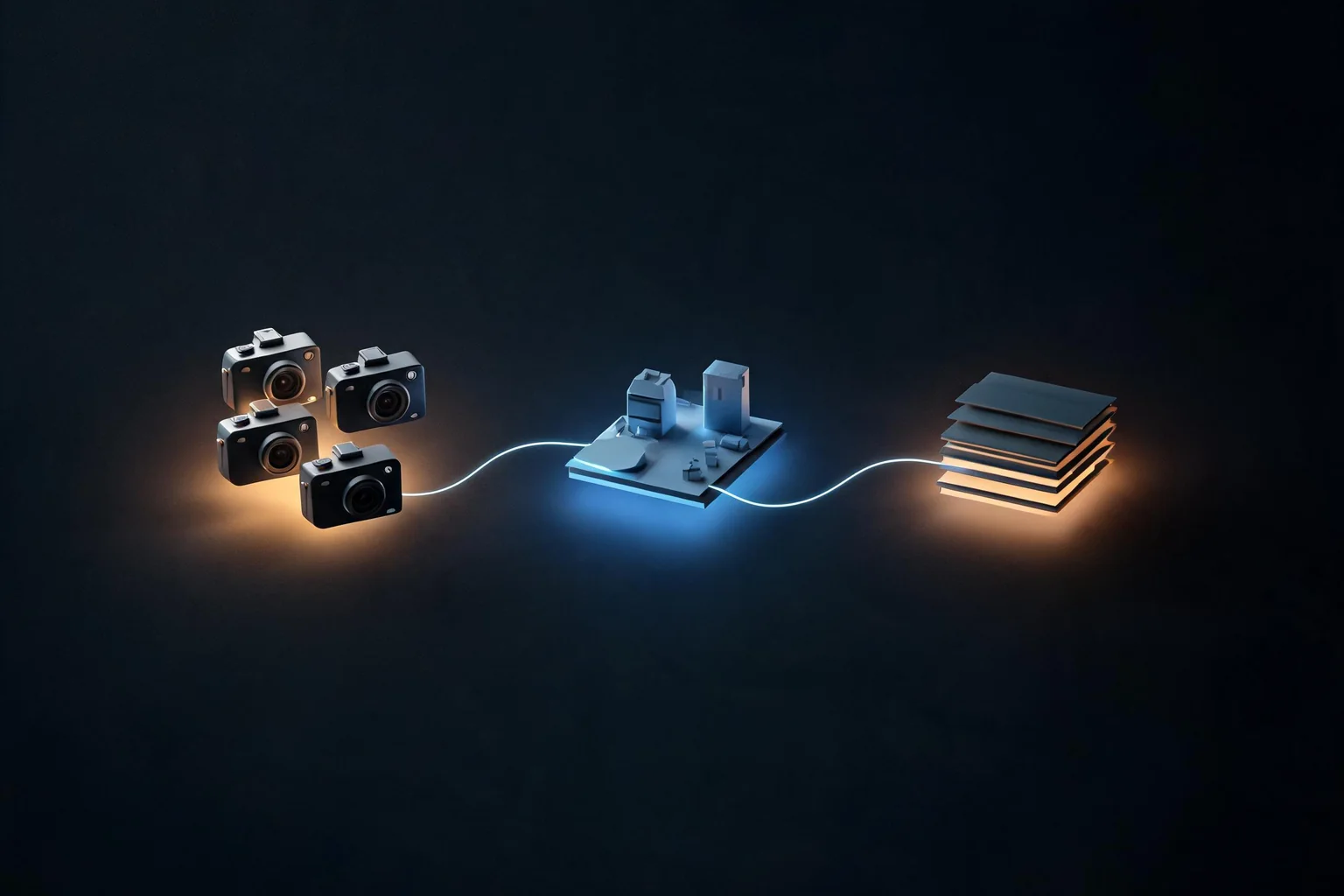
Keep the model ID, interface, date, region, plan, and source URL in every test record. “Sora,” “Veo,” or “Seedance” can refer to a model family, app, API, preview, or partner integration. A comparison that omits the actual access path cannot be reproduced.
3. Shot-reference workflow
Write an original shot brief with purpose, duration, aspect ratio, subject, environment, action, camera, lens range, lighting, continuity, and prohibited content. Run the same brief through the approved models without brand names or copyrighted characters. Preserve inputs, settings, outputs, generation time, and cost.
Review results with a fixed rubric: narrative clarity, temporal continuity, camera controllability, motion plausibility, subject consistency, lighting continuity, artifact severity, editability, latency, cost, and rights risk. Select a reference because it communicates a production decision, not because it looks impressive in one frame.
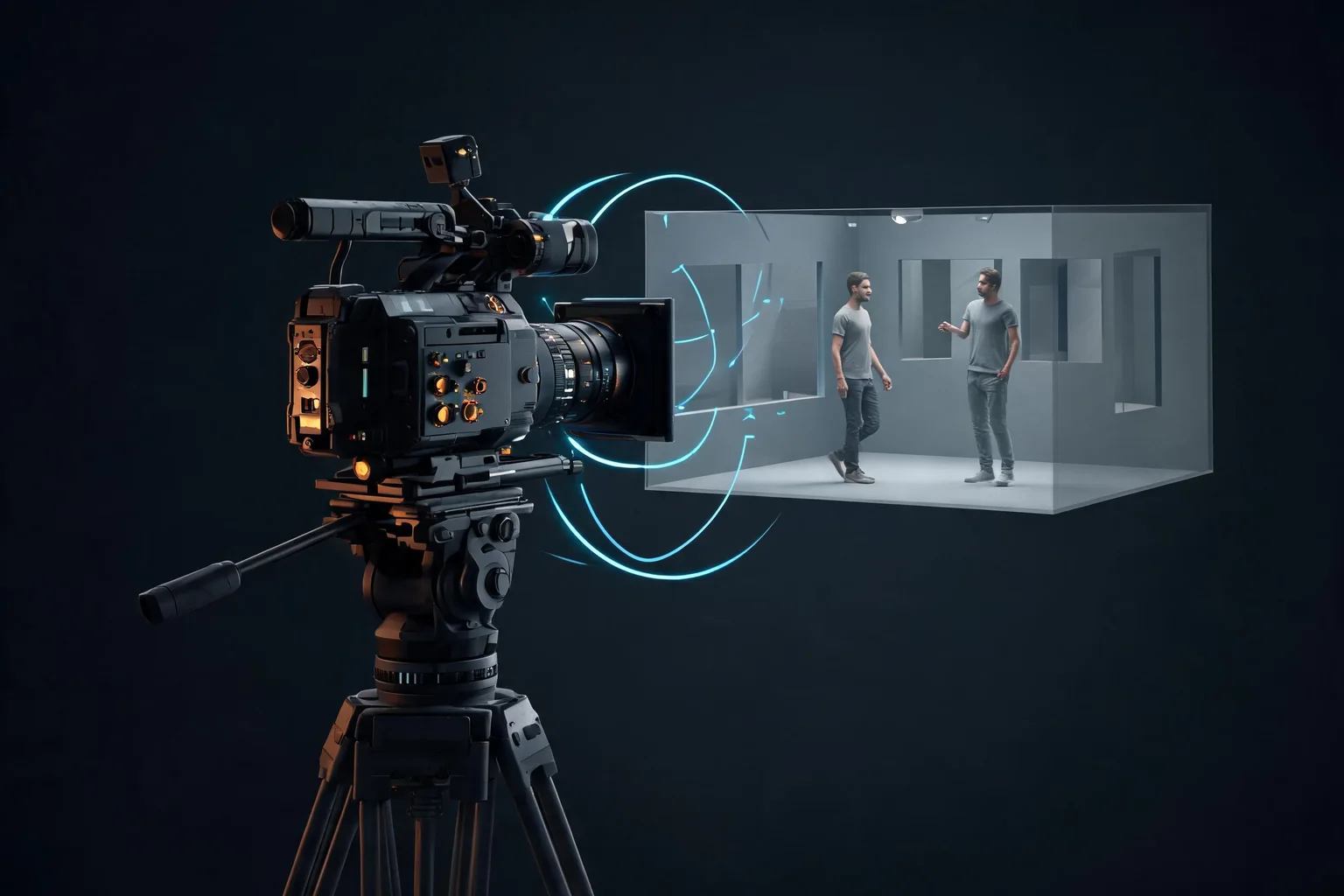
Convert the selected reference into a shot card. Name the Unreal map, sequence, frame rate, camera and lens, transform path, cuts, blocking, animation needs, lighting beats, VFX, audio cues, asset list, performance risk, reviewer, and acceptance condition. Recreate it in Sequencer and compare timing and intent, not pixel similarity.
4. Still-image and worldbuilding workflow
Use Seedream or Nano Banana output to compare composition, value structure, palette, prop hierarchy, landmark readability, or material direction. Do not treat a concept image as a 3D asset pack, texture license, layout, or performance plan. Extract a small set of decisions that an environment artist can verify in a greybox.
For example, a ruined observatory concept might yield a dominant circular landmark, two traversal elevations, a cold exterior and warm objective light, and a limited prop vocabulary. Build those decisions from approved assets, then test player navigation and camera readability. If the reference contains impossible geometry, protected motifs, or ambiguous scale, replace the affected decision rather than forcing the scene to imitate the image.
5. Rights, consent, and provenance gate
Use original prompts and approved source images. Record consent for recognizable people and rights for every reference. Reject requests for protected characters, logos, studio frames, or deceptive replicas. Check vendor terms, customer policy, training or provenance disclosures where available, output restrictions, and required labels before an asset enters production.
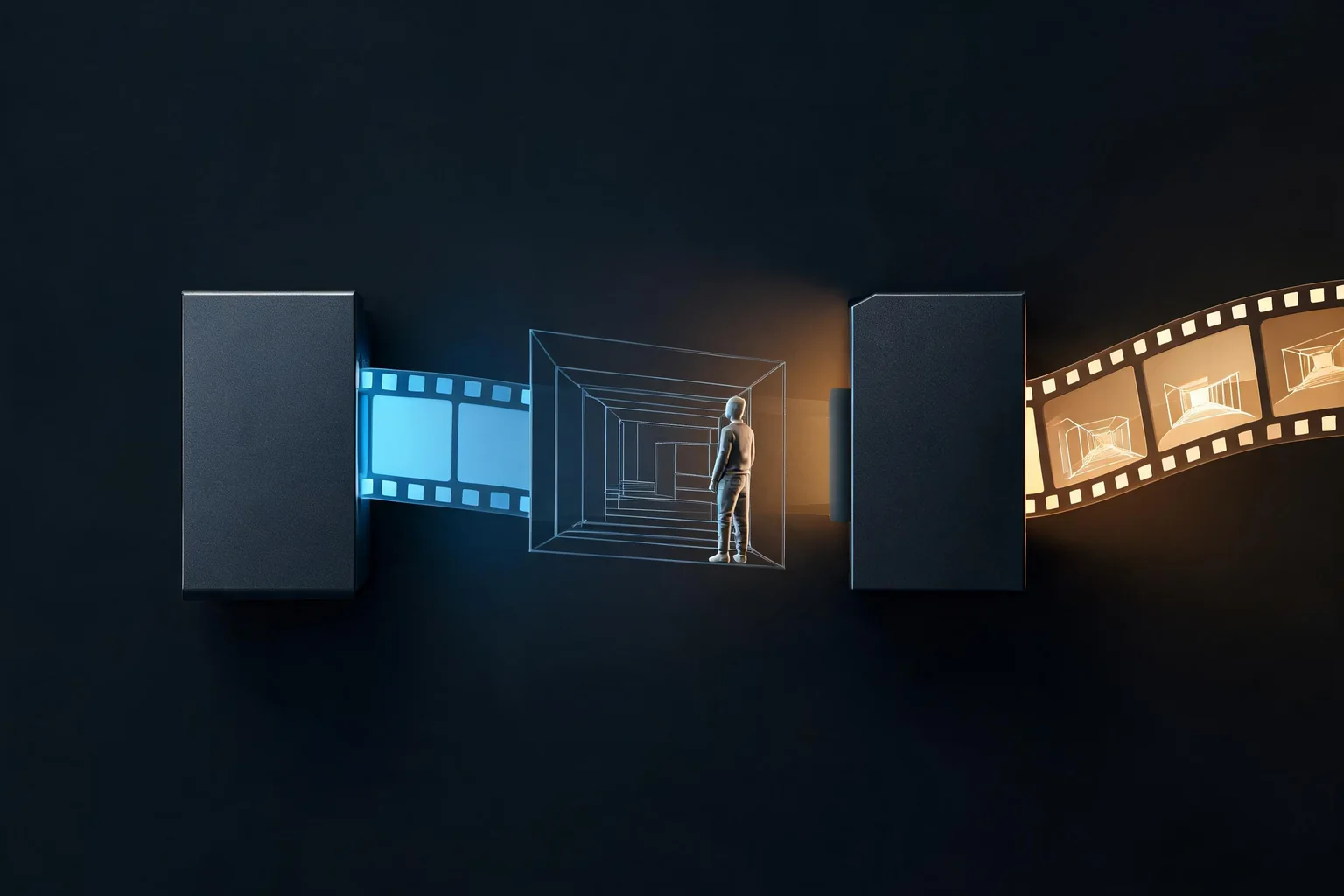
Every retained file should have an asset ID, model and version, date, operator, prompt or brief, source references, license or consent record, edit history, reviewer, approved use, and replacement owner. Keep the uncompressed source and the delivery derivative. If rights cannot be established, the asset can remain an internal mood reference only or must be discarded.
6. Unreal import and Sequencer validation
Final generated media that survives rights review can enter Unreal as a Media Plate, texture, reference board, or editorial element under a documented import policy. Normalize resolution, frame rate, codec, color space, alpha, audio, and naming. Test playback, memory, streaming, packaging, target hardware, and platform policy. Do not assume that a file playing in the editor will cook or perform correctly.
For recreated scenes, validate the camera path, cuts, motion, lighting, animation, asset licenses, frame pacing, and fallback. Capture a packaged-build review, not only an editor viewport. Separate what came from the reference from what the Unreal team authored so reviewers can replace the source without losing the production scene.
7. Model comparison and refresh policy
Compare models with the same original brief and rubric. Use multiple seeds or attempts under a fixed budget. Report the distribution of usable results, not only the best output. Track generation and review time, because a cheaper generation can cost more if continuity repair and rights review take longer.
Refresh availability and policy from first-party pages before each production batch. Re-run the benchmark after model or product changes. Keep prior accepted media and shot cards immutable; a new model should not silently rewrite a shipped visual decision. Expand to a dedicated model page only when search intent, official evidence, and an Unreal-specific workflow are distinct from this comparison.
8. Three production examples with acceptance gates
Dialogue scene previsualization. Generate an original two-character conversation reference with a fixed duration and camera brief. Accept it only if eyelines, screen direction, pacing, and emotional beats are clear enough to create a shot card. Rebuild the scene with approved characters and animations in Sequencer. The reference succeeds when the Unreal review communicates the intended beat on target frame rate; matching faces or pixels is irrelevant.
Traversal reveal. Use a still or short clip to compare how a landmark is revealed during player movement. Extract the landmark silhouette, approach direction, occlusion sequence, light contrast, and approximate reveal time. Greybox those decisions with primitive geometry, then playtest from the real gameplay camera. Reject the reference if it relies on impossible geometry, an unplayable camera, unreadable scale, or protected visual motifs.
Combat teaser. A video model can explore rhythm, framing, and VFX density for an original encounter, but gameplay authority must stay in Unreal. Convert the clip into attack beats, camera constraints, animation needs, VFX timing, audio cues, and a performance budget. Build a controllable encounter and capture a packaged run. Reject any shot that hides input latency, collision, hit confirmation, recovery, or readability behind cinematic cuts.
For all three, preserve the original brief, every retained output, the selection rubric, source and rights records, the shot card, the Unreal implementation revision, and the final acceptance capture. If the generated source must be removed later, the team should be able to retain or replace the authored Unreal scene without reconstructing the production decision from memory.
Keep delivery formats explicit. A review MP4, an EXR sequence, a compressed texture, and a Sequencer camera are different artifacts with different color, frame-rate, alpha, storage, and packaging requirements. Assign an owner to each conversion and test the final derivative on the target platform. Archive the source separately so a future model or codec change does not overwrite the accepted production evidence.
SEELE AI can generate a native Unreal 5 game, preview it in-browser, optimize and package it, and provide a downloadable game or packaged build for external publishing or paid Seele games. Sales are not guaranteed.
Official sources
- Seedance 2.0 release
- Sora 2 release
- Veo 3.1 Lite developer release
- ByteDance Seed model index
- Google June 2026 AI updates
- Unreal Engine cinematics documentation
- [Latest AI model tracker](/resources/blogs/latest-ai-models-for-unreal-engine-game-development-2026)
Frequently asked questions
Can an AI video be imported as an Unreal level?
No. It is rendered media without editable scene state. Rebuild approved camera, timing, blocking, lighting, materials, and assets in Unreal.
Which video model is most searched right now?
Seedance 2.0 led our July 12-19 exact-term comparison group, ahead of Sora 2. This does not establish better quality for a specific shot.
Can generated frames ship inside a game?
Only after rights, consent, policy, provenance, quality, compression, platform, and disclosure reviews. Keep an approved replacement path for every generated asset.
How should a team compare video models?
Use the same original brief, duration, aspect ratio, references, seed policy, and review rubric. Score continuity, camera control, editability, cost, latency, and rights separately.
What belongs in the Unreal handoff?
Record shot ID, intent, lens, camera path, duration, blocking, lighting, asset list, continuity constraints, source provenance, reviewer, and acceptance or replacement decision.
Does SEELE AI provide a native video-to-Unreal conversion?
SEELE AI can generate a native Unreal 5 game, preview it in-browser, optimize and package it, and provide a downloadable game or packaged build for external publishing or paid Seele games. Sales are not guaranteed.