
Key Takeaways: How to Plan Character Motion with Seele
- How to Plan Character Motion with Seele explains how Seele teams describe action, timing, energy, identity, and loops. It uses observable workflow artifacts rather than invented customer names, revenue claims, ratings, or unsupported performance numbers.
Quick answer
How to Plan Character Motion with Seele explains how Seele teams describe action, timing, energy, identity, and loops. It uses observable workflow artifacts rather than invented customer names, revenue claims, ratings, or unsupported performance numbers.
Define the decision
Start with the decision the artifact must support. For describe action, timing, energy, identity, and loops, record the audience, objective, inputs, constraints, expected output, reviewer, and pass or fail condition. This prevents a polished-looking draft from being mistaken for verified business proof.
Prepare the Film and CG brief
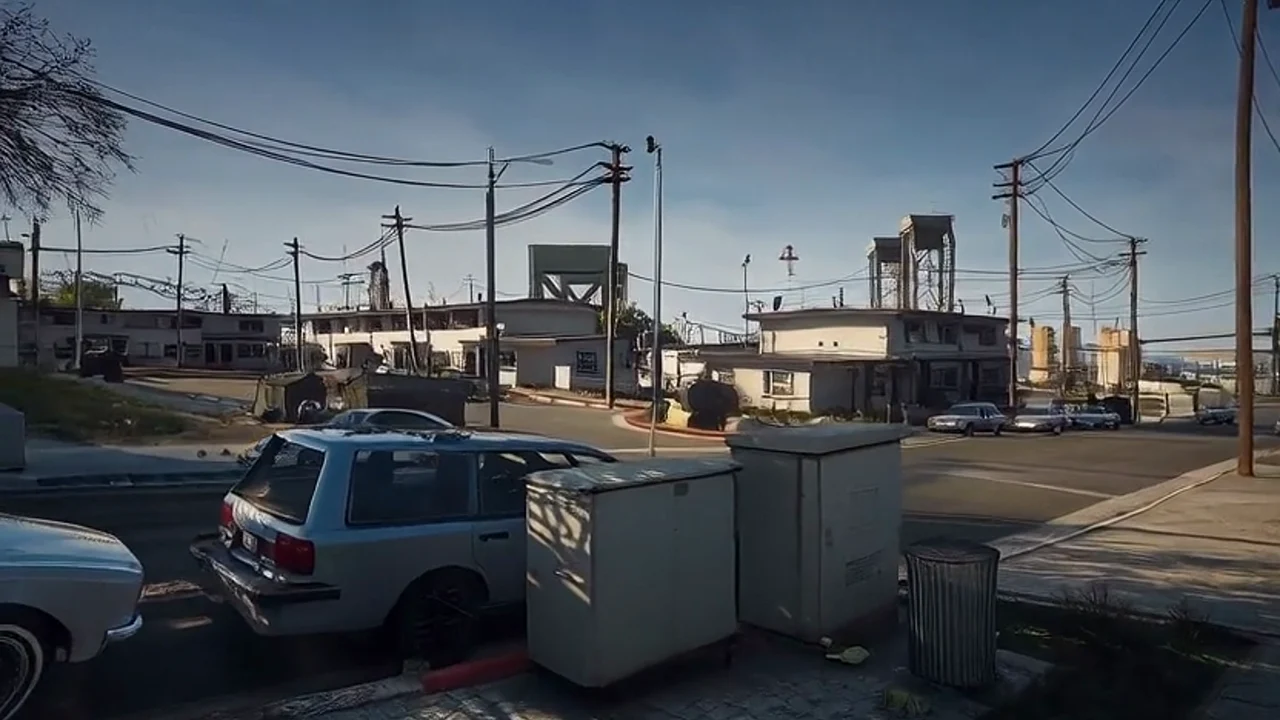
Describe the subject, action, camera, environment, lighting, mood, aspect ratio, duration, and source role for each approved reference. Keep the brief versioned so reviewers can distinguish a generation defect from a changed creative direction.
Open the correct workspace
Continue at /workspace?category=film-cg. The Film and CG category is the canonical handoff for these Seele video workflows. The page does not imply native access to every third-party model mentioned in planning or comparison content.
Capture observable evidence
Save the prompt, input inventory, generated draft, defect notes, revision request, and approval decision. Evidence means another reviewer can see what was requested and why a result passed or failed; it does not mean a synthetic metric or anonymous success story.
Review before release
Check continuity, identity, motion, camera behavior, framing, legibility, rights, likeness, trademarks, factual claims, accessibility, platform rules, and brand approval. Escalate unresolved issues to a human owner before public use.

Next step
Use the related Seele Film and CG workflow page to prepare a focused brief, then use the AI video review guide to turn observable defects into targeted revisions. Keep generation speed and release authority as separate concerns.
FAQ
Is this page a customer case study?
No. It documents a verifiable workflow or review method and deliberately avoids customer attribution or commercial outcomes that are not present in source evidence.
Does the workflow replace human review?
No. It makes review inputs and decisions more visible, but a qualified person must still approve rights, claims, visual quality, accessibility, and release readiness.
What evidence should a team retain?
Retain the brief, approved references, prompt, draft, defect log, revision notes, and final approval decision so another reviewer can understand the production history.
Where should I continue the task?
Open Seele Workspace with the Film and CG category, then carry the scoped production direction into generation and iteration.
Frequently Asked Questions
Is this page a customer case study?
No. It documents a verifiable workflow or review method and deliberately avoids customer attribution or commercial outcomes that are not present in source evidence.
Does the workflow replace human review?
No. It makes review inputs and decisions more visible, but a qualified person must still approve rights, claims, visual quality, accessibility, and release readiness.
What evidence should a team retain?
Retain the brief, approved references, prompt, draft, defect log, revision notes, and final approval decision so another reviewer can understand the production history.
Where should I continue the task?
Open Seele Workspace with the Film and CG category, then carry the scoped production direction into generation and iteration.