Key Takeaways: Hyper3D Rodin to Playable Game: An End-to-End Asset Workflow
- ## Direct answer
- To move a Rodin model toward a playable game, define one small player loop, inventory the actual package, prepare a versioned role-specific derivative, validate the handoff in a chosen verified runtime, and accept the asset only after a reproducible clean build completes the loop. Preserve the original, use the smallest representative package, change one variable at a time, and require an observed destination test before release. Product-specific formats, controls, integrations, pricing, and performance remain unverified in this package.
# Hyper3D Rodin to Playable Game: An End-to-End Asset Workflow
Direct answer: To move a Rodin model toward a playable game, define one small player loop, inventory the actual package, prepare a versioned role-specific derivative, validate the handoff in a chosen verified runtime, and accept the asset only after a reproducible clean build completes the loop. Start with the smallest reproducible test, preserve every original file, change one variable at a time, and require an observed pass before moving to the next stage. A successful thumbnail, download, conversion, import, or viewport preview does not prove the entire path works.
Evidence boundary: No verified current Hyper3D Rodin official product documentation, account-level interface/export inventory, pricing source, or benchmark was supplied for this batch. The separate SHA-256-bound SEELE captures are visual observations, not product documentation: they support only what is directly visible and captioned. They do not establish Rodin provenance, a Rodin-to-SEELE workflow, interoperability, equivalent capabilities, topology, polycount, format or engine compatibility, performance, or pricing. Verify every Rodin-specific control, output, and term against current official Rodin sources and the reader’s own account.
This article is an evidence-first framework based on general 3D production methods, not undocumented product instructions. Record exact inputs, versions, settings, messages, screenshots, and target environment. If a named option is absent in the current account, treat that as a constraint rather than inventing a claim.
1. Define the playable slice before preparing the asset
Write a one-sentence player loop and required asset behaviors. Decide whether the model is scenery, pickup, obstacle, animated character, or physics object; specify target platform, camera distance, lighting, interaction, collision, animation, and instance count. Playable means a person can complete the intended loop in a representative build, not merely see a model in a viewport.
Example: For an exploration slice, one object can be a static landmark that renders correctly, blocks movement predictably, and stays recognizable at expected distance; it need not deform or animate. Limitation: No verified current SEELE official documentation for those capabilities was supplied; the bound visuals prove only their captioned outputs, so this guide does not say SEELE can create, import, assemble, host, publish, or run this prototype. Verify the actual engine or runtime independently. Decision criterion: Proceed only when every required behavior has an observable acceptance test and every optional behavior is explicitly deferred.
Stage check: Write one loop as input, player action, visible response, success state, and failure state; reject any asset task that does not serve that loop.
2. Inventory and preserve the actual source package
Archive the untouched download and list every file, extension, size, checksum, and observed dependency. Record acquisition date and verified license or usage information. Do not infer that a missing rig, animation, map, collision shape, or metadata file exists elsewhere. Keep source, conversion, DCC, engine, and release stages separate and reversible.
Example: If one model and several images are present, name those exact files without assigning semantics until inspection or reliable metadata supports them. Then decide whether they suffice for a static prop. Limitation: A complete manifest proves only what was received, not product origin, compatibility, game readiness, or commercial rights. Decision criterion: Continue when required inputs and rights are accounted for. If critical behavior depends on absent or ambiguous data, revise the slice, request another source, or block.
Stage check: Hash the untouched archive, list every file and texture suffix, and record units and expected orientation before opening an editor.
3. Run a neutral geometry and material preflight
Inspect scale, orientation, origin, hierarchy, bounds, face orientation, normals, non-manifold regions, fragments, UV coverage, texture references, and material assignments. Compare silhouette at intended camera distance and separate defects from aesthetic preferences. Record a repair list before using automatic cleanup.
Example: A static distant prop may tolerate topology that would fail on a bending character. Judge its observed mesh against the declared role rather than a universal polygon target. Limitation: Inspection cannot prove runtime cost, deformation quality, collision behavior, or material portability. Automatic cleanup can remove legitimate details. Decision criterion: Move forward only when blockers are categorized and each proposed repair has a required behavioral or visual outcome; otherwise change the slice or source.
Stage check: Inspect silhouette, normals, UV presence, material slots, scale, and origin without repairing anything; save the findings as the baseline.
4. Build a versioned, role-specific asset derivative
Create a derivative for scale, orientation, pivot, local topology repair, UV correction, material reconstruction, or reduction as needed. Preserve the high-detail source and record every tool, version, and setting. For deforming assets, test edge behavior with representative motion; for static assets, prioritize silhouette, shading, placement, and collision needs.
Example: For a pickup, place the pivot where interaction expects it, create only the needed collision representation, and test readability under prototype lighting before spending time on hidden topology. Limitation: There is no universal triangle, texture, or material target and no verified claim about the quality of Rodin output. Destructive operations can remove semantics. Decision criterion: Accept each transformation only when it solves a named requirement and before/after comparison preserves other required properties.
Stage check: Duplicate the source, name the derivative by target role and revision, then make one controlled change and compare against the baseline.
5. Choose a handoff by required semantics, then test it
List required semantics: geometry, hierarchy, transforms, UVs, materials, textures, rig, animation, metadata, or instances. Compare that list with formats actually available to the team and importers supported by the chosen destination. Run a round trip with a representative asset, log options, and compare object count, bounds, orientation, materials, and any required motion.
Example: A static prop may need geometry, transforms, UVs, images, and material mapping but no skeleton. Select among observed options by that list, not by a generic best-format claim. Limitation: This guide cannot assert which formats Rodin exports or which systems SEELE accepts, because current official product documentation is unavailable; the bound visuals prove only their captioned outputs. Conversion may silently discard data. Decision criterion: Use a handoff only when clean import preserves every required semantic; otherwise test another verified path or reduce the prototype requirement.
Stage check: Test the smallest semantics-bearing handoff first—transform, material assignment, collision, or animation as required—and stop at the first observed mismatch.
6. Assemble the smallest complete interaction loop
In the chosen verified runtime, create the minimum scene, camera, controls, collision, interaction, success condition, and reset needed for the player loop. Add the asset without unrelated effects or content. Test spawn or placement, visibility, movement, contact, prompts, state changes, and restart behavior. Keep asset defects distinct from gameplay scripting and scene configuration.
Example: For a pickup loop, the player approaches, collides or targets according to the design, triggers the state change, receives visible feedback, and can restart. The asset is one tested dependency, not the whole game. Limitation: A working minimal loop does not prove that any named product can generate or publish it, and it does not validate final art, accessibility, networking, persistence, or scale. Decision criterion: Proceed to representative testing only when a fresh run completes the loop repeatedly and failures can be assigned to asset, logic, or environment.
Stage check: Require input, movement or interaction, feedback, and one terminal state to work together before adding content or polish.
7. Profile the asset and loop in a representative scene
Move the accepted loop into target lighting, camera, scene density, and likely instance count. Use destination-owned tools to measure frame timing, rendering work, texture memory, loading, streaming, and physics relevant to the slice. Establish budgets from the project and target hardware, then change one variable at a time and remeasure.
Example: If repeated props cause the measured bottleneck, compare a geometry derivative, material simplification, or instance policy while holding the scene constant. Preserve screenshots and measurements. Limitation: No benchmark here represents Rodin or SEELE performance. An empty test scene and one workstation cannot establish broad compatibility or production performance. Decision criterion: Optimize only a measured bottleneck and accept only when representative tests meet the project-owned budget without violating silhouette, interaction, or material requirements.
Stage check: Run the representative scene on the target device class and record frame-time, memory, draw-call, and load-time evidence rather than judging a viewport.
8. Create a reproducible build and release gate
Version the source, derivative, texture mapping, runtime asset, scene, scripts, project settings, acceptance notes, and license evidence. Test a clean import and build on an approved environment. Name the owner, tested platform, build identifier, known defects, rollback source, and scope of acceptance. Separate playable prototype from production-ready game claims.
Example: A reviewer should clone or receive the approved package, follow the recorded recipe, launch the build, complete the loop, and compare observed results with the checklist without private local files. Limitation: One successful prototype build does not prove production scalability, support, hosting, publishing, monetization, multiplayer readiness, or any SEELE capability. Decision criterion: Call the result accepted only when the build is reproducible, required loop passes, asset checks pass, rights are recorded, and limitations are visible; otherwise keep it blocked or prototype-only.
Stage check: Build from a clean state, open the packaged result, complete the loop, and archive the asset hashes, settings, logs, and pass/fail receipt.
Final acceptance checklist. Archive the untouched source and the exact accepted derivative. Keep a manifest, checksums, destination-project version, conversion and repair history, and every acceptance result. Confirm that another team member can reproduce the path in a clean project without an unexplained cache, absolute path, or private workstation setting. Classify every unresolved issue as blocked, accepted within a documented scope, or owned for repair; never silently promote uncertainty into a release claim.
The decisive evidence is observed behavior in the intended environment, not a product name or extension. When verified product documentation becomes available, use it to refine product-specific steps while retaining reversible tests. If the workflow cannot preserve provenance, reproduce the result, or explain a required semantic, stop before release and return to the earliest trustworthy stage.
SEELE workflow shown separately
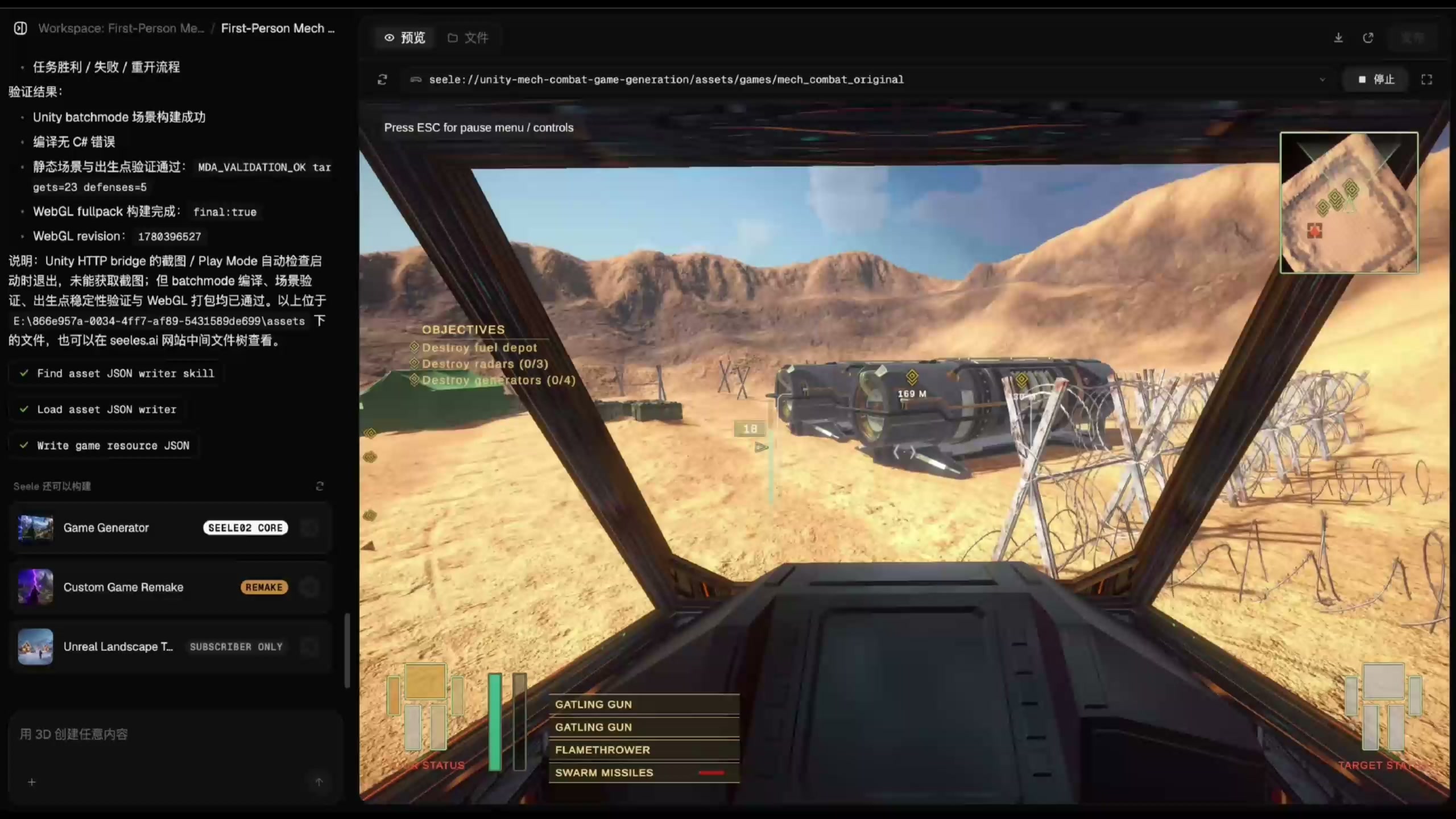
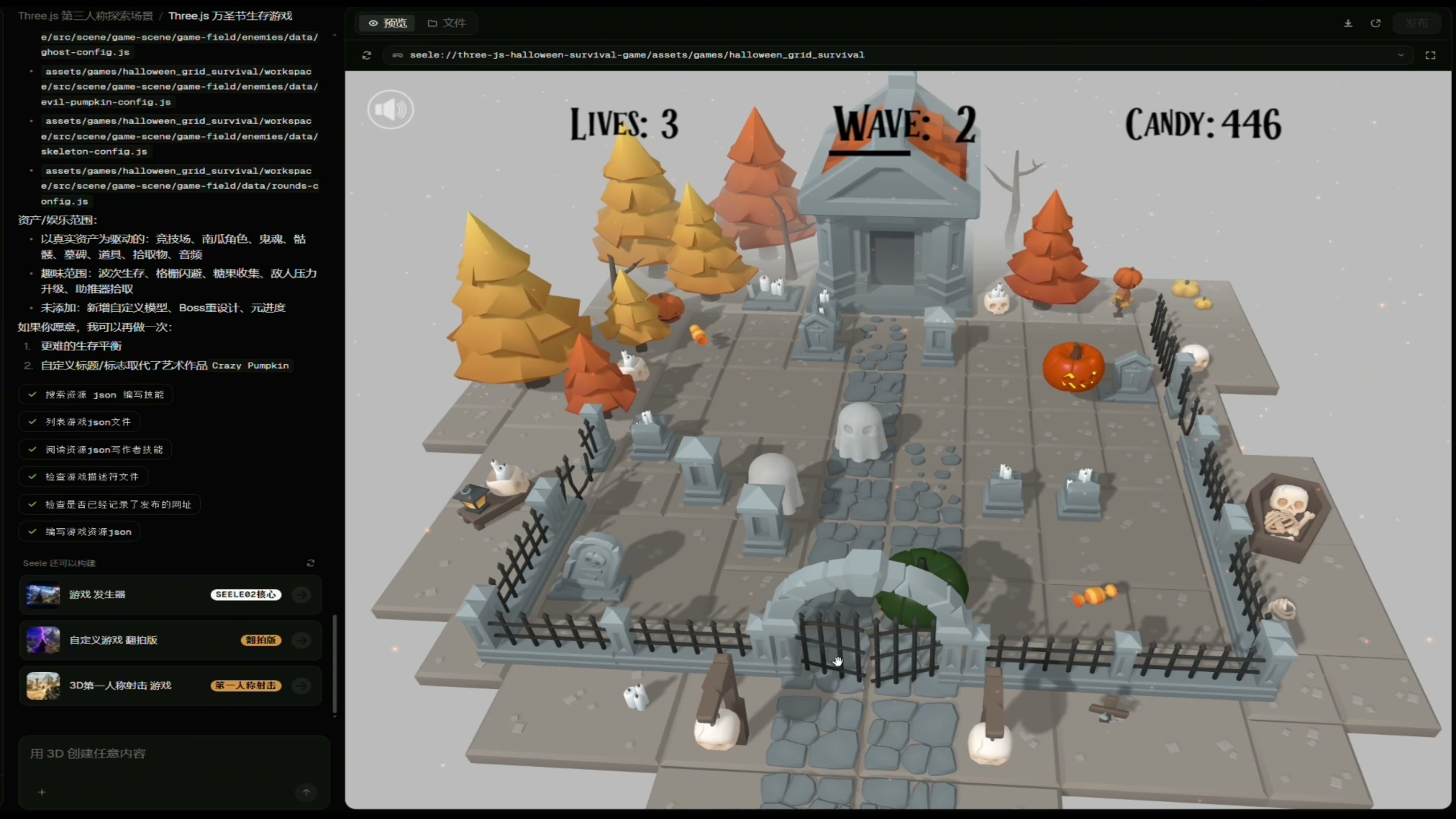
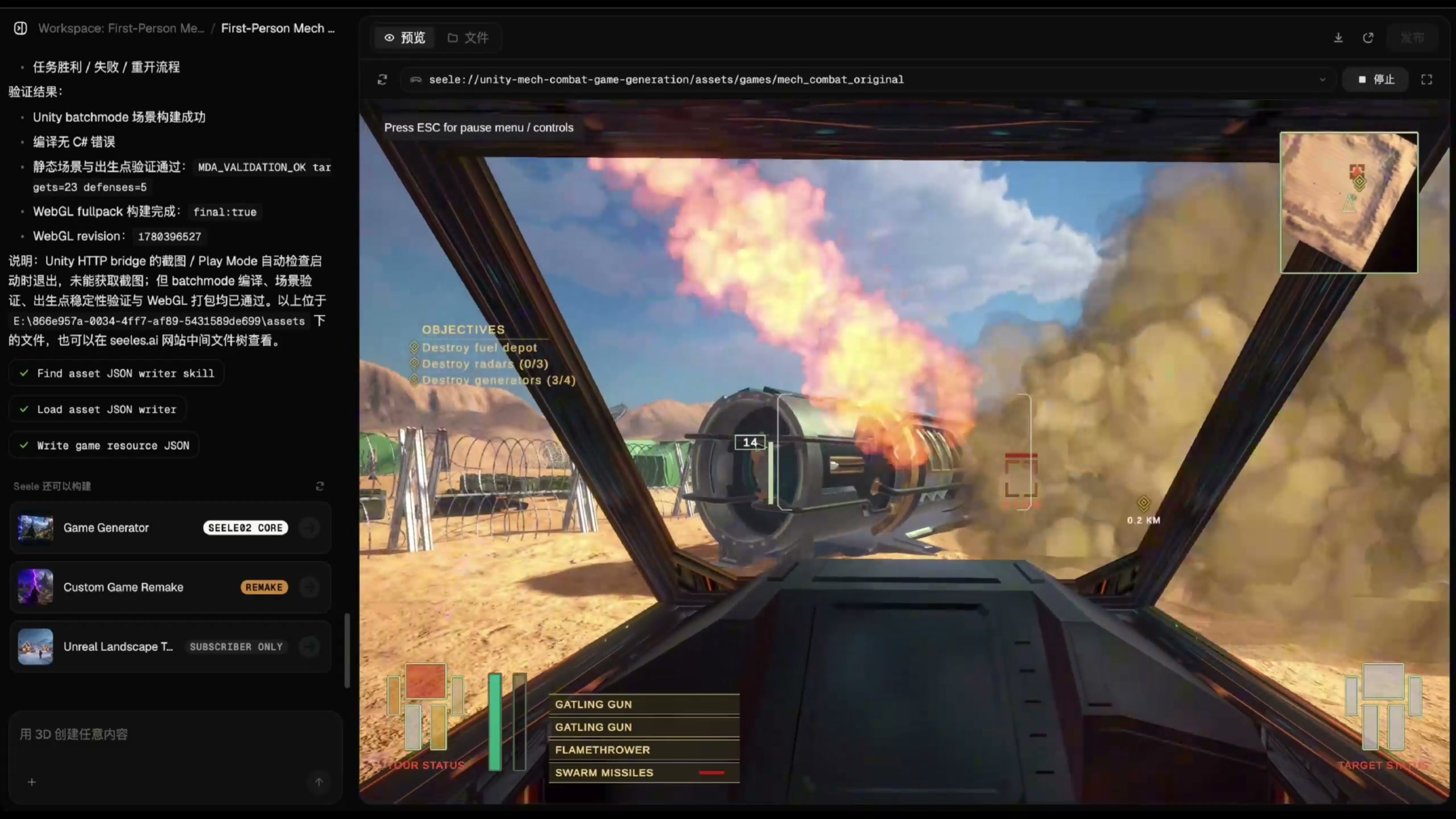
The three receipt-bound SEELE captures used on this page are distinct pixels with separate roles: the cover shows a first-person playable state, one inline capture shows a running wave-based game state in SEELE Workspace, and the other shows an active first-person runtime state with game HUD and an on-screen explosion. They support only those directly visible observations. They do not show Rodin, Unity, Unreal Engine, or Blender UI; they do not show a Rodin asset entering SEELE or any transfer between Rodin and SEELE; and they do not prove Rodin provenance, Rodin import, cross-tool transfer, or a Rodin-to-SEELE workflow. Evaluate SEELE as a separate workflow only when its visible outcome fits the required deliverable. Keep using the Rodin-specific acceptance checks in this guide whenever a standalone model, DCC file, or named engine import remains required.
Frequently Asked Questions
What is the first step from a Rodin model to a playable game?
Define the smallest player loop and the model’s role, then write observable requirements for rendering, placement, collision, interaction, animation, camera distance, platform, and instance count.
Can I assume the downloaded model is game-ready?
No. Inventory the actual files and validate geometry, transforms, UVs, materials, collision or interaction, required motion, and runtime behavior against the specific playable slice.
Which format should I use for the game handoff?
Choose only among formats actually available and supported by the destination. Select by required semantics, then prove preservation with a representative clean-import test.
How much should I optimize the model?
Use project-owned budgets and measurements in a representative scene. Optimize a measured bottleneck rather than chase a universal polygon or texture number.
When is the prototype actually playable?
When a fresh build lets a person repeatedly complete the defined loop and the required asset behaviors pass. A viewport preview or successful import alone is insufficient.
Does this workflow confirm any SEELE capability?
No. current SEELE official product documentation was unavailable; the bound visuals prove only their captioned outputs, so this package makes no claim that SEELE can import, create, assemble, host, publish, run, or otherwise support the workflow.



