Key Takeaways: Hyper3D Rodin Not Working? Common Export, Texture, and Import Fixes
- ## Direct answer
- When Hyper3D Rodin appears not to work, preserve the untouched package, identify the first failed stage, and run controlled package, importer, geometry, material, conversion, and clean-project tests before repairing anything. Preserve the original, use the smallest representative package, change one variable at a time, and require an observed destination test before release. Product-specific formats, controls, integrations, pricing, and performance remain unverified in this package.
# Hyper3D Rodin Not Working? Common Export, Texture, and Import Fixes
Direct answer: When Hyper3D Rodin appears not to work, preserve the untouched package, identify the first failed stage, and run controlled package, importer, geometry, material, conversion, and clean-project tests before repairing anything. Start with the smallest reproducible test, preserve every original file, change one variable at a time, and require an observed pass before moving to the next stage. A successful thumbnail, download, conversion, import, or viewport preview does not prove the entire path works.
Evidence boundary: No verified current Hyper3D Rodin official product documentation, account-level interface/export inventory, pricing source, or benchmark was supplied for this batch. The separate SHA-256-bound SEELE captures are visual observations, not product documentation: they support only what is directly visible and captioned. They do not establish Rodin provenance, a Rodin-to-SEELE workflow, interoperability, equivalent capabilities, topology, polycount, format or engine compatibility, performance, or pricing. Verify every Rodin-specific control, output, and term against current official Rodin sources and the reader’s own account.
This article is an evidence-first framework based on general 3D production methods, not undocumented product instructions. Record exact inputs, versions, settings, messages, screenshots, and target environment. If a named option is absent in the current account, treat that as a constraint rather than inventing a claim.
1. Capture the exact failure before trying fixes
Name the last successful stage and first failed stage: request, download, extraction, neutral inspection, conversion, DCC import, engine import, material reconstruction, or runtime use. Save the original package, visible message, timestamp, filename, file size, application version, and repeatability. This separates an asset problem from a transient transfer, session, or local-environment problem.
Example: If an archive downloads but a model does not open, test whether the archive extracts cleanly before conversion. A manifest and importer message are stronger evidence than a screenshot saying nothing appeared. Limitation: There is no verified Rodin error catalog in the supplied sources, so this guide cannot map a message to a product-specific cause. Decision criterion: Proceed only when the failure belongs to one stage. If identical retries yield incomplete or inconsistent downloads, preserve evidence and use a verified official support route rather than edit a possibly corrupt file.
Record the untouched input, tool and version, settings, observed output, and pass or fail result for this stage. Use a representative asset rather than an unusually easy sample. Repeat the check after any conversion or destructive edit, because success in one file or viewport does not prove portability or runtime fitness. Keep unresolved items visible in handoff notes instead of turning them into assumptions. For 3D artists and game developers troubleshooting an uncertain asset package, the useful output of this stage is not a promise; it is reproducible evidence and a clear next action.
2. Verify the downloaded package without altering it
Copy the download to a read-only source folder. Create a manifest containing filenames, sizes, extensions, and checksums. Test archive integrity, then compare extracted files with the manifest. Look for zero-byte files, duplicate names, nested archives, missing referenced images, or unresolvable paths. Do not rename, re-encode, or resave yet because those actions destroy source evidence.
Example: When a model exists beside images but the importer reports missing resources, verify extraction and compare actual relative paths with references visible in an approved neutral inspector. Do not assume which images should exist. Limitation: Package integrity proves stable bytes, not semantic completeness, format compatibility, rights, or a valid asset. Decision criterion: Continue when extraction is repeatable and every observed reference is accounted for. Stop and reacquire or escalate if checksums change, extraction fails, or required referenced files are absent.
Record the untouched input, tool and version, settings, observed output, and pass or fail result for this stage. Use a representative asset rather than an unusually easy sample. Repeat the check after any conversion or destructive edit, because success in one file or viewport does not prove portability or runtime fitness. Keep unresolved items visible in handoff notes instead of turning them into assumptions. For 3D artists and game developers troubleshooting an uncertain asset package, the useful output of this stage is not a promise; it is reproducible evidence and a clear next action.
3. Separate a file defect from an importer defect
Open the same untouched file in a second compatible, team-approved inspection path. Keep defaults for the first test and log warnings. Then use a minimal destination project without custom plugins or project-specific post-processors. This distinguishes a package that fails everywhere from one that fails only in a version, project configuration, or import rule. Do not upload proprietary assets to unknown online viewers.
Example: If a neutral viewer shows geometry but a production DCC appears empty, inspect hierarchy, scale, visibility, camera framing, and logs before converting. The observed geometry suggests readable mesh data, not complete semantics. Limitation: Agreement between two viewers cannot validate materials, rigs, animation, collision, or runtime behavior. Decision criterion: Treat the file as broadly readable only when approved tools parse required data. If one importer fails, isolate its version and settings; if all fail on the untouched source, block conversion until the source is replaced or understood.
Record the untouched input, tool and version, settings, observed output, and pass or fail result for this stage. Use a representative asset rather than an unusually easy sample. Repeat the check after any conversion or destructive edit, because success in one file or viewport does not prove portability or runtime fitness. Keep unresolved items visible in handoff notes instead of turning them into assumptions. For 3D artists and game developers troubleshooting an uncertain asset package, the useful output of this stage is not a promise; it is reproducible evidence and a clear next action.
4. Diagnose empty scenes, broken meshes, and shading artifacts
Inspect hierarchy, visibility, bounds, units, axis orientation, origin, face orientation, normals, disconnected components, duplicate surfaces, and non-manifold boundaries. Frame all objects and compare scale against a known reference. Disable custom shaders temporarily so a material failure is not mistaken for absent geometry. Repair only a versioned derivative after the defect is categorized.
Example: An apparently empty import may contain a tiny object far from the camera or extreme bounds. Reframing and measuring reveals that condition without claiming a Rodin scale convention. Limitation: Automatic cleanup can delete intentional thin parts, close openings, or alter shading; visual plausibility does not prove topology. Decision criterion: Apply a local repair only when the defect is observable, intended shape is reasonably inferable, and before/after tests preserve silhouette and semantics. Otherwise request a better source rather than invent geometry.
Record the untouched input, tool and version, settings, observed output, and pass or fail result for this stage. Use a representative asset rather than an unusually easy sample. Repeat the check after any conversion or destructive edit, because success in one file or viewport does not prove portability or runtime fitness. Keep unresolved items visible in handoff notes instead of turning them into assumptions. For 3D artists and game developers troubleshooting an uncertain asset package, the useful output of this stage is not a promise; it is reproducible evidence and a clear next action.
5. Trace missing textures and rebuild materials from evidence
Inventory supplied images and inspect dimensions, channels, metadata, and confirmed naming. Compare scene references with actual relative paths. Determine color data versus data maps before assigning color space, and inspect packed channels instead of guessing. Rebuild the destination material explicitly when automatic translation is incomplete. Keep a mapping from each source image and channel to each shader input.
Example: If geometry is gray while image files are present, reconnect one confirmed color image in a simple material under neutral lighting. That isolates path or translation trouble from mesh trouble without asserting a Rodin packaging rule. Limitation: Filenames can suggest intent but are not definitive evidence of channel orientation, packing, or color-space semantics. Decision criterion: Accept only when every required visible input is traced and clean reimport reproduces the look within documented tolerance. Block when an ambiguous required semantic materially changes rendering.
Record the untouched input, tool and version, settings, observed output, and pass or fail result for this stage. Use a representative asset rather than an unusually easy sample. Repeat the check after any conversion or destructive edit, because success in one file or viewport does not prove portability or runtime fitness. Keep unresolved items visible in handoff notes instead of turning them into assumptions. For 3D artists and game developers troubleshooting an uncertain asset package, the useful output of this stage is not a promise; it is reproducible evidence and a clear next action.
6. Use conversion only as a controlled diagnostic stage
Convert only when the destination cannot parse the available source or a team-owned repair stage needs another representation. Convert a copy, record application and version, preserve defaults for a baseline, and change one option at a time. Compare hierarchy, transforms, bounds, materials, UVs, normals, animation data, and visual output before and after. Opening after conversion is not proof of a fix.
Example: When a derivative imports but the original does not, compare it against an approved inspection of the source and list each semantic that survived or disappeared. Limitation: Without verified product documentation, this article cannot recommend a Rodin export type or promise a lossless route between formats. Decision criterion: Retain conversion only when it solves the identified compatibility issue and preserves every target requirement. Reject it if it removes essential hierarchy, texture relations, deformation, or metadata.
Record the untouched input, tool and version, settings, observed output, and pass or fail result for this stage. Use a representative asset rather than an unusually easy sample. Repeat the check after any conversion or destructive edit, because success in one file or viewport does not prove portability or runtime fitness. Keep unresolved items visible in handoff notes instead of turning them into assumptions. For 3D artists and game developers troubleshooting an uncertain asset package, the useful output of this stage is not a promise; it is reproducible evidence and a clear next action.
7. Validate the repair in a clean destination project
Create a clean project using the intended application version and import only the derivative plus documented dependencies. Repeat the recorded recipe. Test framing, scale, orientation, geometry, materials, lighting, required animation, collision, interaction, and runtime loading. Compare logs with the failing case. A fix dependent on an absolute path, unexplained override, or one workstation is not ready.
Example: After reconnecting images, move the package to a clean folder or approved second machine and import using only relative paths and mapping notes. Survival there is stronger evidence than one screenshot. Limitation: A clean minimal project does not represent final scene density, target hardware, or every build configuration. Decision criterion: Promote to integration testing only when another person reproduces it. If the issue returns, reopen the earliest divergent stage rather than layer on local workarounds.
Record the untouched input, tool and version, settings, observed output, and pass or fail result for this stage. Use a representative asset rather than an unusually easy sample. Repeat the check after any conversion or destructive edit, because success in one file or viewport does not prove portability or runtime fitness. Keep unresolved items visible in handoff notes instead of turning them into assumptions. For 3D artists and game developers troubleshooting an uncertain asset package, the useful output of this stage is not a promise; it is reproducible evidence and a clear next action.
8. Escalate with a minimal, privacy-safe reproduction
Prepare the smallest package that still reproduces the failure, subject to license and confidentiality rules. Include source checksum, manifest, exact sequence, expected and observed result, timestamps, tool and operating-system versions, sanitized logs, screenshots, and every workaround outcome. Use current official documentation to choose the support channel; none is asserted here.
Example: A useful report says the unchanged package extracts consistently, fails in two approved importers with attached sanitized messages, and records whether neutral inspection succeeded. That is more actionable than saying Rodin is not working. Limitation: Do not send proprietary files, tokens, account identifiers, or unredacted logs unless authorization and the channel are verified. Decision criterion: Escalate when failure follows the untouched source across controlled environments, reacquisition repeats it, or product-specific behavior cannot be interpreted from verified documentation.
Record the untouched input, tool and version, settings, observed output, and pass or fail result for this stage. Use a representative asset rather than an unusually easy sample. Repeat the check after any conversion or destructive edit, because success in one file or viewport does not prove portability or runtime fitness. Keep unresolved items visible in handoff notes instead of turning them into assumptions. For 3D artists and game developers troubleshooting an uncertain asset package, the useful output of this stage is not a promise; it is reproducible evidence and a clear next action.
Final acceptance checklist. Archive the untouched source and the exact accepted derivative. Keep a manifest, checksums, destination-project version, conversion and repair history, and every acceptance result. Confirm that another team member can reproduce the path in a clean project without an unexplained cache, absolute path, or private workstation setting. Classify every unresolved issue as blocked, accepted within a documented scope, or owned for repair; never silently promote uncertainty into a release claim.
The decisive evidence is observed behavior in the intended environment, not a product name or extension. When verified product documentation becomes available, use it to refine product-specific steps while retaining reversible tests. If the workflow cannot preserve provenance, reproduce the result, or explain a required semantic, stop before release and return to the earliest trustworthy stage.
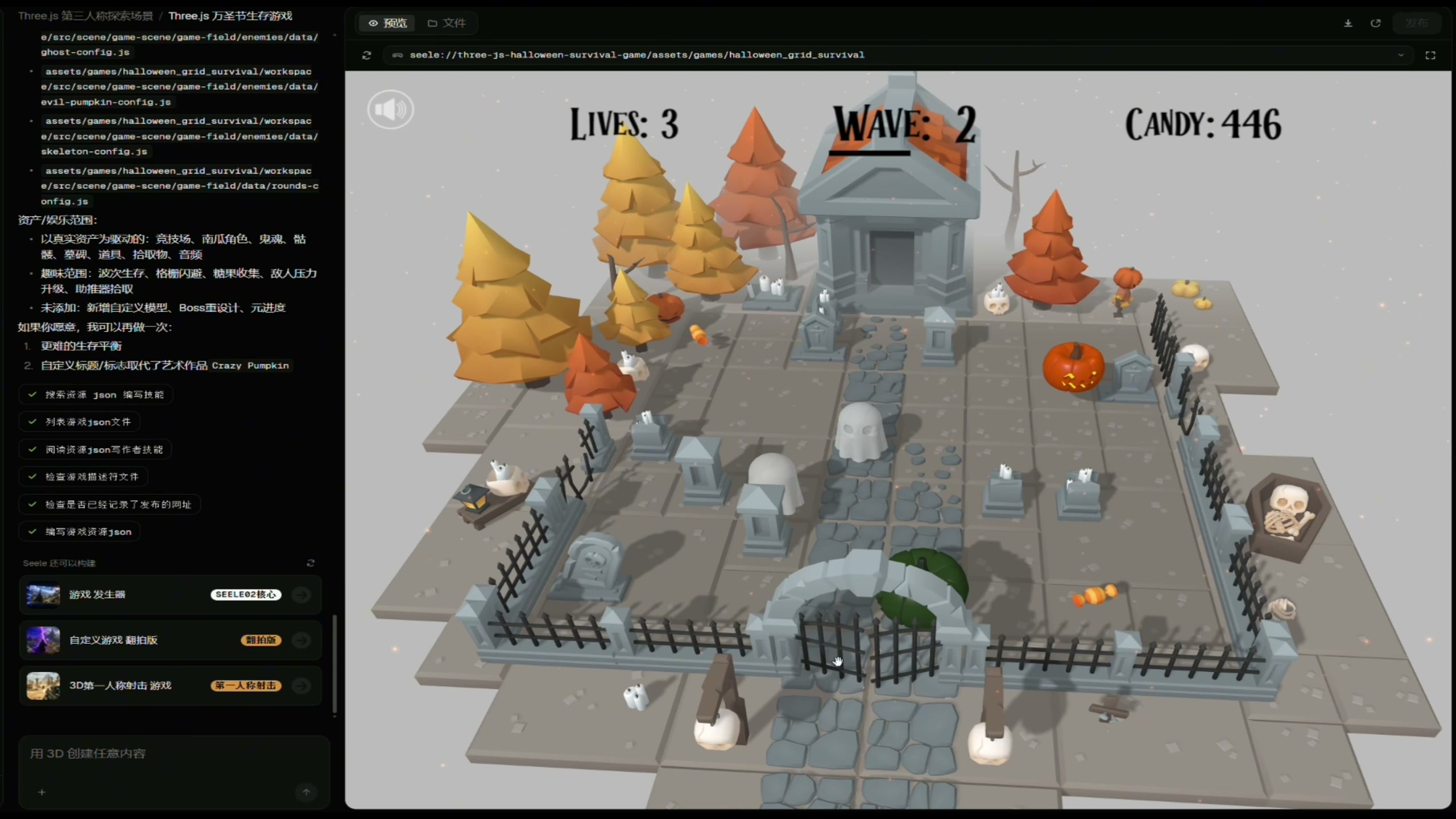
Independent SEELE proof: visible workflow state
This authentic, receipt-bound SEELE capture shows the SEELE Workspace interface beside a preview of a stylized arena with visible Lives, Wave, and Candy counters. Its only job in this article is to document that visible SEELE state. It does not show or verify Rodin, a DCC application, a game engine, an export format, topology, retopology, rigging, animation authoring, or a transfer between tools.
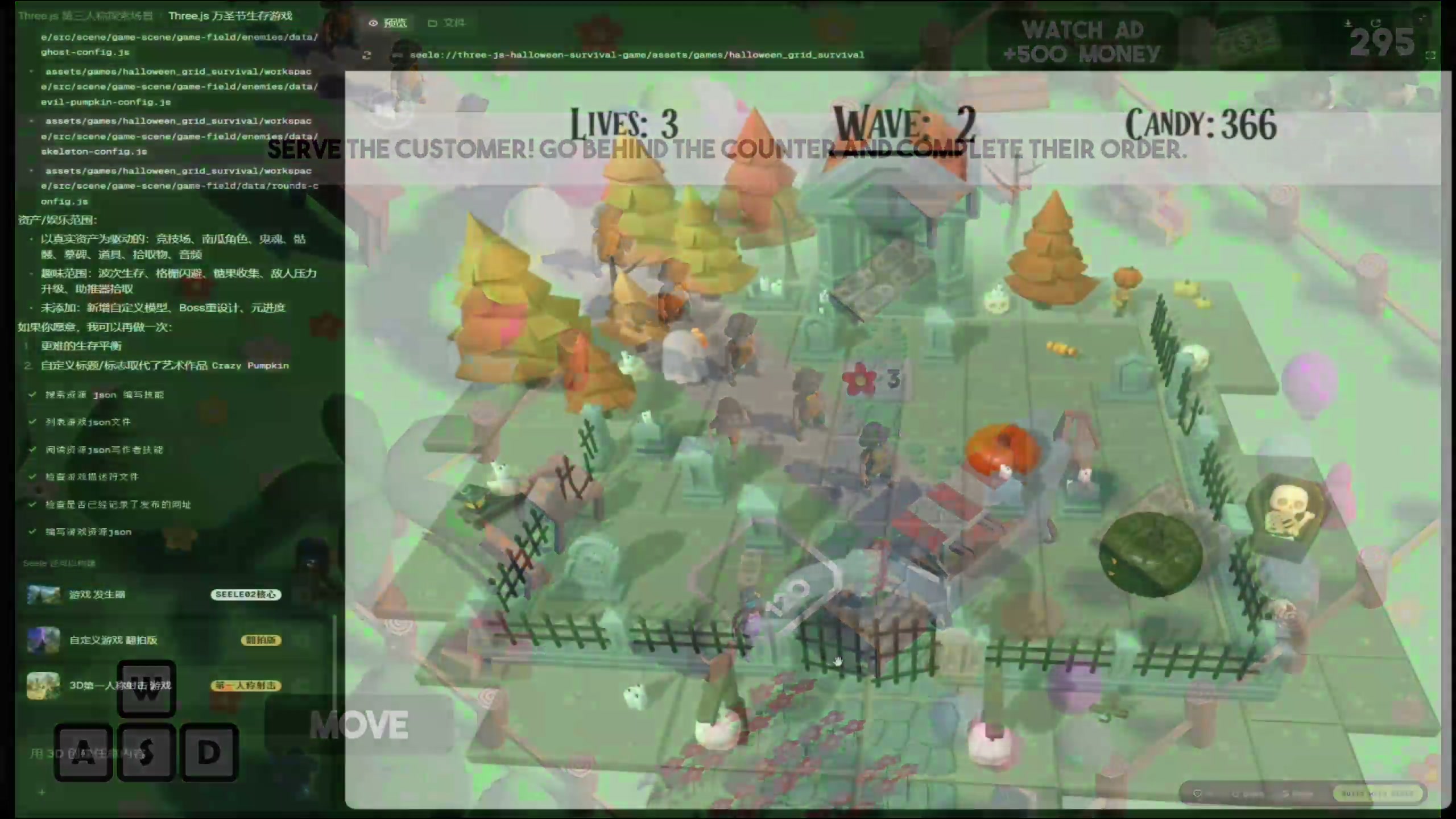
Independent SEELE proof: visible output state
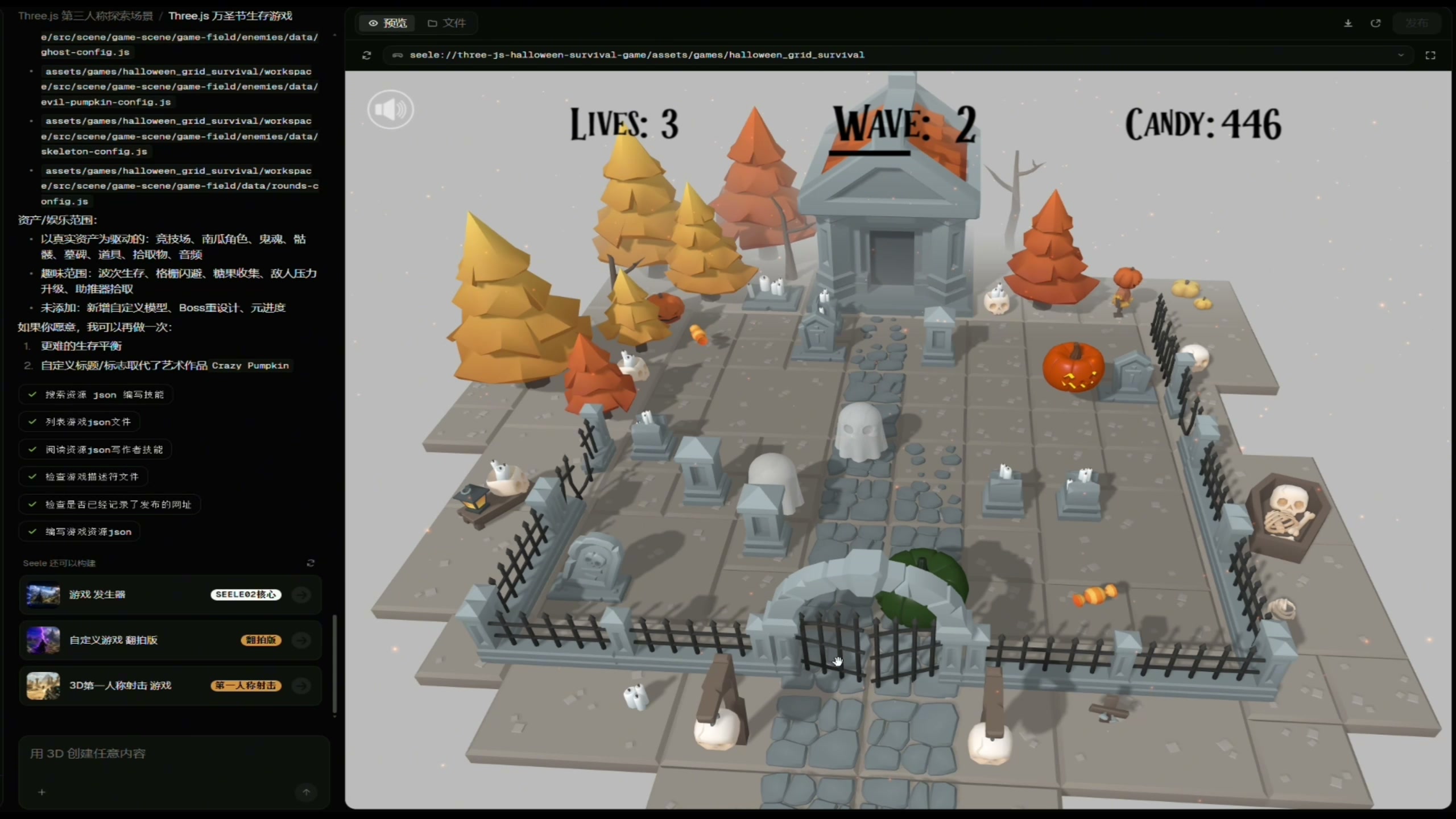
This second authentic SEELE capture shows the SEELE Workspace interface beside a running arena preview with visible Lives, Wave, and Candy counters. It is a separate SEELE output example, not evidence for any Rodin operation or for a Blender, Unity, Unreal Engine, format, mesh, material, rigging, or interoperability claim. The article's technical workflow decisions must be validated with the reader's own source files and target tools.
Frequently Asked Questions
What should I do first when Hyper3D Rodin appears not to work?
Preserve the untouched download and capture the exact last successful and first failed stage, filenames, sizes, timestamps, versions, messages, and repeatability before changing settings.
How can I tell whether a download is incomplete?
Test archive integrity, create a manifest with checksums, and compare repeated copies or extractions. Unstable checksums, extraction errors, zero-byte files, or absent referenced dependencies are stop conditions.
Why does a model import but show no textures?
Geometry import does not validate materials. Verify images, relative paths, channels, color spaces, and rebuild a simple destination material from confirmed inputs before blaming the mesh.
Should I convert immediately when import fails?
No. Test the untouched package first. Convert only a copy, record tool and settings, and compare required semantics because conversion can hide or discard data.
How should I report a broken mesh or import error?
Provide a minimal privacy-safe reproduction, checksum, manifest, steps, expected and observed result, versions, sanitized logs, screenshots, and controlled-test outcomes.
Does this guide list official Rodin errors, formats, features, or pricing?
No. Verified product documentation and commercial data were unavailable. Check current official sources and your own interface.



