
Skip to content
SEELE

Seele AI · Create

Godot 2D Platformer Generator

Generate a playable Godot 2D platformer from a prompt, then refine movement, levels, collectibles, hazards, enemies, and visual direction in Seele AI.

The Godot 2D Platformer Generator turns a focused prompt into a playable platformer direction with movement, level beats, collectibles, enemies, and hazards ready to refine in the Seele AI workspace.

Intent → iteration → handoff
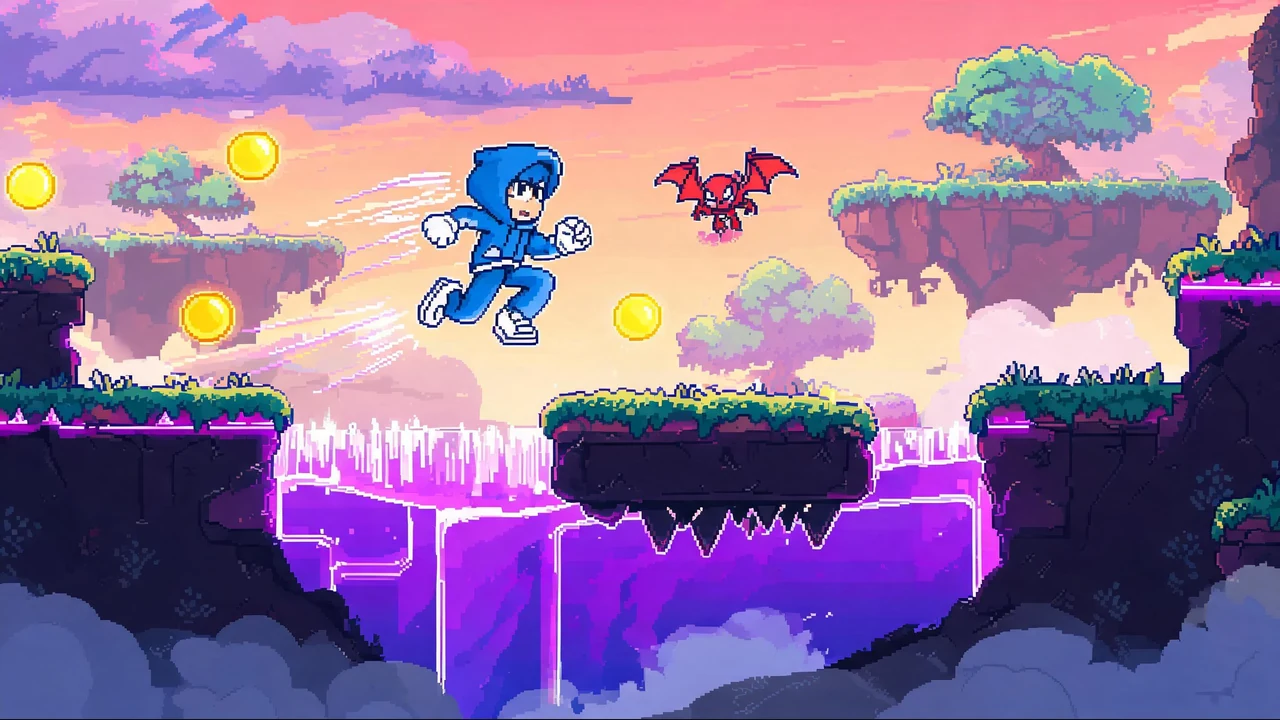
Pixel art Godot 2D platformer hero jumping across hazard-filled floating stages

The working loop

From Godot Prompt To Playable Direction

Keep the first pass focused, then review one gameplay layer at a time.

01

Describe The Platformer Loop

Name the character, movement, stage, collectible, enemy, hazard, and visual style. Seele AI translates the brief into a structured Godot 2D platformer direction.

Outcome
A focused game-generation prompt and level plan.
02

Generate A Playable First Pass

Send the selected prompt to the workspace and run the generation flow. Seele AI creates a playable direction that connects movement, stage beats, goals, and hazards.

Outcome
An editable first-pass platformer result.
03

Playtest And Refine

Test controls, collisions, pacing, collectibles, enemies, and checkpoints. Seele AI applies targeted follow-up changes while preserving the core concept.

Outcome
A revised result and a clear human review checklist.

What leaves the page

Concrete Platformer Outputs

Use the generated result as an editable starting point for evaluation and iteration.

Playable Level Direction

A concrete 2D platformer loop connecting player movement, stage layout, goals, and hazards.

Gameplay System Brief

A reusable description of controls, collectibles, enemies, checkpoints, and level pacing.

Playtest Review List

Specific checks for collision quality, difficulty, accessibility, performance, and export readiness.

Fit and limits

Best Fit And What Still Needs Review

Best for

  • Exploring a Godot 2D platformer concept from a complete natural-language prompt.
  • Comparing character, stage, collectible, enemy, and hazard directions before deeper production.
  • Creating an editable first pass for a game jam, prototype review, classroom exercise, or indie concept test.

Still needs human review

  • Playtest input feel, collision edges, checkpoint placement, enemy behavior, difficulty, and accessibility.
  • Inspect generated scene structure, scripts, asset licenses, performance, audio, and target-platform export settings.
  • Confirm final art, branding, legal requirements, production quality, and release readiness before publishing.

Before you start

Godot 2D Platformer Generator FAQ

What is a Godot 2D platformer generator?

A Godot 2D platformer generator helps turn a plain-language game idea into a playable platformer direction you can continue refining. Start with the character, movement, setting, collectibles, enemies, and hazards you want, then review the generated result in the Seele AI workspace and iterate on the parts that matter most.

Can I start without writing Godot code?

Yes. You can begin with a natural-language prompt that describes the platformer loop instead of starting from an empty code file. The generated result is a first playable direction, not a replacement for production engineering, so review controls, collisions, scene structure, scripts, and export settings before shipping or extending the game.

What should I include in a strong platformer prompt?

Name the player character, core movement, level setting, collectible, enemy or hazard, and the intended difficulty or pace. Concrete details such as short kitchen stages, wall jumps, coin routes, compact cave rooms, or enemy patrols make the first result easier to evaluate and give you clearer targets for the next refinement prompt.

Can the generator handle different 2D platformer themes?

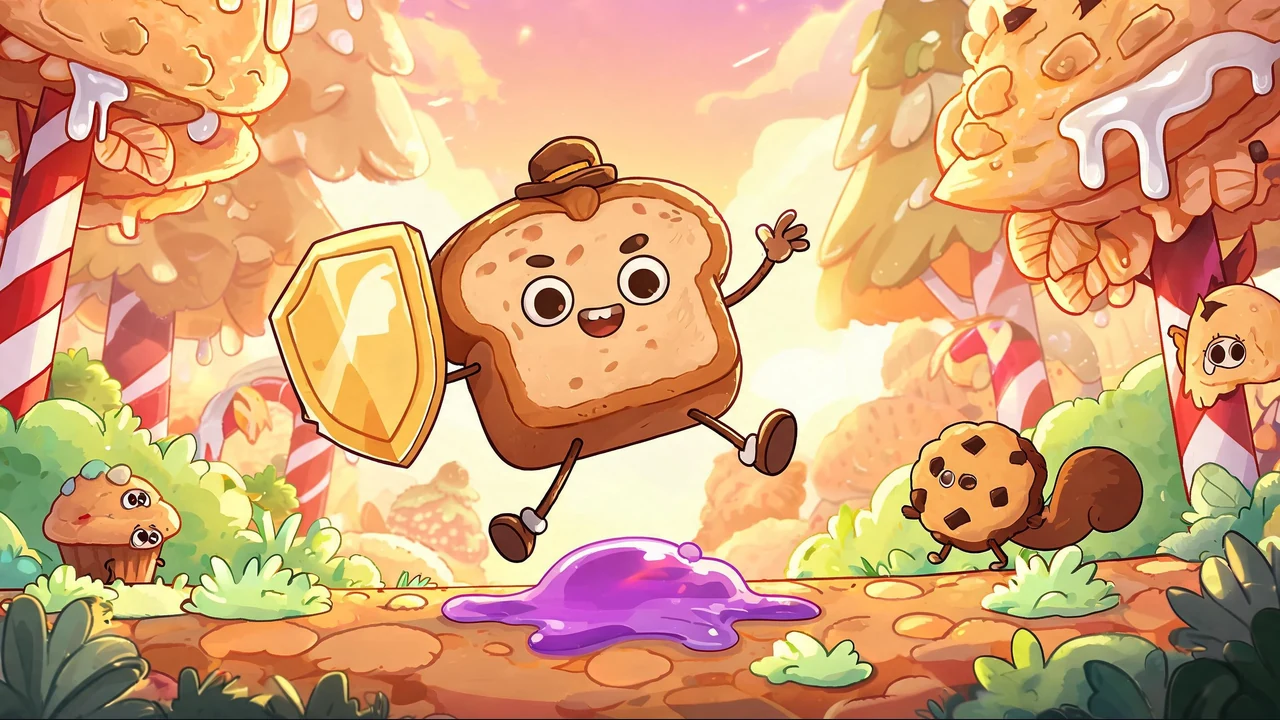
Yes. The starter prompts on this page cover a baby bat climber, an action platformer, a coin-collecting adventure, and a bread-themed escape game. You can replace those themes with your own setting while keeping the useful gameplay constraints: movement, goals, stage length, collectibles, enemies, hazards, and visual direction.

Is the generated Godot platformer ready to publish immediately?

Treat the generated game as an editable starting point rather than a finished release. A person should still test input feel, collision edges, checkpoints, enemy behavior, difficulty, accessibility, performance, audio, licensing, and target-platform exports. Playtesting and technical review are especially important before sharing a public build or committing to a larger production scope.

How do I continue refining the result in Seele AI?

Choose a starter prompt or write your own, send it to the Seele AI workspace, and inspect the first playable direction. Follow up with one concrete change at a time, such as tightening jump height, shortening a level, moving collectibles, changing enemy patterns, or clarifying the art style, then test the revised result again.

Next move

Build your Godot 2D platformer

Start with a complete gameplay prompt, generate a playable direction, and refine the result through focused playtesting in Seele AI.

Open Workspace

Start with a focused 2D platformer brief

Use one of the four exact prompts above to explore distinct mechanics and themes, or adapt the same structure to your own character, level setting, collectibles, enemies, and hazards.

For broader creation workflows, explore the AI Game Maker, compare genre options with the Platformer Game Maker, or move into deeper testing with the Game Prototype Generator.